How to Share a WhatsApp Chat on iPhone or iPad
Open WhatsApp Messenger on your iPhone or iPad.. Tap the Chats tab at the bottom.. Swipe left on the chat you want to share.
Steps
1
Open WhatsApp Messenger on your iPhone or iPad.
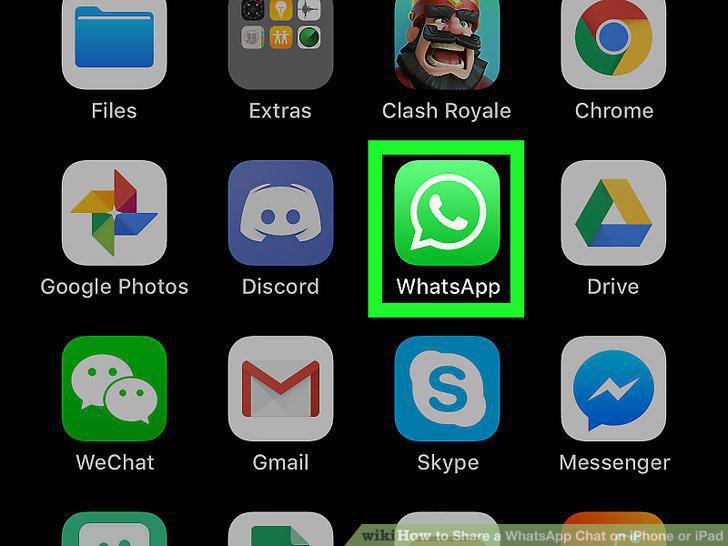
Open WhatsApp Messenger on your iPhone or iPad.
2
Tap the Chats tab at the bottom.
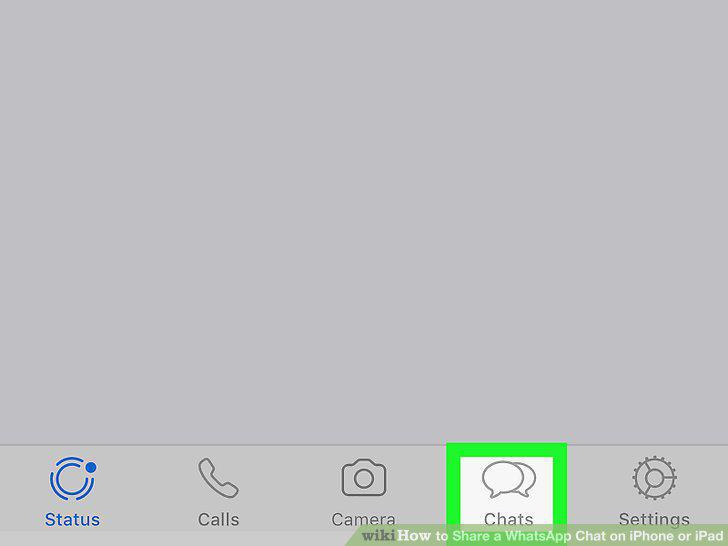
Tap the Chats tab at the bottom.
3
Swipe left on the chat you want to share.
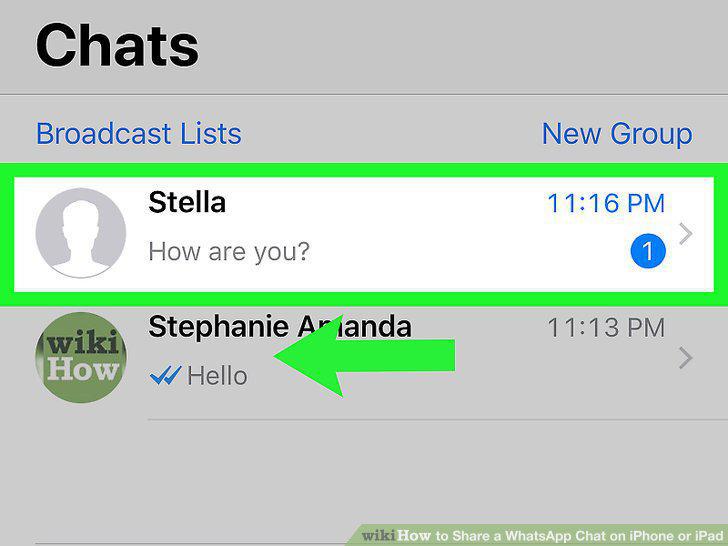
Swipe left on the chat you want to share.
4
Tap More.
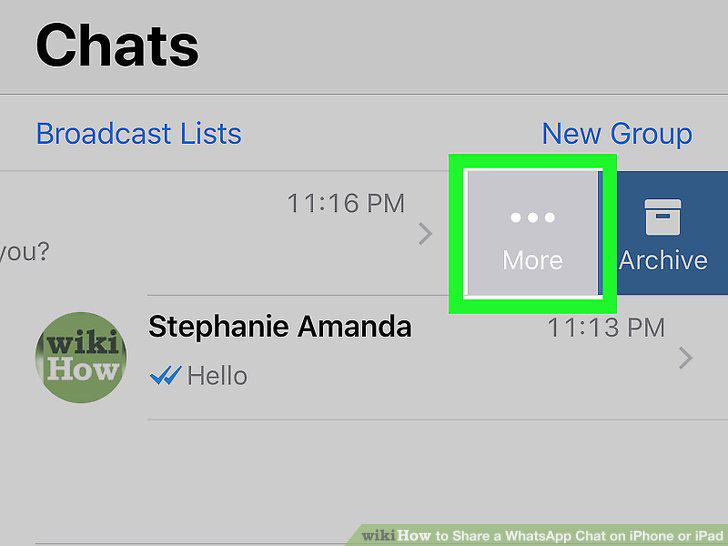
Tap More.
5
Tap Export Chat on the pop-up menu.
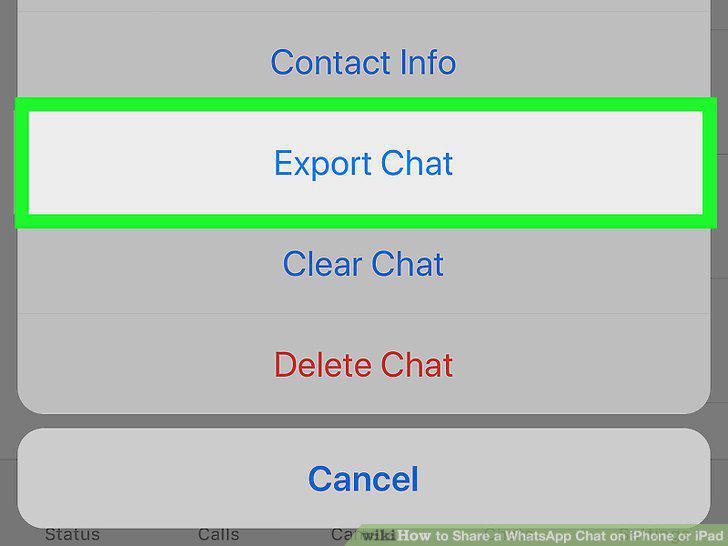
Tap Export Chat on the pop-up menu.
6
Select an app to share your chat conversation.
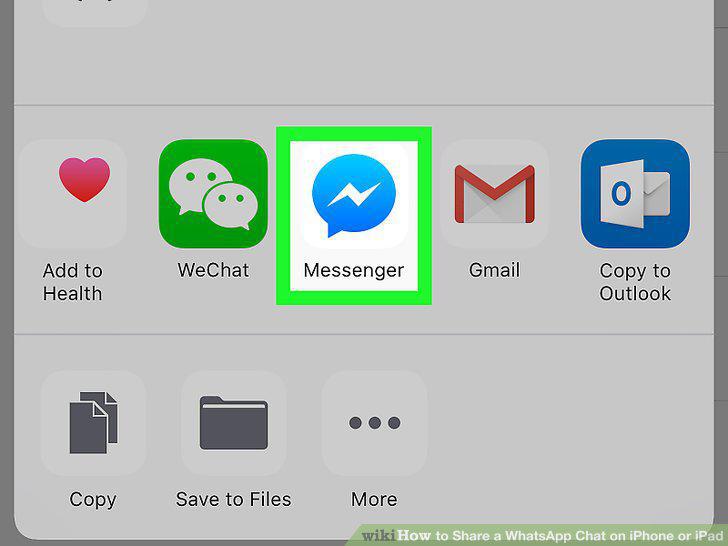
Select an app to share your chat conversation.
7
Select a contact to send your chat.
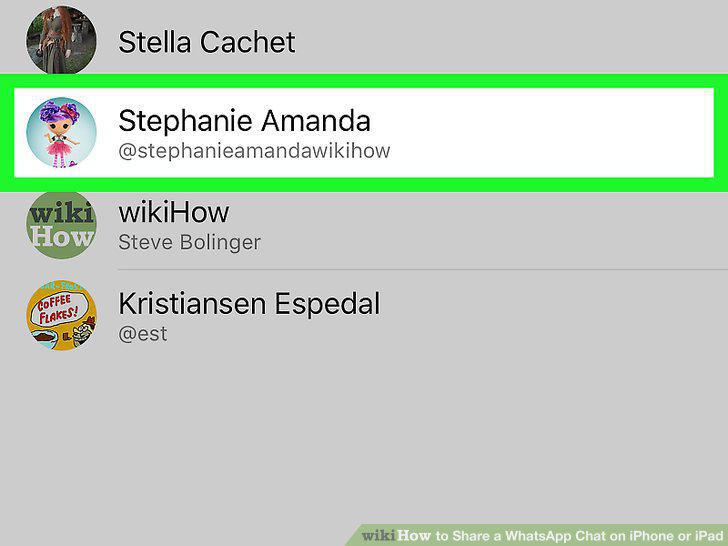
Select a contact to send your chat.
8
Tap the Send button.
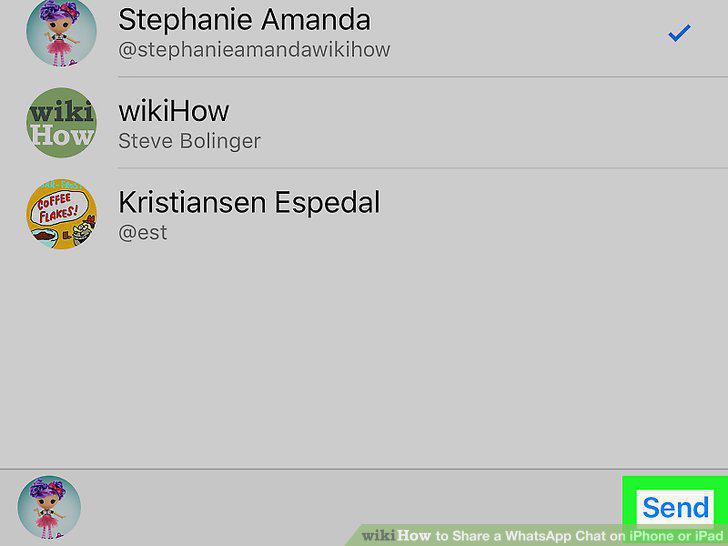
Tap the Send button.
Comments (0)
No comments yet. Be the first to share your thoughts!