How to See How Many Snaps You've Sent and Received on Snapchat
Open Snapchat.. Swipe down on the screen.. Tap your username.
Steps
1
Open Snapchat.
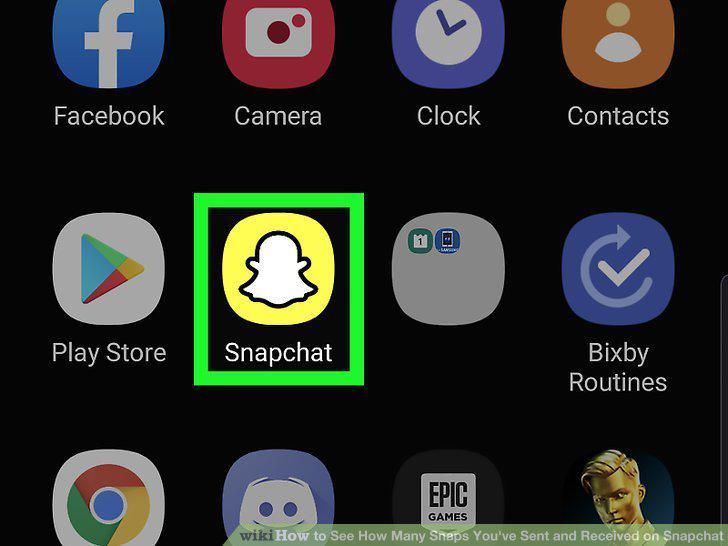
Open Snapchat.
2
Swipe down on the screen.
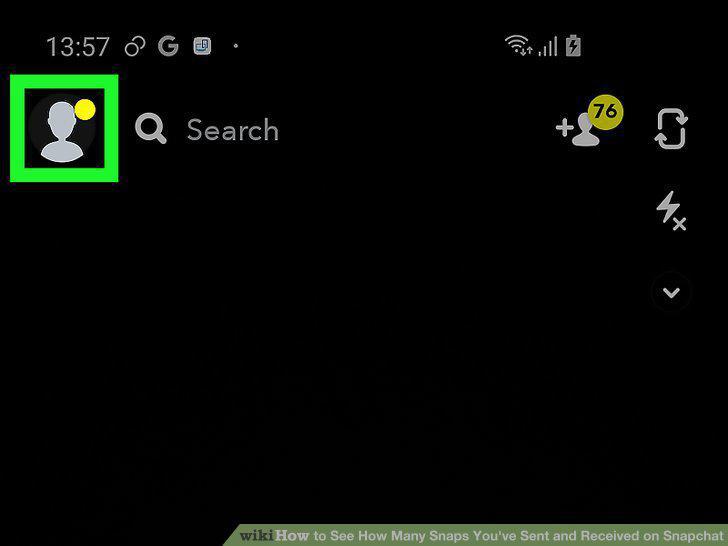
Swipe down on the screen.
3
Tap your username.

Tap your username.
4
View your sent and received numbers.
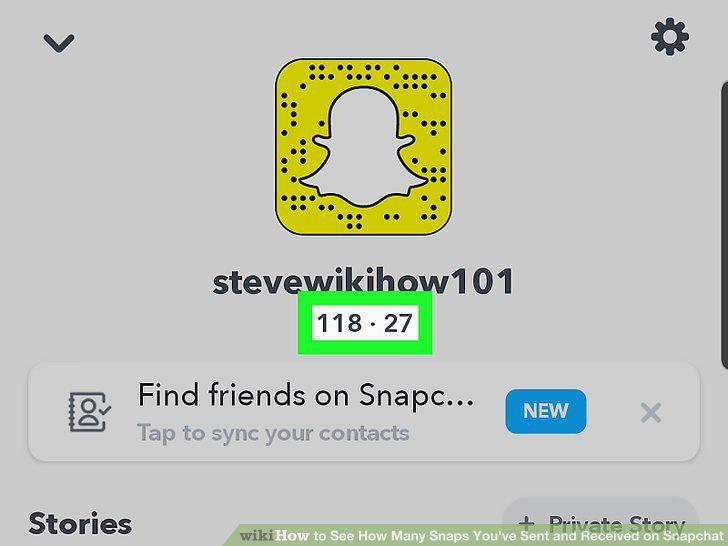
View your sent and received numbers.
Comments (0)
No comments yet. Be the first to share your thoughts!