How to Open a Dicom File on iPhone or iPad
Open the App Store .. Tap the Search tab.. Type DICOM Viewer App in the search bar.
Steps
1
Open the App Store .
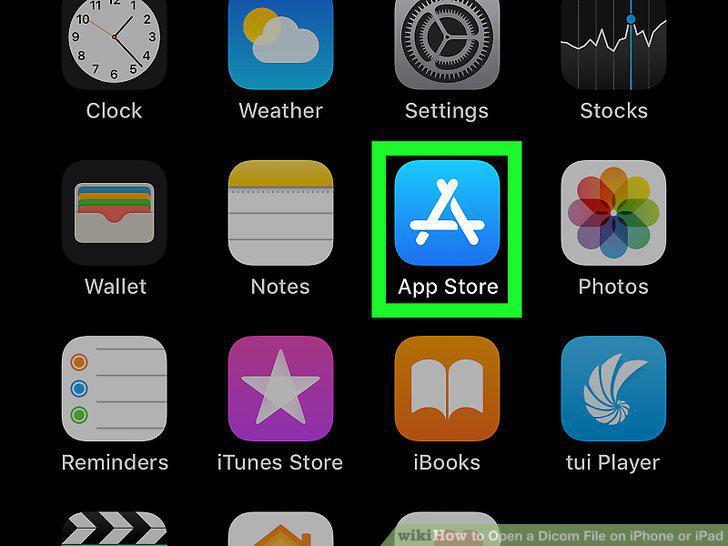
Open the App Store .
2
Tap the Search tab.
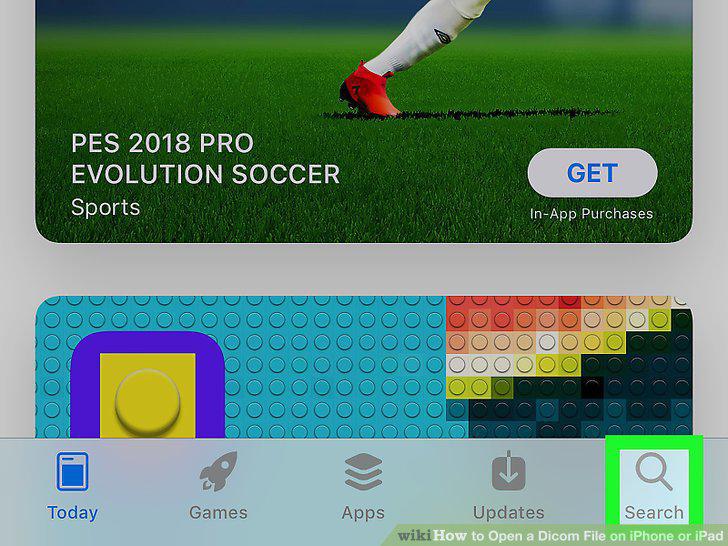
Tap the Search tab.
3
Type DICOM Viewer App in the search bar.
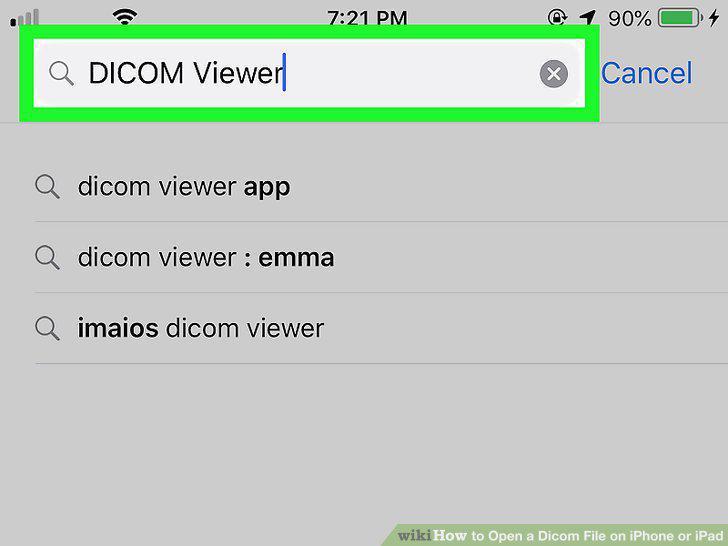
Type DICOM Viewer App in the search bar.
4
Tap DICOM Viewer App.
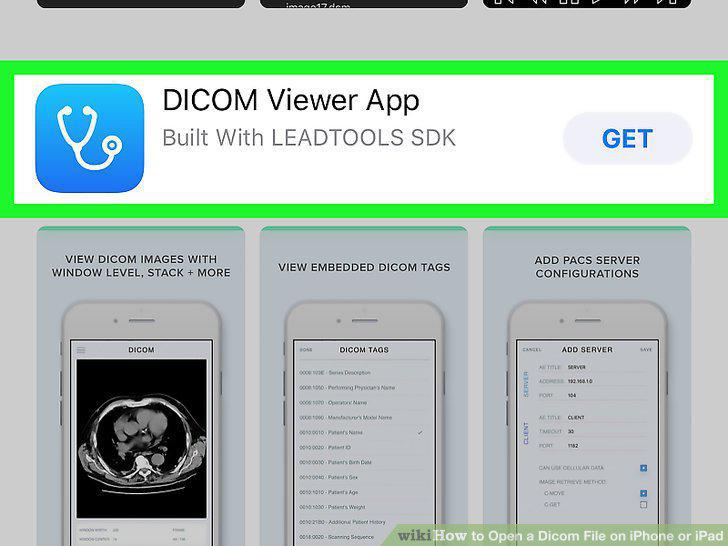
Tap DICOM Viewer App.
5
Tap GET next to DICOM Viewer App.
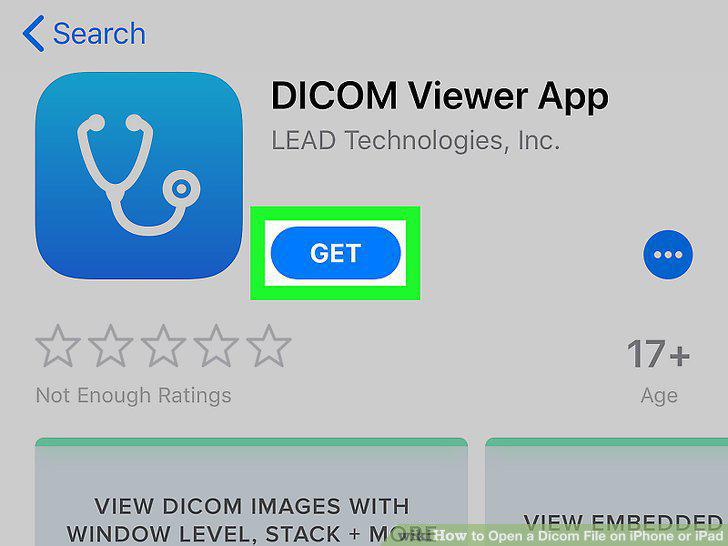
Tap GET next to DICOM Viewer App.
6
Open the Files app .
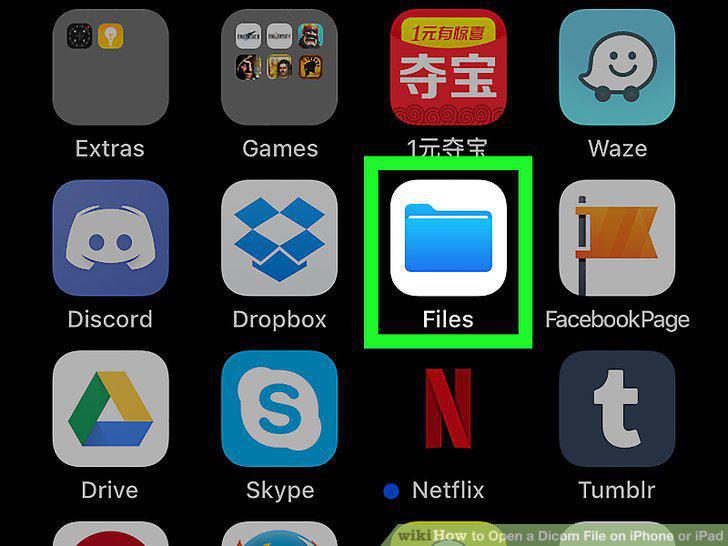
Open the Files app .
7
Tap the Browse tab.
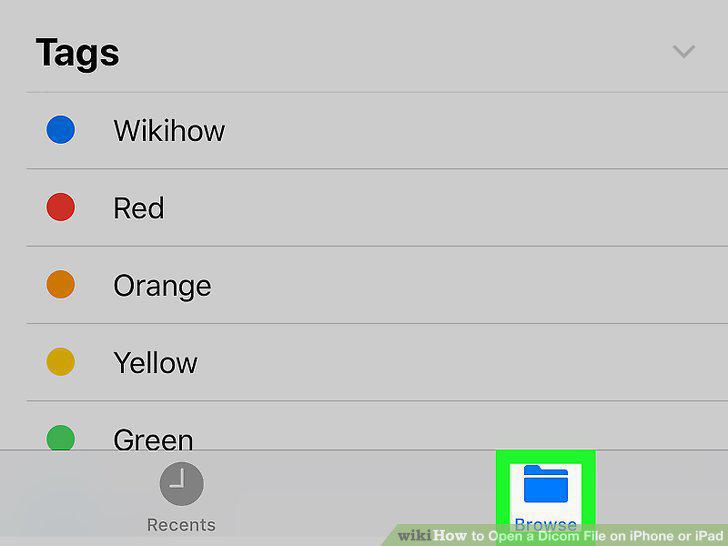
Tap the Browse tab.
8
Tap the Location the file is saved to.
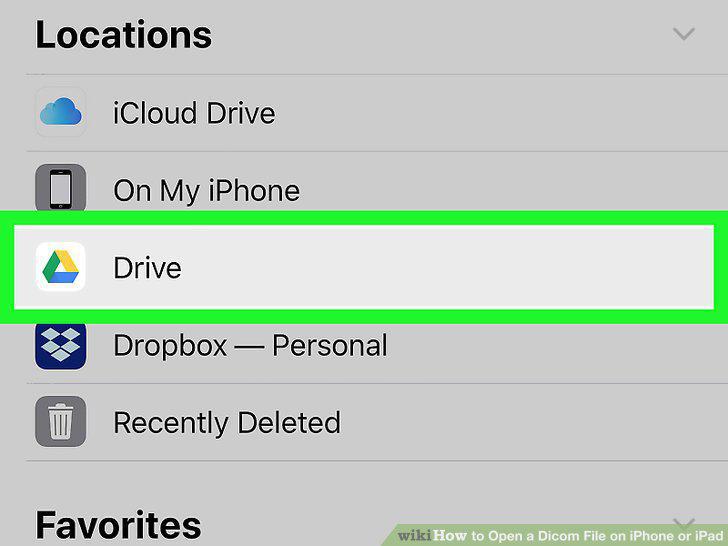
Tap the Location the file is saved to.
9
Navigate to the DICOM file.
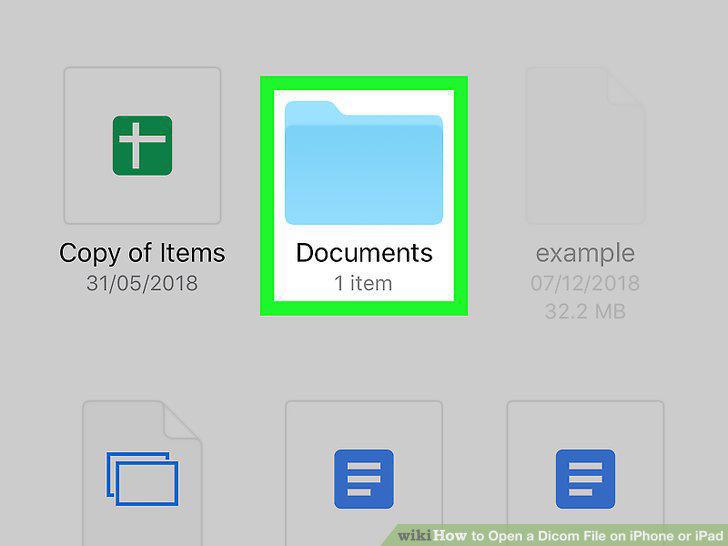
Navigate to the DICOM file.
10
Tap Select.
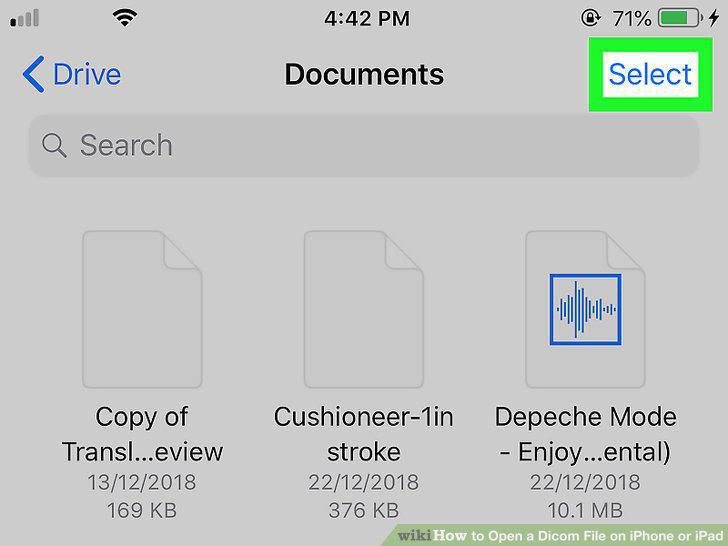
Tap Select.
11
Tap the radial button next to the left of a DICOM image.
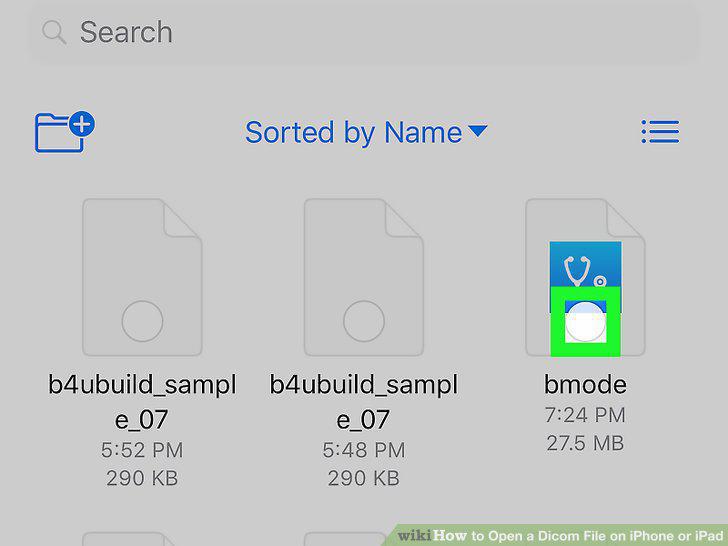
Tap the radial button next to the left of a DICOM image.
12
Tap Share.
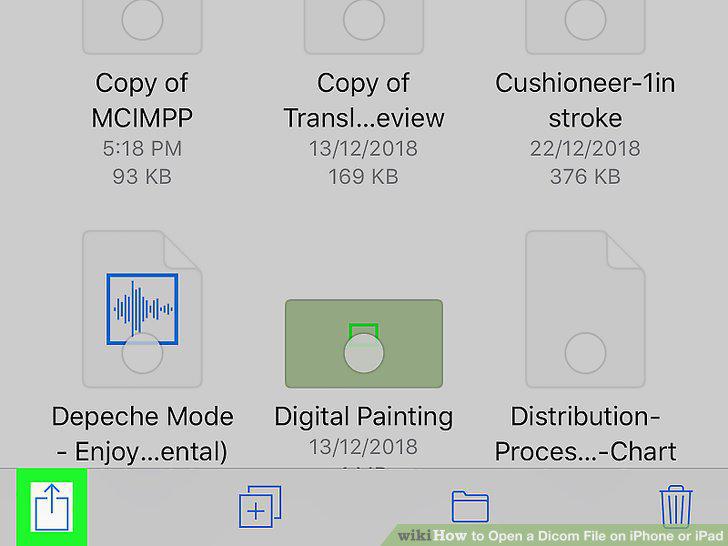
Tap Share.
13
Tap Copy to DICOM Viewer App.
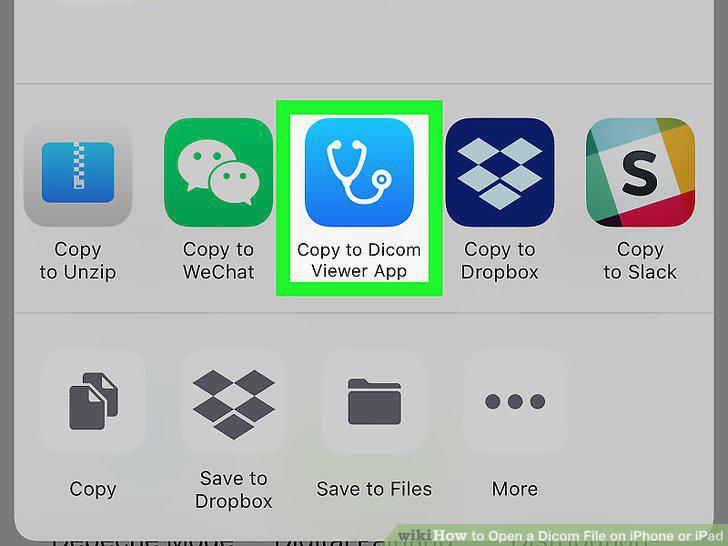
Tap Copy to DICOM Viewer App.
Comments (0)
No comments yet. Be the first to share your thoughts!