How to Control Your Visibility on Instagram
Open the Instagram app.. Open your profile.. Tap the Settings icon.
Steps
1
Open the Instagram app.
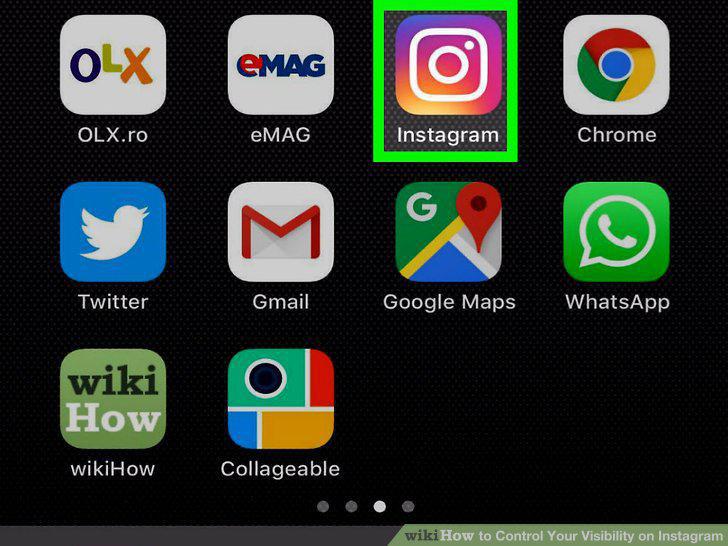
Open the Instagram app.
2
Open your profile.
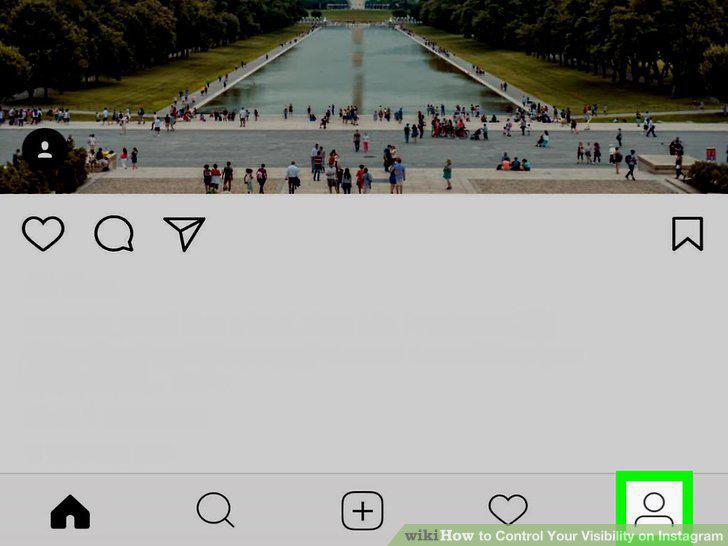
Open your profile.
3
Tap the Settings icon.
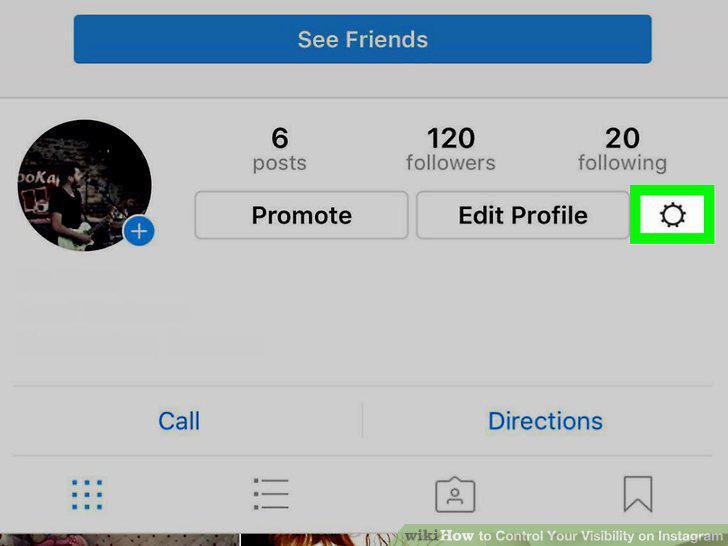
Tap the Settings icon.
4
Toggle "Private Account" to on.
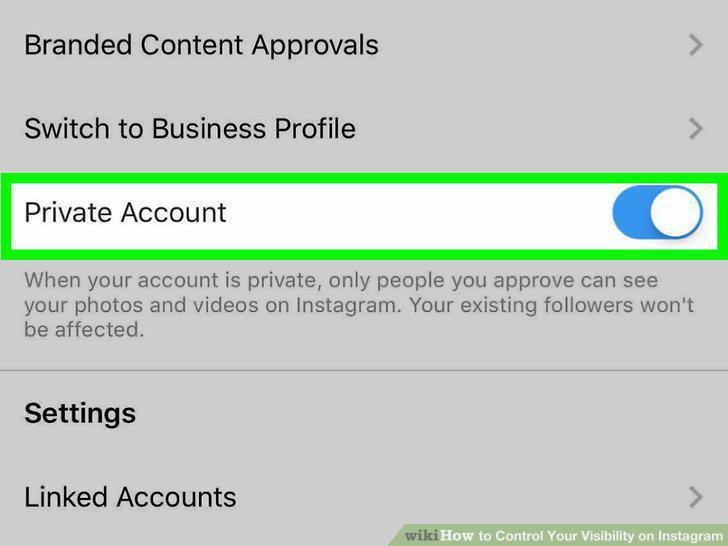
Toggle "Private Account" to on.
5
Open the Instagram app.
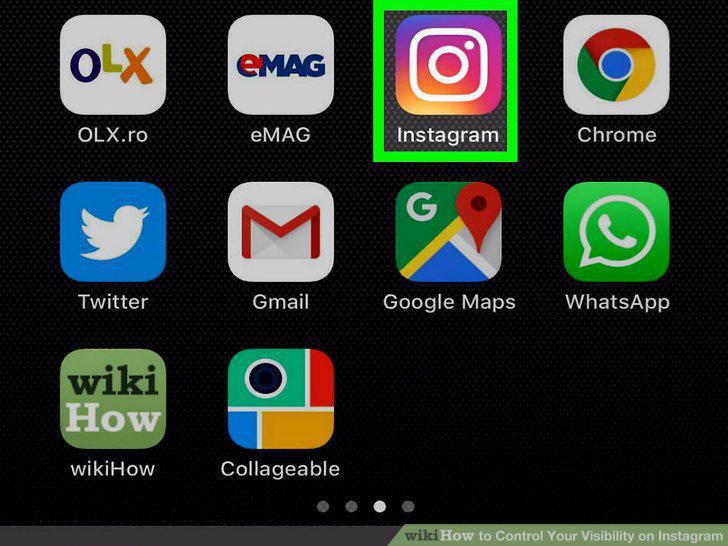
Open the Instagram app.
6
Open your profile.
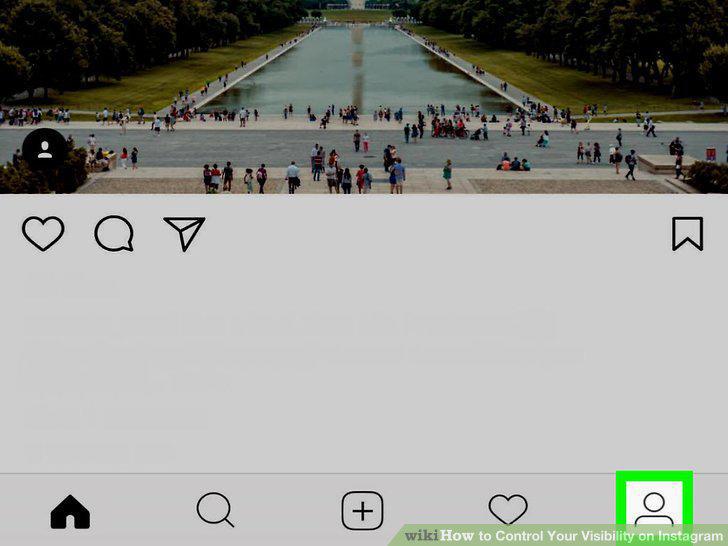
Open your profile.
7
View your followers.
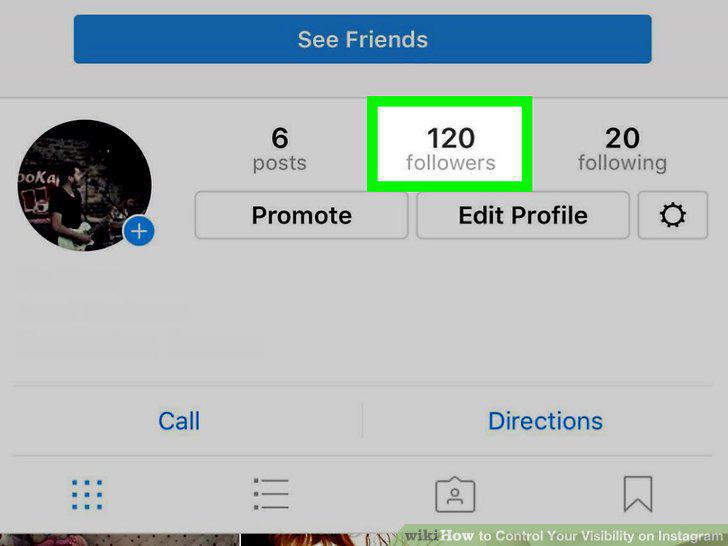
View your followers.
8
Tap on a follower you wish to block.
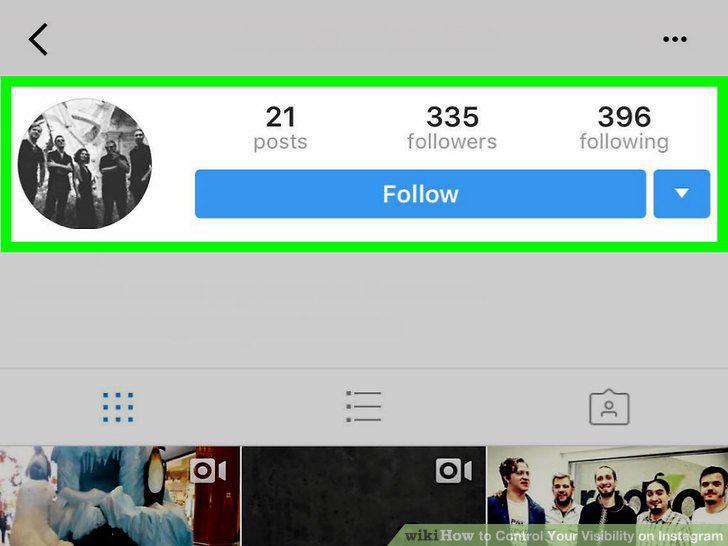
Tap on a follower you wish to block.
9
Tap on the options icon.
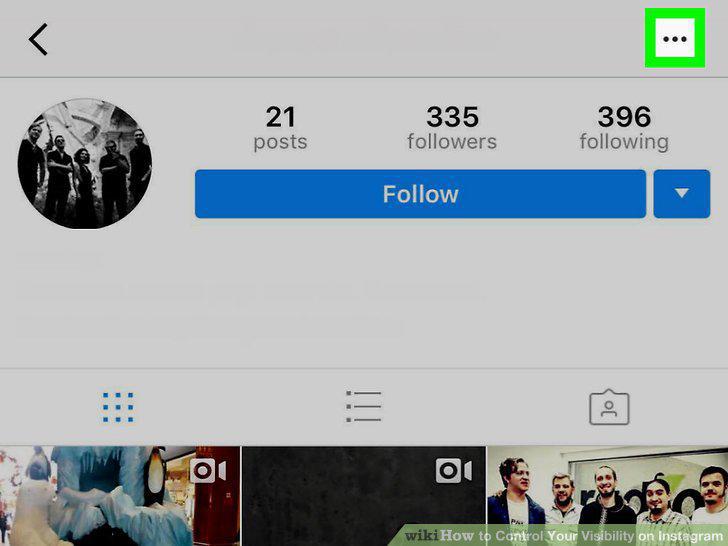
Tap on the options icon.
10
Tap "Block User".
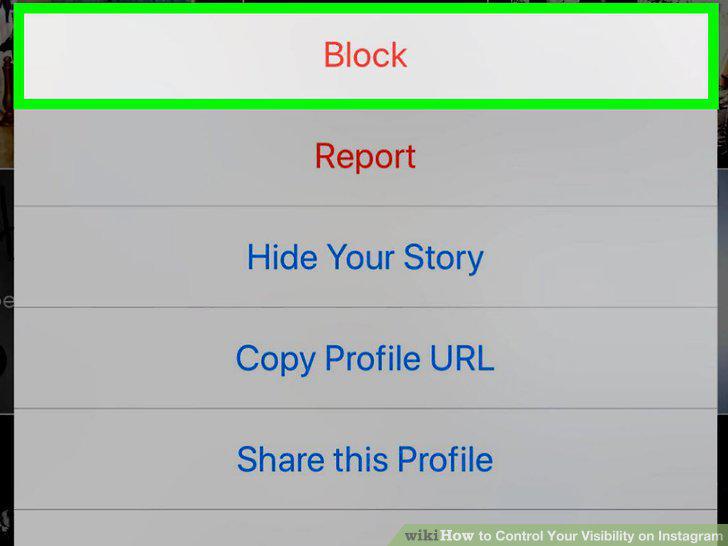
Tap "Block User".
11
Open the Instagram app.
Open the Instagram app.
12
Open your profile.
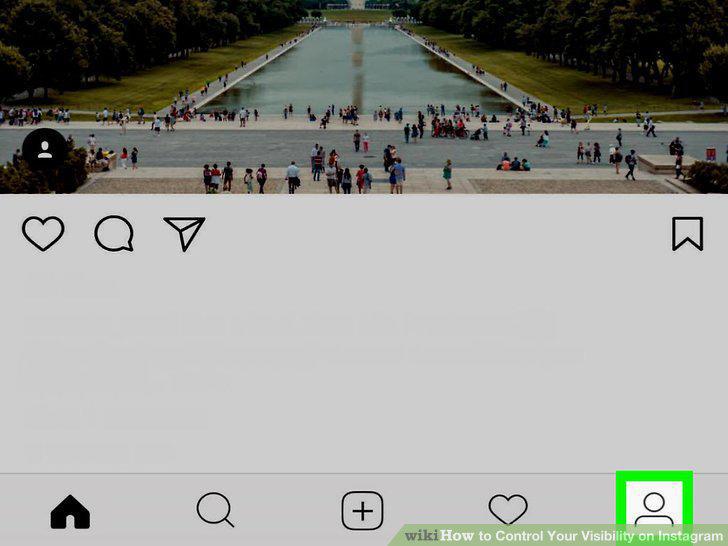
Open your profile.
13
Open your Photo Map.
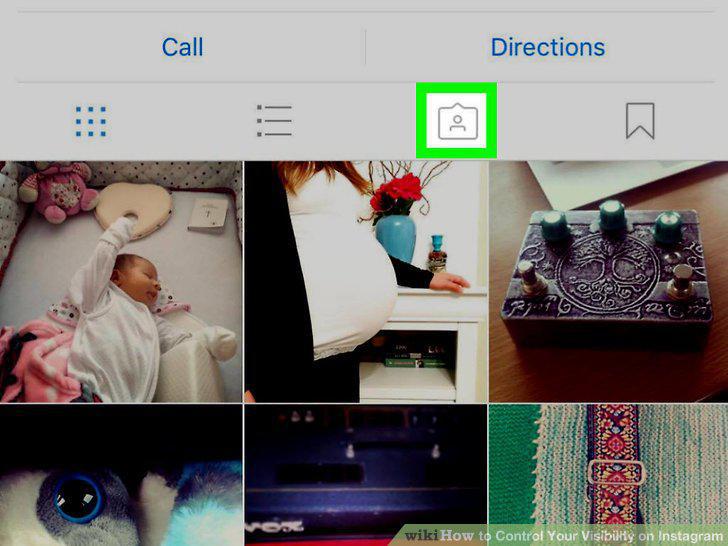
Open your Photo Map.
14
Tap "Edit".
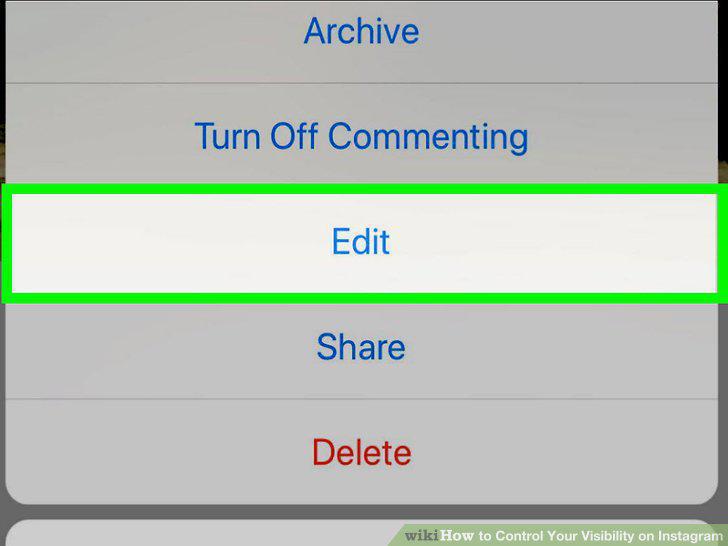
Tap "Edit".
15
Tap on a photo you'd like to remove.
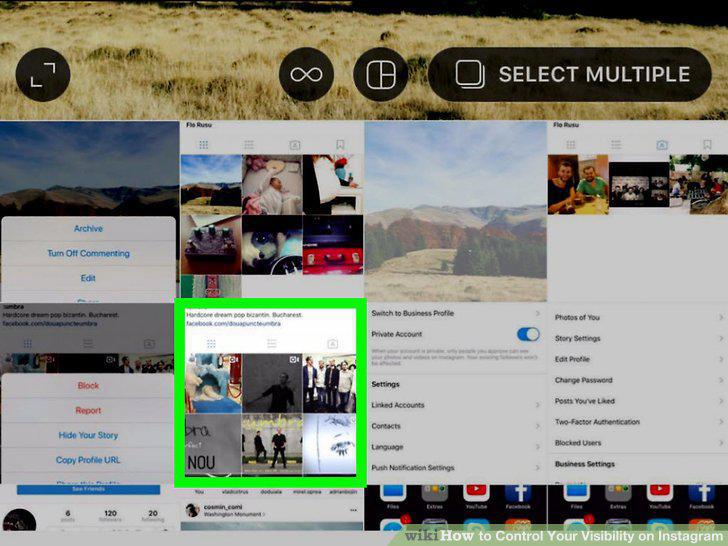
Tap on a photo you'd like to remove.
16
Open the Instagram app.
Open the Instagram app.
17
Tap the camera button.
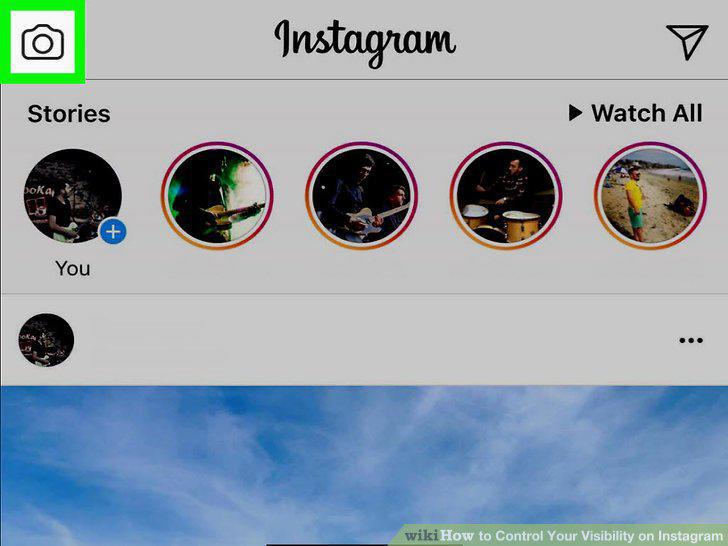
Tap the camera button.
18
Take an Instagram photo.
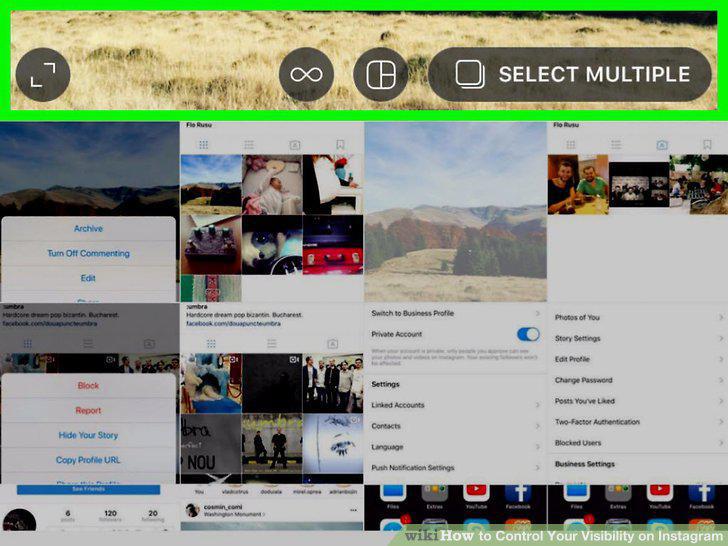
Take an Instagram photo.
19
Tap "Direct" at the top of the screen.
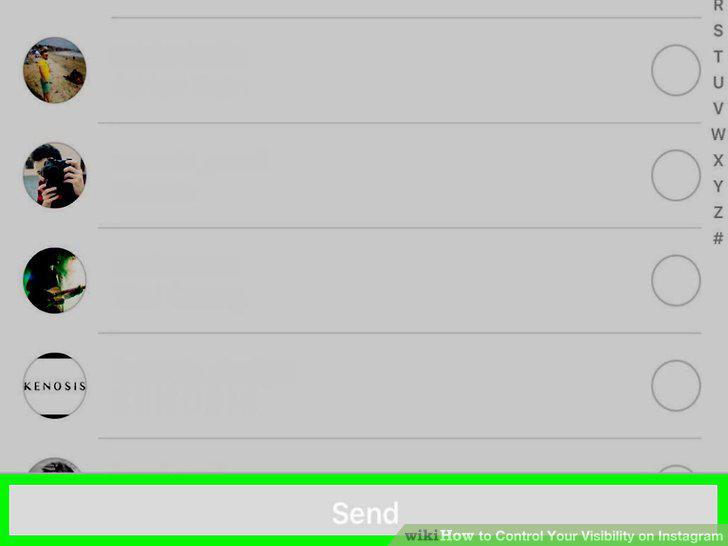
Tap "Direct" at the top of the screen.
20
Type in the names of the followers you would like to send the photo to.
Type in the names of the followers you would like to send the photo to.
21
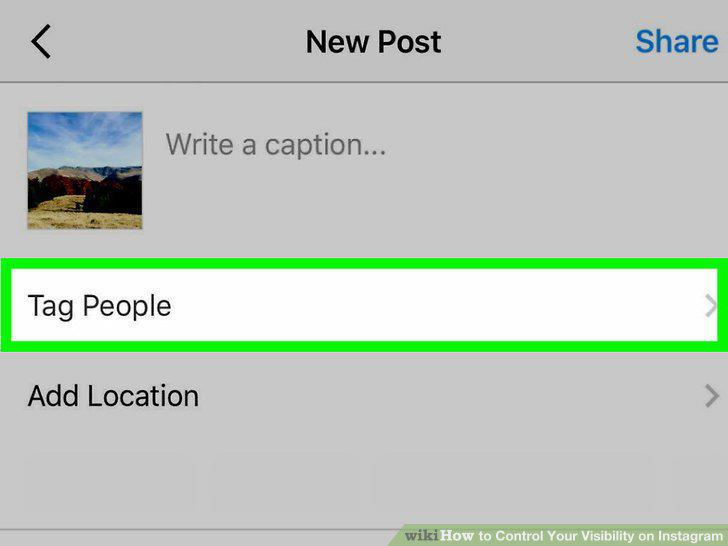
Tap "Share" to share the photo selectively.
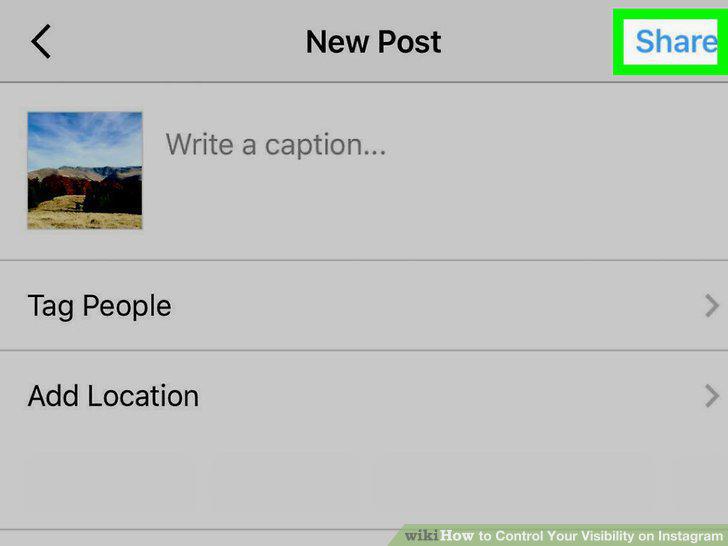
Tap "Share" to share the photo selectively.
Comments (0)
No comments yet. Be the first to share your thoughts!