How to Download PowerPoint
Open the Google Play Store or App Store .. Search for PowerPoint.. Tap the first search result.
Steps
Open the Google Play Store or App Store .
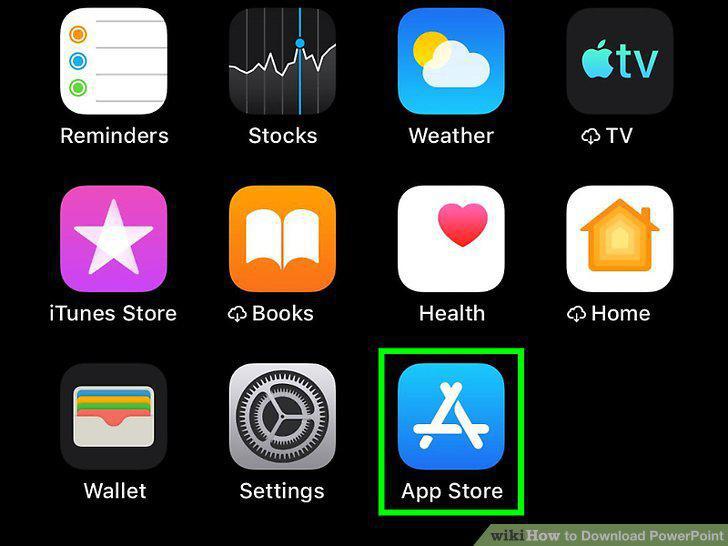
Open the Google Play Store or App Store .
Search for PowerPoint.
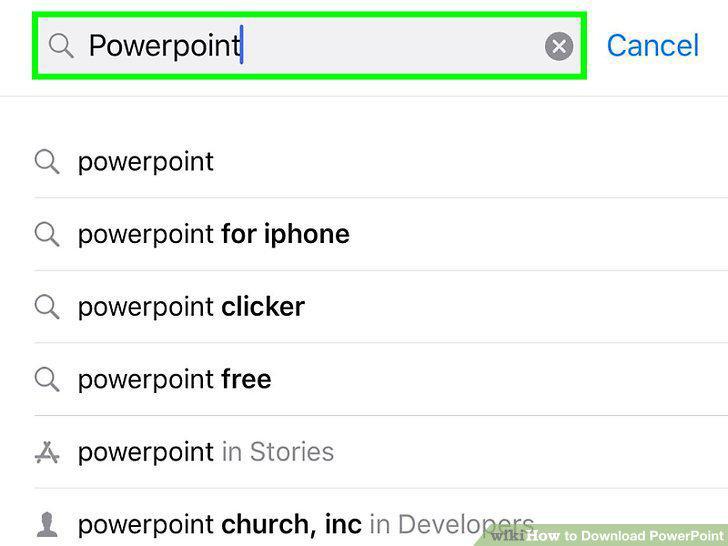
Search for PowerPoint.
Tap the first search result.
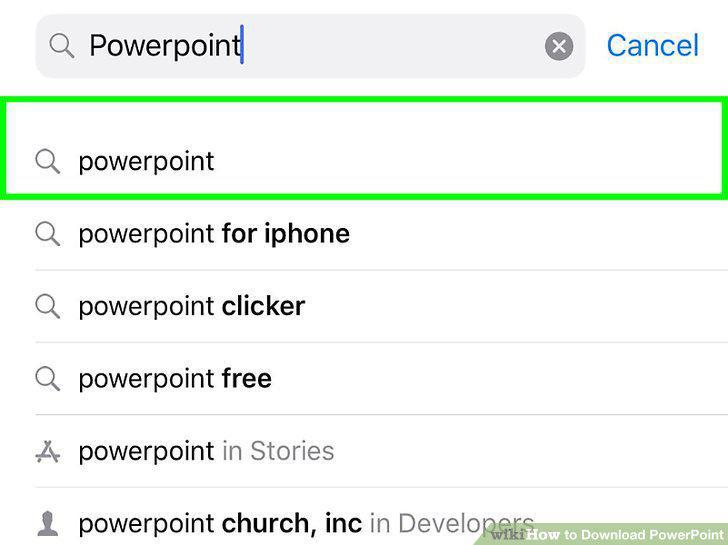
Tap the first search result.
Tap Install (Android) or Get (iOS).
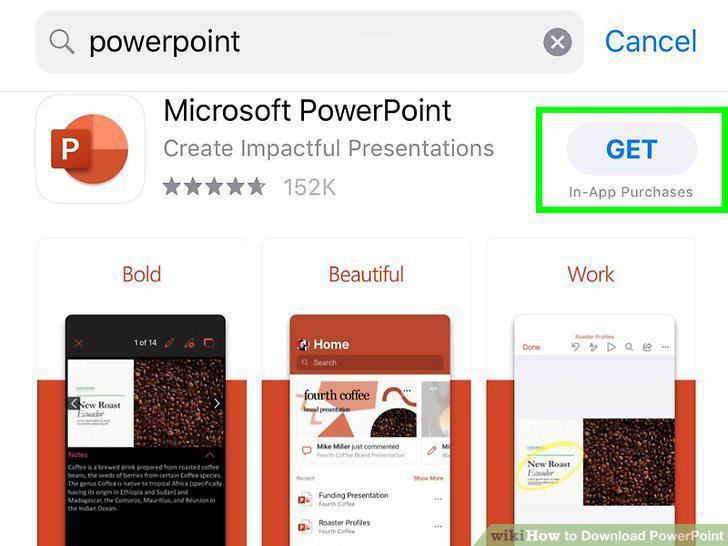
Tap Install (Android) or Get (iOS).
Navigate to the Microsoft Office product page at https://products.office.com/en-
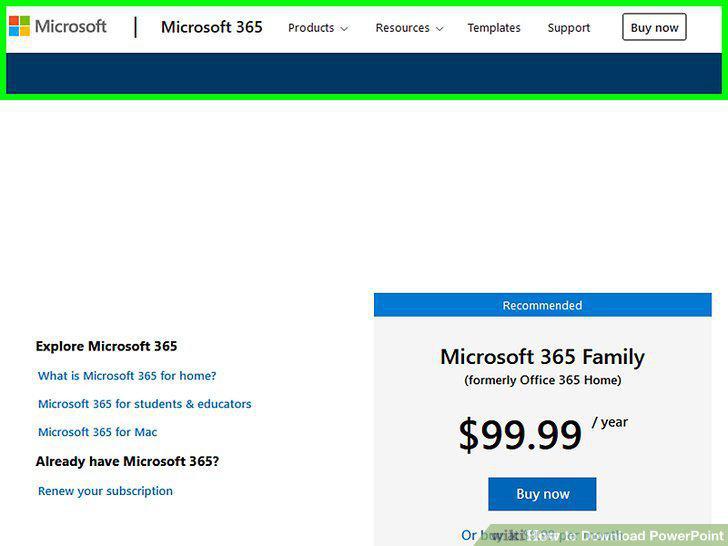
Navigate to the Microsoft Office product page at https://products.office.com/en-us/buy/compare-microsoft-office-products.
Select the option to purchase the Office package of your choice.
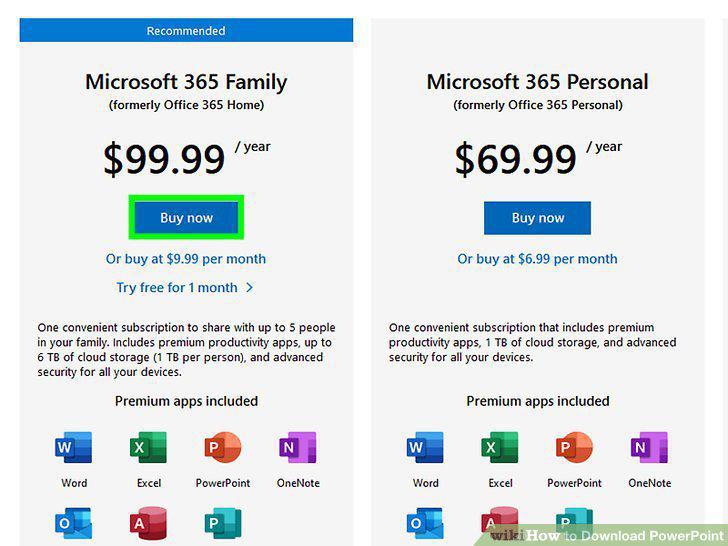
Select the option to purchase the Office package of your choice.
Sign in using your Microsoft login credentials.
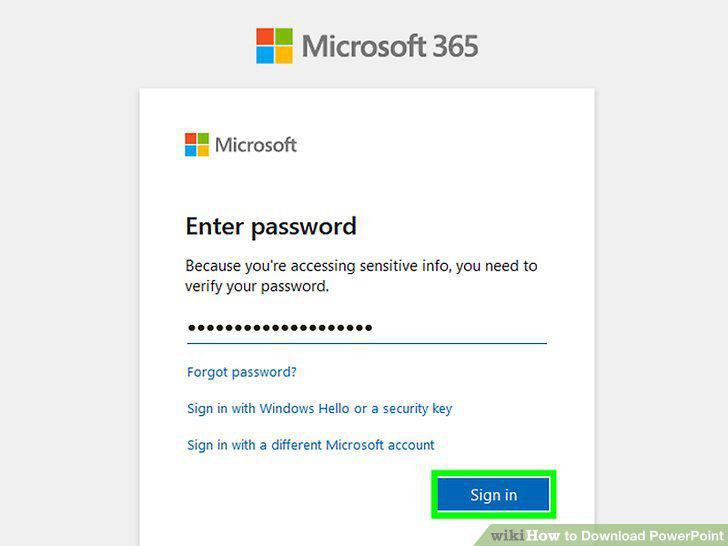
Sign in using your Microsoft login credentials.
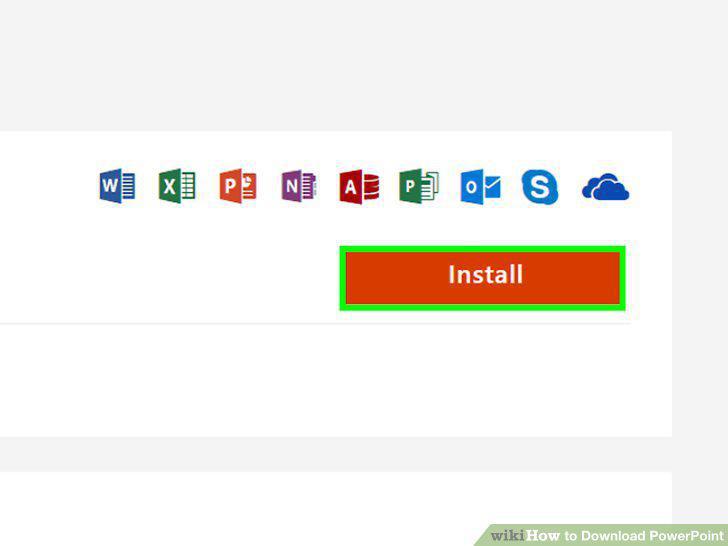
Click Install.
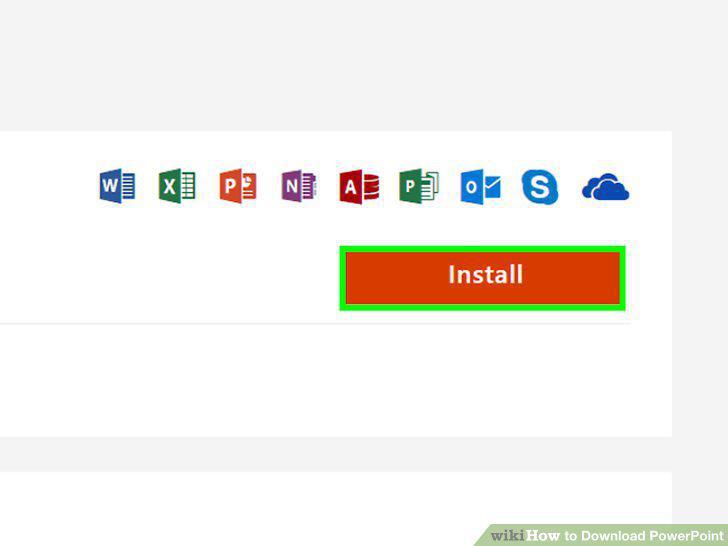
Click Install.
Double-click the Office installation file.
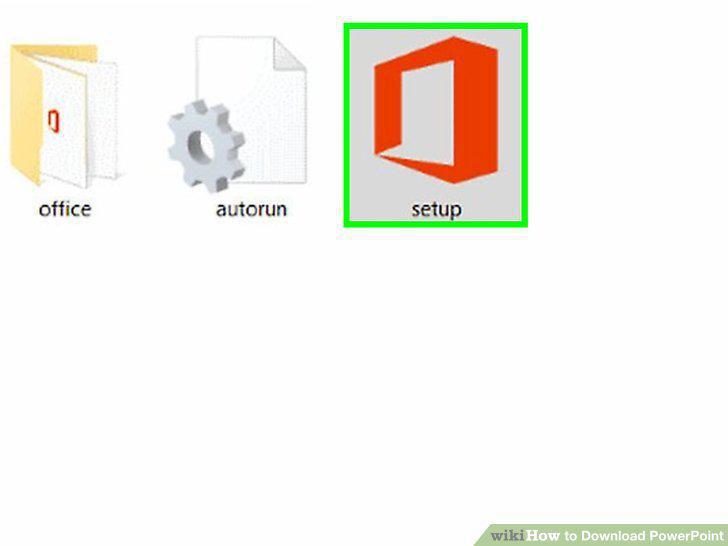
Double-click the Office installation file.
Follow the on-screen instructions in the Office installer.
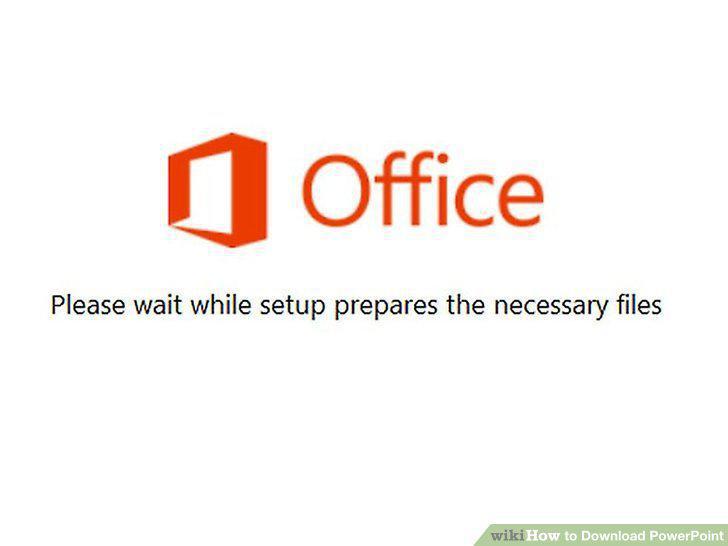
Follow the on-screen instructions in the Office installer.
Repeat the setup process for Microsoft Office if you have access to all other Of
Repeat the setup process for Microsoft Office if you have access to all other Office applications except PowerPoint.
Restart your computer if Office gets stuck at 94 percent during installation.
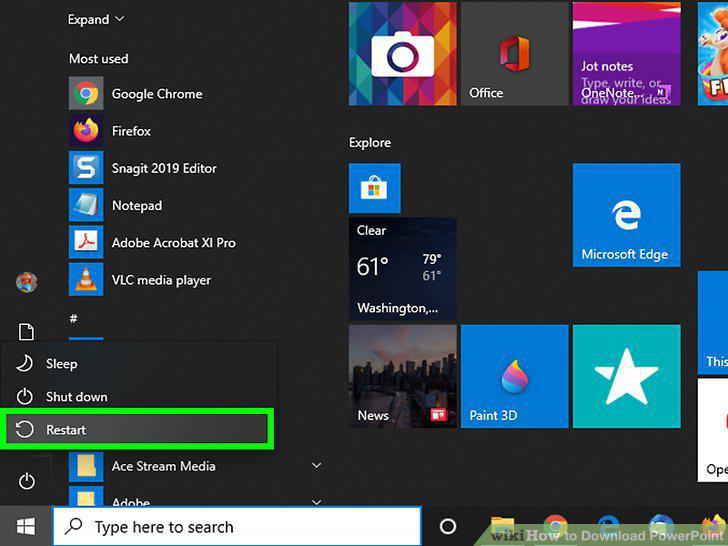
Restart your computer if Office gets stuck at 94 percent during installation.
Repair Office if setup gets stuck at any percentage.
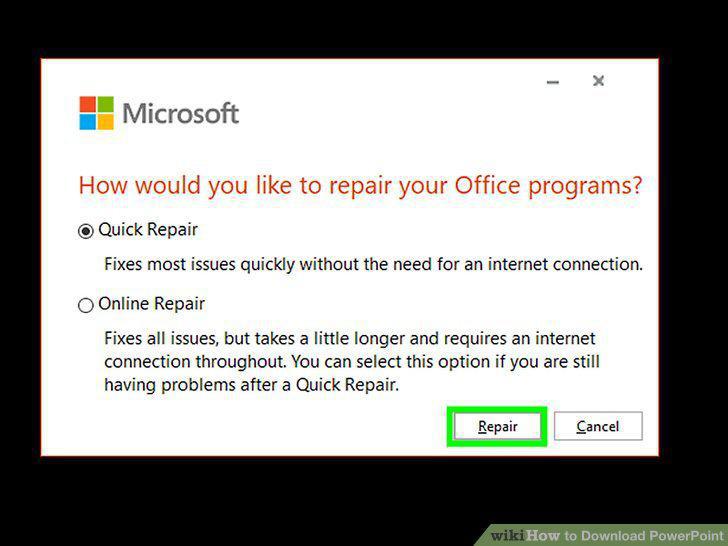
Repair Office if setup gets stuck at any percentage.
Upgrade your operating system or computer if you experience problems installing
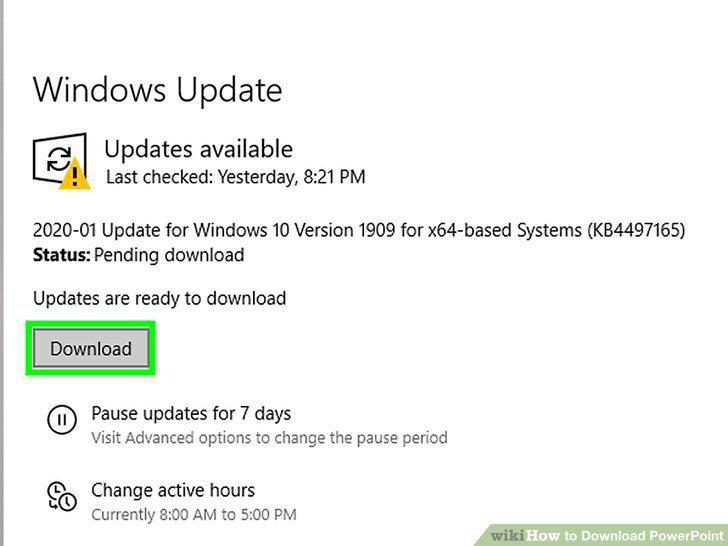
Upgrade your operating system or computer if you experience problems installing PowerPoint.
Disable all browser add-ons and plug-ins if clicking "Install" fails to install
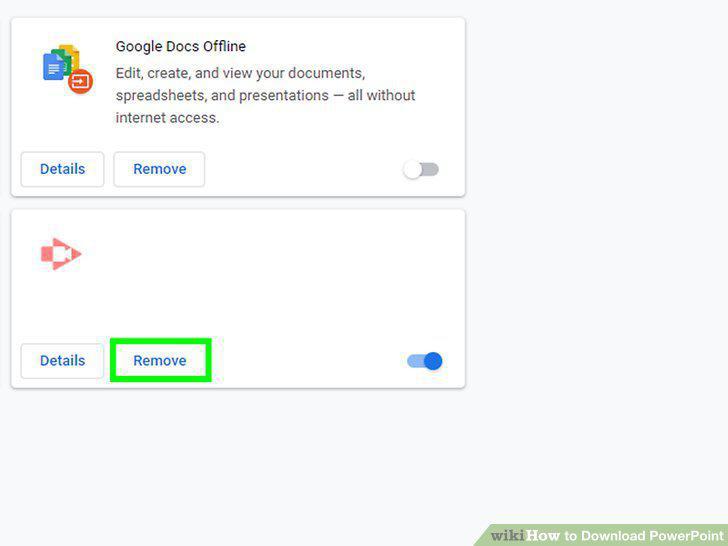
Disable all browser add-ons and plug-ins if clicking "Install" fails to install Office.
Comments (0)
No comments yet. Be the first to share your thoughts!