How to Get Views on Snapchat
Follow as many people as possible to get follows in return.. Earn points and trophies to unlock new features.. Collaborate with an influencer for a shoutout or a takeover.
Steps
Follow as many people as possible to get follows in return.
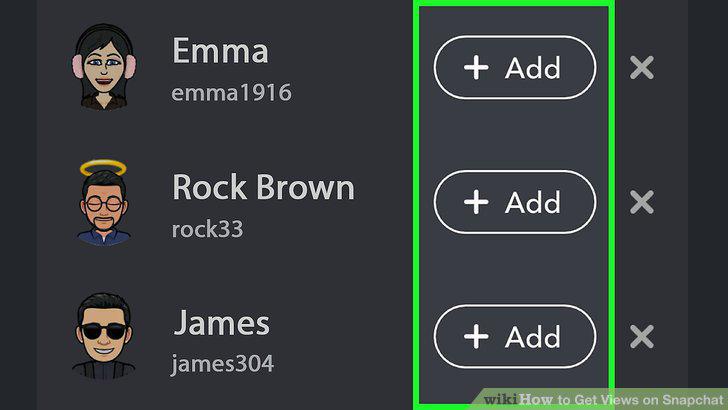
Follow as many people as possible to get follows in return.
Earn points and trophies to unlock new features.
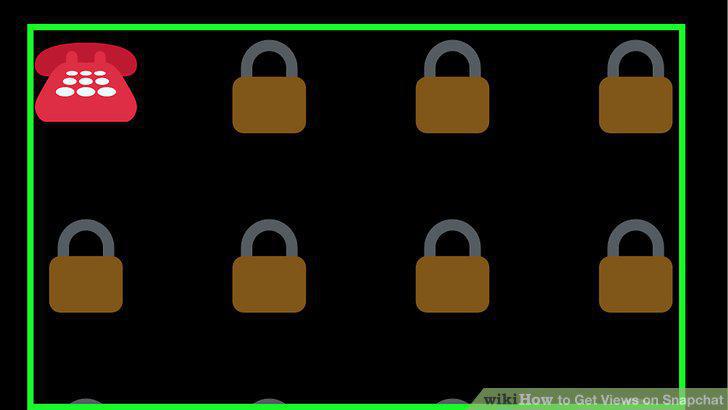
Earn points and trophies to unlock new features.
Collaborate with an influencer for a shoutout or a takeover.
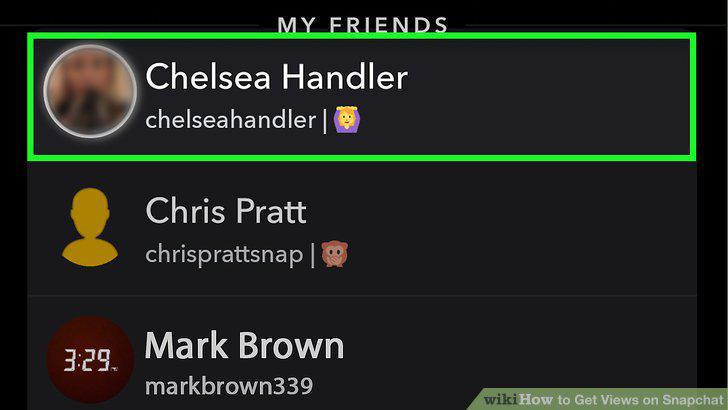
Collaborate with an influencer for a shoutout or a takeover.
Get featured in a Snapchat Live Story to have your Snap shared publicly.
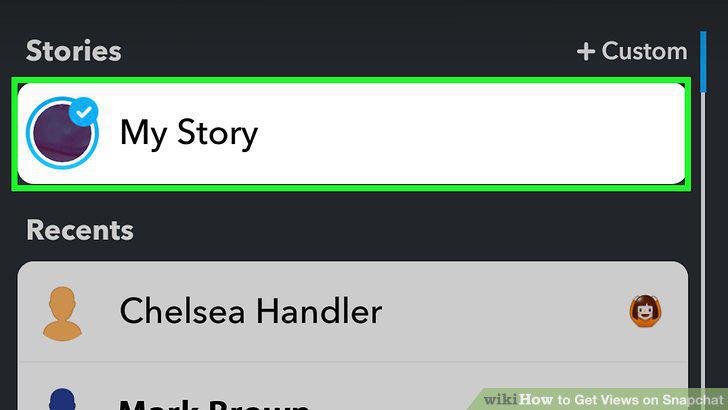
Get featured in a Snapchat Live Story to have your Snap shared publicly.
Snap consistently at least once a day so you're at the top of feeds.
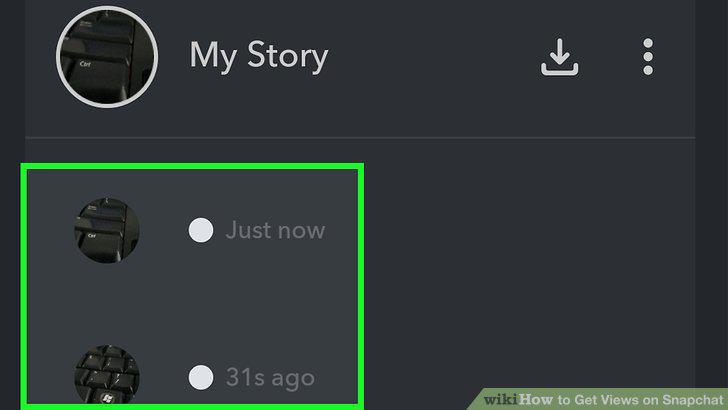
Snap consistently at least once a day so you're at the top of feeds.
Post Snaps that people want to share, like memes or funny videos.
Post Snaps that people want to share, like memes or funny videos.
Get creative with filters, text, doodles, emojis, and stickers to add interest.
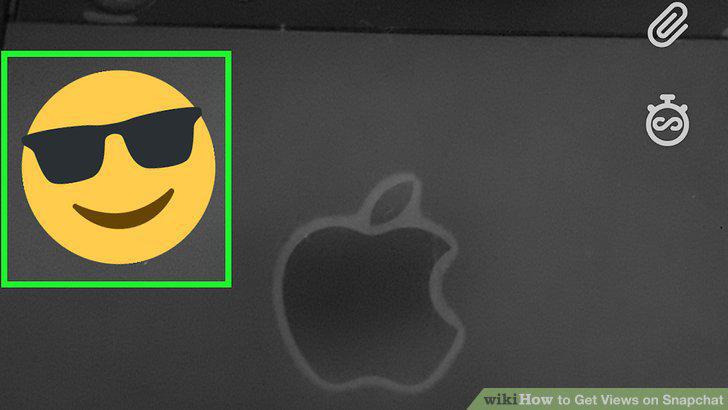
Get creative with filters, text, doodles, emojis, and stickers to add interest.
Keep Snaps to 5 seconds or less to keep viewers interested.
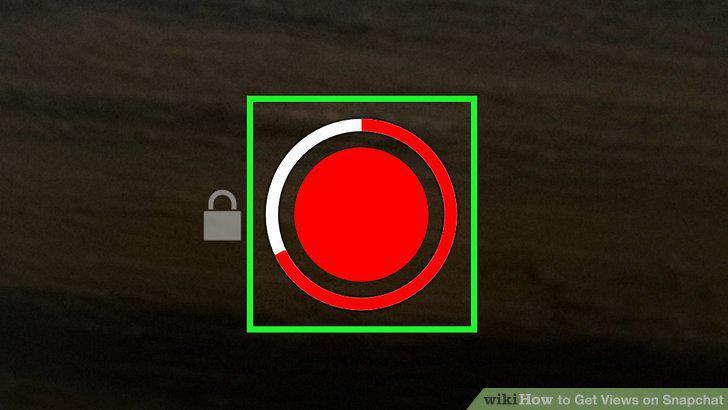
Keep Snaps to 5 seconds or less to keep viewers interested.
Share your username and Snapcode on other social media platforms.
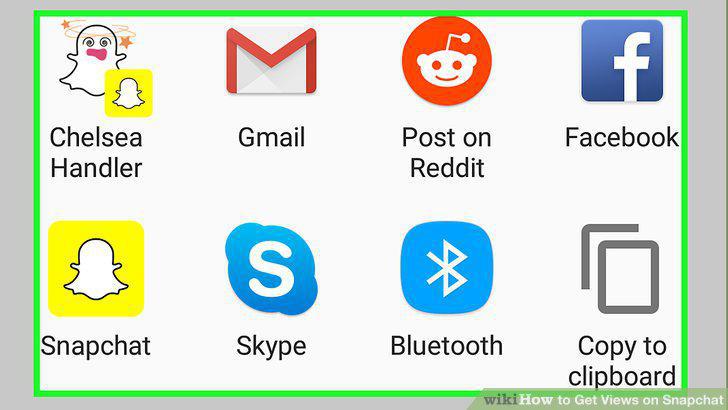
Share your username and Snapcode on other social media platforms.
Create and maintain a profile on the Ghostcodes app to find followers.
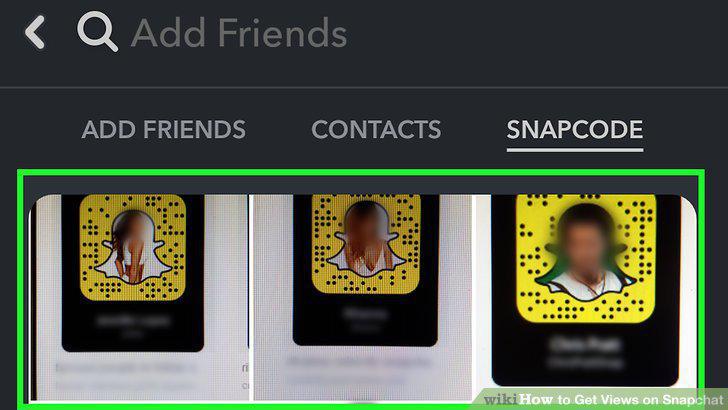
Create and maintain a profile on the Ghostcodes app to find followers.
Ask your friends to follow you by sending them your Snapcode.
Ask your friends to follow you by sending them your Snapcode.
Turn your Snaps into permanent posts on other social media and blogs.
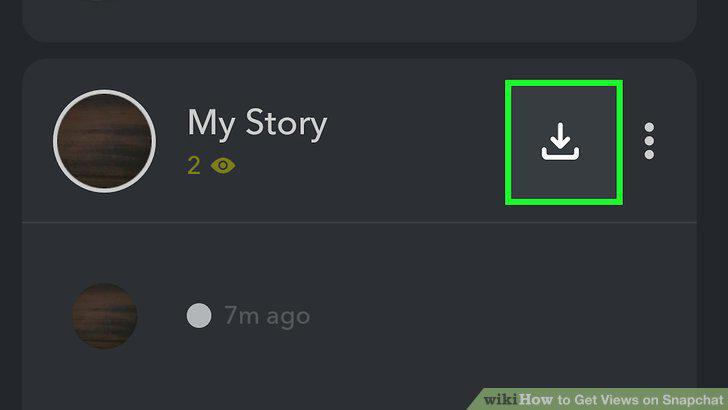
Turn your Snaps into permanent posts on other social media and blogs.
Comments (0)
No comments yet. Be the first to share your thoughts!