How to Clean a Tower Fan
Turn the fan off and unplug it.. Use a vacuum brush attachment or dust brush to clean the grill.. Blow compressed air into the vent to dislodge dust.
Steps
Turn the fan off and unplug it.
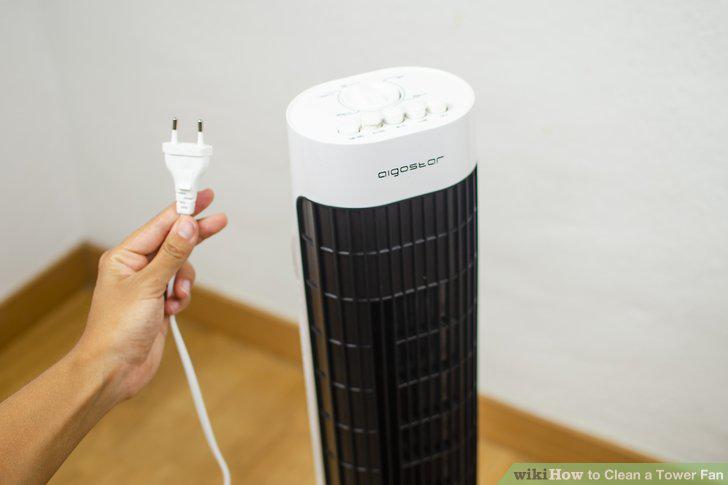
Turn the fan off and unplug it.
Use a vacuum brush attachment or dust brush to clean the grill.
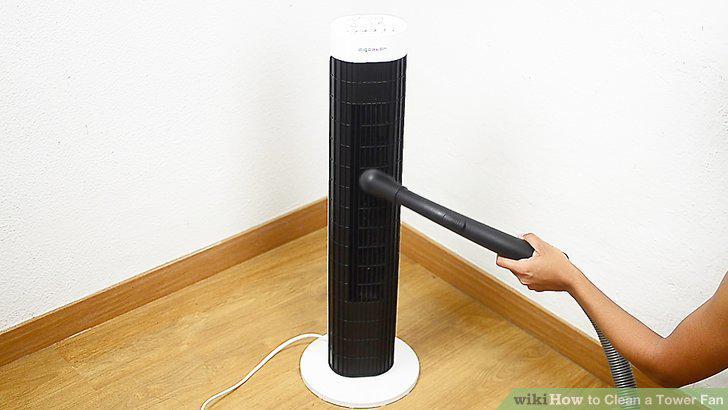
Use a vacuum brush attachment or dust brush to clean the grill.
Blow compressed air into the vent to dislodge dust.
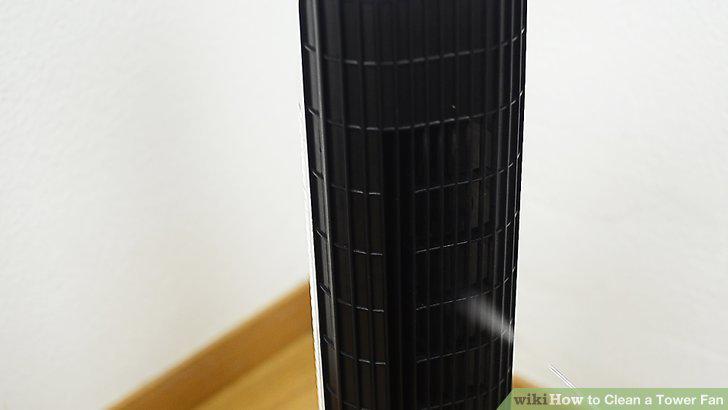
Blow compressed air into the vent to dislodge dust.
Turn the fan on to blow out any remaining dust.
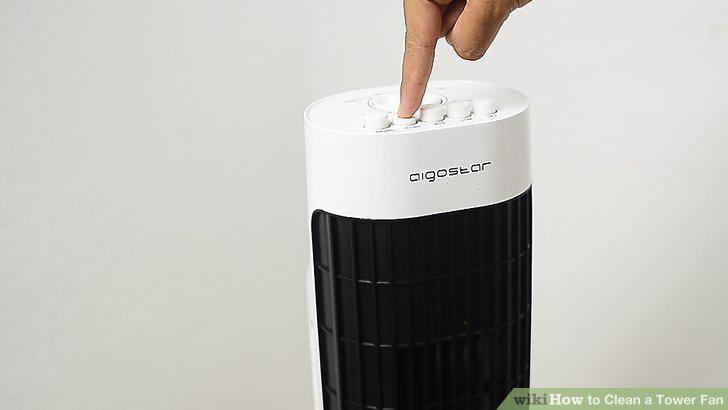
Turn the fan on to blow out any remaining dust.
Unplug the fan and wait for the blades to stop moving.
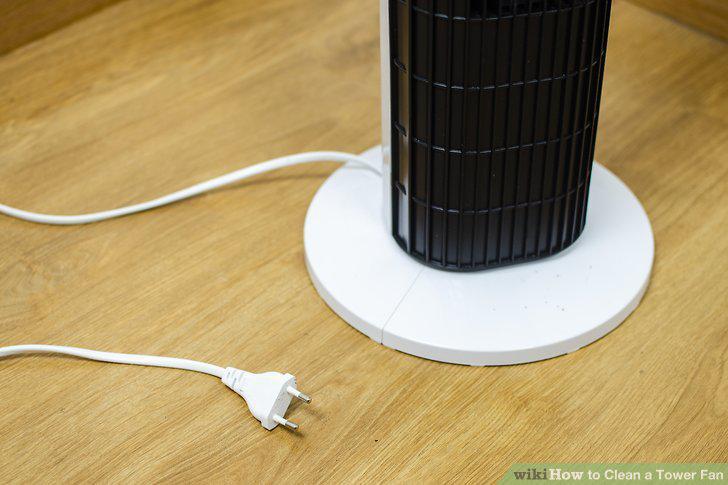
Unplug the fan and wait for the blades to stop moving.
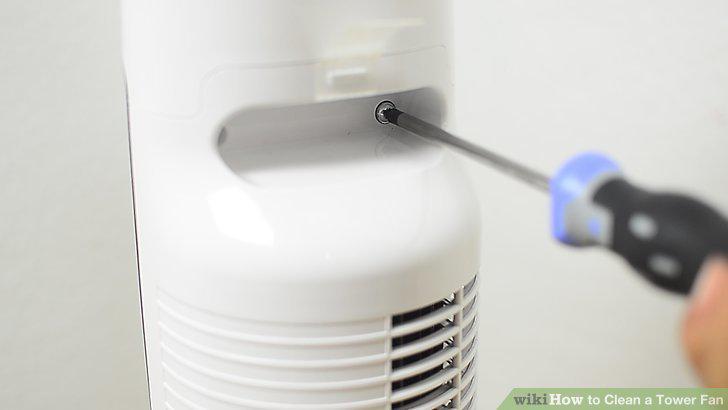
Remove the screws holding the fan's casing together.
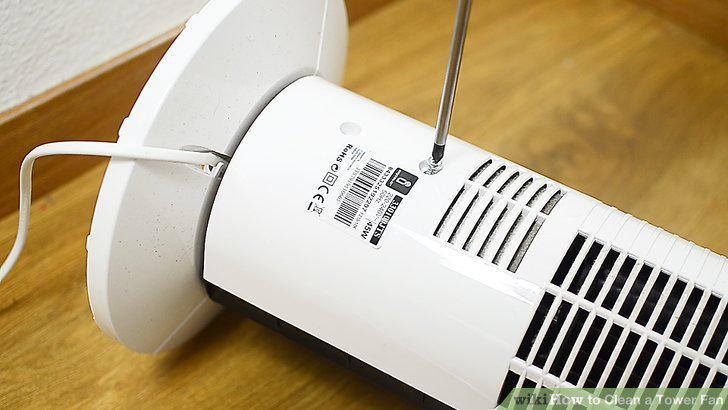
Remove the screws holding the fan's casing together.
Pull the casing halves apart with a screwdriver.
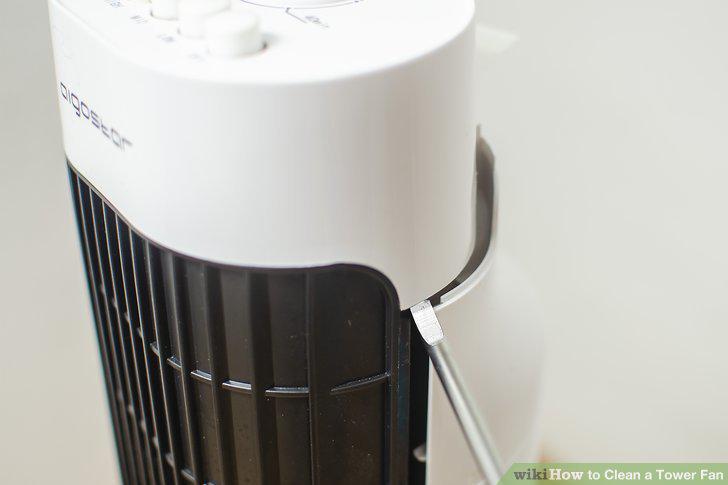
Pull the casing halves apart with a screwdriver.
Slide the front panel up and away from the tower.
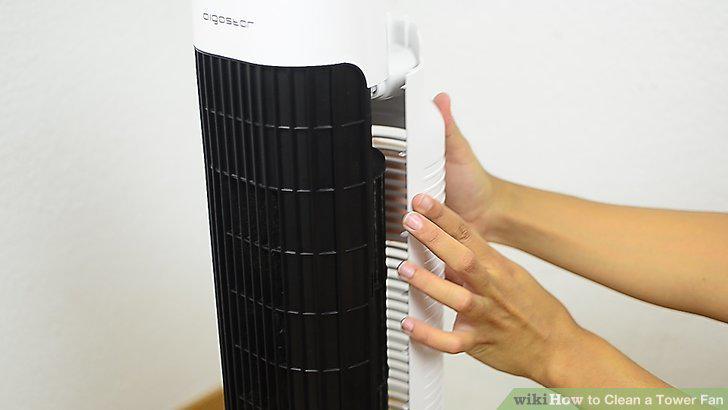
Slide the front panel up and away from the tower.
Spray compressed air into the fan blade to dislodge debris.
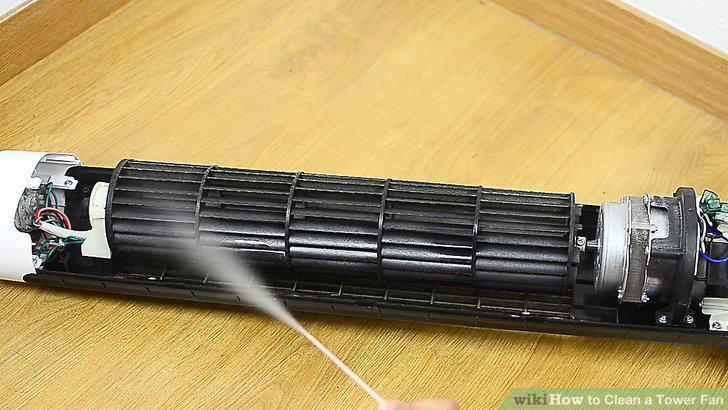
Spray compressed air into the fan blade to dislodge debris.
Dust the fan blades with a vacuum brush.
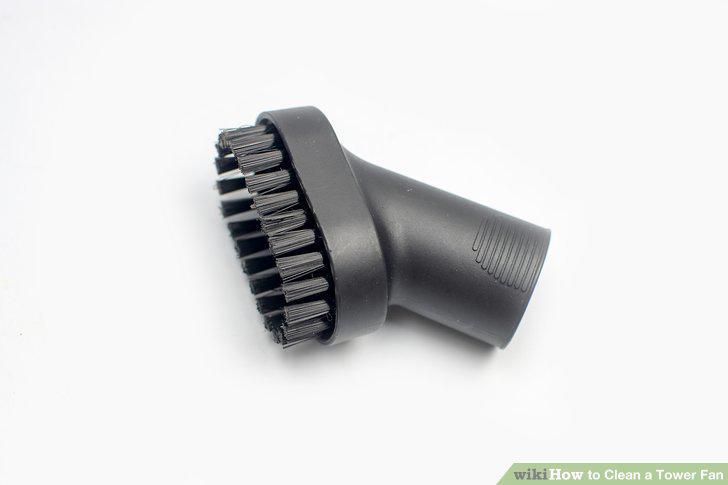
Dust the fan blades with a vacuum brush.
Vacuum up the loose dust with a hose attachment.
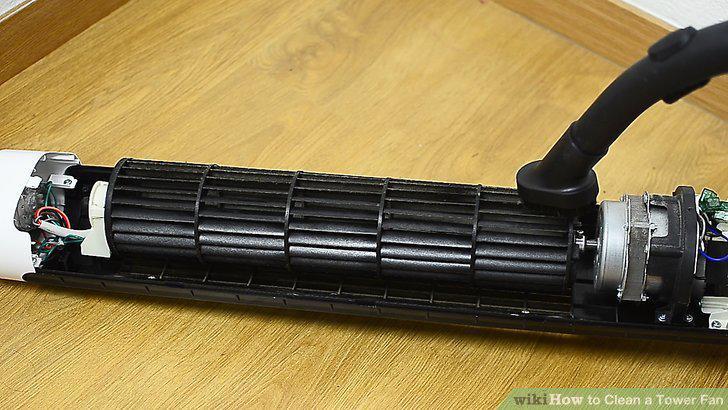
Vacuum up the loose dust with a hose attachment.
Spray WD-40 or a lubricant on the fan's bearings.
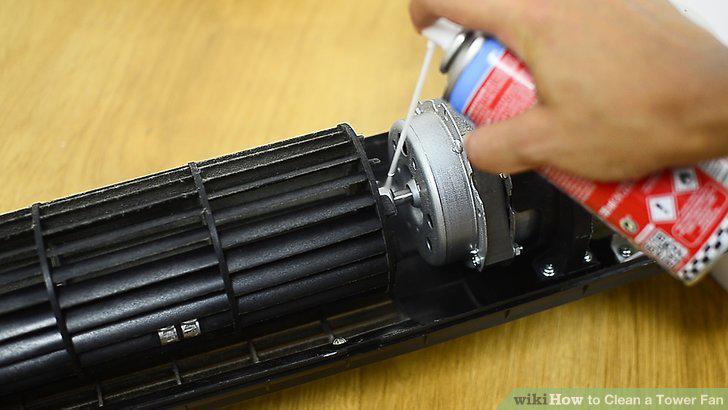
Spray WD-40 or a lubricant on the fan's bearings.
Reinstall the components, then test the fan.
Reinstall the components, then test the fan.
Comments (0)
No comments yet. Be the first to share your thoughts!