How to Use Predictive Text
Enable predictive text on your keyboard.. Open an app and tap the typing area.. Type the first three to four letters of a word.
Steps
1
Enable predictive text on your keyboard.
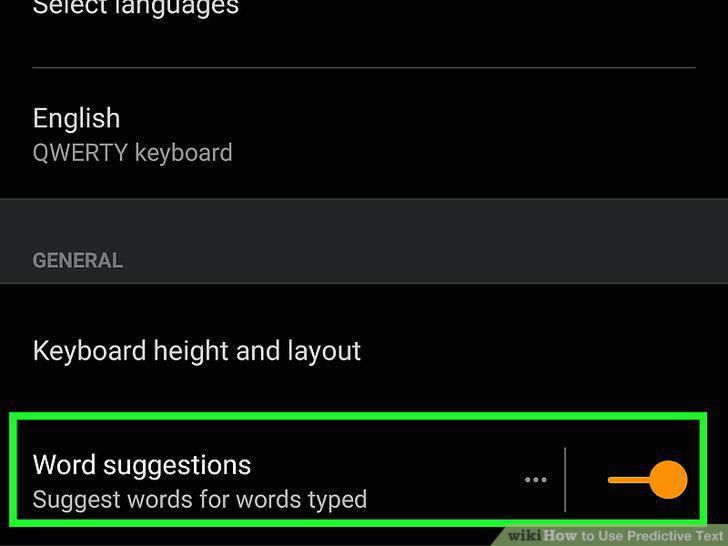
Enable predictive text on your keyboard.
2
Open an app and tap the typing area.
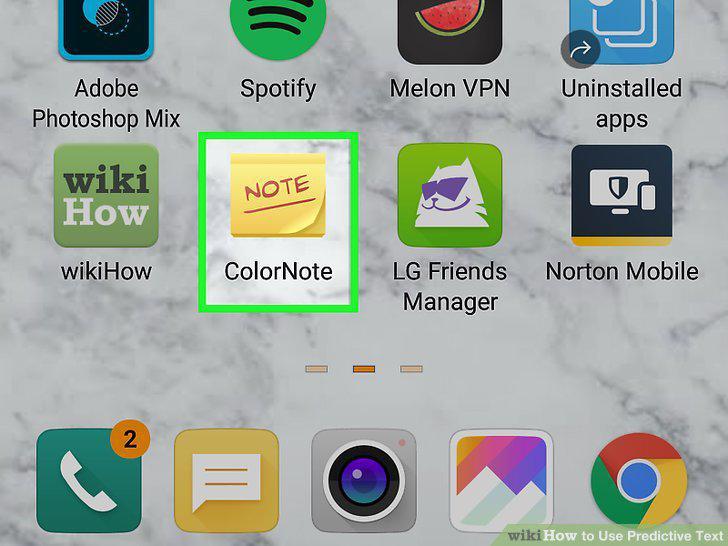
Open an app and tap the typing area.
3
Type the first three to four letters of a word.

Type the first three to four letters of a word.
4
Tap the correct suggested word.

Tap the correct suggested word.
5
Tap the next correct word.

Tap the next correct word.
Comments (0)
No comments yet. Be the first to share your thoughts!