How to Join a Telegram Channel PC or Mac
Open the Telegram web app in your internet browser.. Click the Search bar.. Type @ into the Search bar.
Steps
1
Open the Telegram web app in your internet browser.
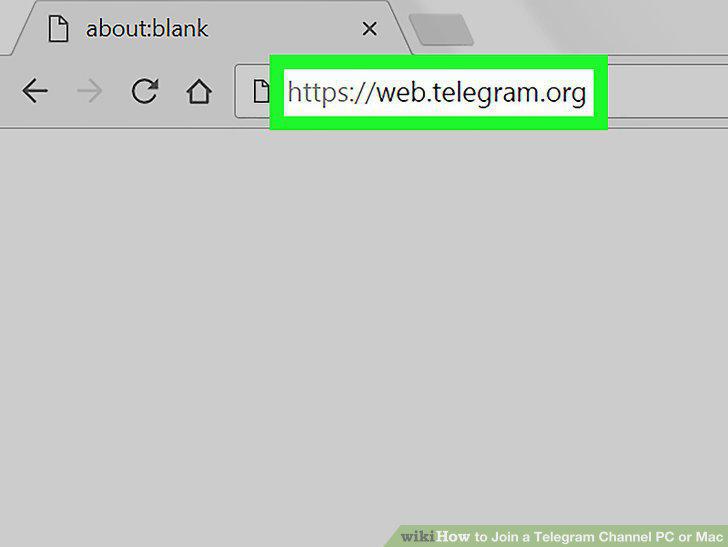
Open the Telegram web app in your internet browser.
2
Click the Search bar.
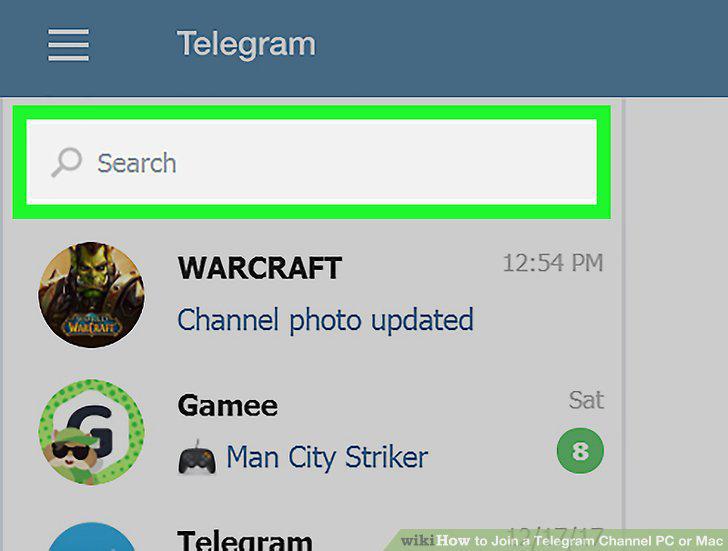
Click the Search bar.
3
Type @ into the Search bar.
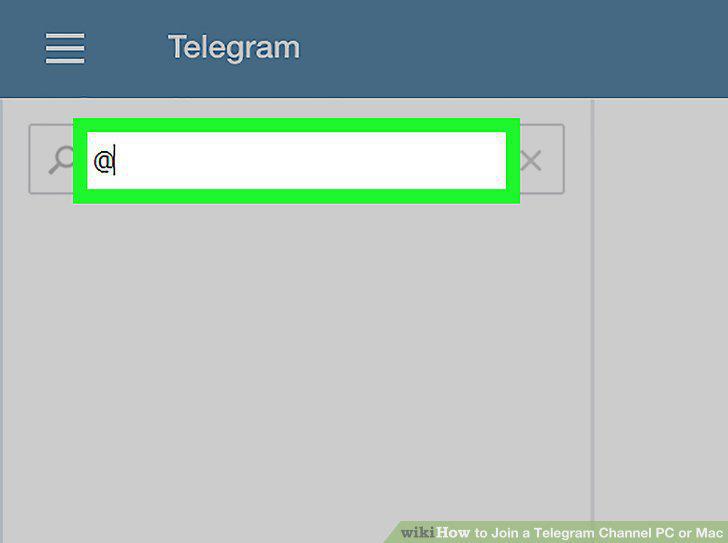
Type @ into the Search bar.
4
Type the channel's name following the "@" sign.
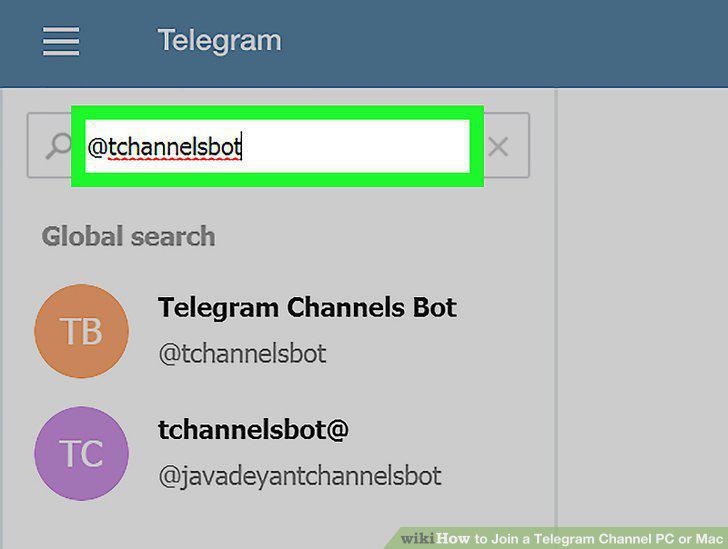
Type the channel's name following the "@" sign.
5
Click the channel you want to join.
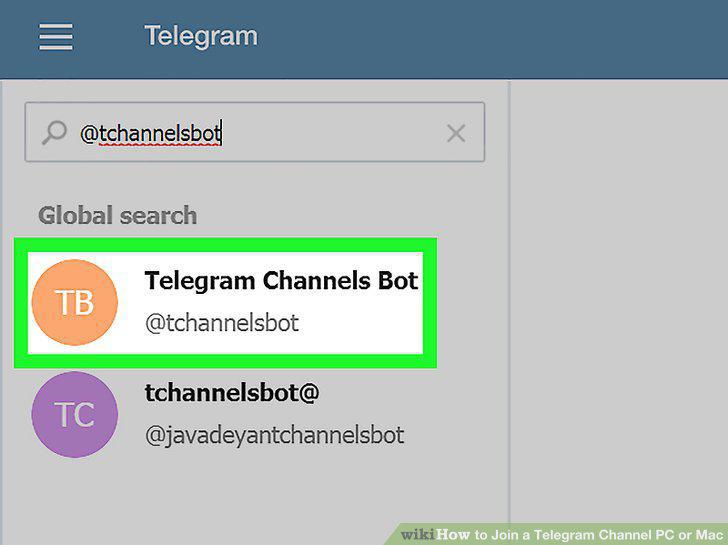
Click the channel you want to join.
6
Click + JOIN at the bottom of the conversation.

Click + JOIN at the bottom of the conversation.
Comments (0)
No comments yet. Be the first to share your thoughts!