How to Convert WebP to JPG
Open your internet browser.. Go to Convertio.co in your internet browser.. Click the red From Computer button.
Steps
1
Open your internet browser.
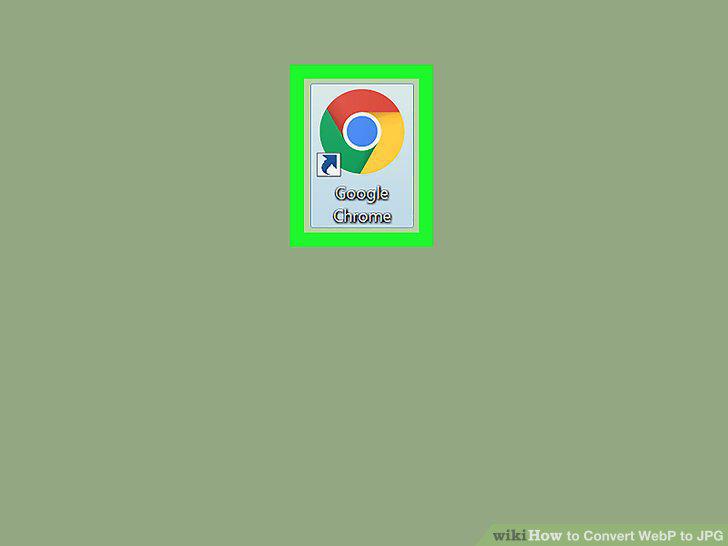
Open your internet browser.
2
Go to Convertio.co in your internet browser.
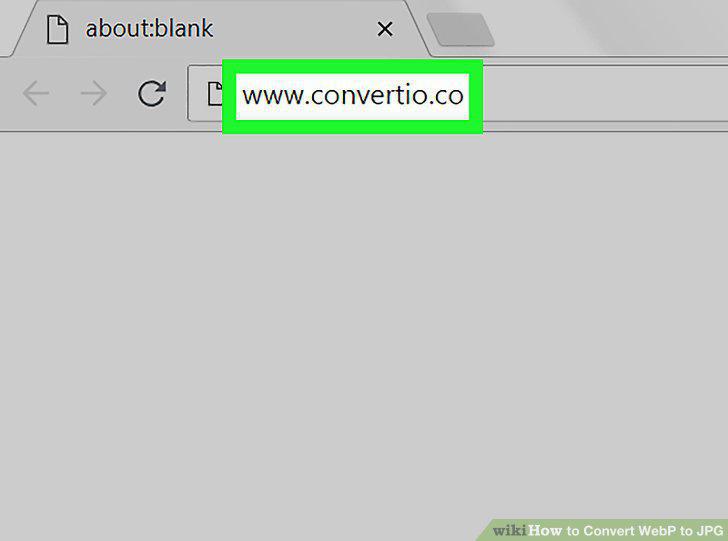
Go to Convertio.co in your internet browser.
3
Click the red From Computer button.
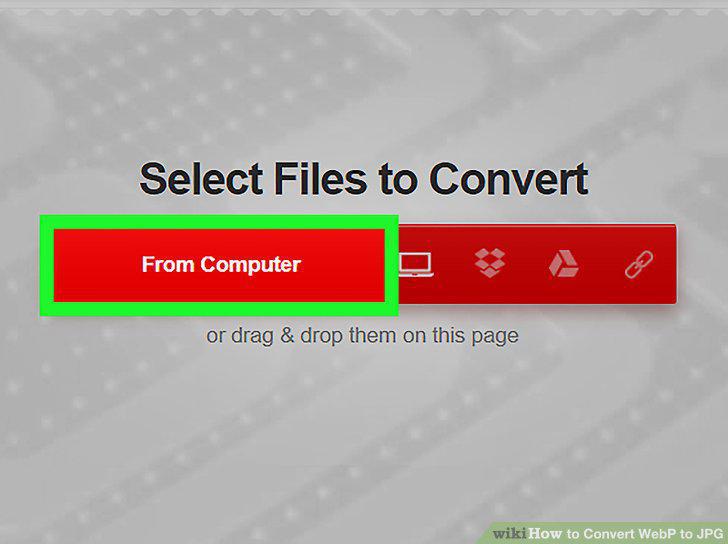
Click the red From Computer button.
4
Select the WebP file you want to convert.
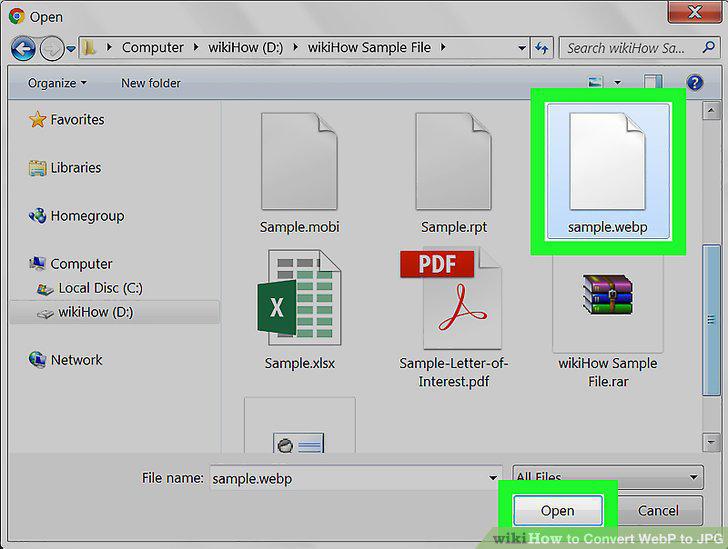
Select the WebP file you want to convert.
5
Click the file format drop-down next to your file on the list.
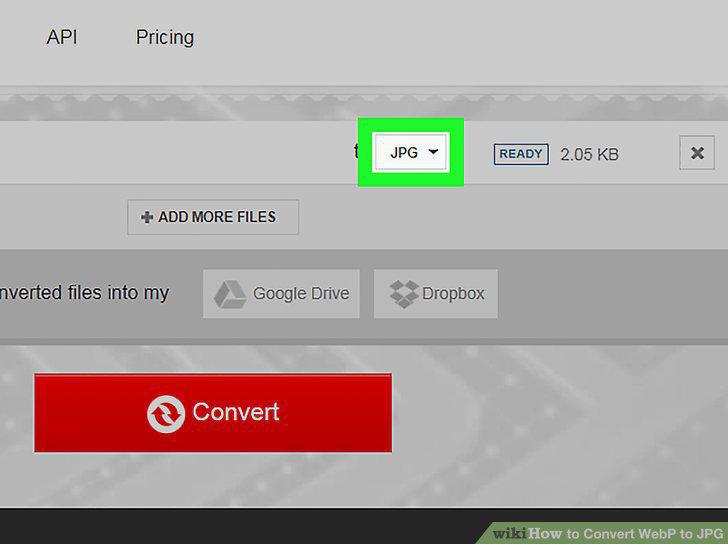
Click the file format drop-down next to your file on the list.
6
Hover over IMAGE on the drop-down.
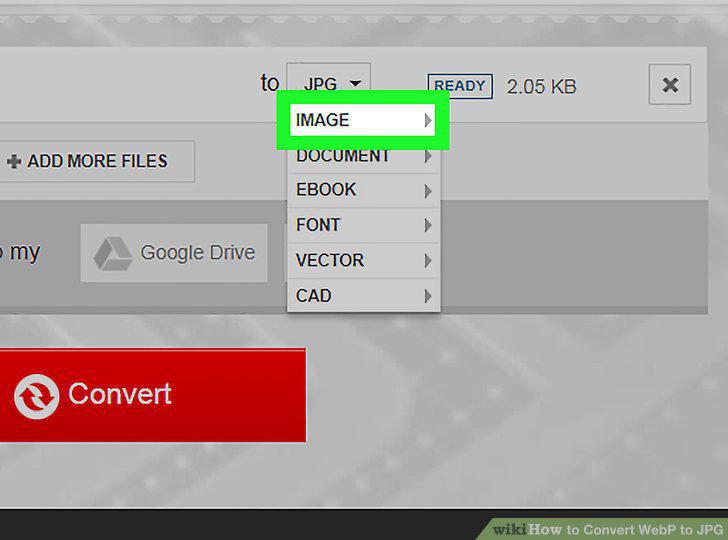
Hover over IMAGE on the drop-down.
7
Select JPG on the IMAGE menu.
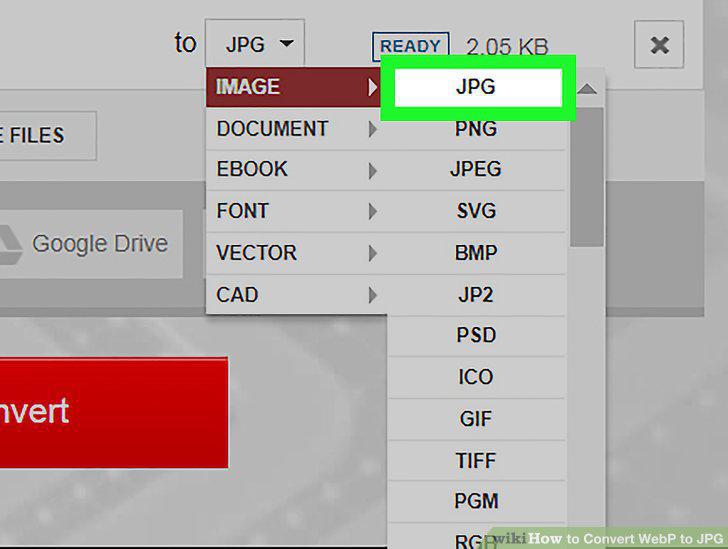
Select JPG on the IMAGE menu.
8
Click the red Convert button at the bottom.
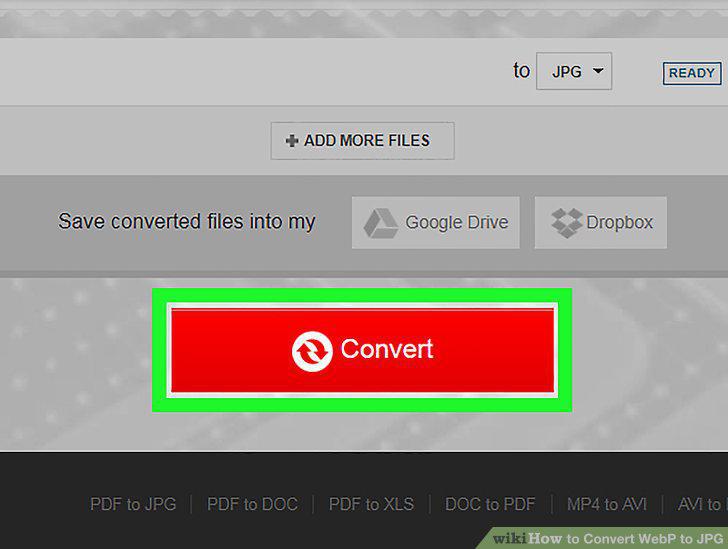
Click the red Convert button at the bottom.
9
Click the green DOWNLOAD button.
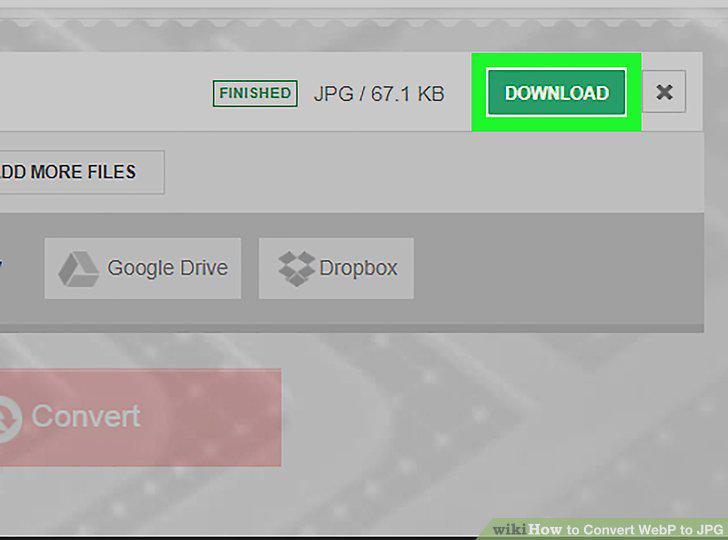
Click the green DOWNLOAD button.
Comments (0)
No comments yet. Be the first to share your thoughts!