How to Download Microsoft Paint
Open Start .. Open the Microsoft Store.. Click Search.
Steps
1
Open Start .
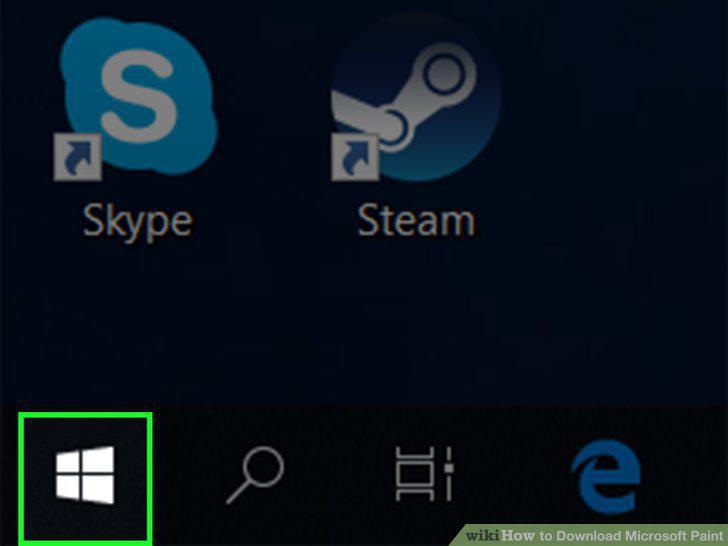
Open Start .
2
Open the Microsoft Store.
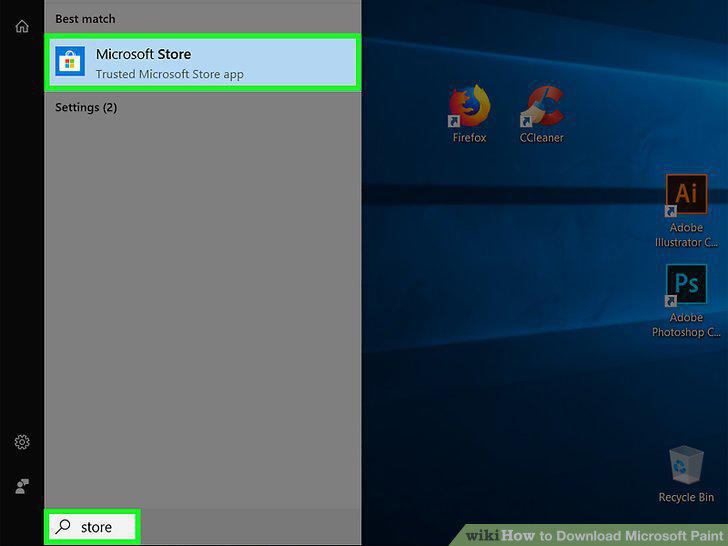
Open the Microsoft Store.
3
Click Search.
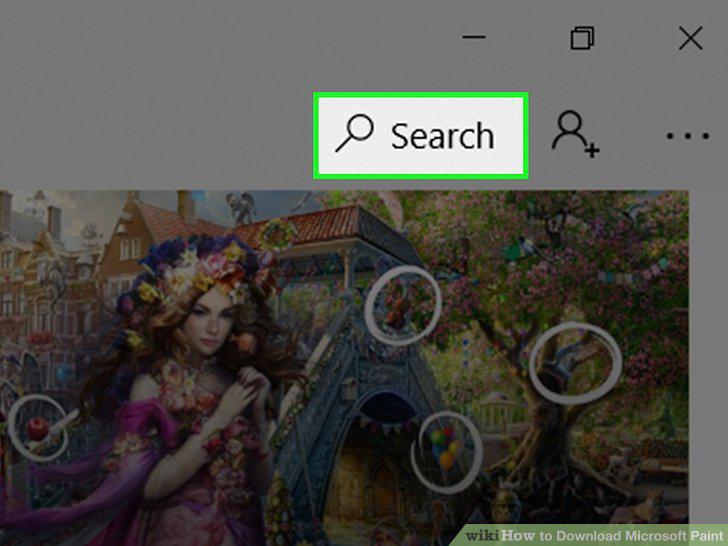
Click Search.
4
Search for Paint 3D.
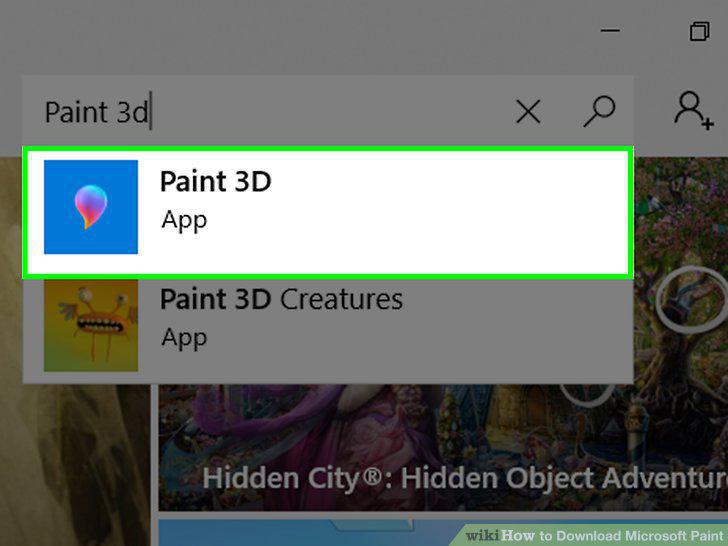
Search for Paint 3D.
5
Click Get.
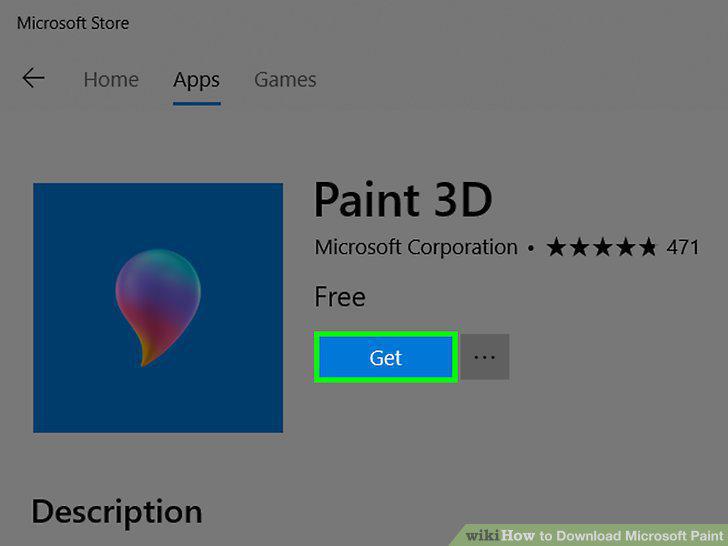
Click Get.
6
Wait for Paint 3D to finish installing.
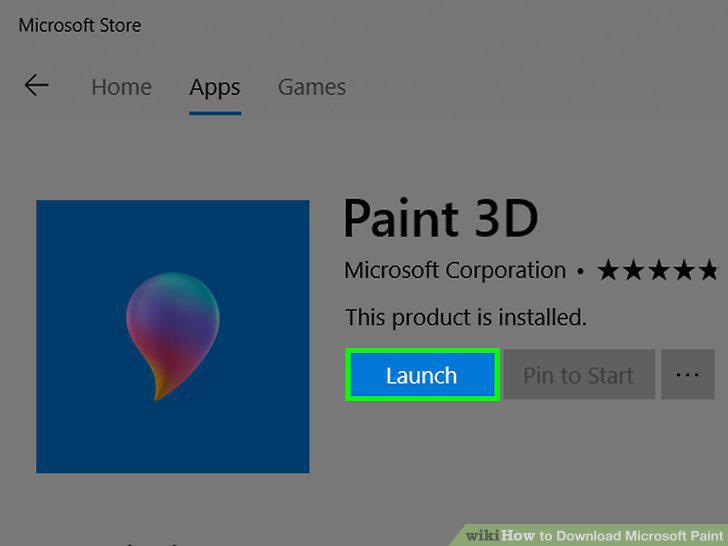
Wait for Paint 3D to finish installing.
Comments (0)
No comments yet. Be the first to share your thoughts!