How to Edit Your Facebook Profile Picture Thumbnail
Open Facebook.. Click your name.. Select your current profile picture.
Steps
1
Open Facebook.
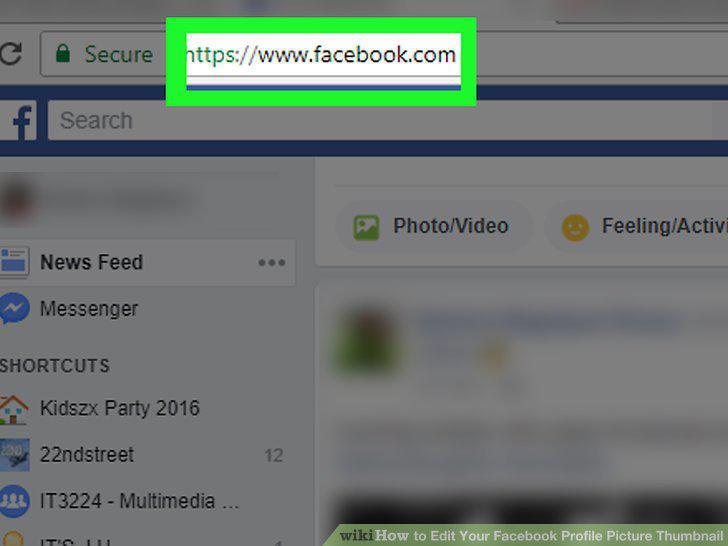
Open Facebook.
2
Click your name.
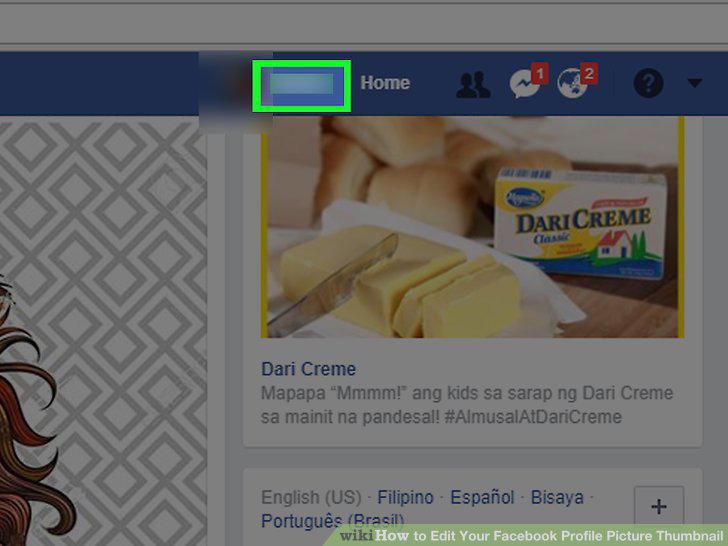
Click your name.
3
Select your current profile picture.
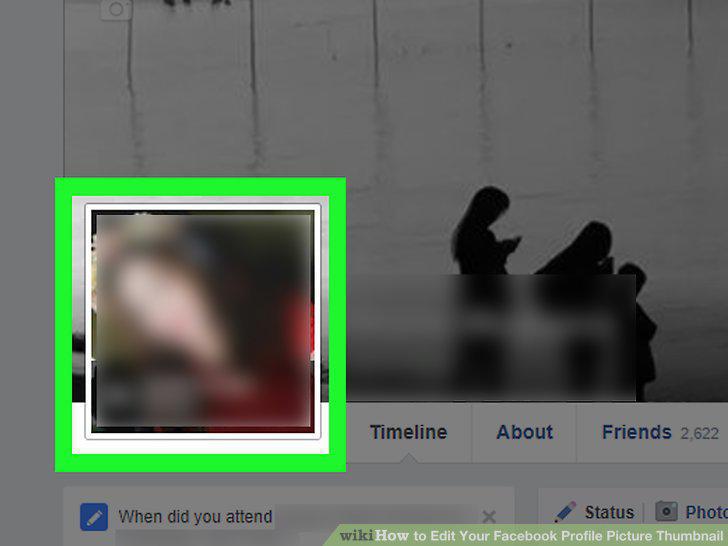
Select your current profile picture.
4
Click Update Profile Picture.
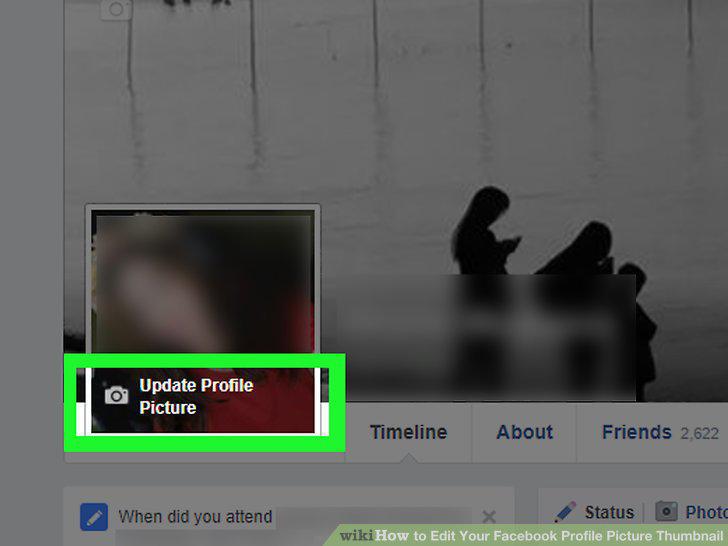
Click Update Profile Picture.
5
Click the pencil icon.
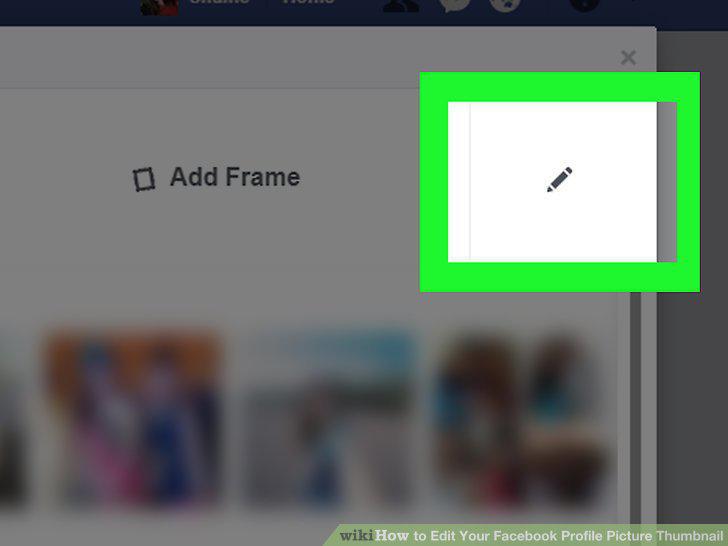
Click the pencil icon.
6
Edit your profile picture's thumbnail.
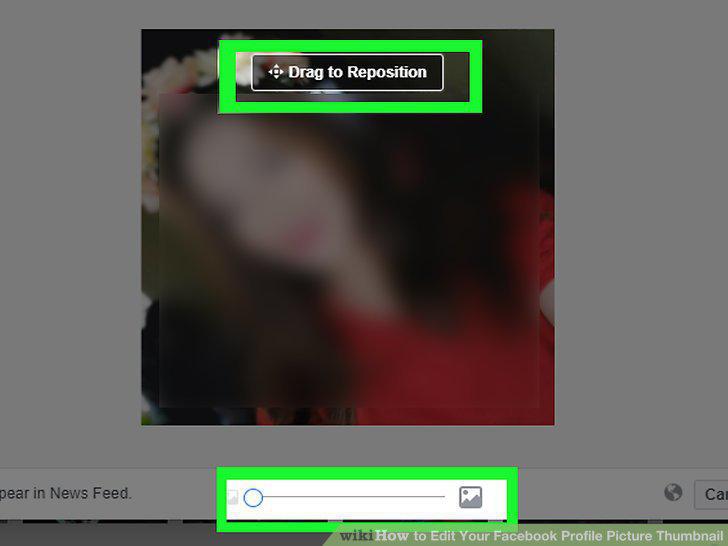
Edit your profile picture's thumbnail.
7
Click Save.
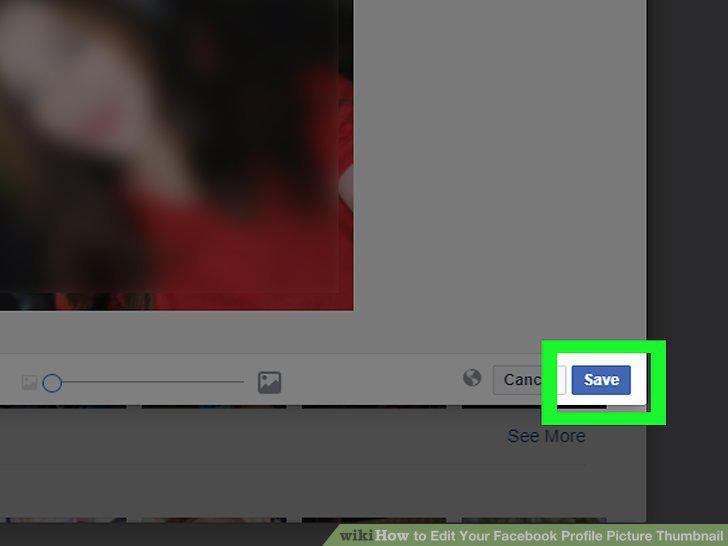
Click Save.
Comments (0)
No comments yet. Be the first to share your thoughts!