How to Add a Filter to an iPhone Screen
Open your iPhone's Settings.. Tap General.. Tap Accessibility.
Steps
1
Open your iPhone's Settings.
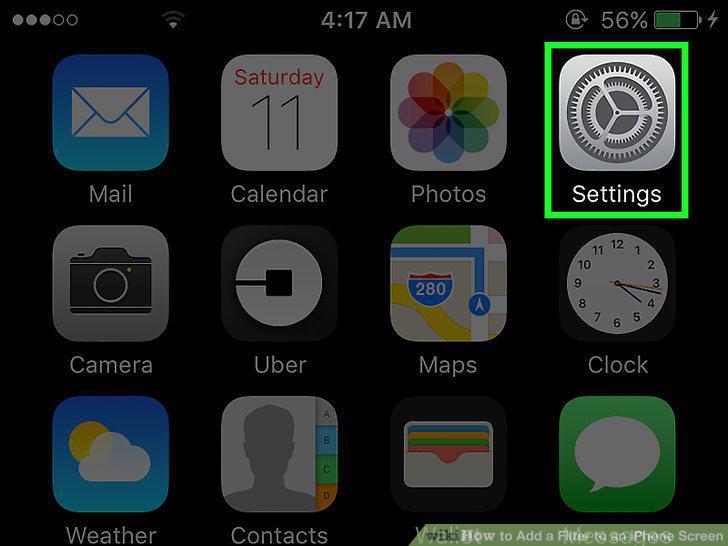
Open your iPhone's Settings.
2
Tap General.
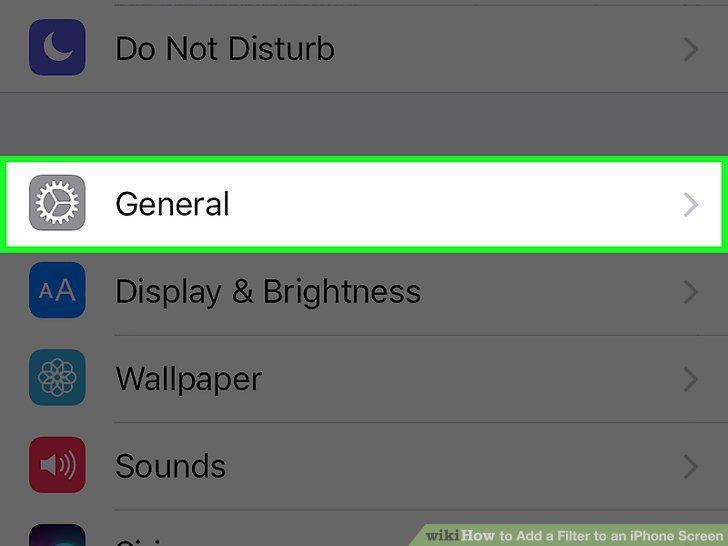
Tap General.
3
Tap Accessibility.
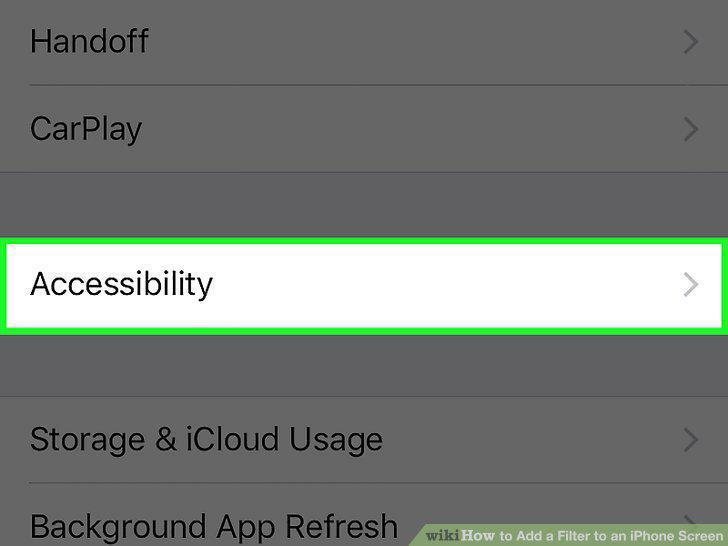
Tap Accessibility.
4
Tap Display Accommodations.
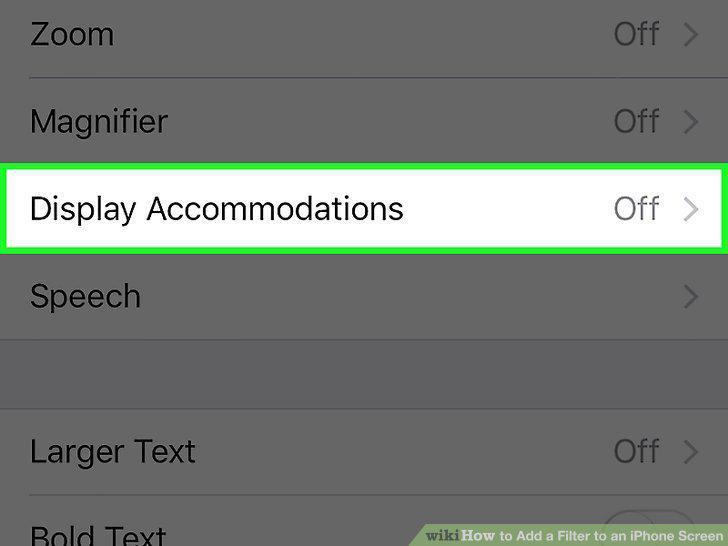
Tap Display Accommodations.
5
Tap Color Filters.
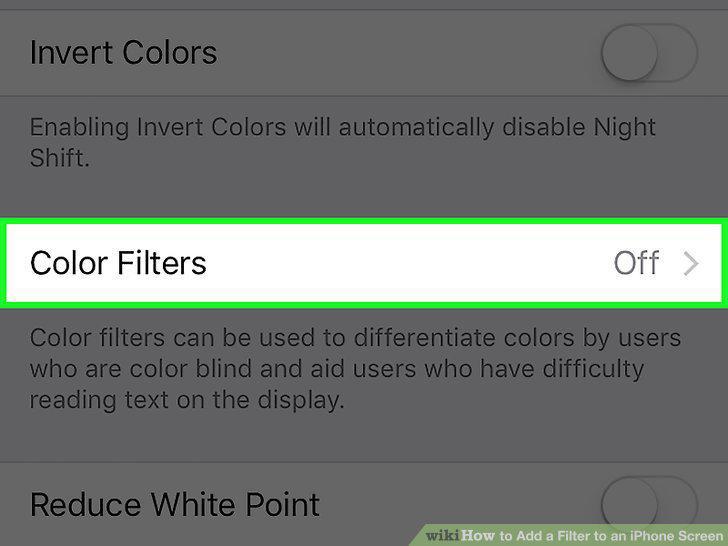
Tap Color Filters.
6
Slide the "Color Filters" switch to the on position.
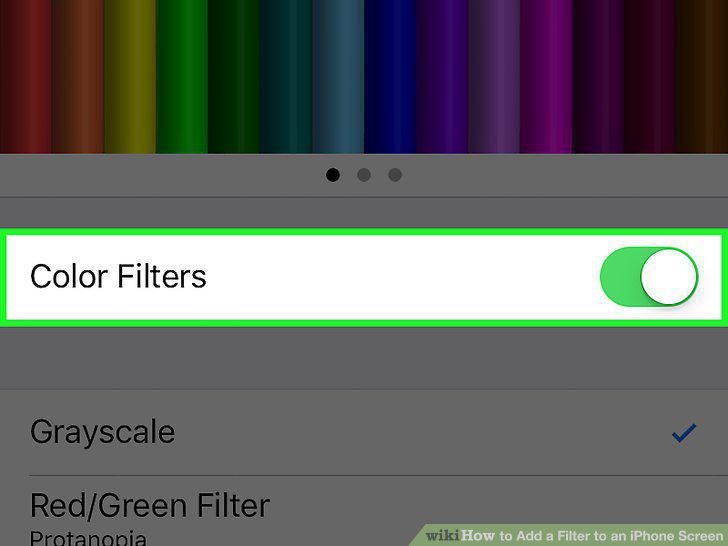
Slide the "Color Filters" switch to the on position.
7
Tap a color filter to enable it.
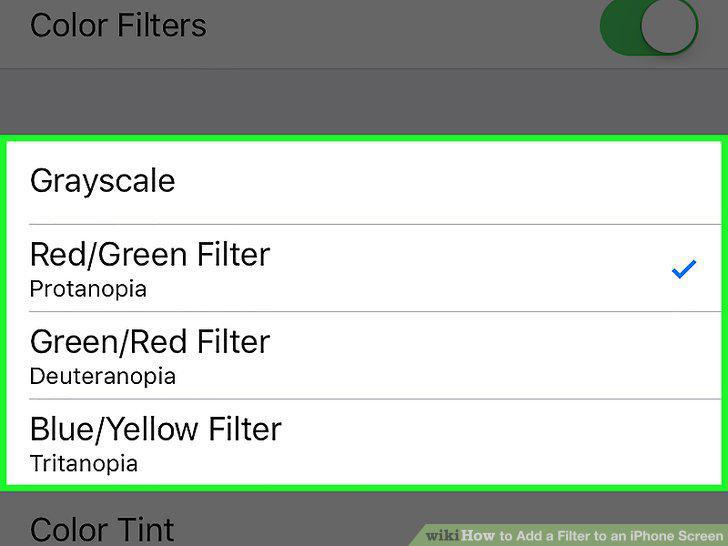
Tap a color filter to enable it.
8
Drag the "Intensity" slider to adjust the filter's intensity.
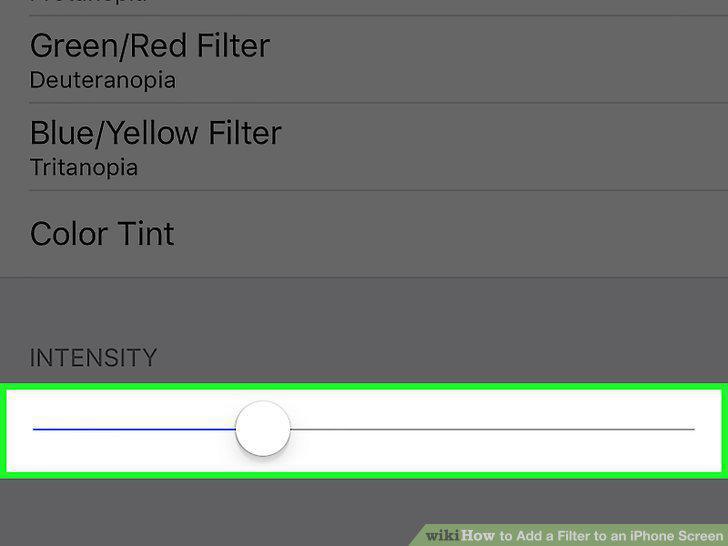
Drag the "Intensity" slider to adjust the filter's intensity.
9
Tap the Color Tint to change the hue.
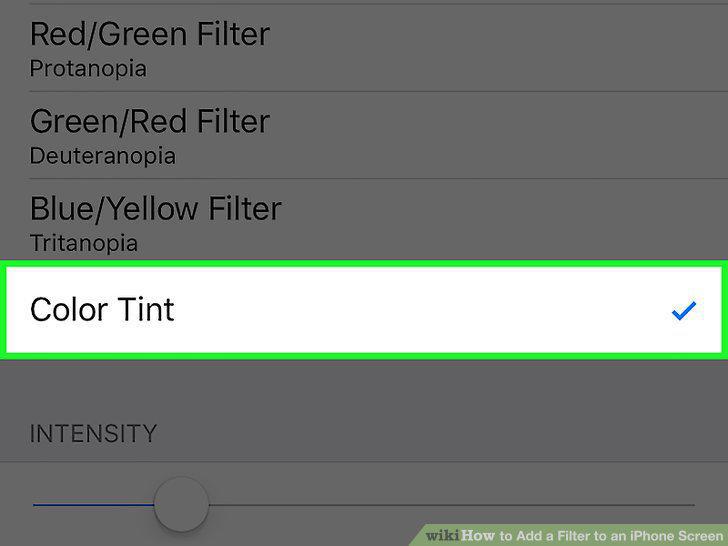
Tap the Color Tint to change the hue.
10
Tap Back to exit your Color Filter settings.
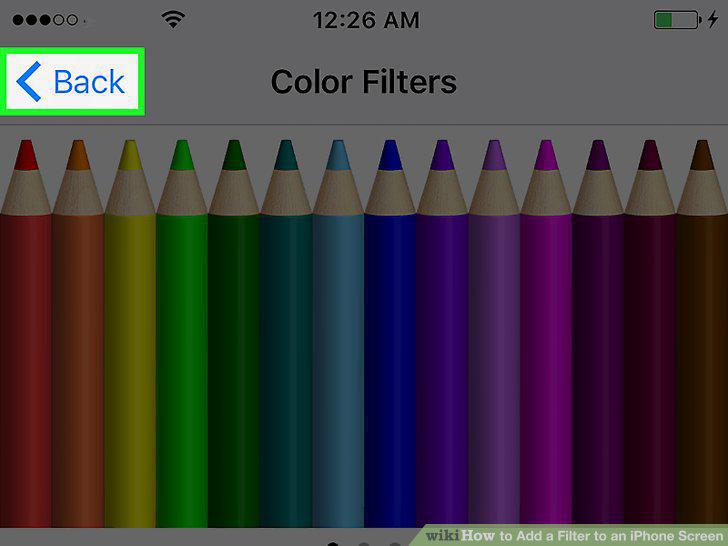
Tap Back to exit your Color Filter settings.
Comments (0)
No comments yet. Be the first to share your thoughts!