How to Make Free Calls
Use Facebook Messenger to call from either your computer or smartphone.. Call and chat with Skype.. Try Google Hangouts, especially if you have an Android smartphone.
Steps
1
Use Facebook Messenger to call from either your computer or smartphone.
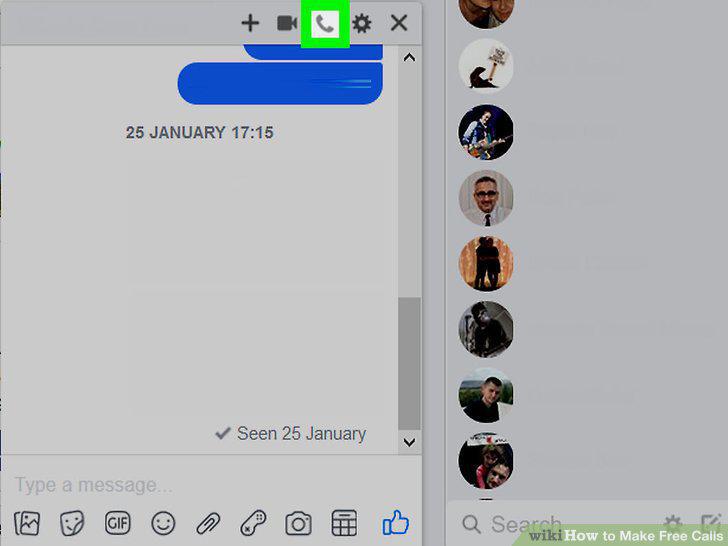
Use Facebook Messenger to call from either your computer or smartphone.
2
Call and chat with Skype.
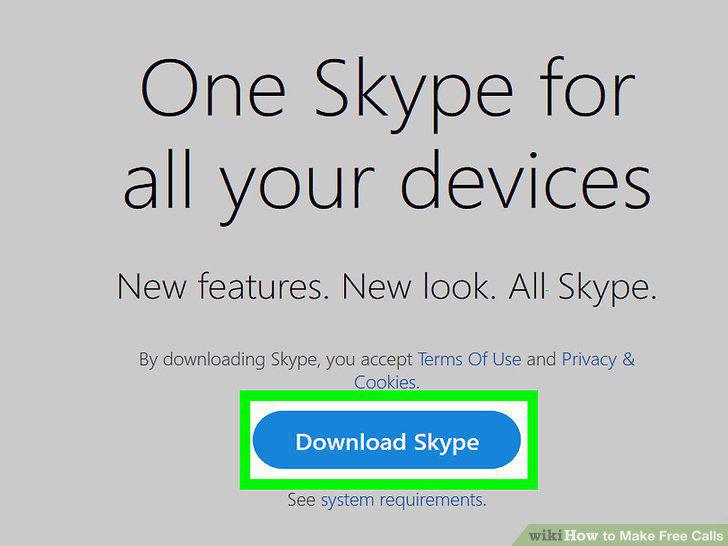
Call and chat with Skype.
3
Try Google Hangouts, especially if you have an Android smartphone.
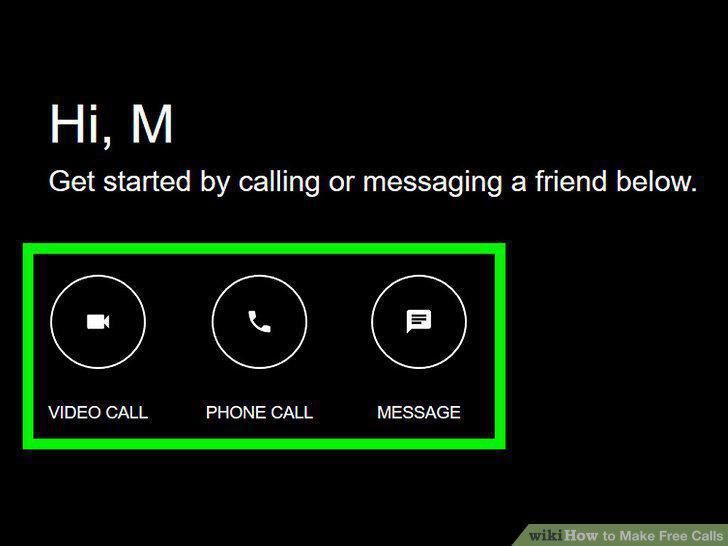
Try Google Hangouts, especially if you have an Android smartphone.
4
Download WhatsApp and call contacts for free.
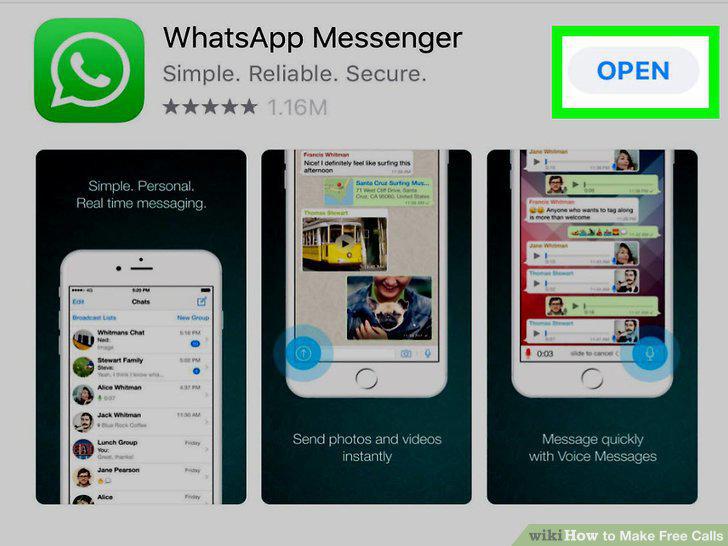
Download WhatsApp and call contacts for free.
5
Call with Apple FaceTime if you have an iPhone.
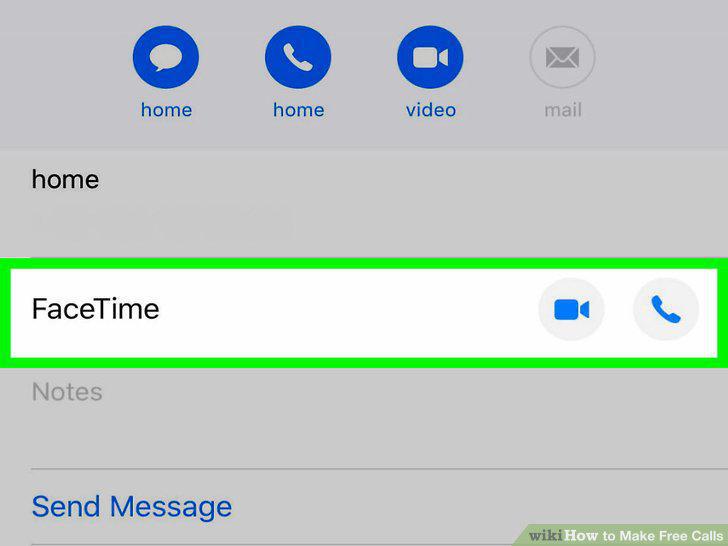
Call with Apple FaceTime if you have an iPhone.
6
Try Google Duo for an easier alternative to Google Hangouts.
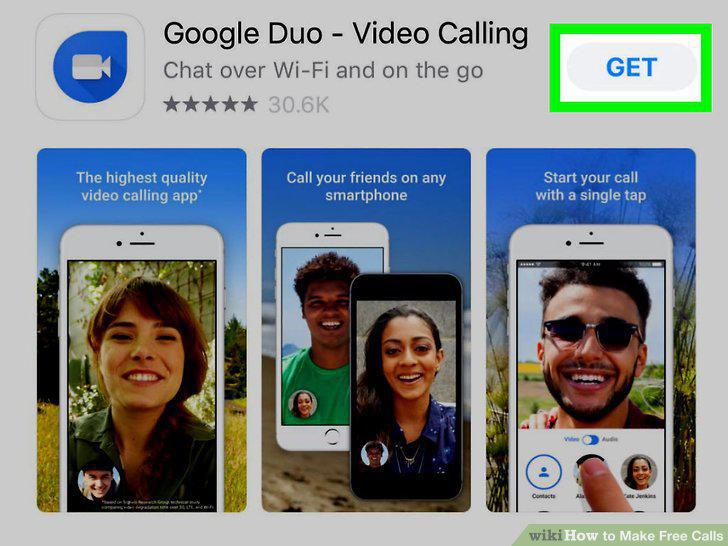
Try Google Duo for an easier alternative to Google Hangouts.
7
Download the app Viber to send messages and make calls.
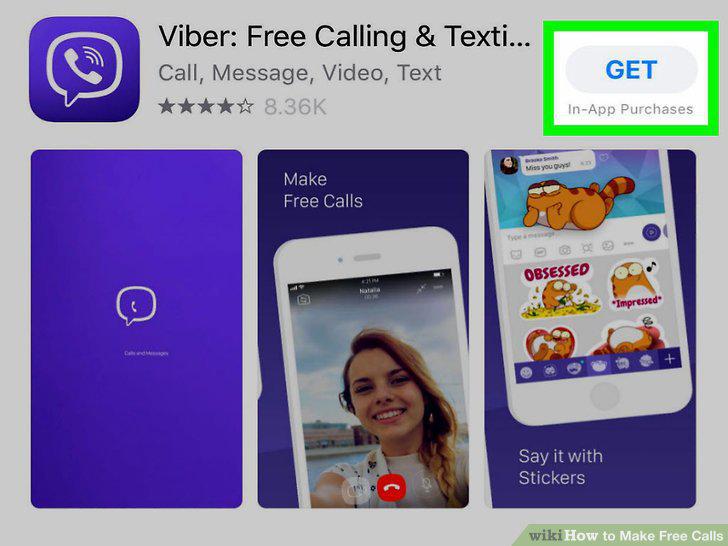
Download the app Viber to send messages and make calls.
8
Make free international calls using the app Rebtel.
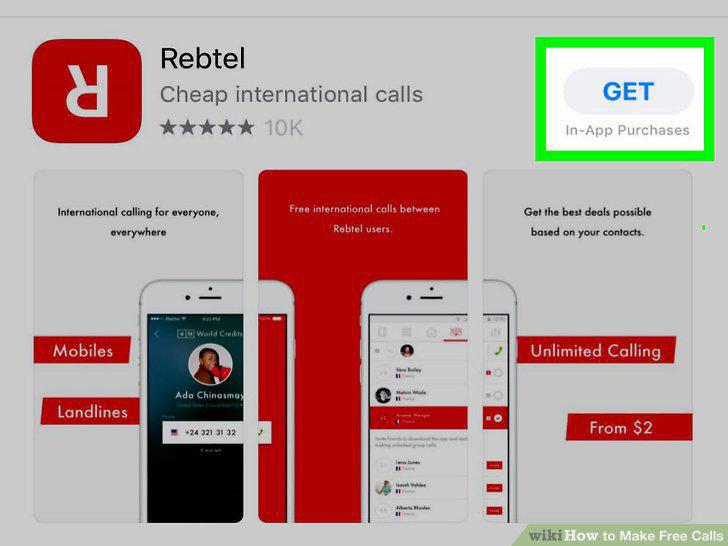
Make free international calls using the app Rebtel.
Comments (0)
No comments yet. Be the first to share your thoughts!