How to Identify Email Spoofing
Check the email address, not just the display name.. Look for the header.. Check the "Received" field.
Steps
1
Check the email address, not just the display name.
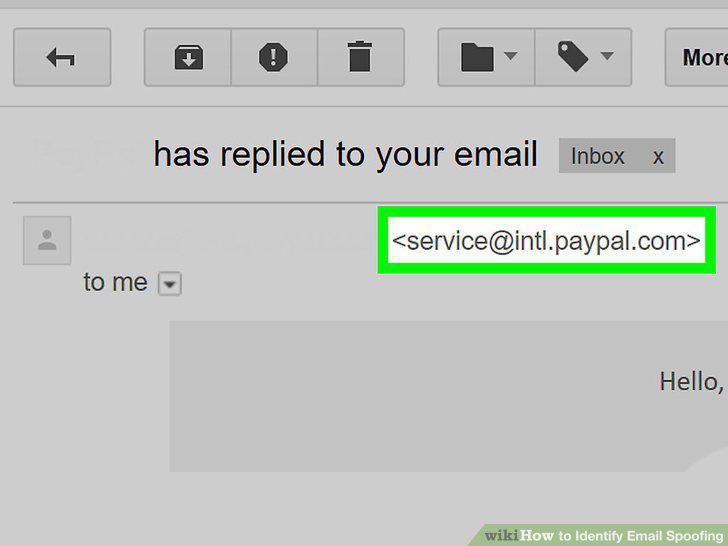
Check the email address, not just the display name.
2
Look for the header.
Look for the header.
3
Check the "Received" field.
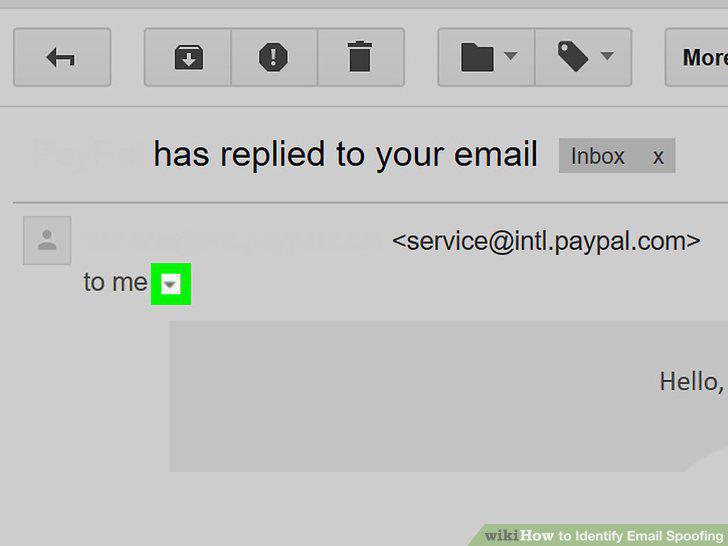
Check the "Received" field.
4
Check the return path.
Check the return path.
5
Review the subject line.
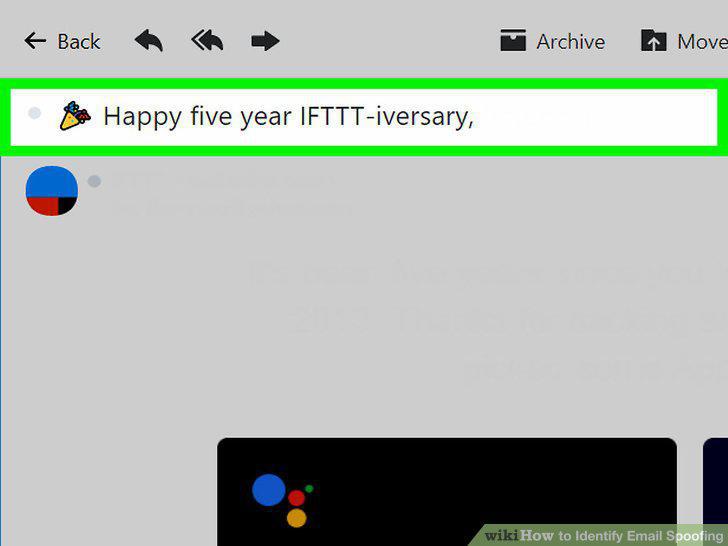
Review the subject line.
6
Hover over links.

Hover over links.
7
Look for spelling and grammar mistakes.
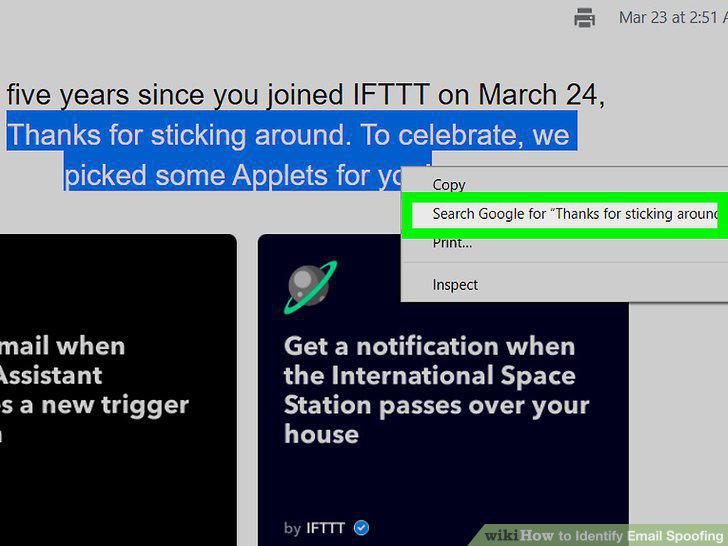
Look for spelling and grammar mistakes.
8
Beware requests for personal information.
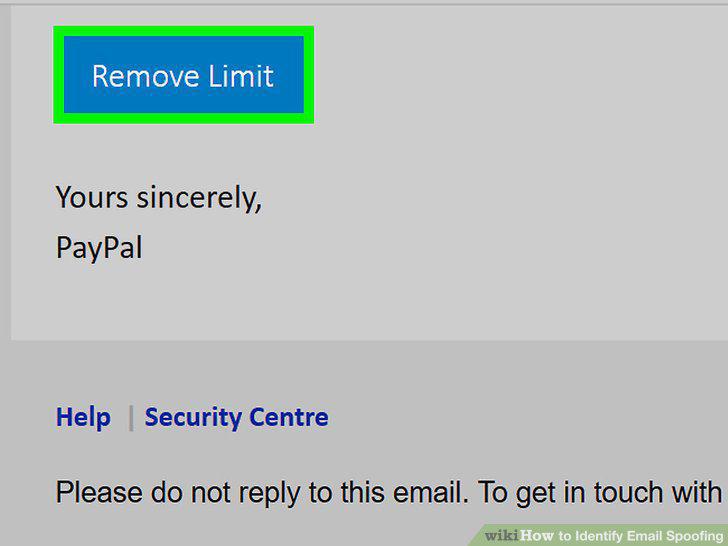
Beware requests for personal information.
9
Look for too much professional jargon.
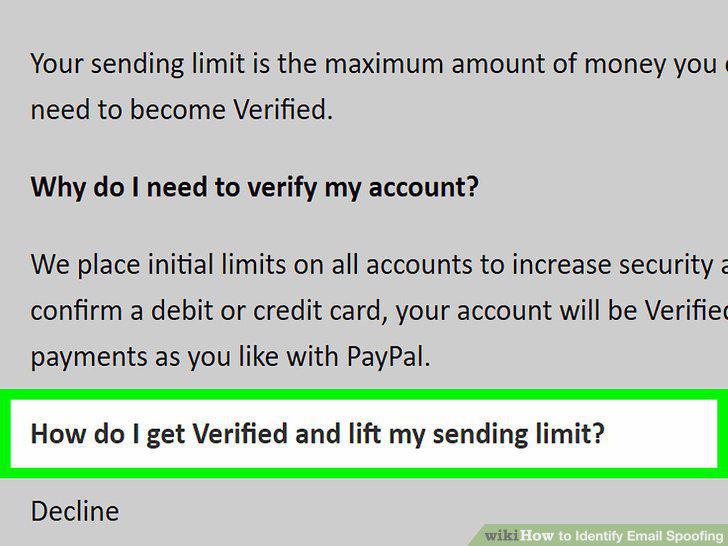
Look for too much professional jargon.
10
Check the email's tone.
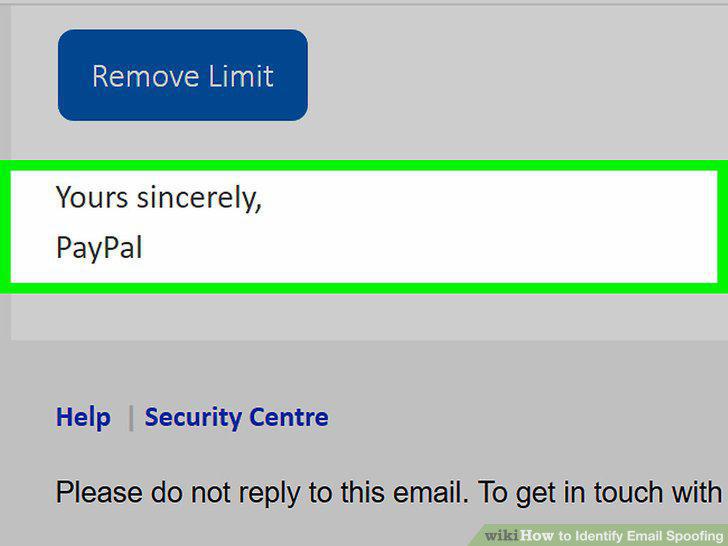
Check the email's tone.
11
Look for contact information in professional emails.
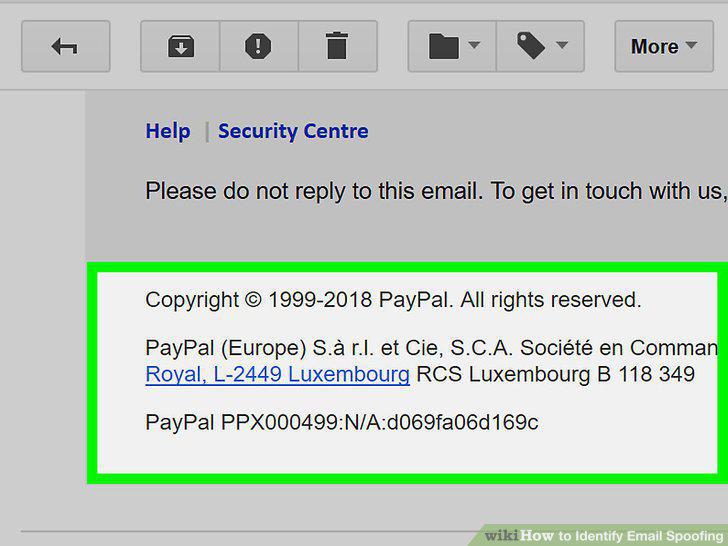
Look for contact information in professional emails.
12
Contact the sender directly.
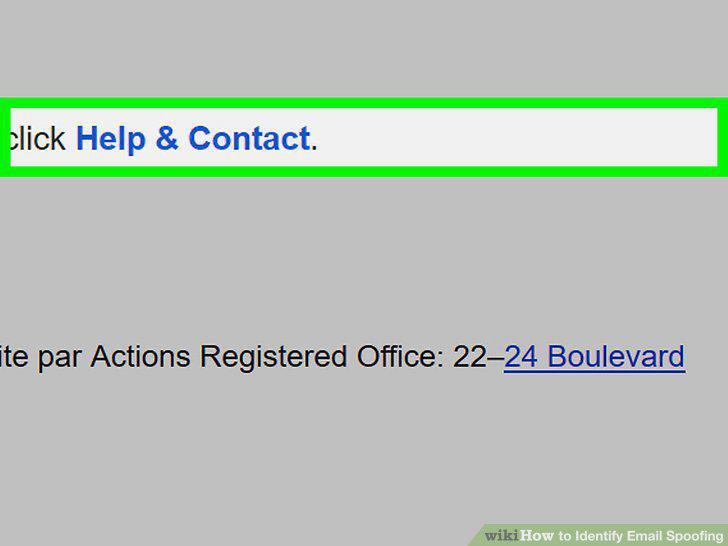
Contact the sender directly.
Comments (0)
No comments yet. Be the first to share your thoughts!