How to Use Pictures and Videos from Your Phone on Snapchat
Open the Snapchat app.. Tap the "Memories" icon.. Tap Camera Roll.
Steps
1
Open the Snapchat app.
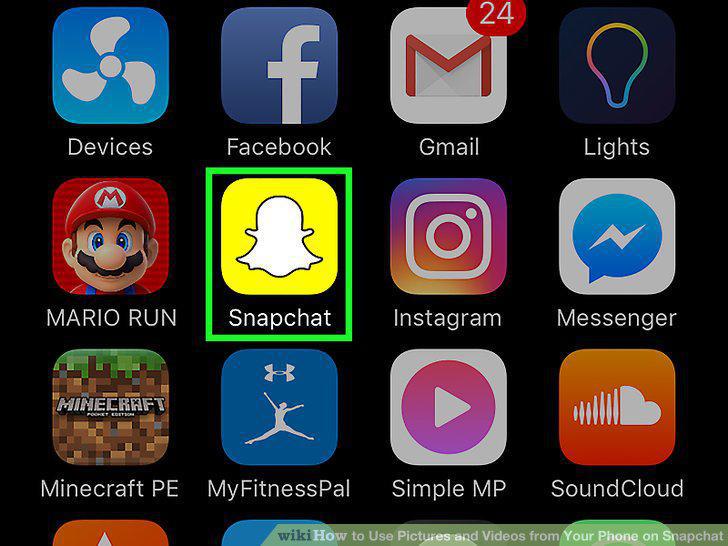
Open the Snapchat app.
2
Tap the "Memories" icon.
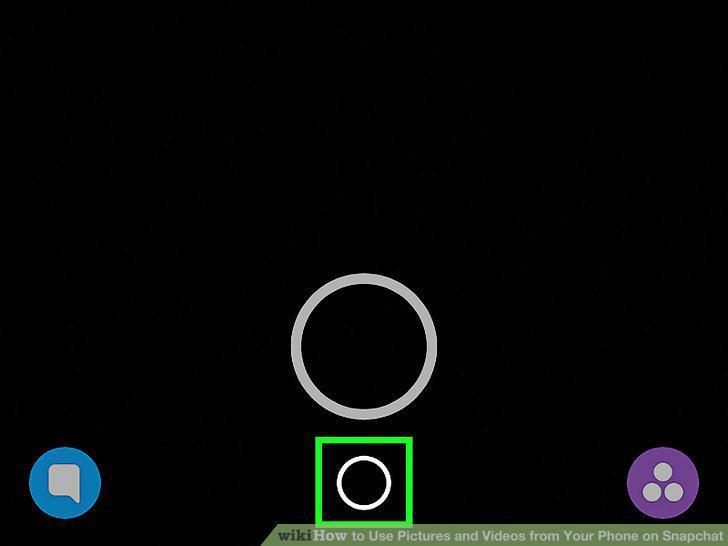
Tap the "Memories" icon.
3
Tap Camera Roll.
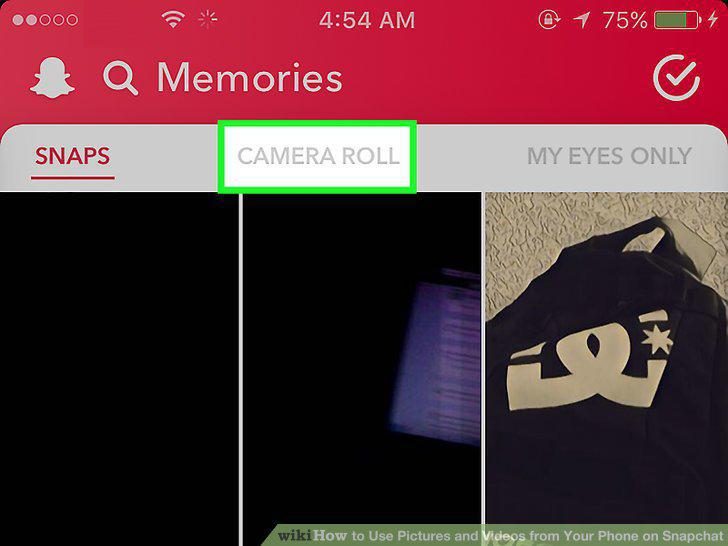
Tap Camera Roll.
4
Tap the photo or video you wish to share.
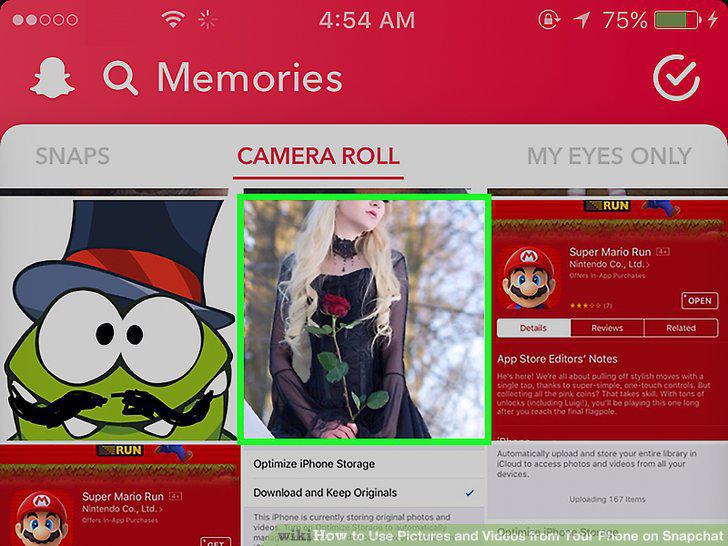
Tap the photo or video you wish to share.
5
Swipe up.
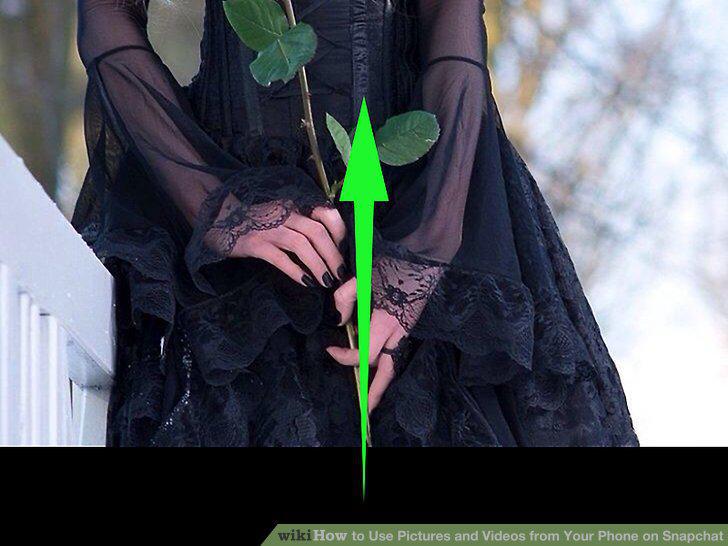
Swipe up.
6
Tap the "Send" icon.
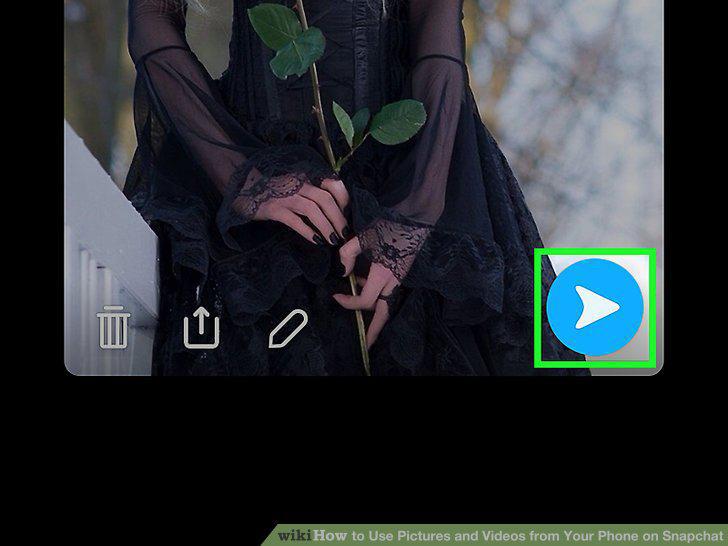
Tap the "Send" icon.
7
Tap on contacts to send the photo to.
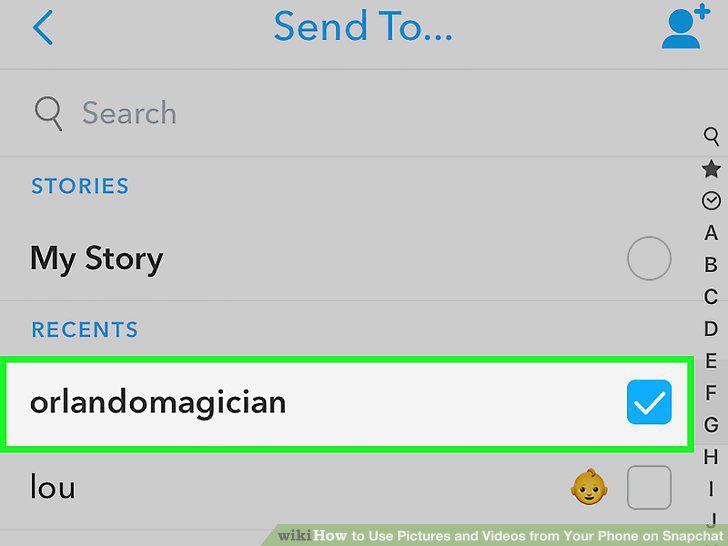
Tap on contacts to send the photo to.
8
Tap the "Send" icon.
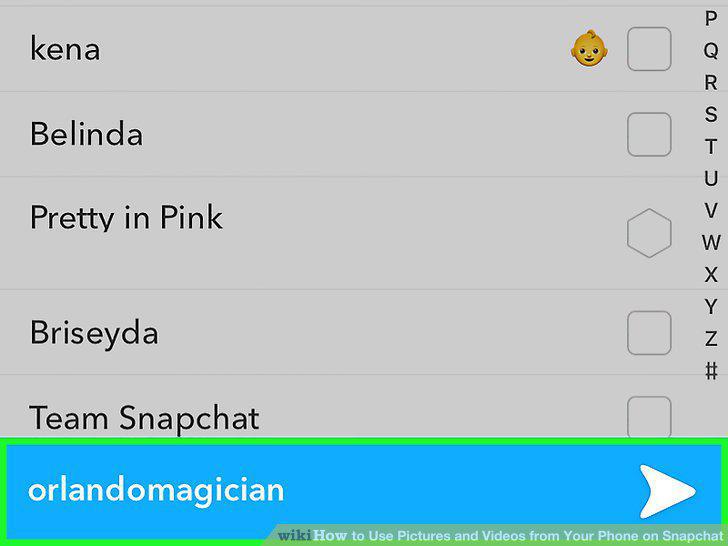
Tap the "Send" icon.
Comments (0)
No comments yet. Be the first to share your thoughts!