How to Send Snaps to Somebody Without Snapchat
Open Snapchat.. Tap or hold the Shutter button to take a Snap.. Tap the buttons at the top of the screen to add edits and effects.
Steps
1
Open Snapchat.
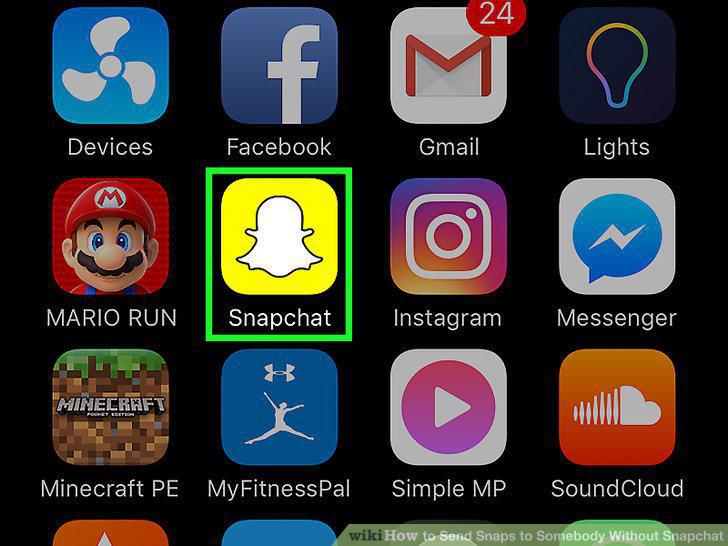
Open Snapchat.
2
Tap or hold the Shutter button to take a Snap.
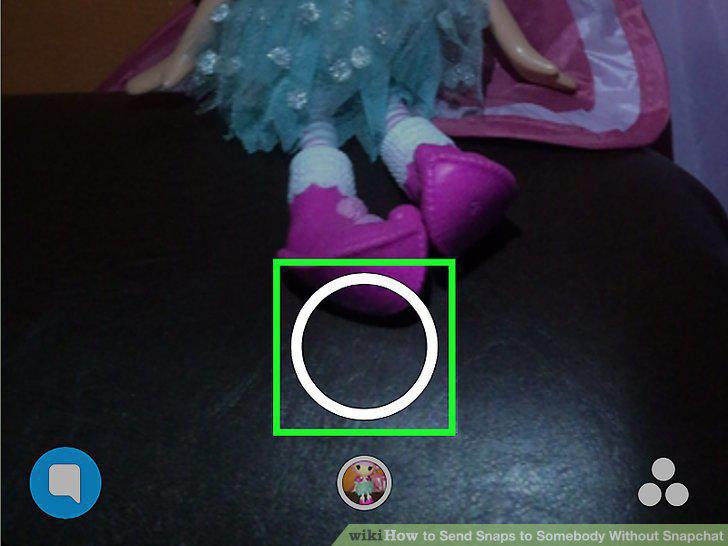
Tap or hold the Shutter button to take a Snap.
3
Tap the buttons at the top of the screen to add edits and effects.
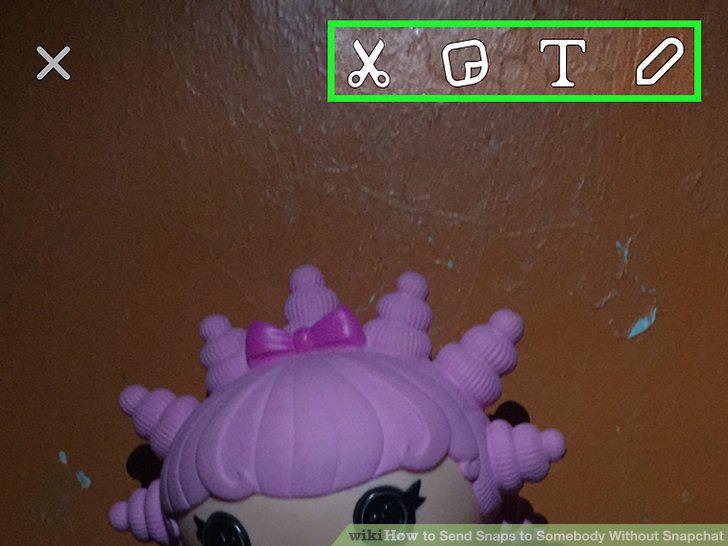
Tap the buttons at the top of the screen to add edits and effects.
4
Swipe left and right to add filters.
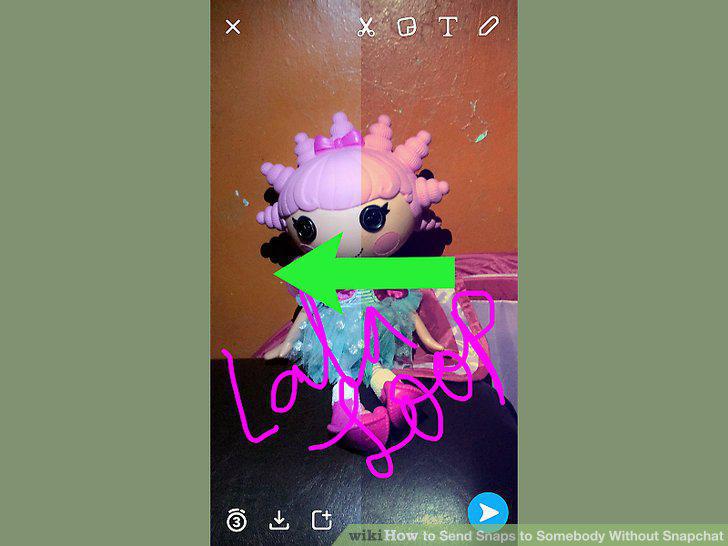
Swipe left and right to add filters.
5
Tap the Save button when you're satisfied with your Snap.
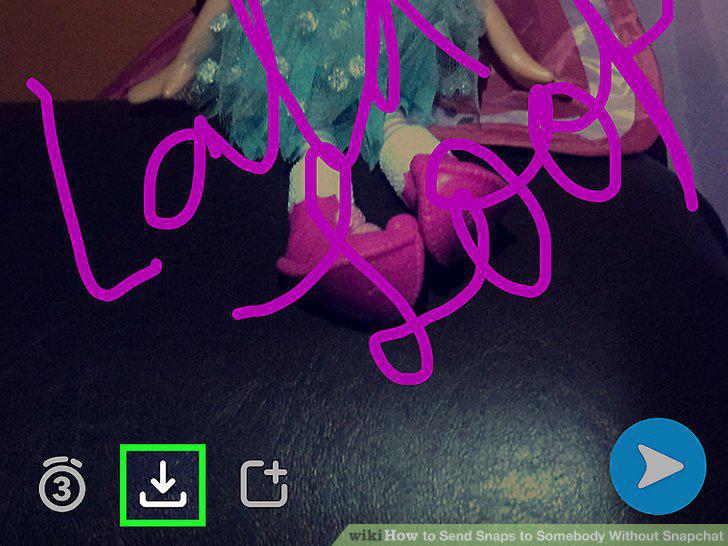
Tap the Save button when you're satisfied with your Snap.
6
Tap the X button to close the Snap.
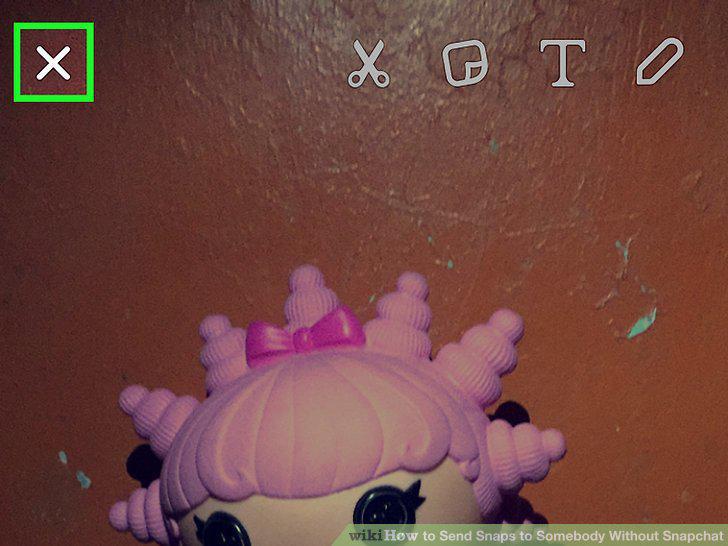
Tap the X button to close the Snap.
7
Save a Snap from your Story.
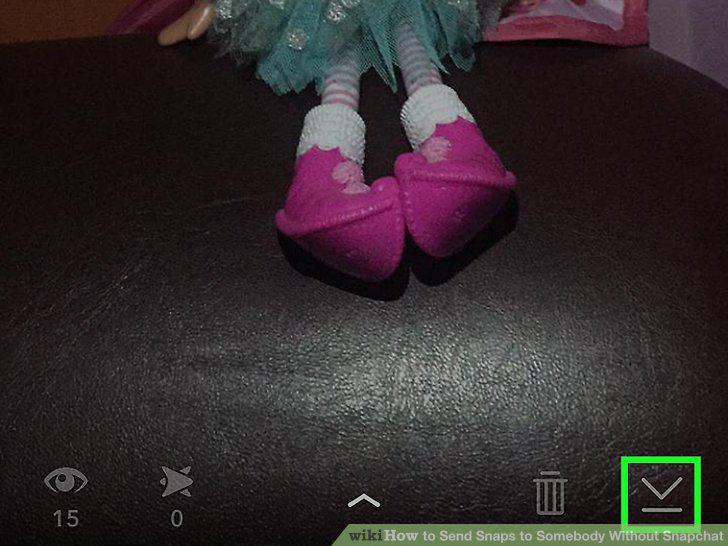
Save a Snap from your Story.
8
Open the Camera screen in Snapchat.
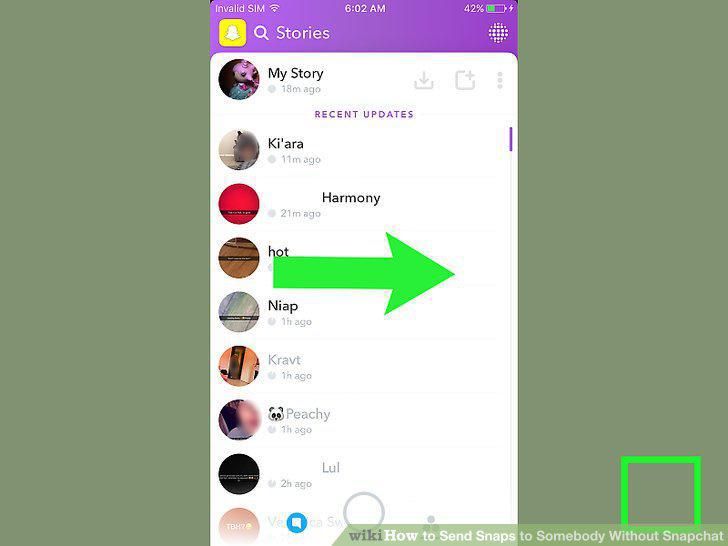
Open the Camera screen in Snapchat.
9
Tap the Memories button.
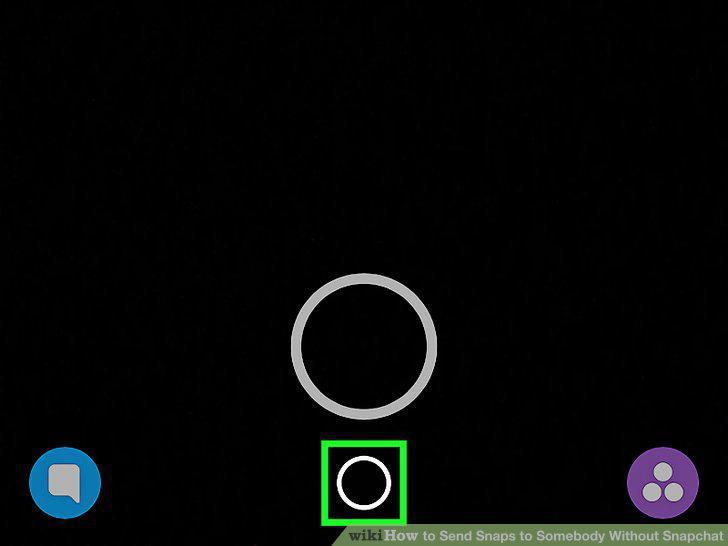
Tap the Memories button.
10
Press and hold the thumbnail of Snap you just created.
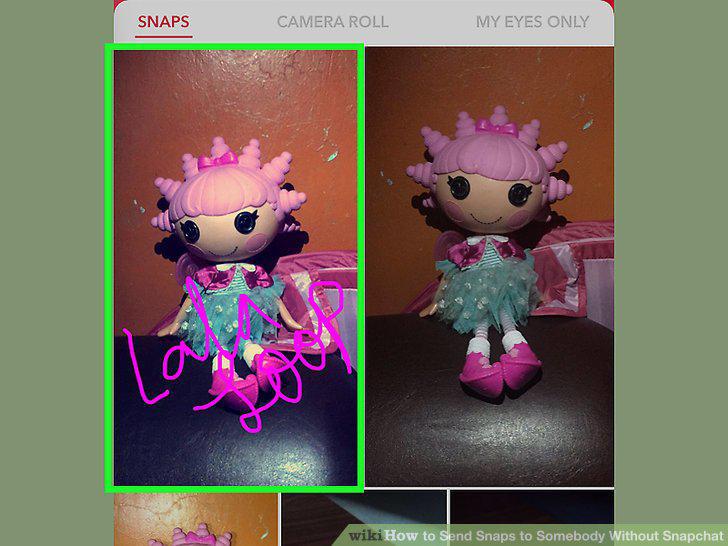
Press and hold the thumbnail of Snap you just created.
11
Tap Export Snap.
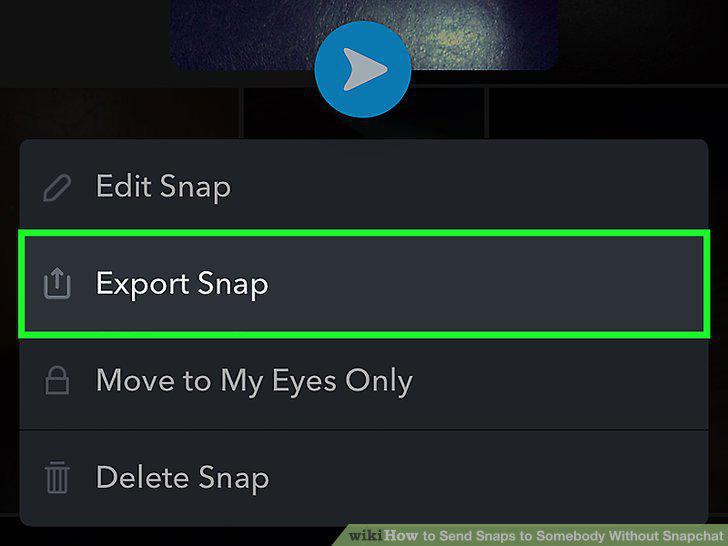
Tap Export Snap.
12
Tap the method that you want to use to share the Snap.
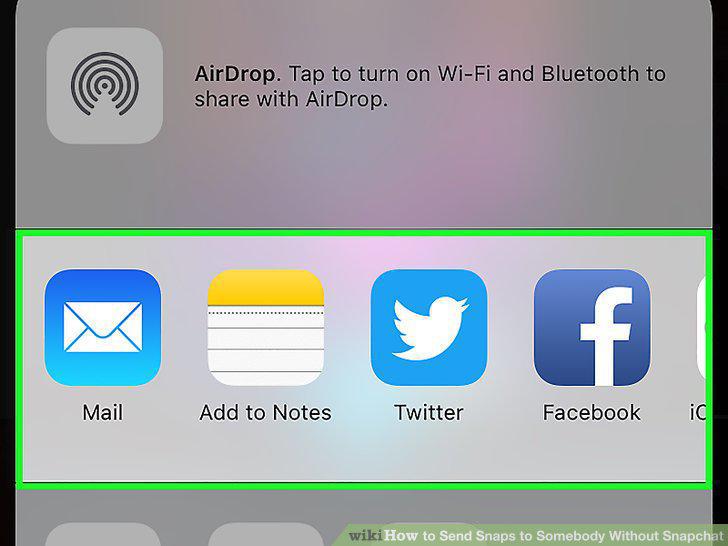
Tap the method that you want to use to share the Snap.
13
Compose and send your message.
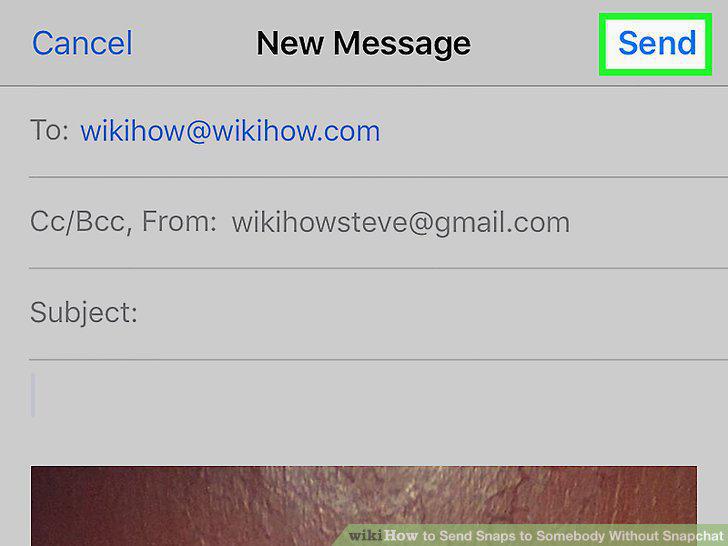
Compose and send your message.
Comments (0)
No comments yet. Be the first to share your thoughts!