How to Download Free Apps on App Store
Open the App Store .. Tap Search.. Tap the search bar.
Steps
1
Open the App Store .
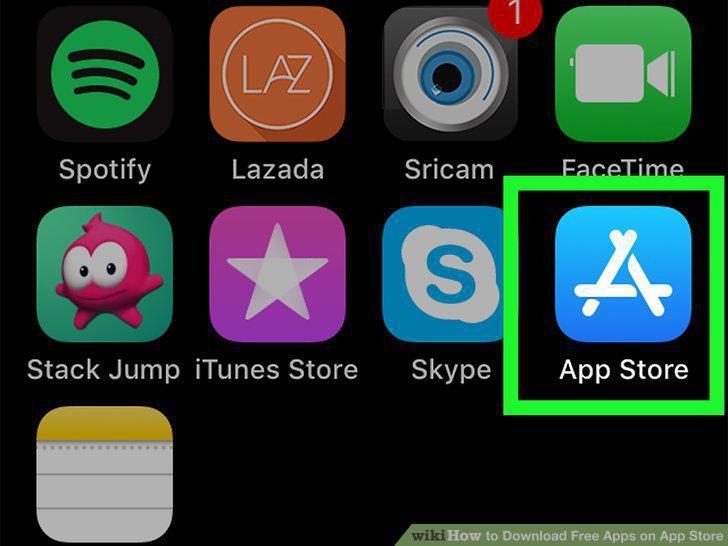
Open the App Store .
2
Tap Search.
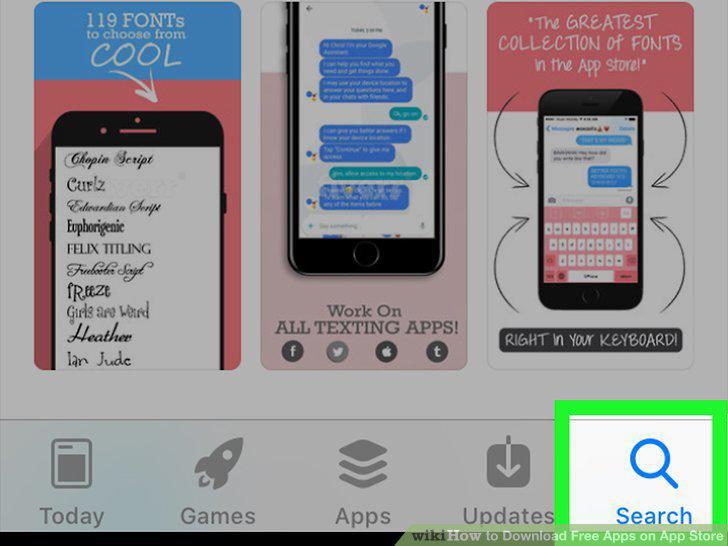
Tap Search.
3
Tap the search bar.
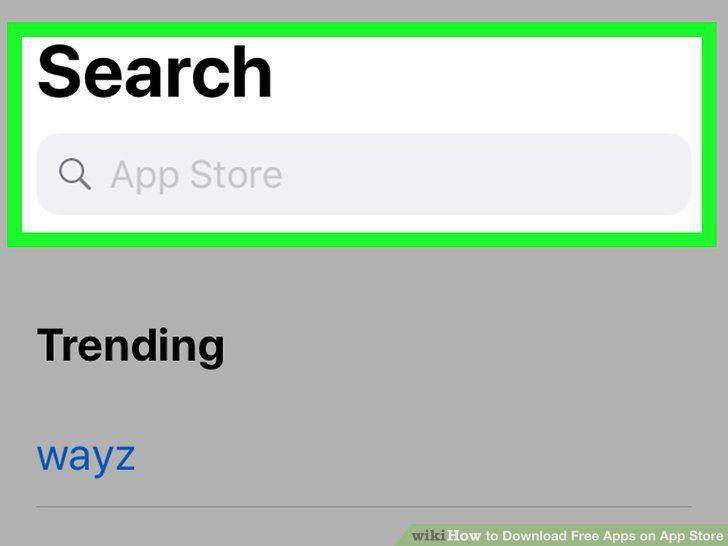
Tap the search bar.
4
Enter an app's name or function.
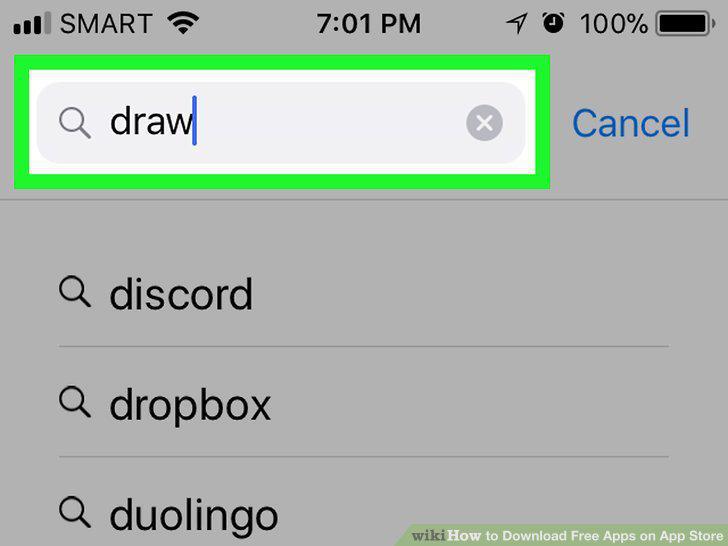
Enter an app's name or function.
5
Tap Search.
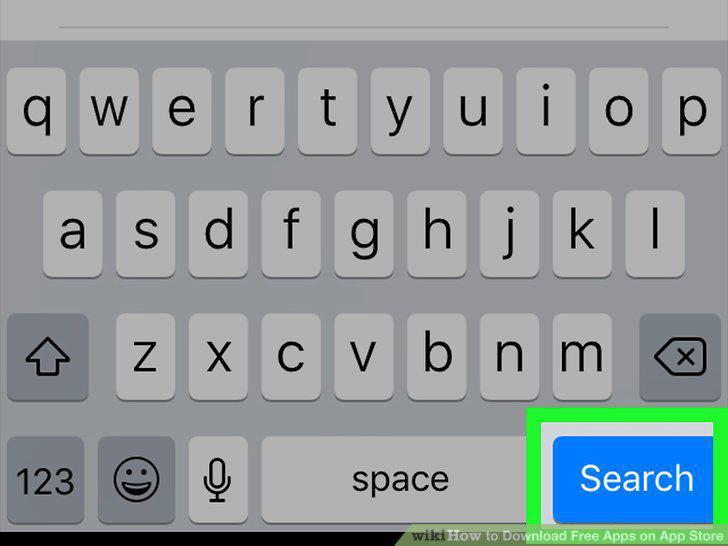
Tap Search.
6
Select an app.
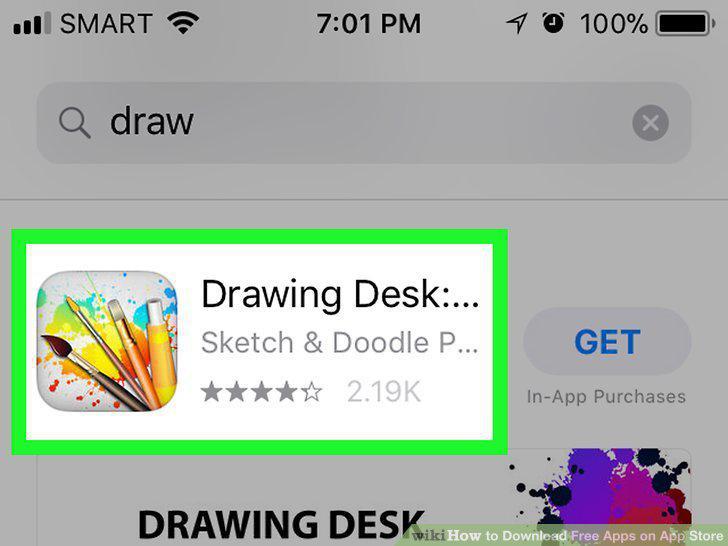
Select an app.
7
Tap GET.
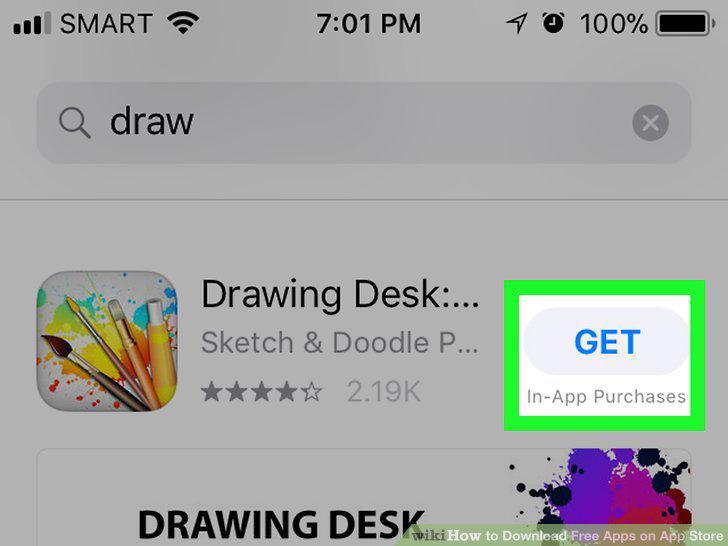
Tap GET.
8
Enter your Touch ID when prompted.
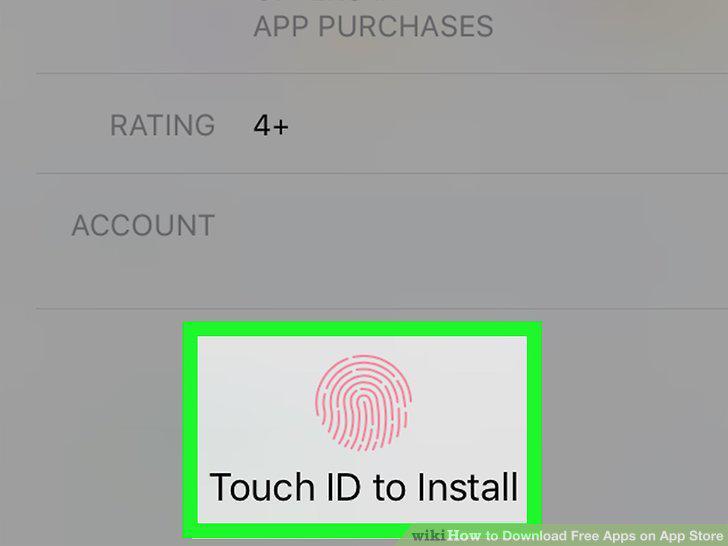
Enter your Touch ID when prompted.
9
Wait for the app to download.
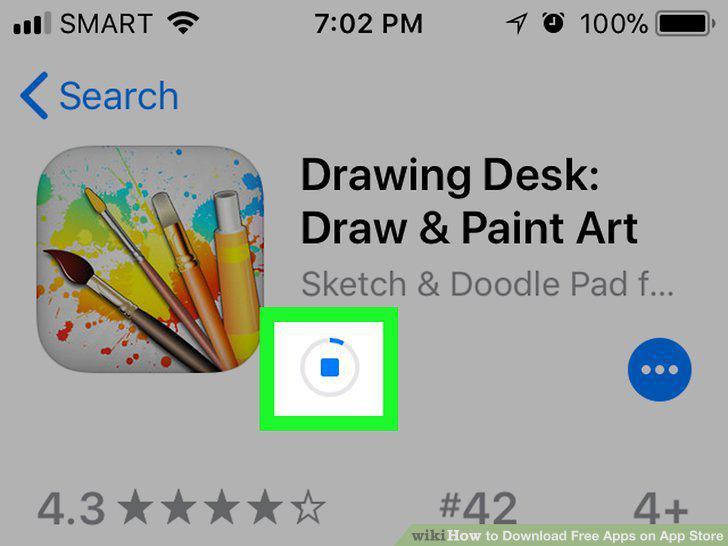
Wait for the app to download.
10
Tap OPEN.
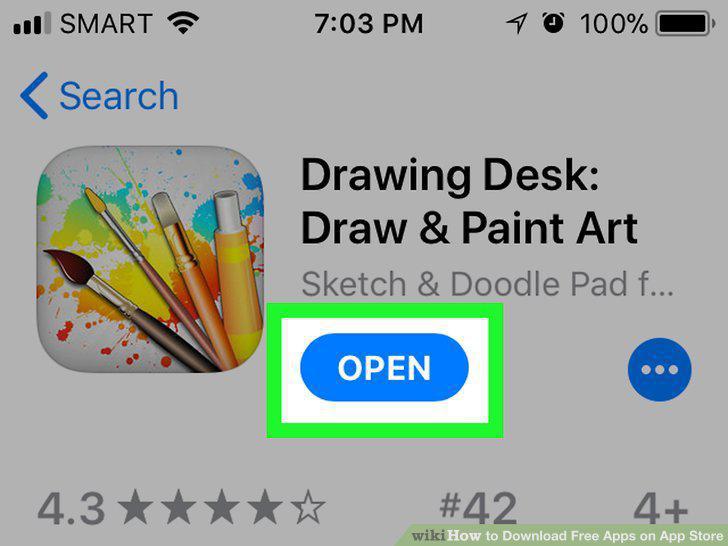
Tap OPEN.
Comments (0)
No comments yet. Be the first to share your thoughts!