How to Contact iTunes by Phone
Have your serial number handy if your issue is related to your iPod.. Have your Apple ID handy.. Dial 1-800-MY-APPLE if you live in the United States.
Steps
Have your serial number handy if your issue is related to your iPod.
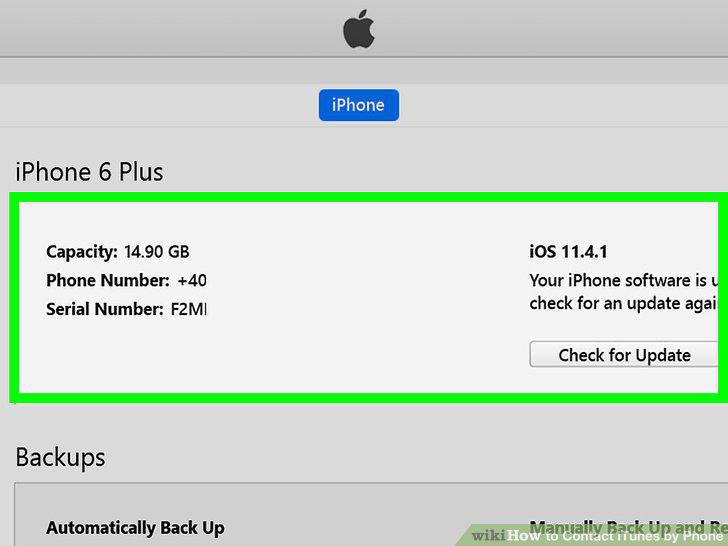
Have your serial number handy if your issue is related to your iPod.
Have your Apple ID handy.
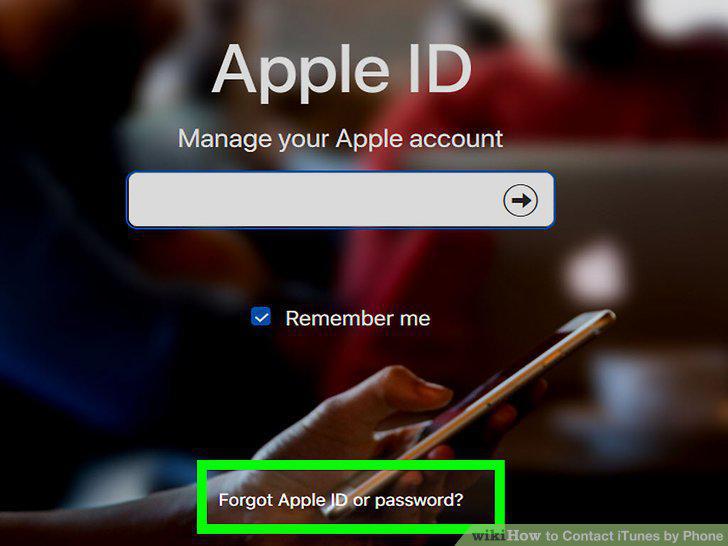
Have your Apple ID handy.
Dial 1-800-MY-APPLE if you live in the United States.
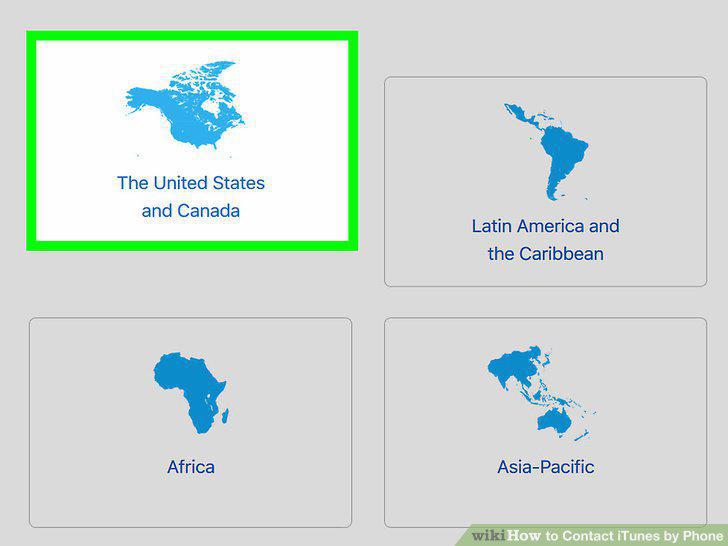
Dial 1-800-MY-APPLE if you live in the United States.
Say "iTunes" and provide your serial number when prompted.
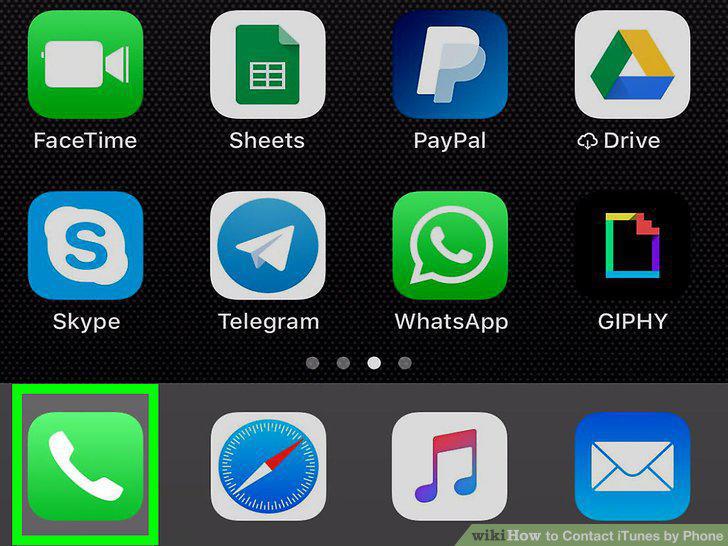
Say "iTunes" and provide your serial number when prompted.
Wait to be connected with a representative.

Wait to be connected with a representative.
Visit Apple's support page and select "iTunes and Apple Music.
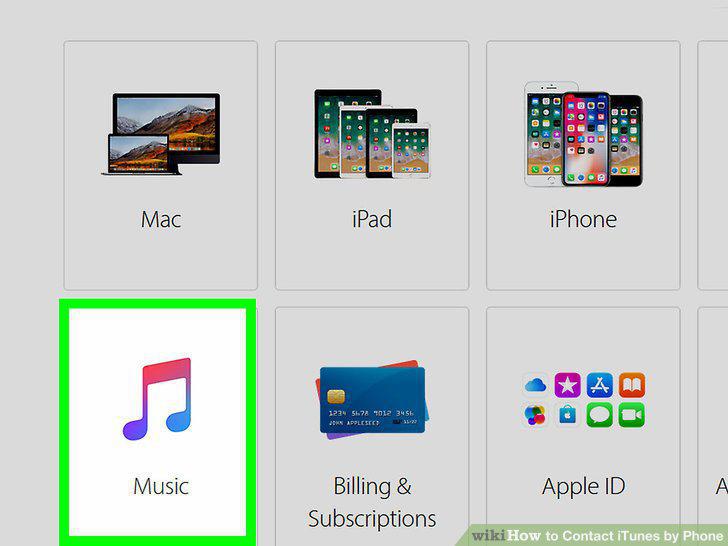
Visit Apple's support page and select "iTunes and Apple Music.
Select "iTunes Player," "iTunes Store," or "Apple Music.
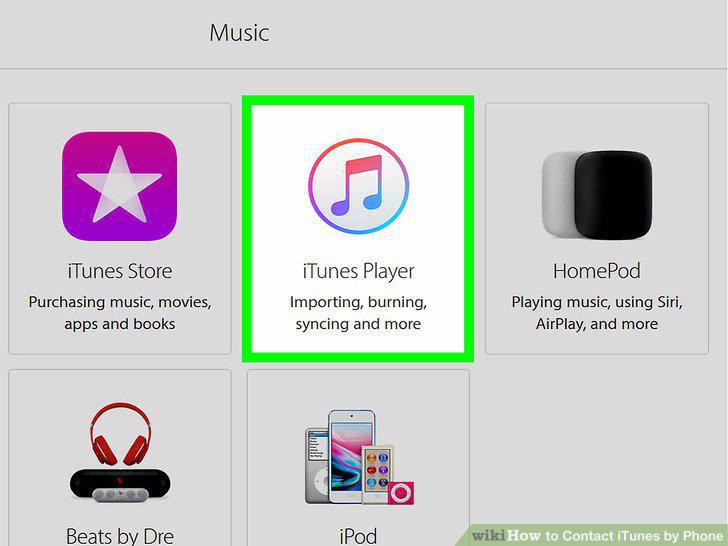
Select "iTunes Player," "iTunes Store," or "Apple Music.
Choose a support topic that describes your issue.
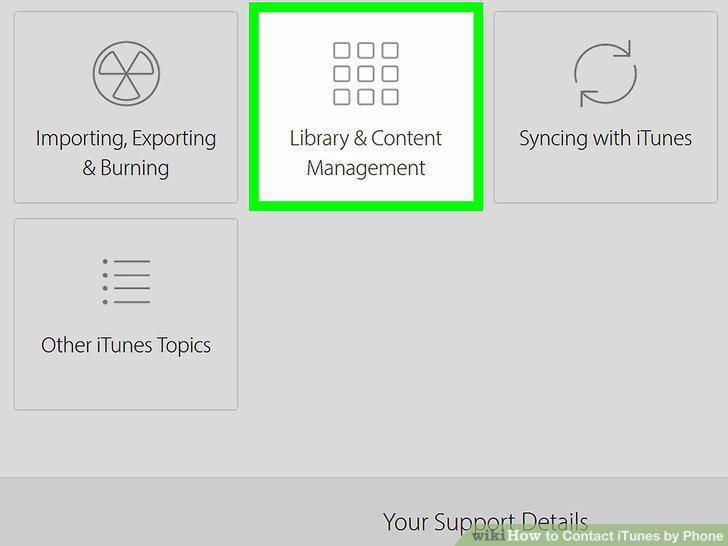
Choose a support topic that describes your issue.
Provide your contact information.
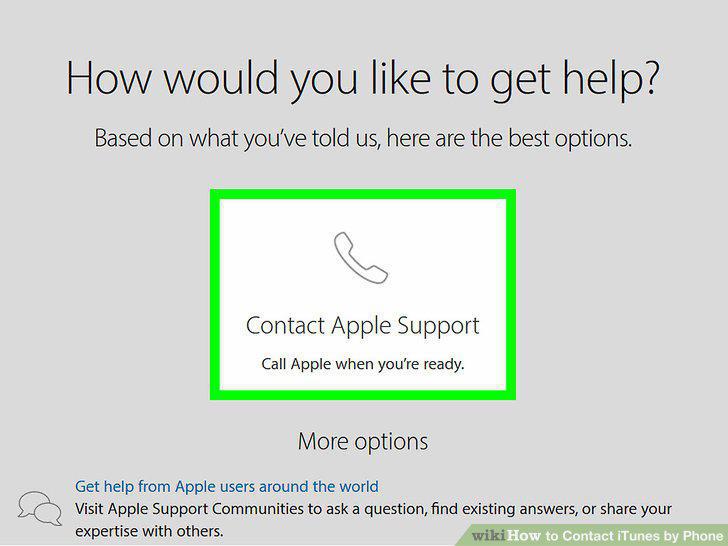
Provide your contact information.
Use the "Talk Now" option and wait for a call from Apple Support.
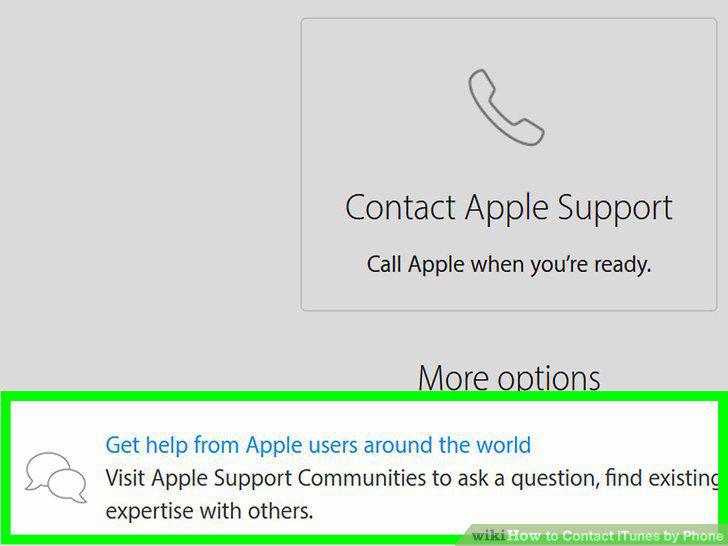
Use the "Talk Now" option and wait for a call from Apple Support.
Schedule a call if necessary.
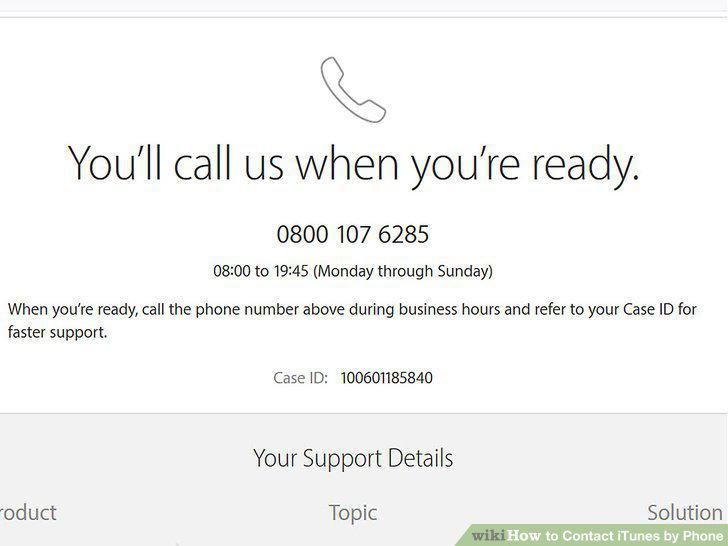
Schedule a call if necessary.
Choose an iTunes support topic that describes your issue.
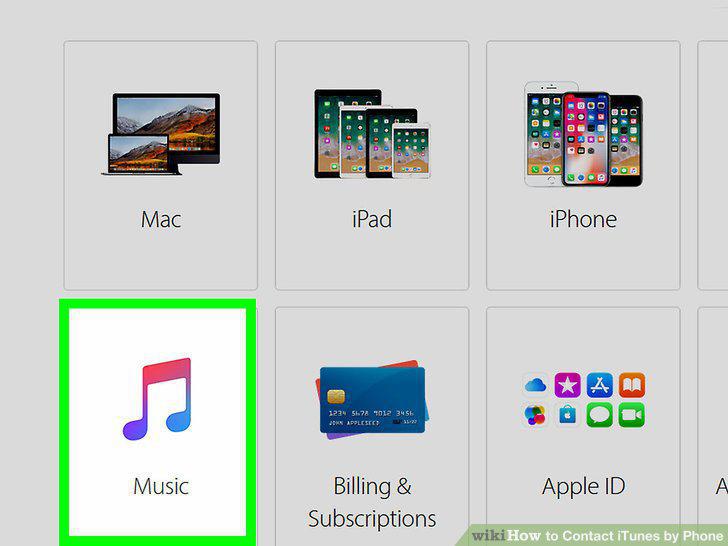
Choose an iTunes support topic that describes your issue.
Use Apple Support's live chat feature if you don't like talking on the phone.
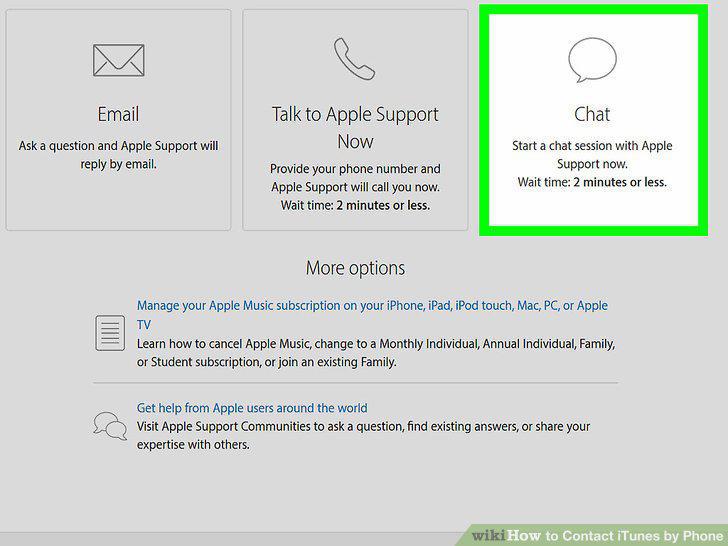
Use Apple Support's live chat feature if you don't like talking on the phone.
Send an email to Apple Support.
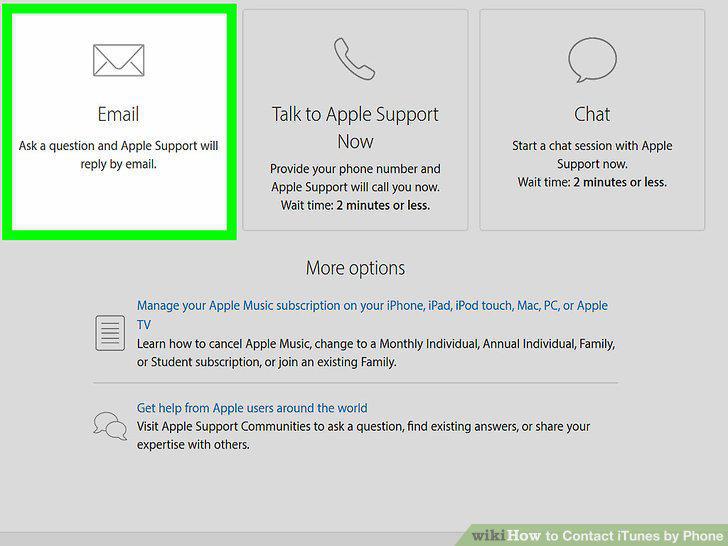
Send an email to Apple Support.
Comments (0)
No comments yet. Be the first to share your thoughts!