How to Stop Calm App from Crashing on Android
Restart your Android.. Update to the latest version of Calm.. Clear the app data.
Steps
1
Restart your Android.
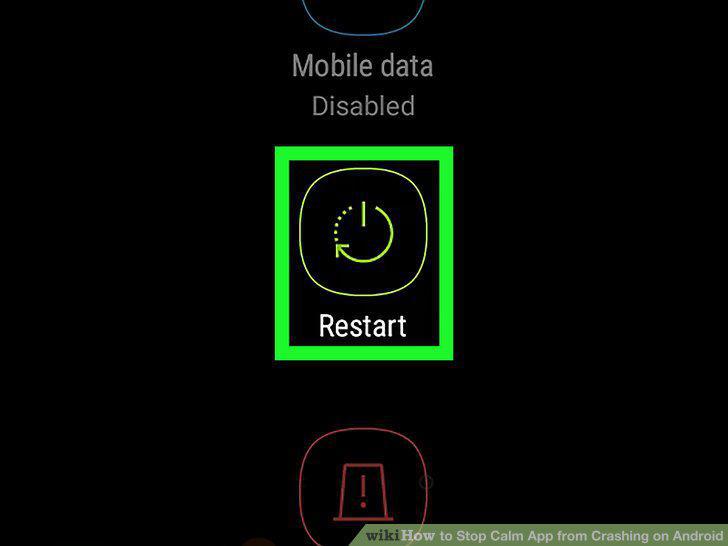
Restart your Android.
2
Update to the latest version of Calm.
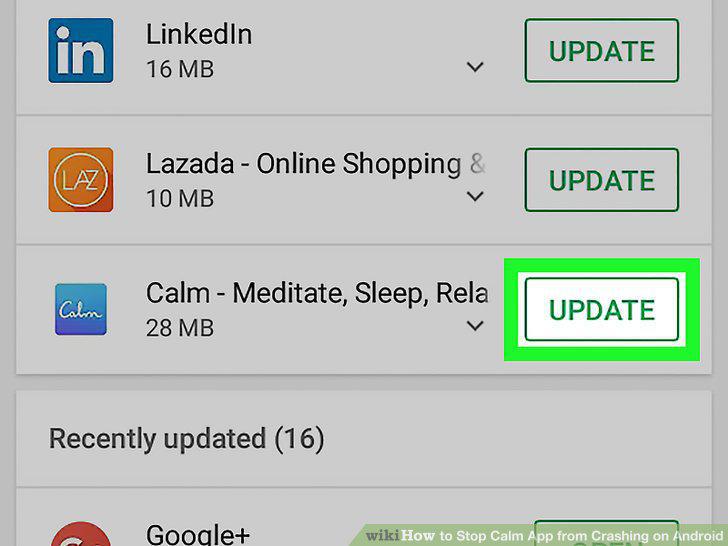
Update to the latest version of Calm.
3
Clear the app data.
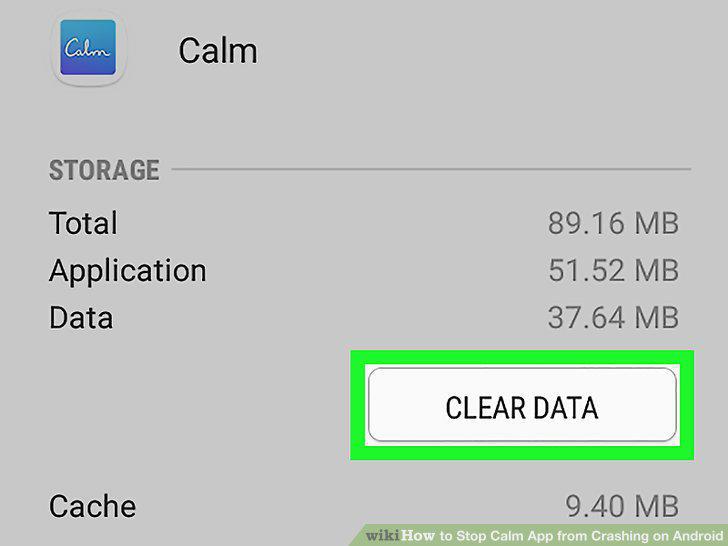
Clear the app data.
4
Check for an Android operating system update.
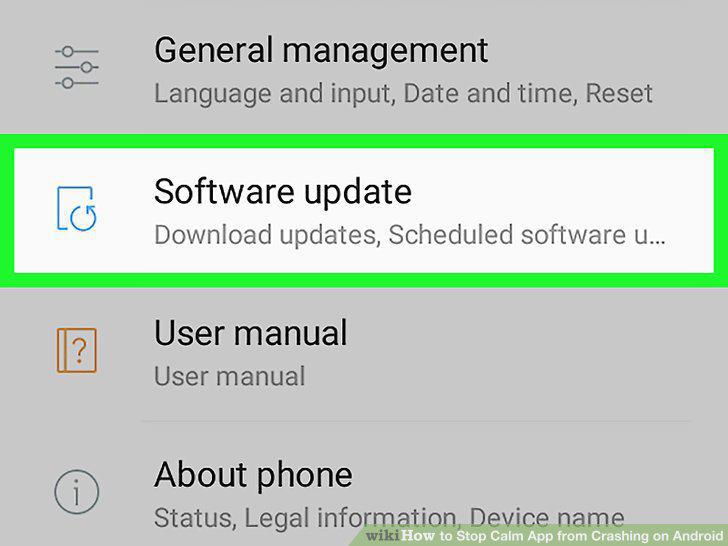
Check for an Android operating system update.
5
Check for known issues on Calm's support site.
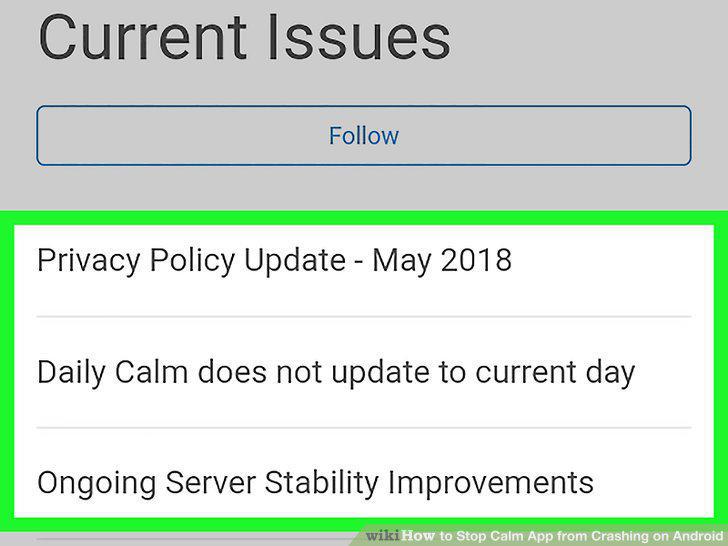
Check for known issues on Calm's support site.
6
Contact Calm.
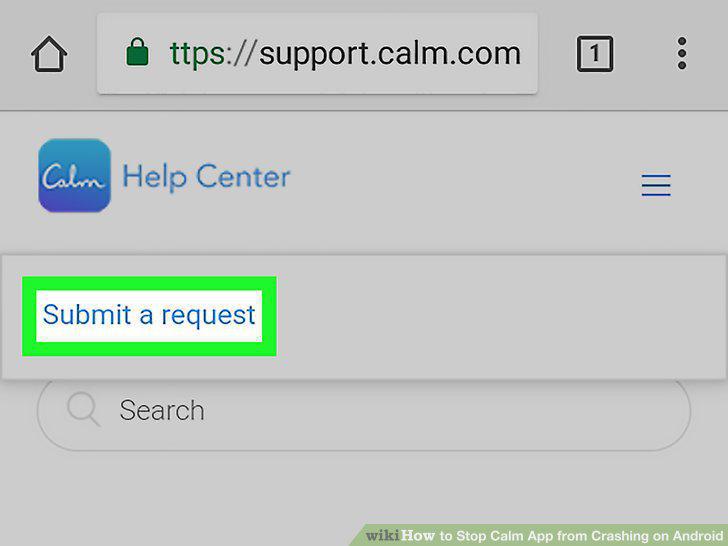
Contact Calm.
Comments (0)
No comments yet. Be the first to share your thoughts!