How to Activate Hulu with Sprint
Go to https://www.sprint.com and log in.. Go to https://www.sprint.com/en/shop/services/hulu.html.. Tap Activate Now.
Steps
1
Go to https://www.sprint.com and log in.
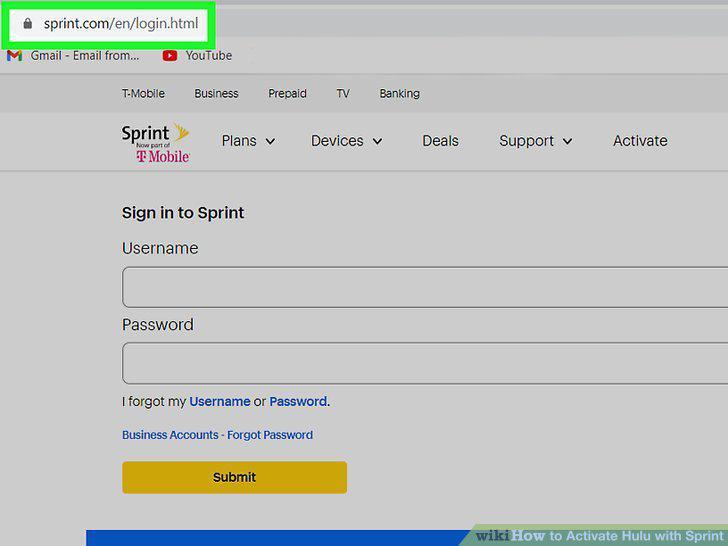
Go to https://www.sprint.com and log in.
2
Go to https://www.sprint.com/en/shop/services/hulu.html.
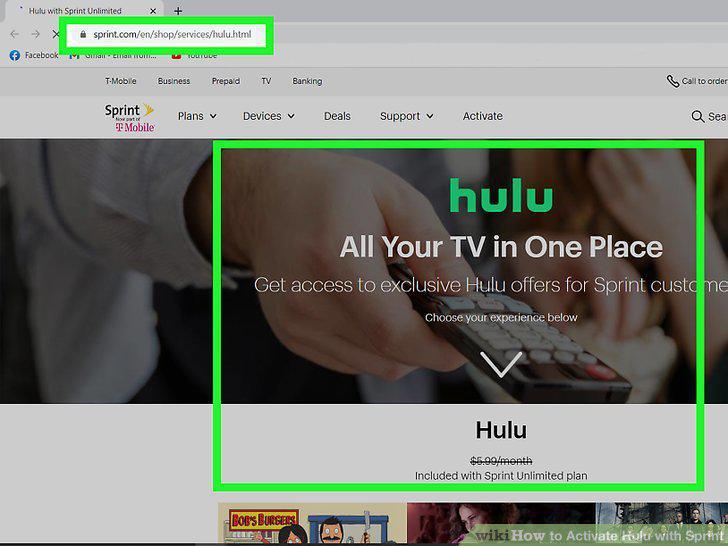
Go to https://www.sprint.com/en/shop/services/hulu.html.
3
Tap Activate Now.
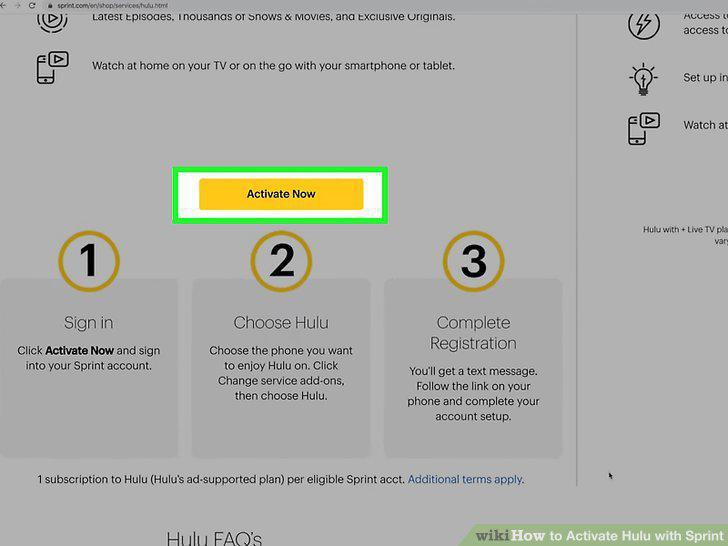
Tap Activate Now.
4
Tap the account you want to activate Hulu on.
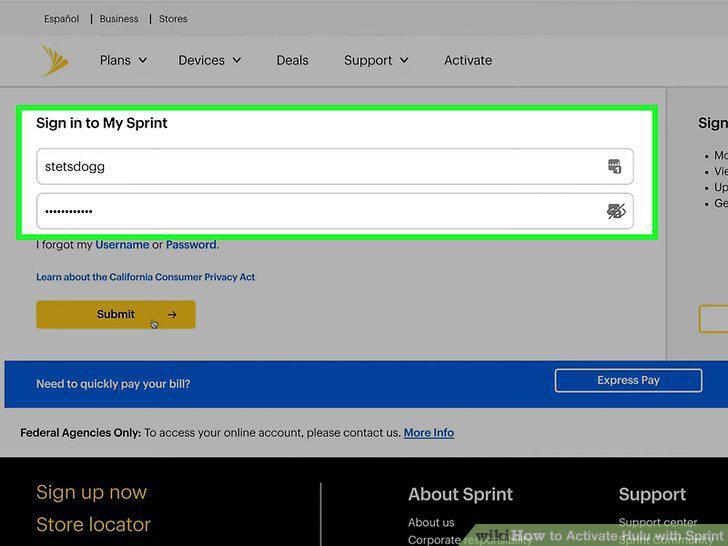
Tap the account you want to activate Hulu on.
5
Select your phone and Hulu plan.
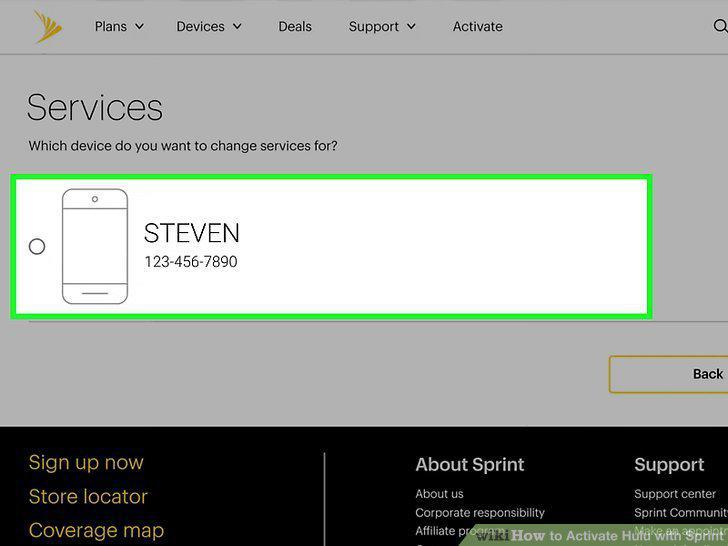
Select your phone and Hulu plan.
6
Confirm your change.
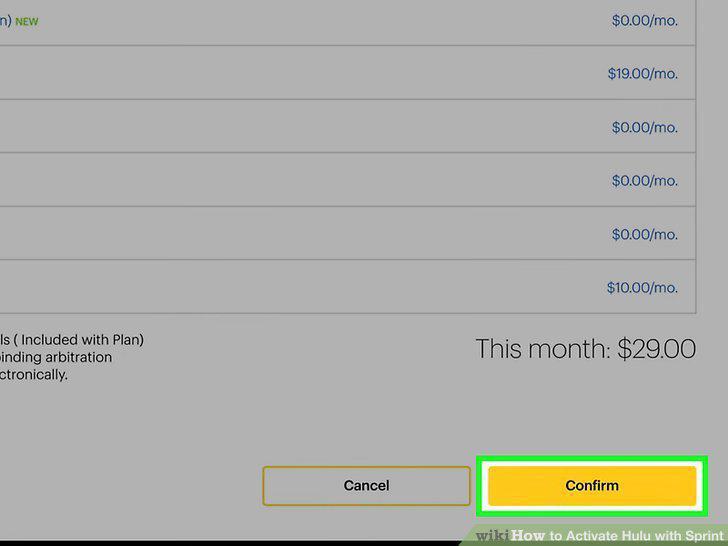
Confirm your change.
7
Go to the text message from Sprint.
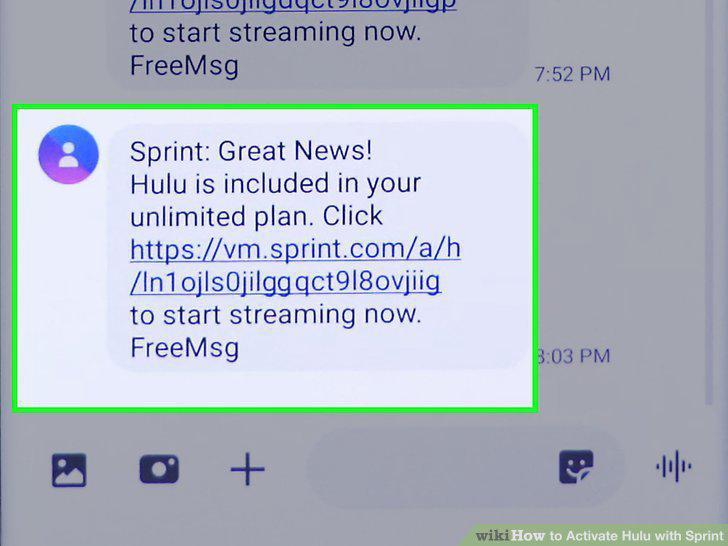
Go to the text message from Sprint.
8
Tap the link in the text message.
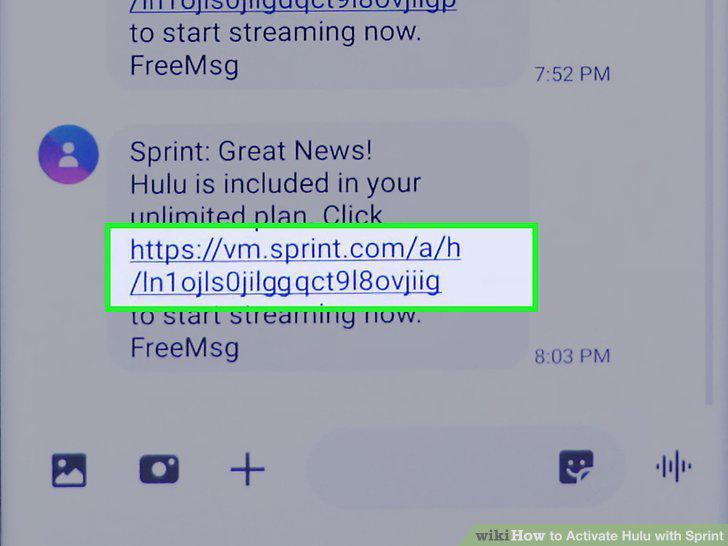
Tap the link in the text message.
9
Create a new Hulu account or login to your existing account.
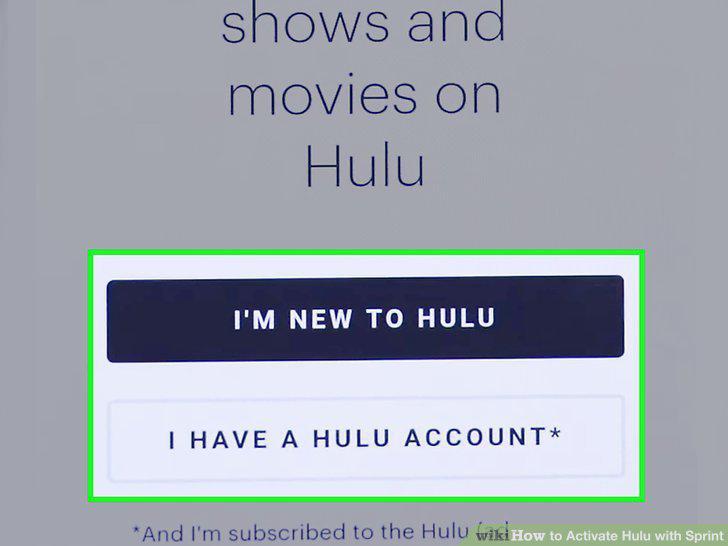
Create a new Hulu account or login to your existing account.
10
Tap Get the Hulu App or Launch the Hulu App.
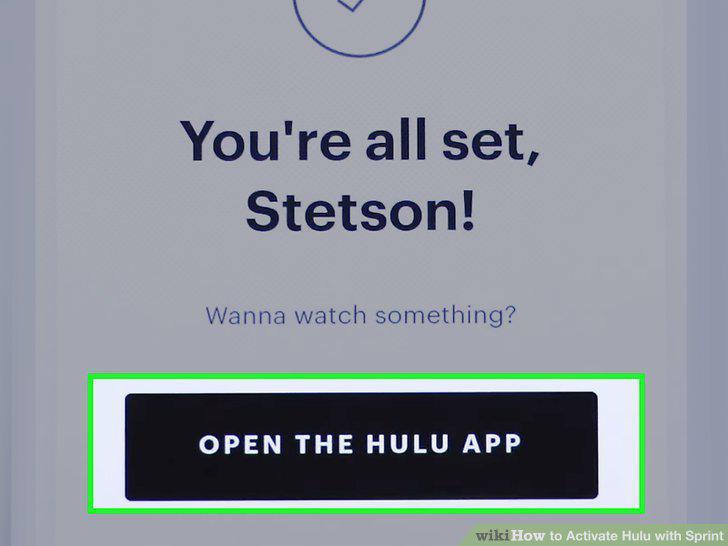
Tap Get the Hulu App or Launch the Hulu App.
Comments (0)
No comments yet. Be the first to share your thoughts!