How to Use Geofilters on Snapchat
Open the Snapchat app.. Tap the profile icon.. Tap the gear .
Steps
1
Open the Snapchat app.
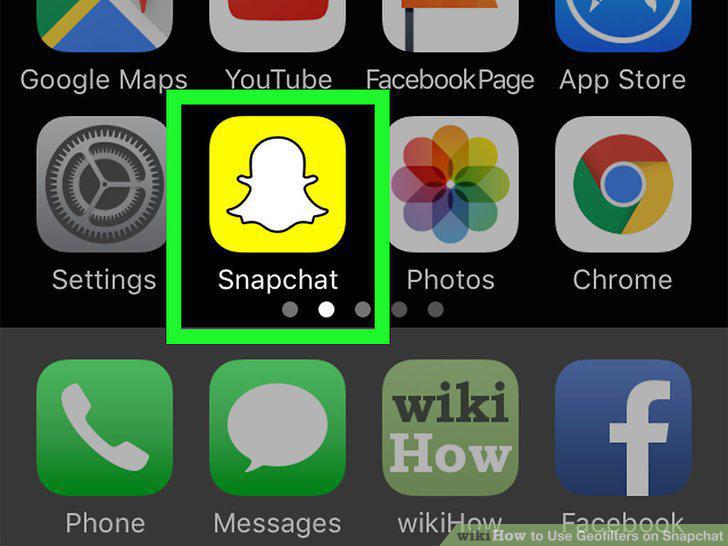
Open the Snapchat app.
2
Tap the profile icon.
Tap the profile icon.
3
Tap the gear .
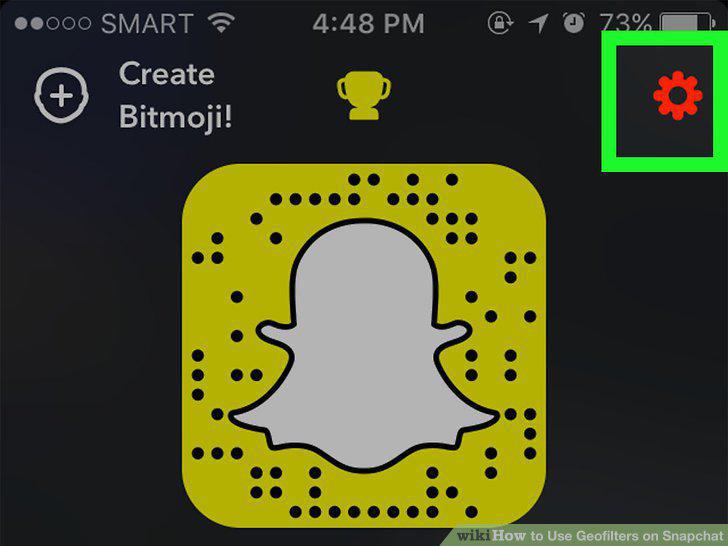
Tap the gear .
4
Scroll down and tap Manage.
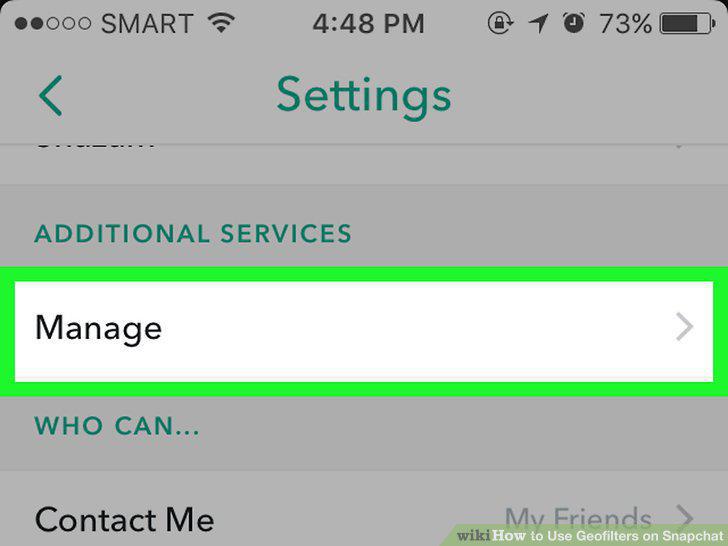
Scroll down and tap Manage.
5
Slide the "Filters" switch to On .
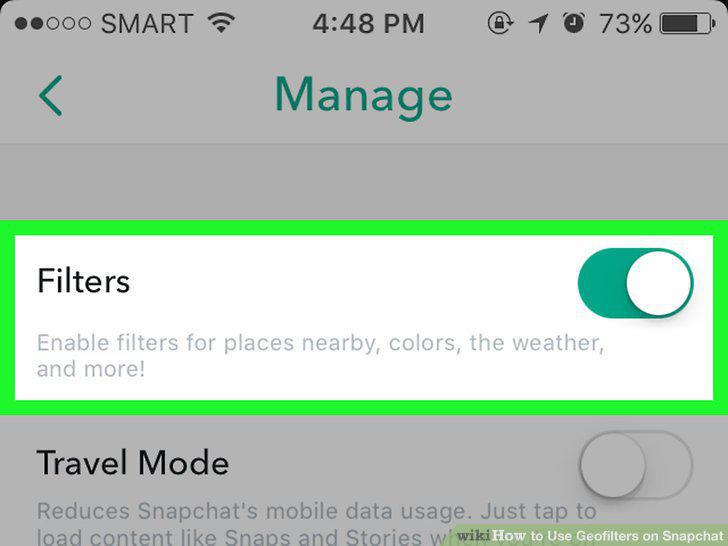
Slide the "Filters" switch to On .
6
Open the Snapchat app.
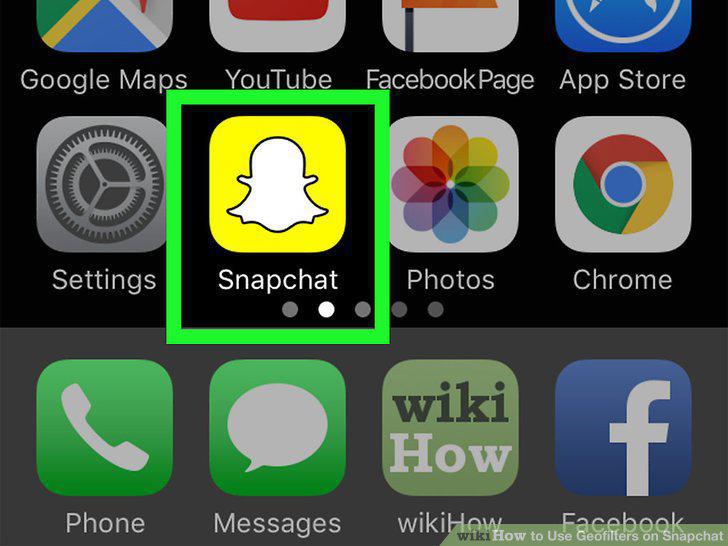
Open the Snapchat app.
7
Create a Snap.
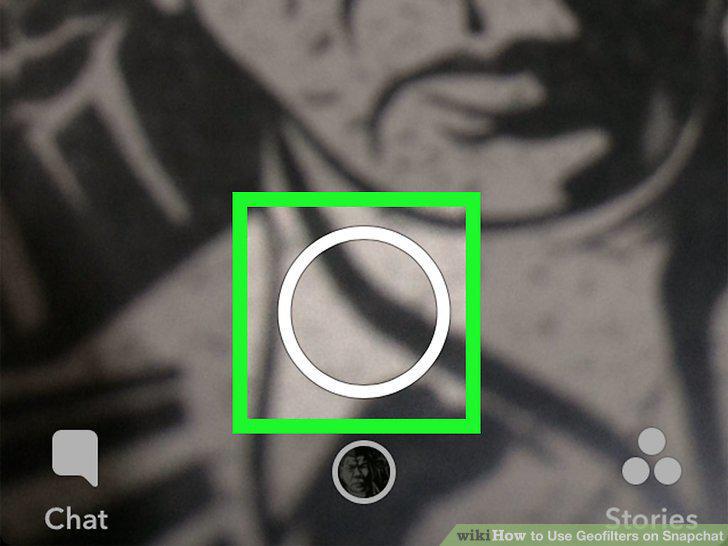
Create a Snap.
8
Swipe left through the filters.
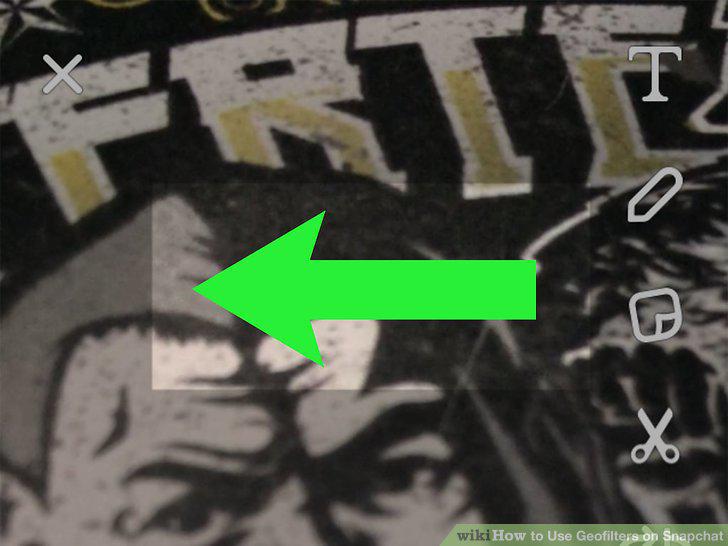
Swipe left through the filters.
9
Stop swiping when you find a geofilter you want to use.
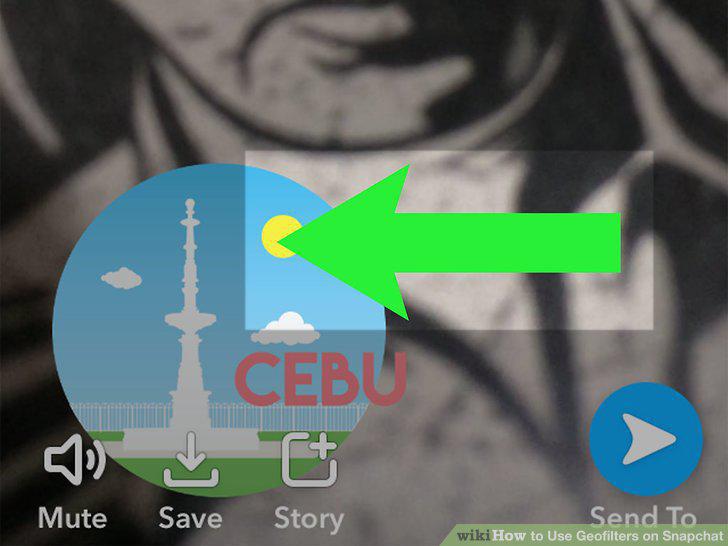
Stop swiping when you find a geofilter you want to use.
10
Tap the Send To button at the bottom-right corner.
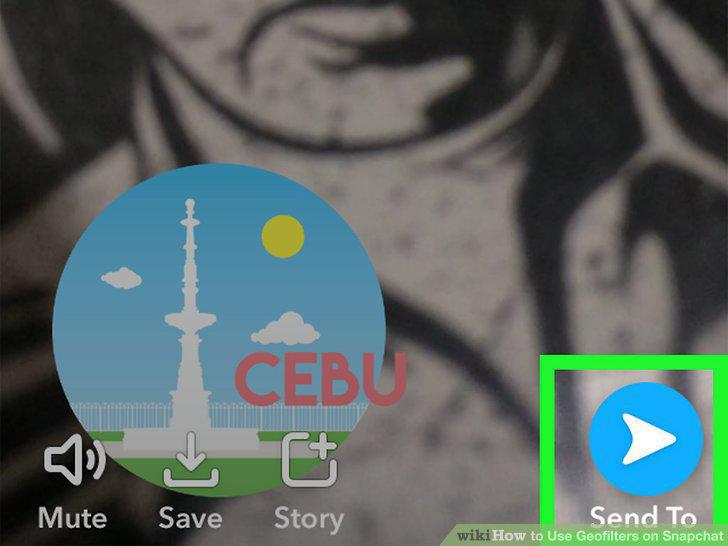
Tap the Send To button at the bottom-right corner.
11
Select a recipient.
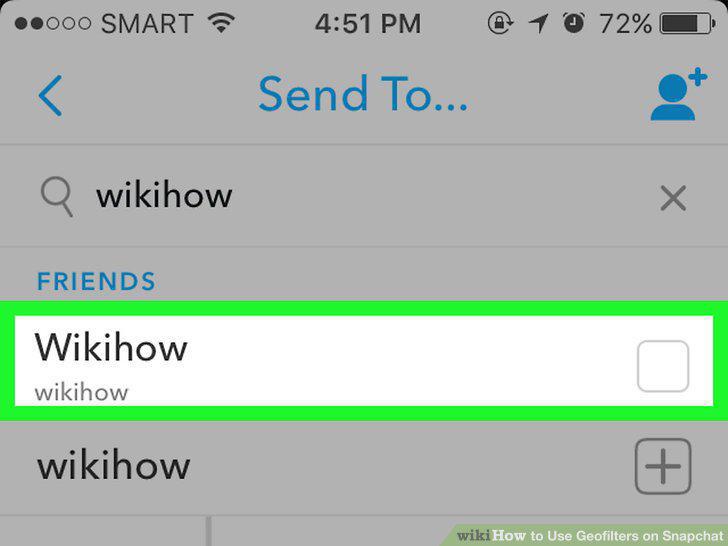
Select a recipient.
12
Tap the Send button to send.
Tap the Send button to send.
Comments (0)
No comments yet. Be the first to share your thoughts!