How to Check the Real Bitrate of Audio Files
Install Spek on your computer.. Open Spek.. Click the folder icon.
Steps
1
Install Spek on your computer.
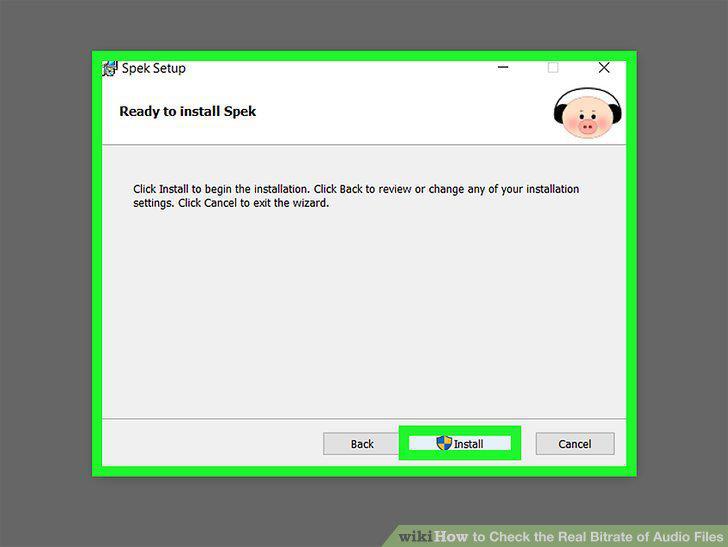
Install Spek on your computer.
2
Open Spek.
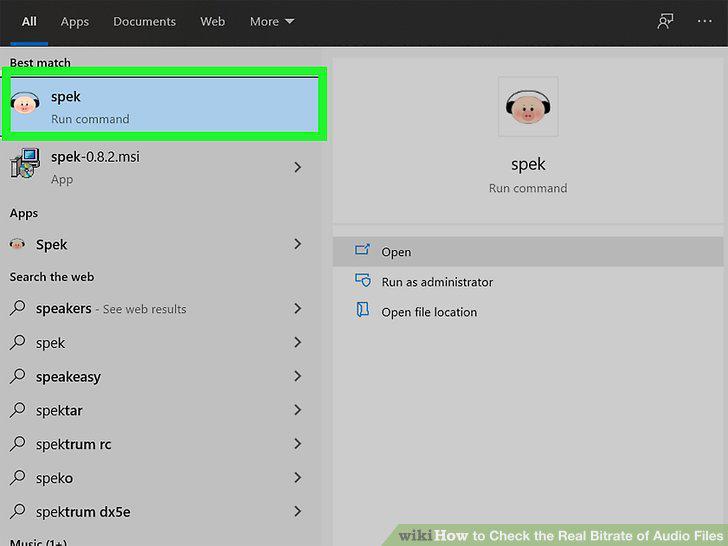
Open Spek.
3
Click the folder icon.
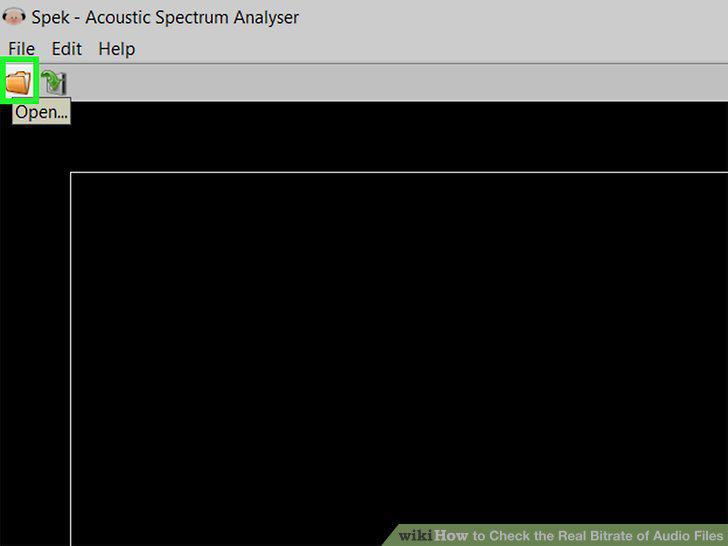
Click the folder icon.
4
Select the audio file and click Open.
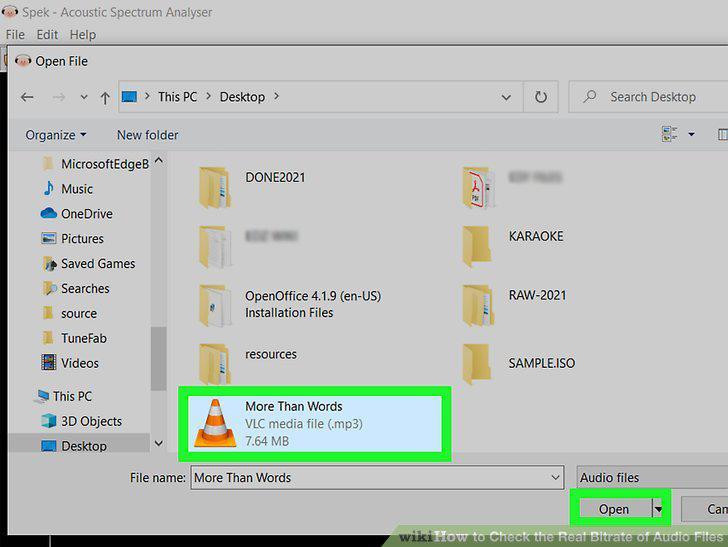
Select the audio file and click Open.
5
Observe the cut-off on the graph.
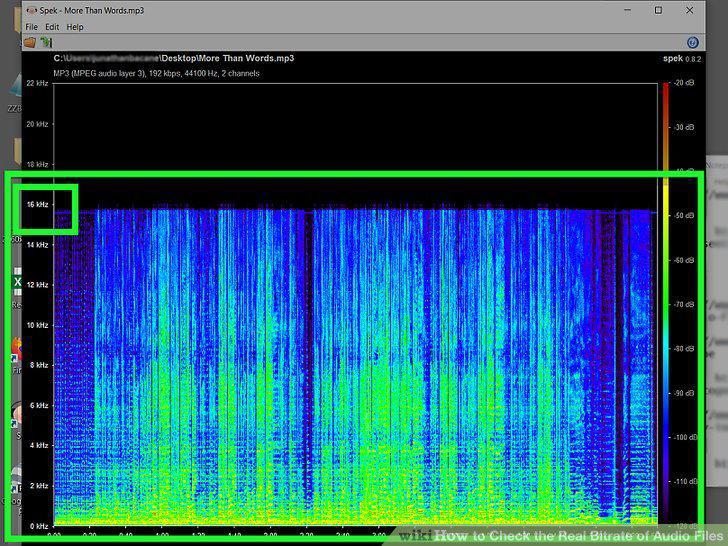
Observe the cut-off on the graph.
Comments (0)
No comments yet. Be the first to share your thoughts!