How to Use the Keyboard As a Touchpad on iPhone
Open an application that allows you to edit text.. Open the keyboard.. Tap and hold the spacebar on the keyboard.
Steps
1
Open an application that allows you to edit text.
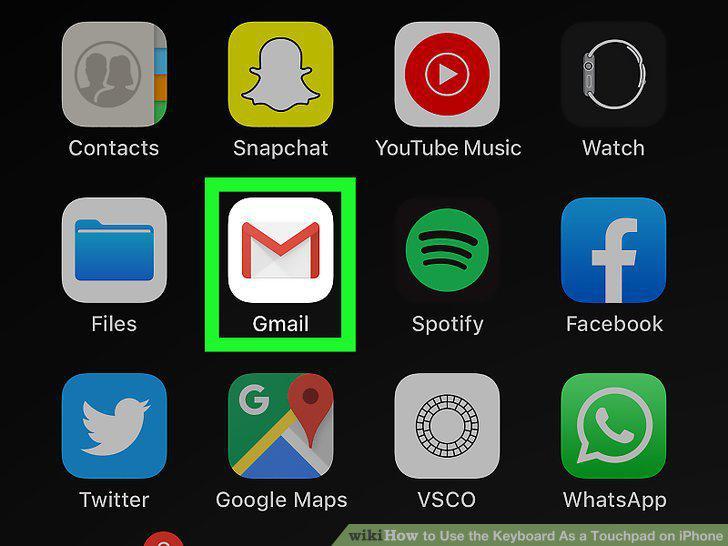
Open an application that allows you to edit text.
2
Open the keyboard.

Open the keyboard.
3
Tap and hold the spacebar on the keyboard.
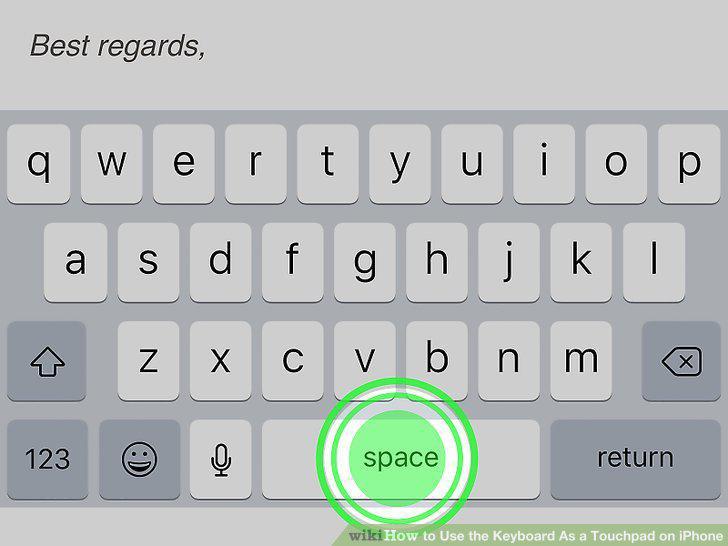
Tap and hold the spacebar on the keyboard.
4
Drag your finger across the keyboard.
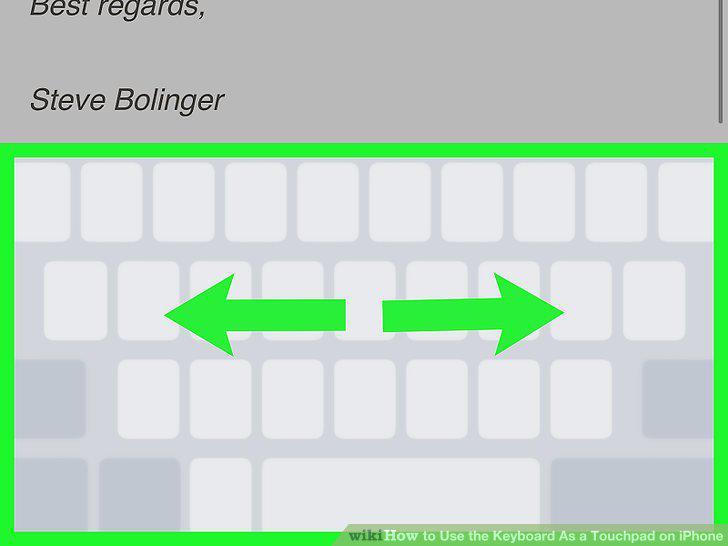
Drag your finger across the keyboard.
5
Release your finger.

Release your finger.
Comments (0)
No comments yet. Be the first to share your thoughts!