How to Access a USB Drive on iPhone or iPad
Purchase a USB3 Camera adapter for your iPhone.. Update to iOS or iPadOS 13. Connect the USB3 Camera adapter to your iPhone or iPad.
Steps
1
Purchase a USB3 Camera adapter for your iPhone.
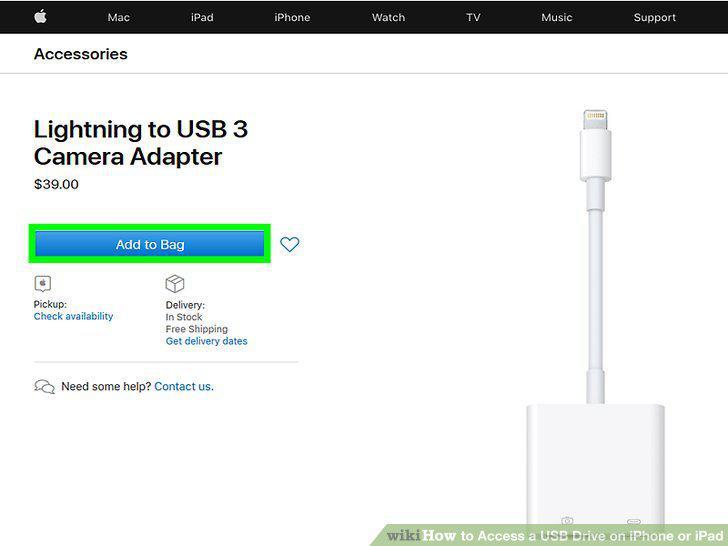
Purchase a USB3 Camera adapter for your iPhone.
2
Update to iOS or iPadOS 13
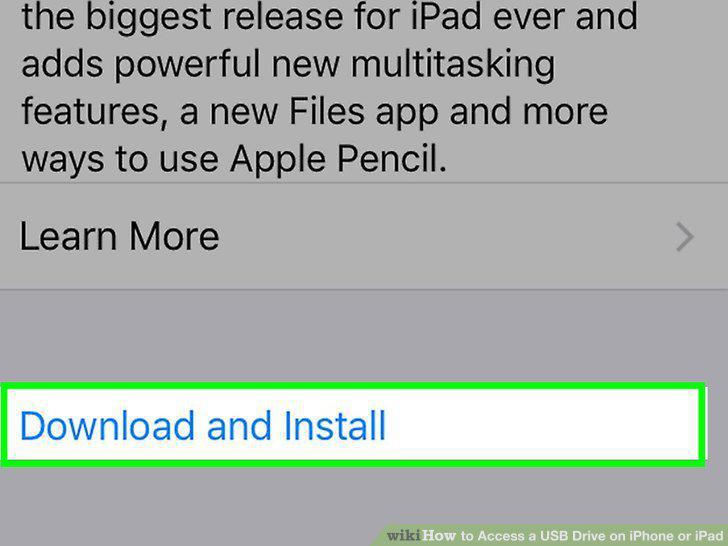
Update to iOS or iPadOS 13
3
Connect the USB3 Camera adapter to your iPhone or iPad.
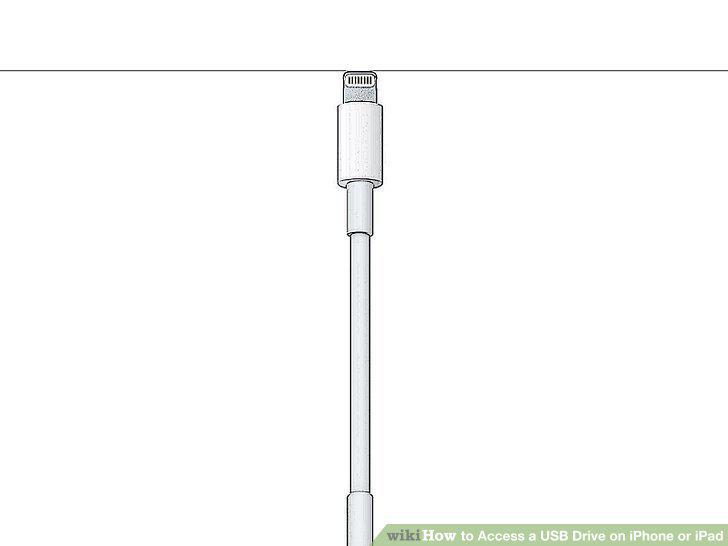
Connect the USB3 Camera adapter to your iPhone or iPad.
4
Connect your charging cable to the lightning port on the USB3 Camera adapter.
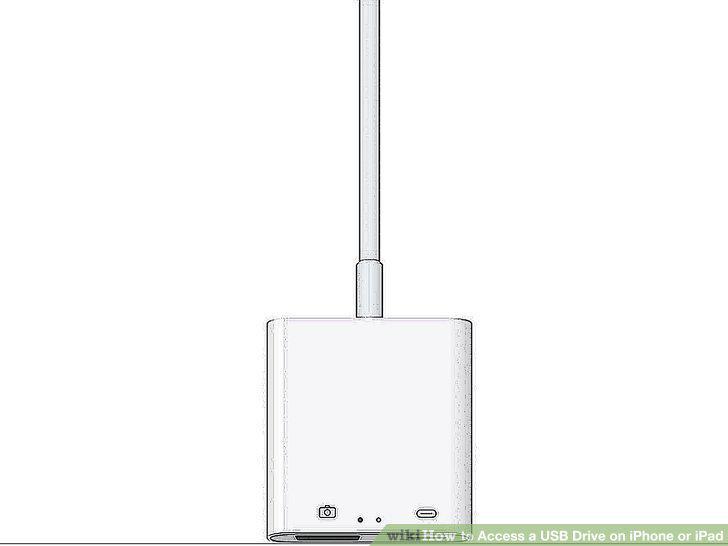
Connect your charging cable to the lightning port on the USB3 Camera adapter.
5
Connect a USB drive to the USB3 Camera adapter.
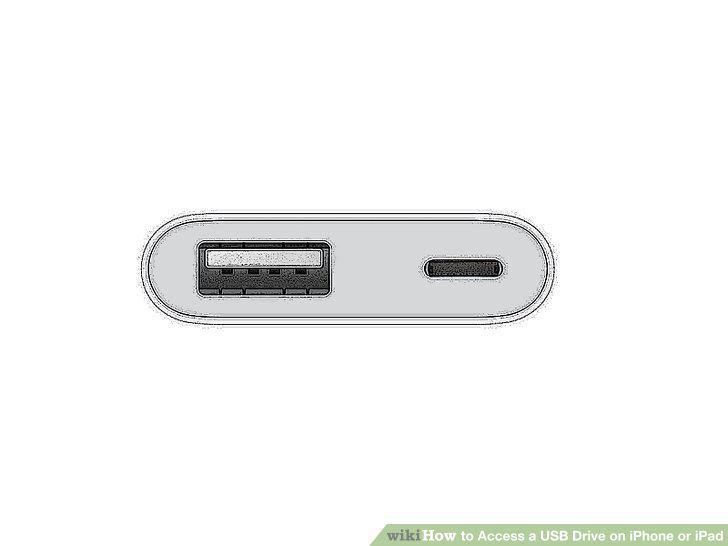
Connect a USB drive to the USB3 Camera adapter.
6
Open Files .
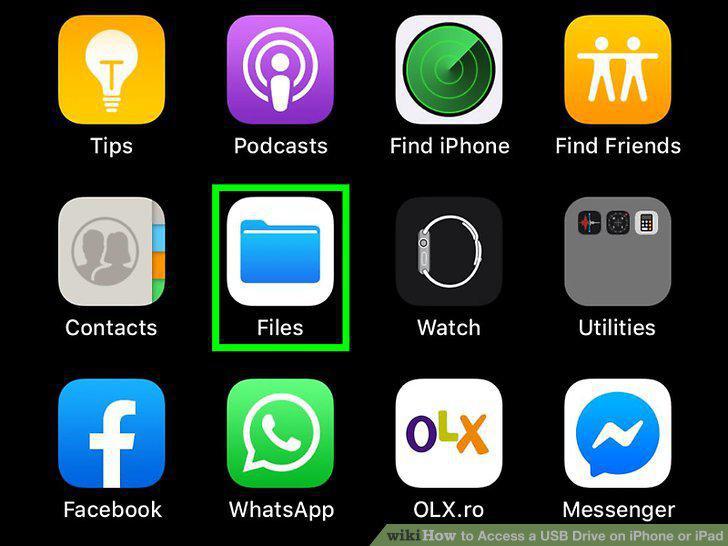
Open Files .
7
Tap Browse.
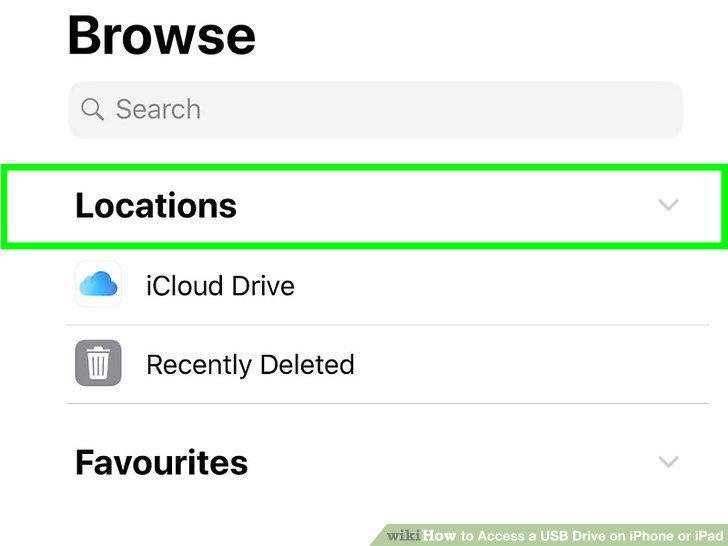
Tap Browse.
8
Tap your USB drive.
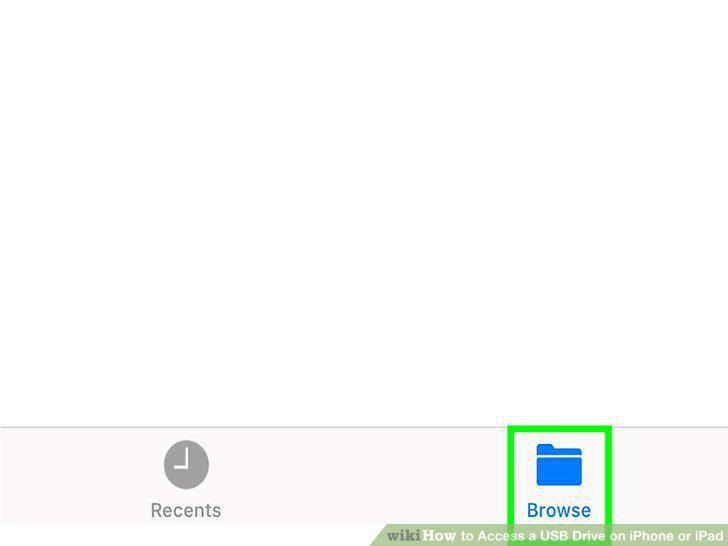
Tap your USB drive.
Comments (0)
No comments yet. Be the first to share your thoughts!