How to Save iFunny Videos on iPhone or iPad
Open iFunny on your iPhone or iPad.. Search for a video to save.. Tap the video.
Steps
1
Open iFunny on your iPhone or iPad.
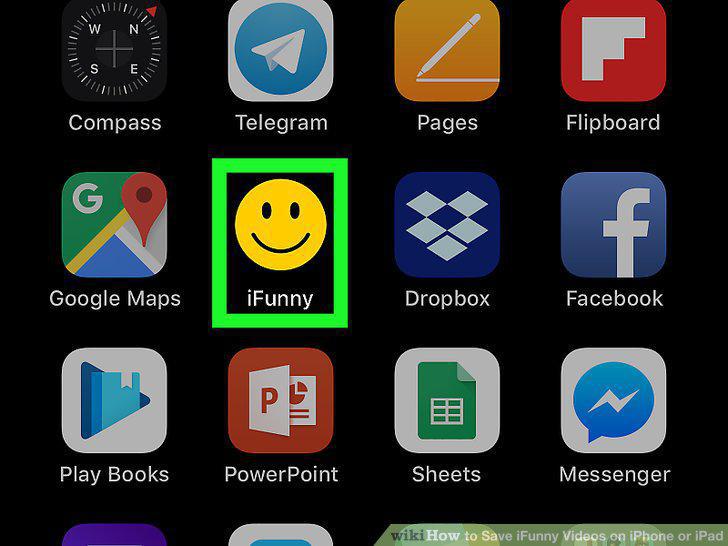
Open iFunny on your iPhone or iPad.
2
Search for a video to save.

Search for a video to save.
3
Tap the video.

Tap the video.
4
Tap the sharing button.

Tap the sharing button.
5
Tap Instagram.
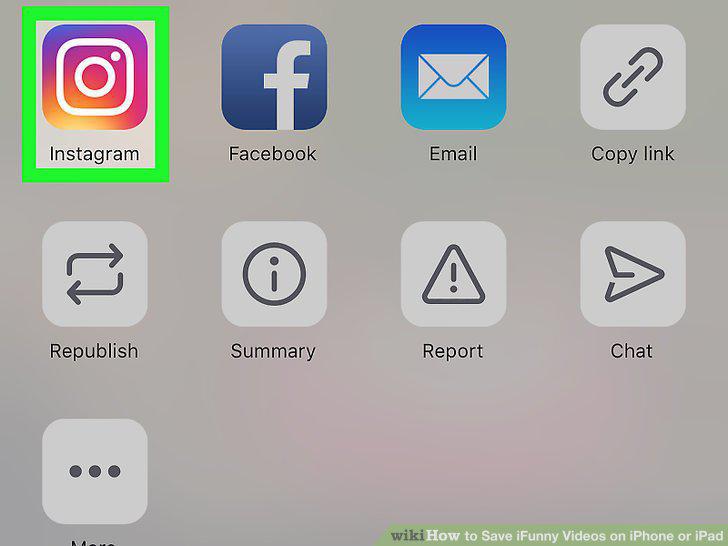
Tap Instagram.
6
Tap X.

Tap X.
7
Press the Home button to return to the home screen.
Press the Home button to return to the home screen.
8
Open the Photos app.
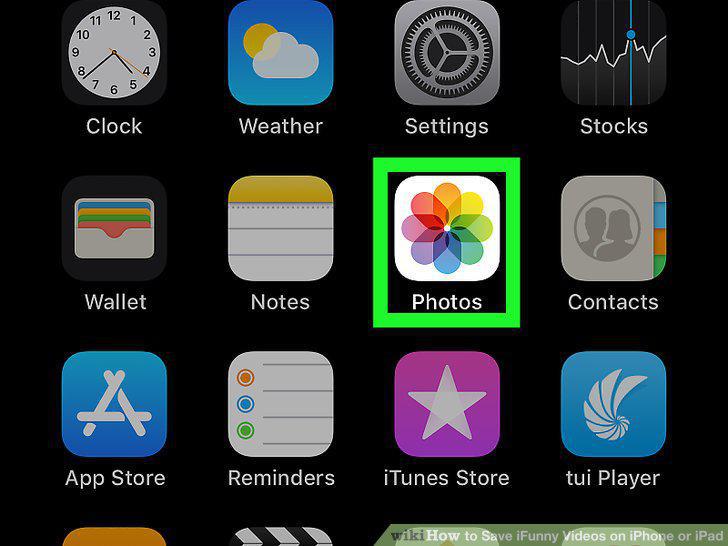
Open the Photos app.
9
Scroll down and tap the Videos album.
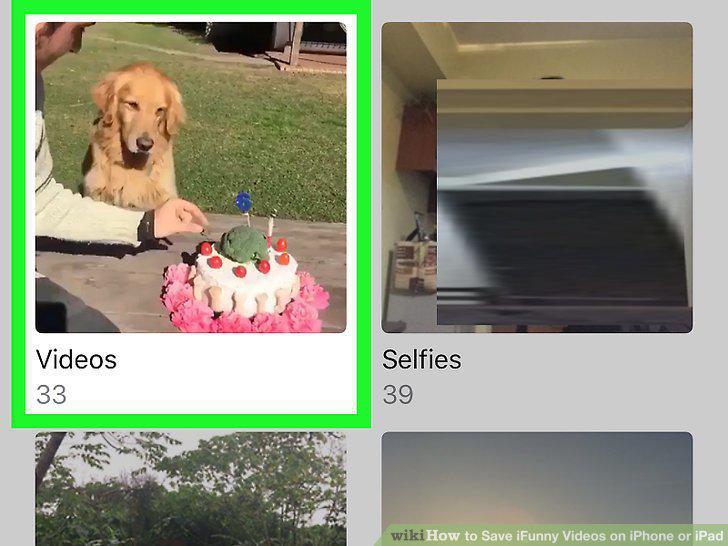
Scroll down and tap the Videos album.
Comments (0)
No comments yet. Be the first to share your thoughts!