How to Use Your Digital Camera's ISO Setting
Use the ISO setting to control light sensitivity.. Determine the brightness of your shot.. Pick a high ISO to photograph action shots.
Steps
1
Use the ISO setting to control light sensitivity.
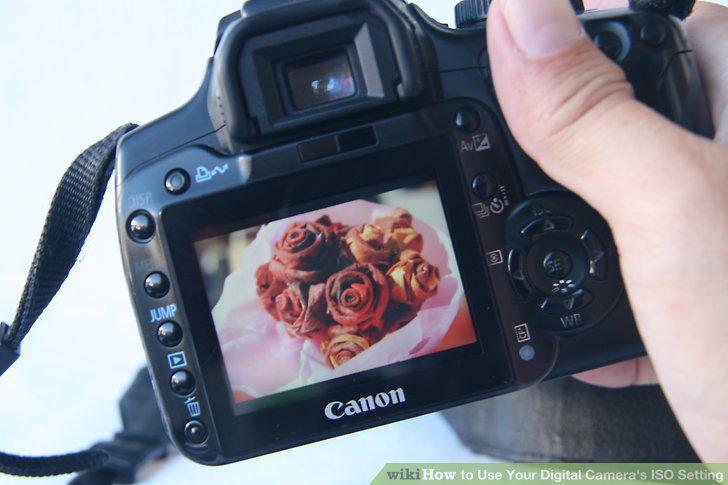
Use the ISO setting to control light sensitivity.
2
Determine the brightness of your shot.
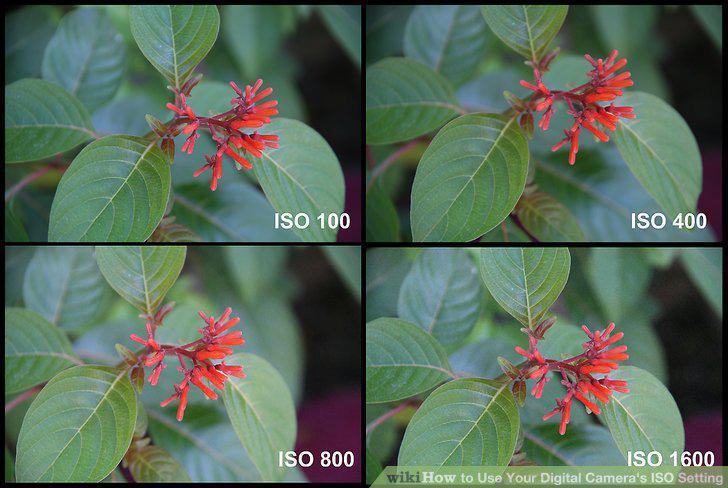
Determine the brightness of your shot.
3
Pick a high ISO to photograph action shots.
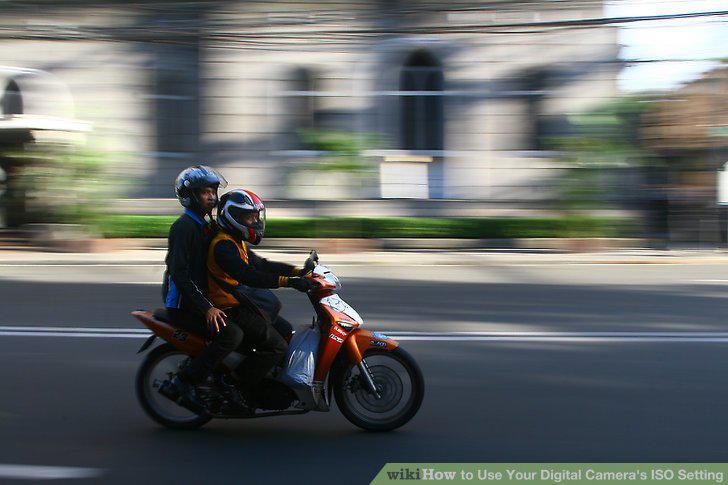
Pick a high ISO to photograph action shots.
4
Select a lower ISO to reduce image graininess.
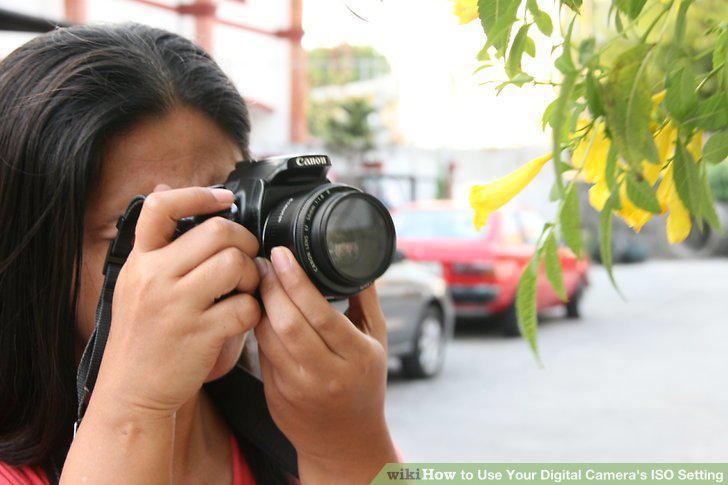
Select a lower ISO to reduce image graininess.
5
Set up a tripod
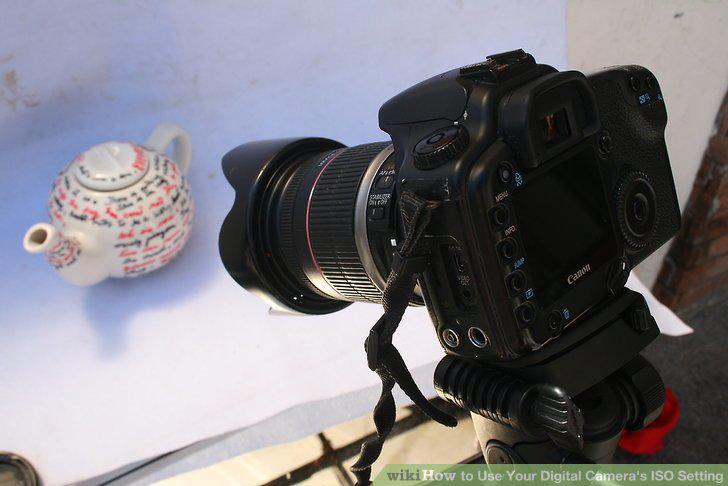
Set up a tripod
6
Locate your camera's ISO control.
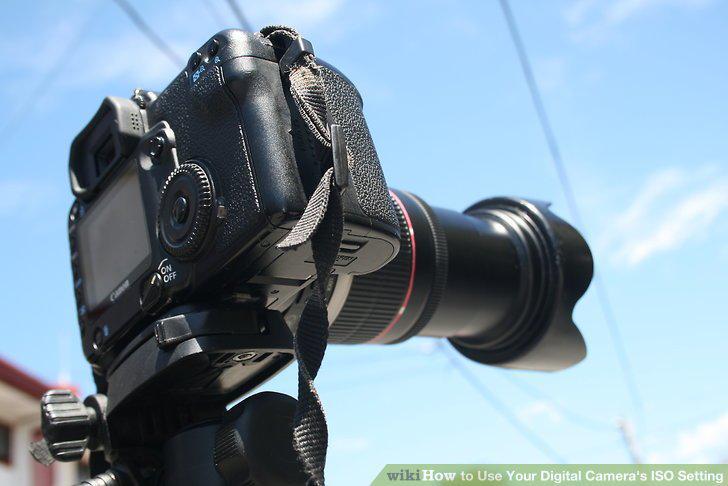
Locate your camera's ISO control.
7
Choose your camera's auto ISO setting to start.
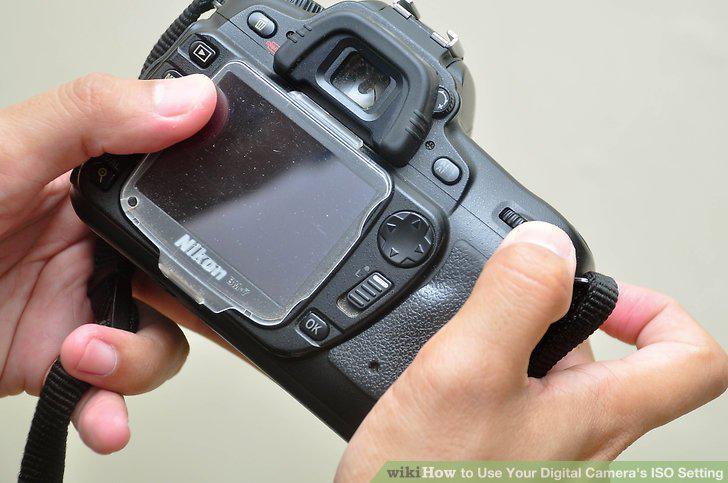
Choose your camera's auto ISO setting to start.
8
Scroll through the ISO menu to choose an ISO setting.
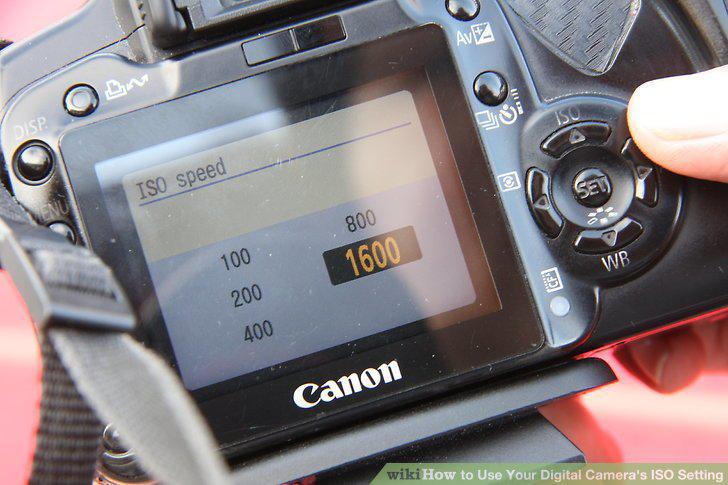
Scroll through the ISO menu to choose an ISO setting.
9
Play around with the semi-automatic settings.
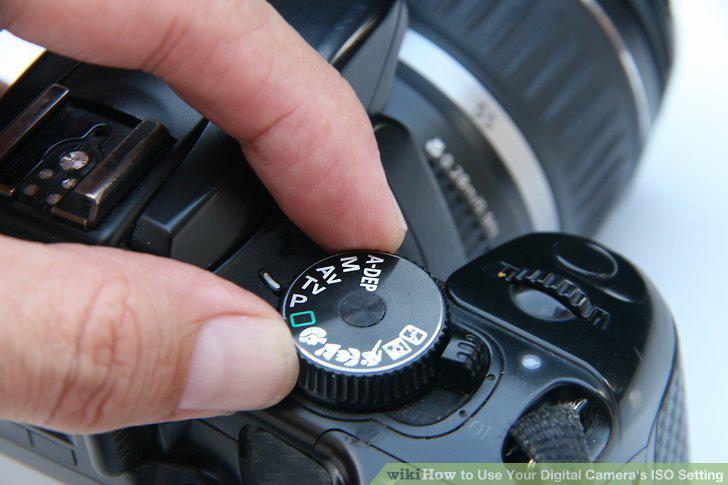
Play around with the semi-automatic settings.
Comments (0)
No comments yet. Be the first to share your thoughts!