How to View Raw Files on Windows
Open the Microsoft website in an internet browser.. Click the Search button.. Search Camera Codec Pack on the website.
Steps
1
Open the Microsoft website in an internet browser.
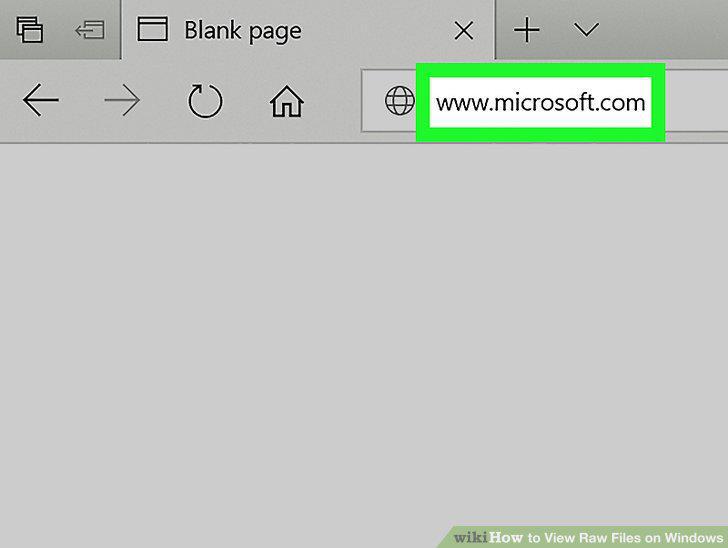
Open the Microsoft website in an internet browser.
2
Click the Search button.
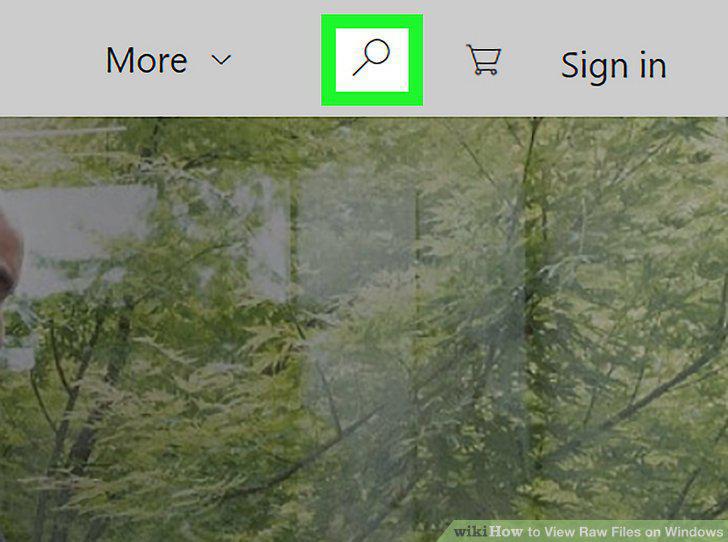
Click the Search button.
3
Search Camera Codec Pack on the website.
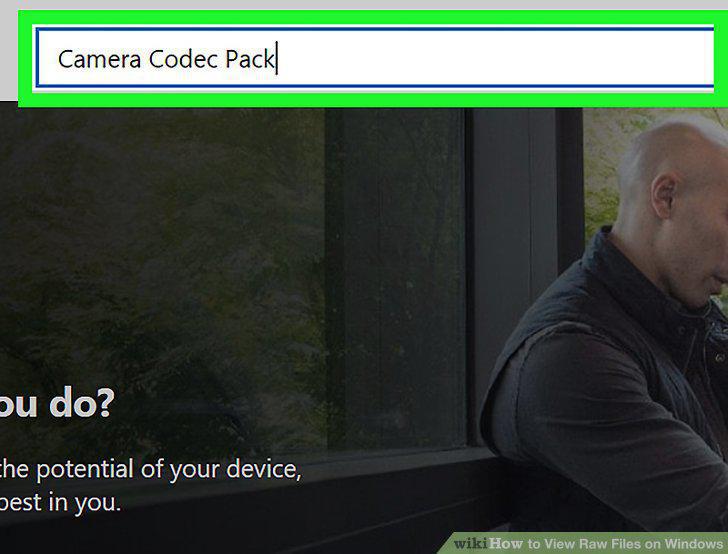
Search Camera Codec Pack on the website.
4
Click Microsoft Camera Codec Pack in the search results.
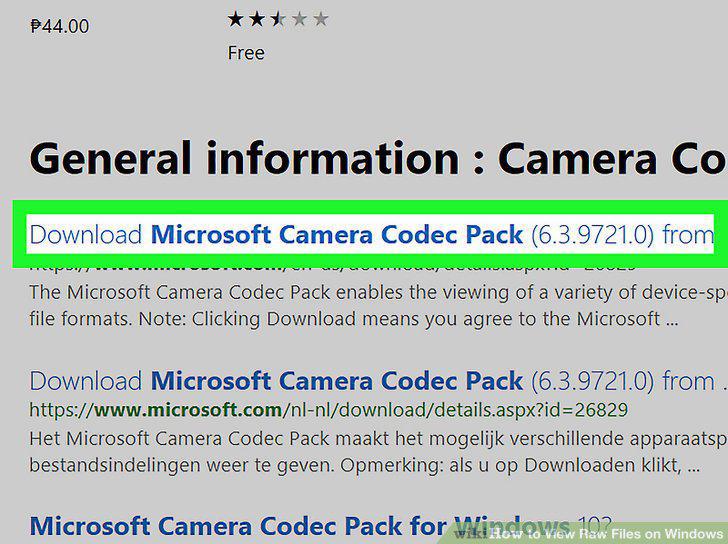
Click Microsoft Camera Codec Pack in the search results.
5
Click the red Download button.
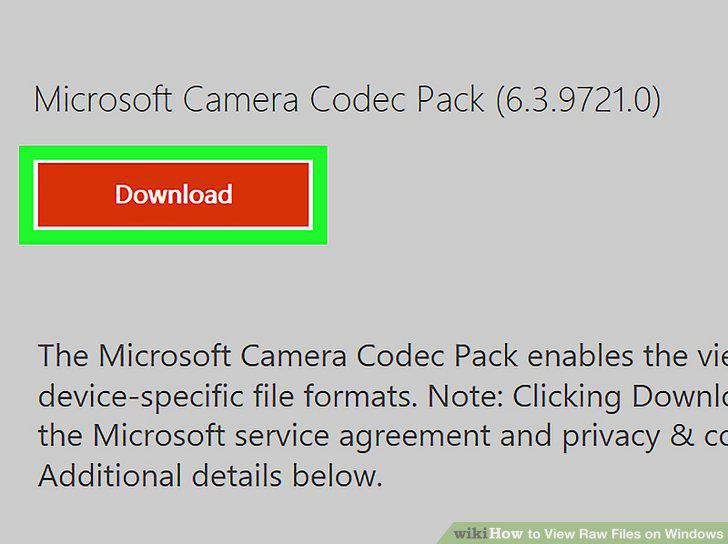
Click the red Download button.
6
Select the codec pack for your computer's operating system.
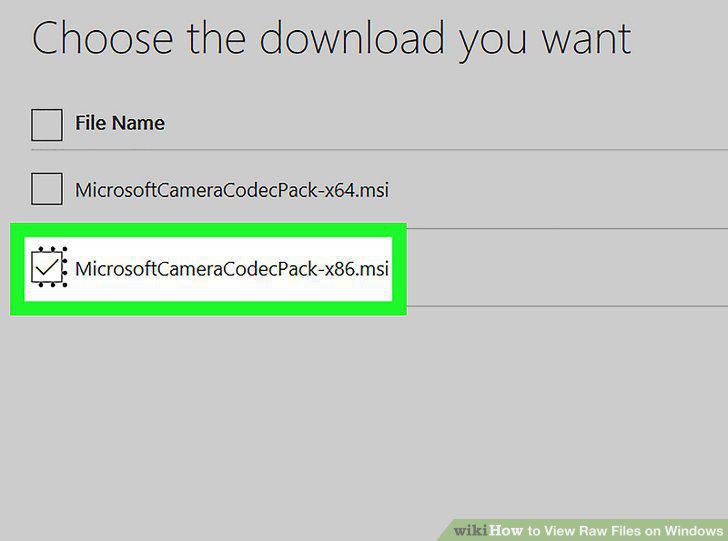
Select the codec pack for your computer's operating system.
7
Click the blue Next button.
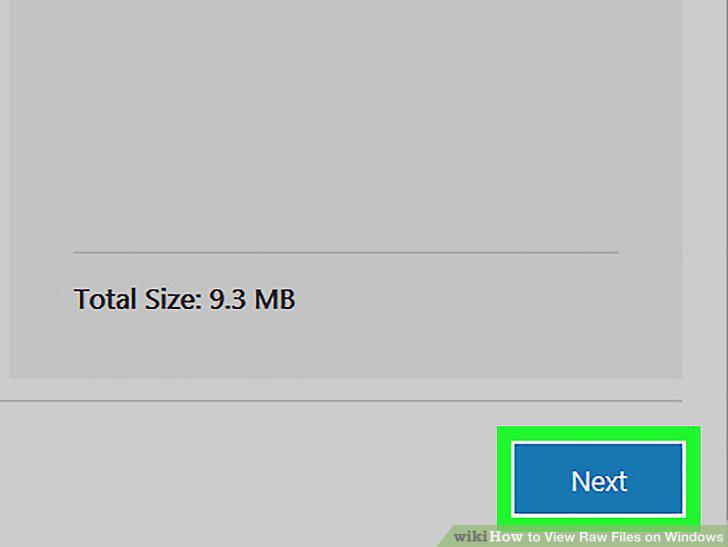
Click the blue Next button.
8
Click the Save button.
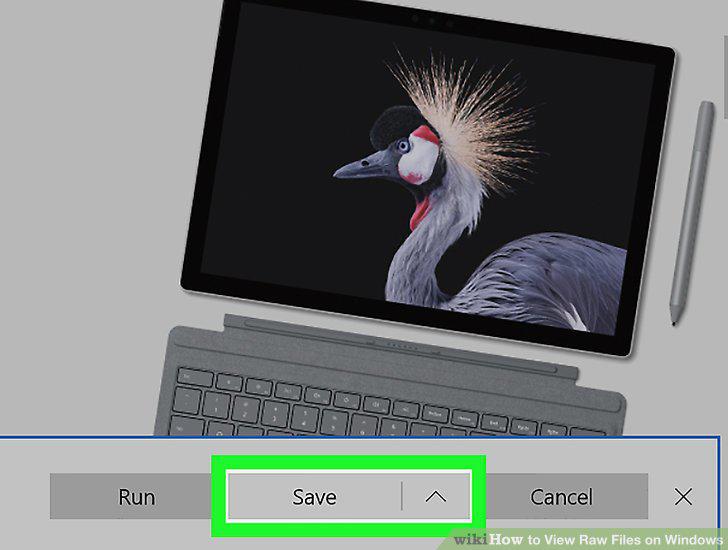
Click the Save button.
9
Double-click the downloaded codec pack file.
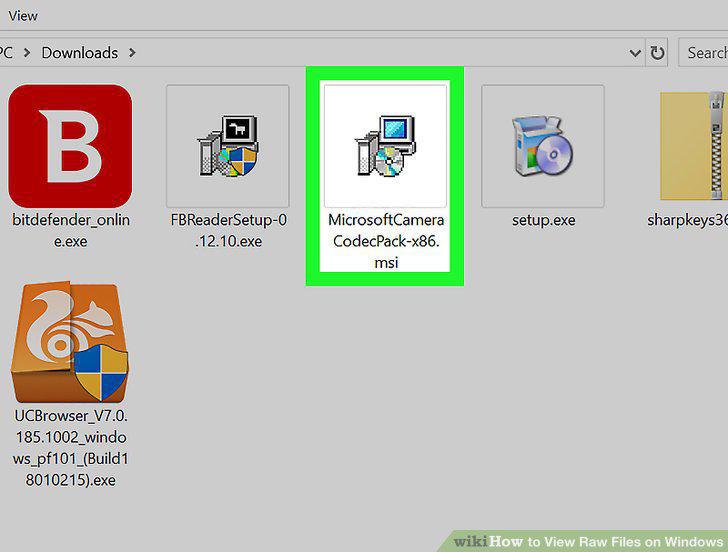
Double-click the downloaded codec pack file.
10
Double-click the Camera Raw file you want to view.
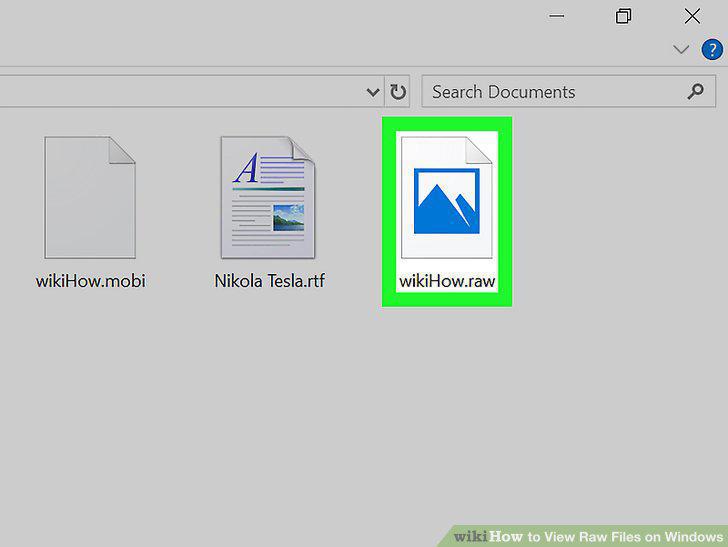
Double-click the Camera Raw file you want to view.
Comments (0)
No comments yet. Be the first to share your thoughts!