How to Erase Colored Pencil
Purchase a colored pencil eraser.. Test the eraser on a small area.. Simply use the colored pencil eraser as you would use a standard eraser.
Steps
Purchase a colored pencil eraser.
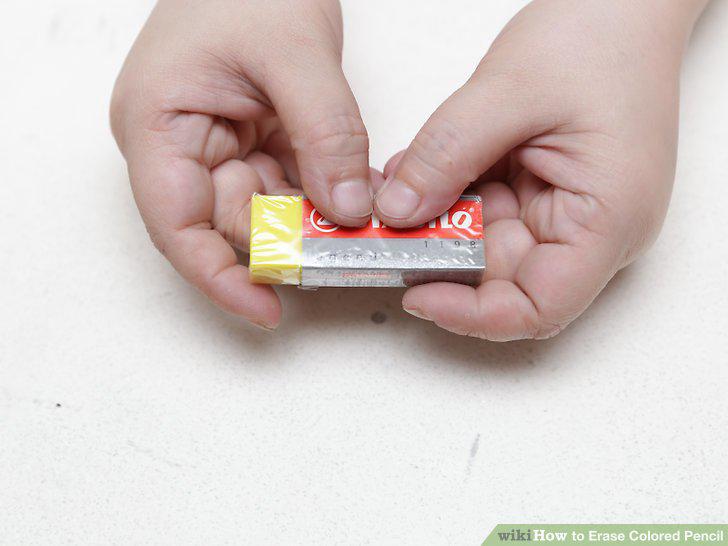
Purchase a colored pencil eraser.
Test the eraser on a small area.
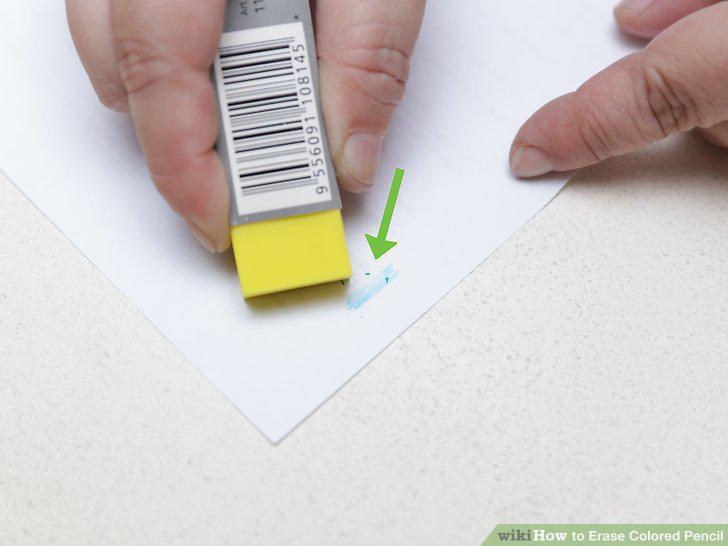
Test the eraser on a small area.
Simply use the colored pencil eraser as you would use a standard eraser.
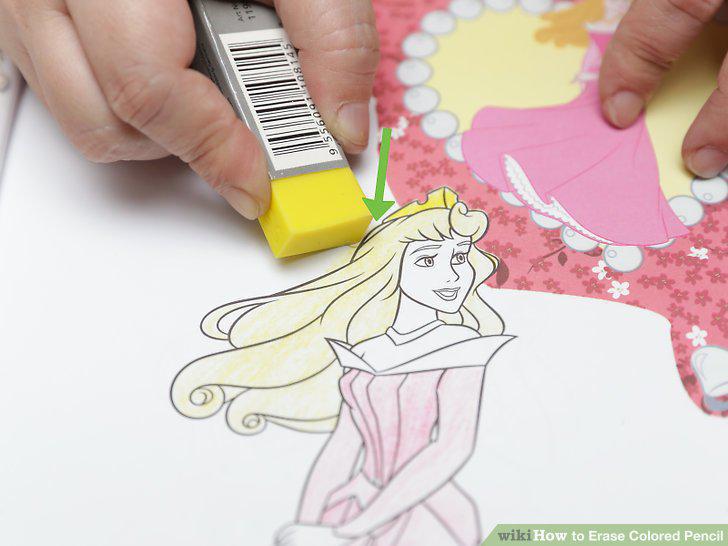
Simply use the colored pencil eraser as you would use a standard eraser.
Buy a kneaded eraser.
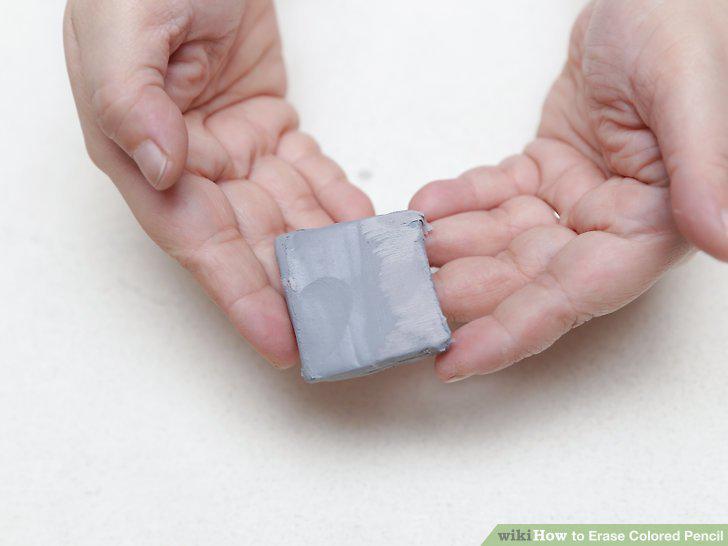
Buy a kneaded eraser.
Create the shape you need.
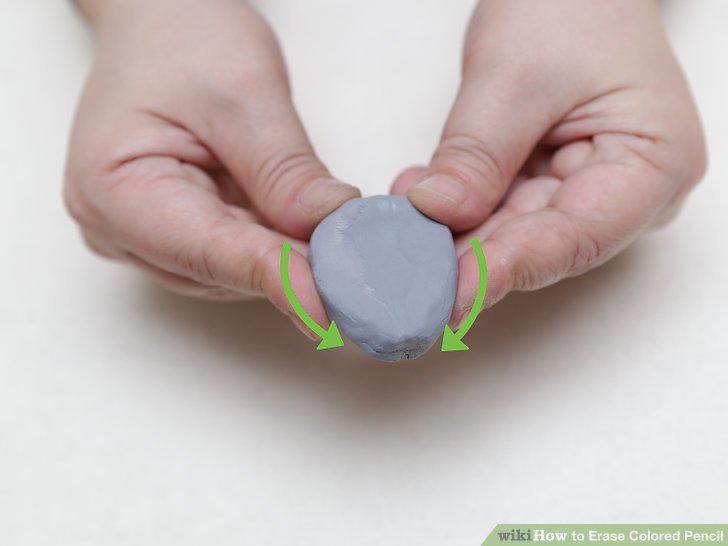
Create the shape you need.
Test the eraser on a small area.
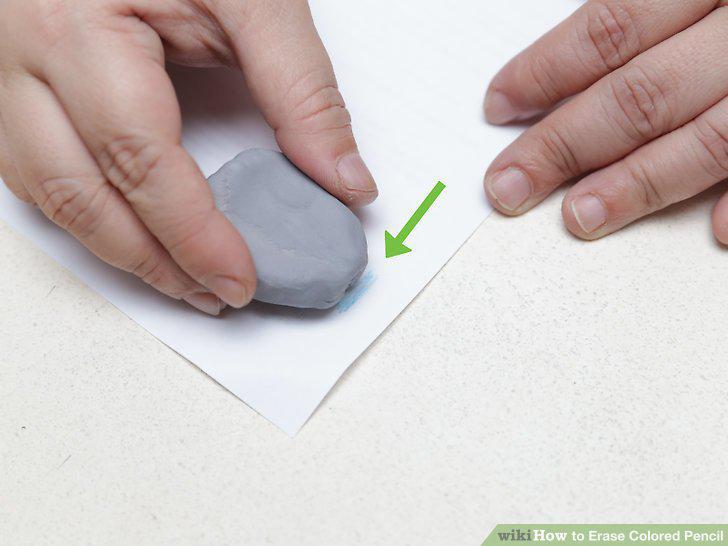
Test the eraser on a small area.
Rub the eraser on the page to pick up pigment.
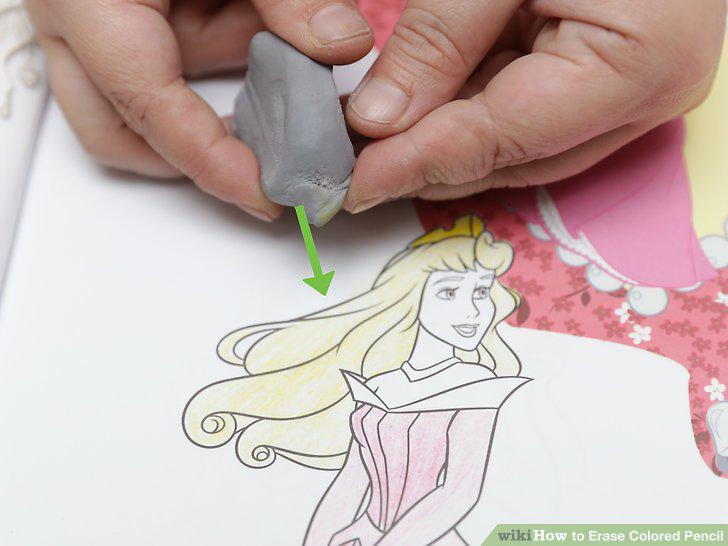
Rub the eraser on the page to pick up pigment.
Clean the kneaded eraser.
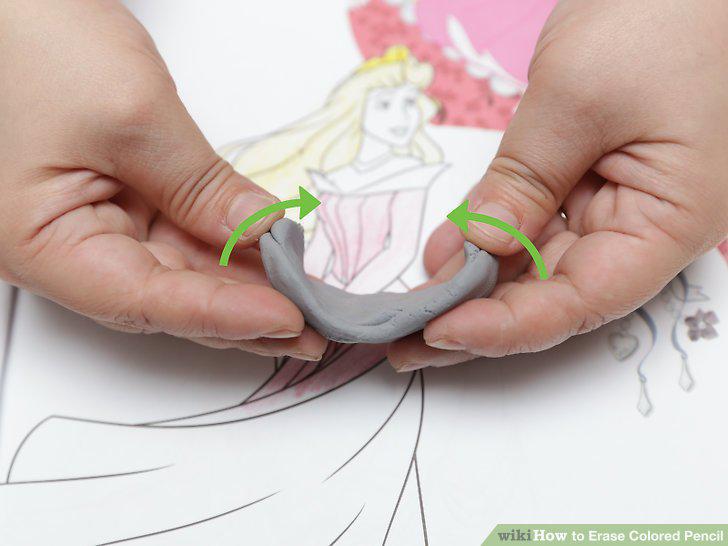
Clean the kneaded eraser.
Buy a vinyl eraser.
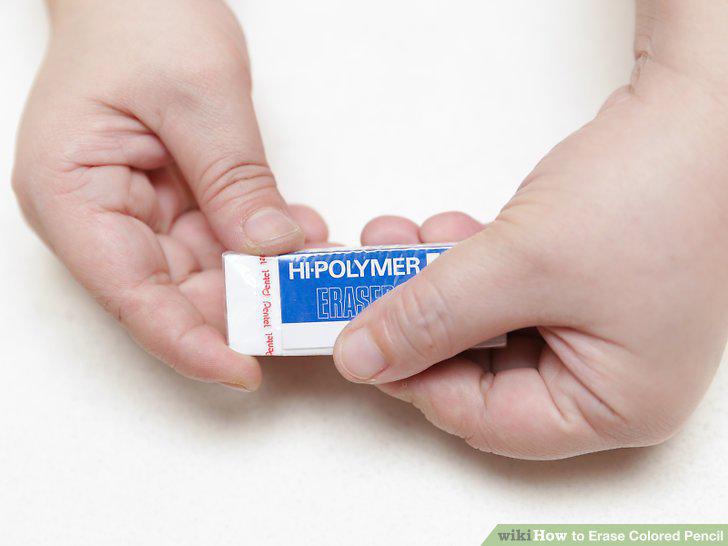
Buy a vinyl eraser.
Buy an "eraser.
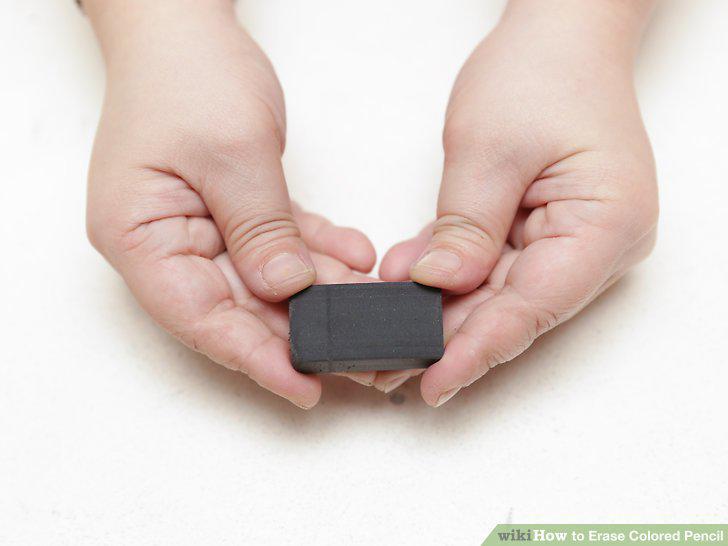
Buy an "eraser.
Test the eraser on a small area.
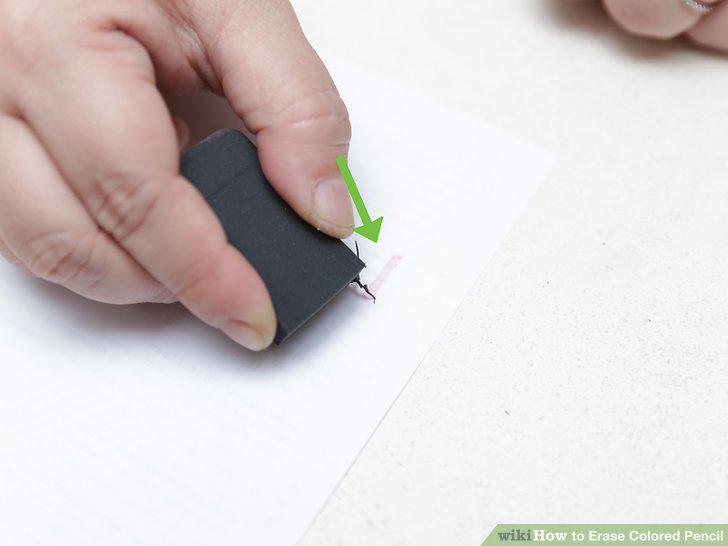
Test the eraser on a small area.
Erase the colored pencil by rubbing very gently.
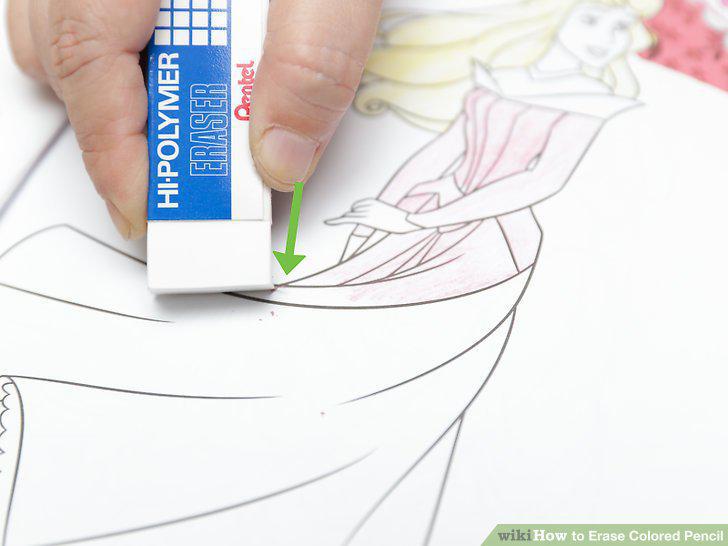
Erase the colored pencil by rubbing very gently.
Erase the area with normal pencil eraser.
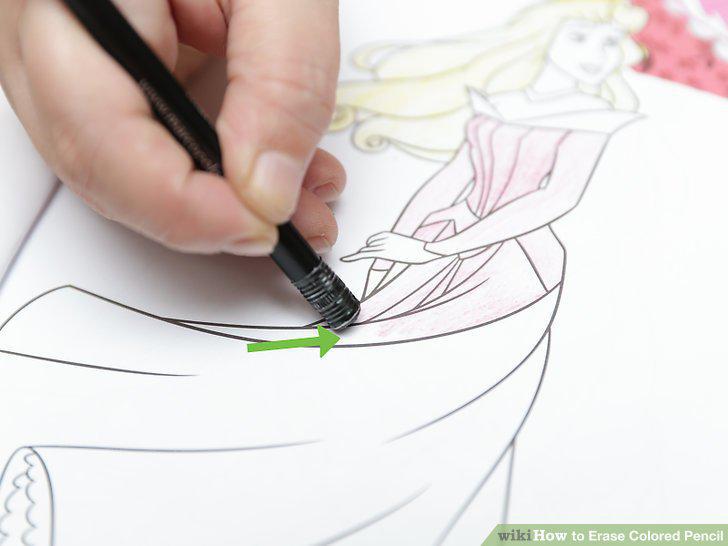
Erase the area with normal pencil eraser.
Cut off a small strip of tape.
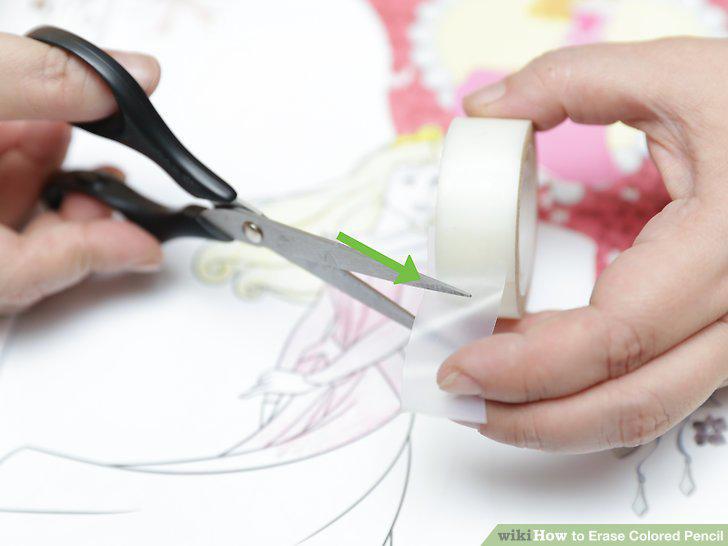
Cut off a small strip of tape.
Test the tape on a small area.
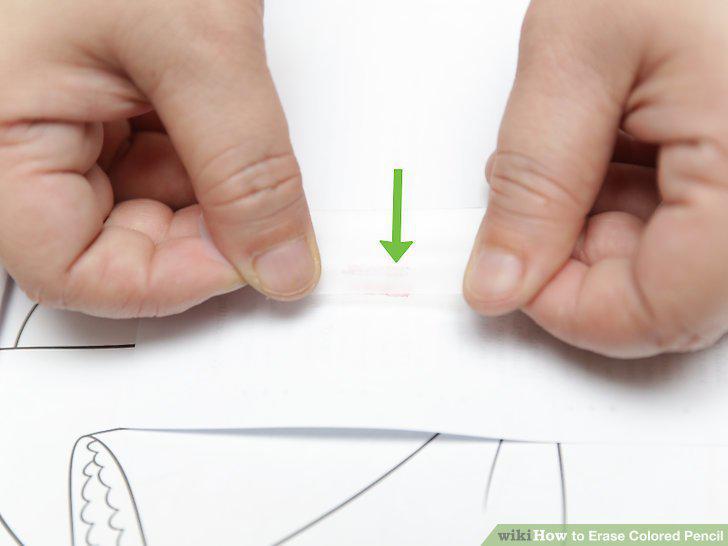
Test the tape on a small area.
Gently put the strip of tape on the paper, and rub it gently.
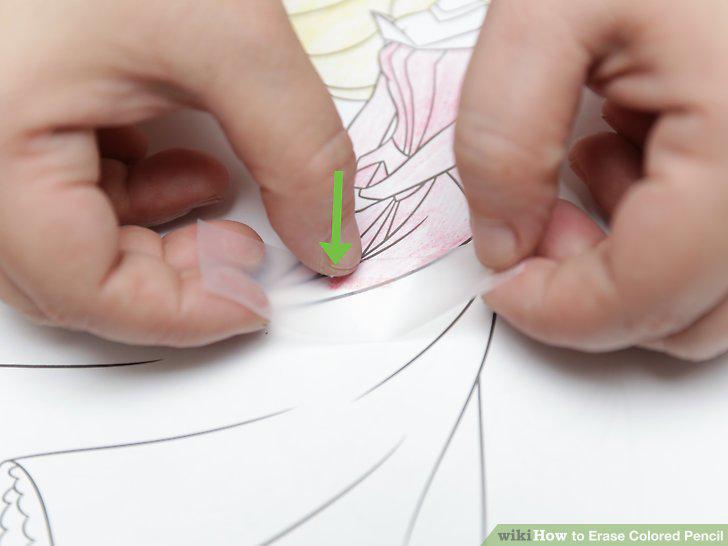
Gently put the strip of tape on the paper, and rub it gently.
Use a pen to write on the tape over the part you want to erase most thoroughly.
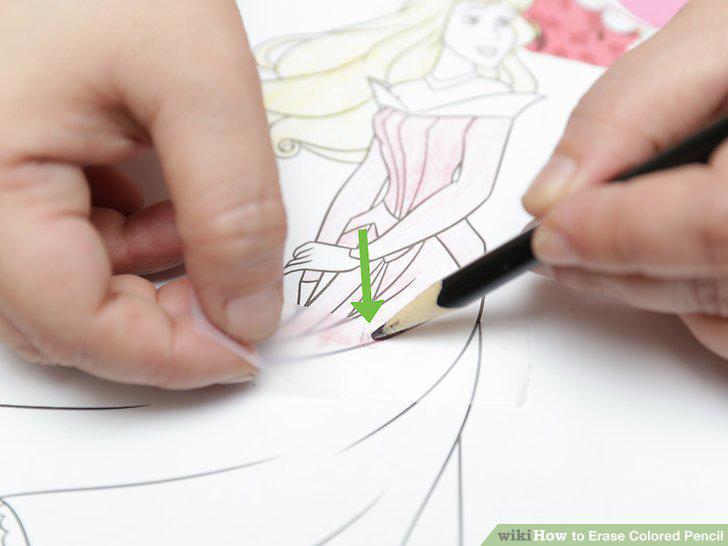
Use a pen to write on the tape over the part you want to erase most thoroughly.
Peel the tape off the paper.
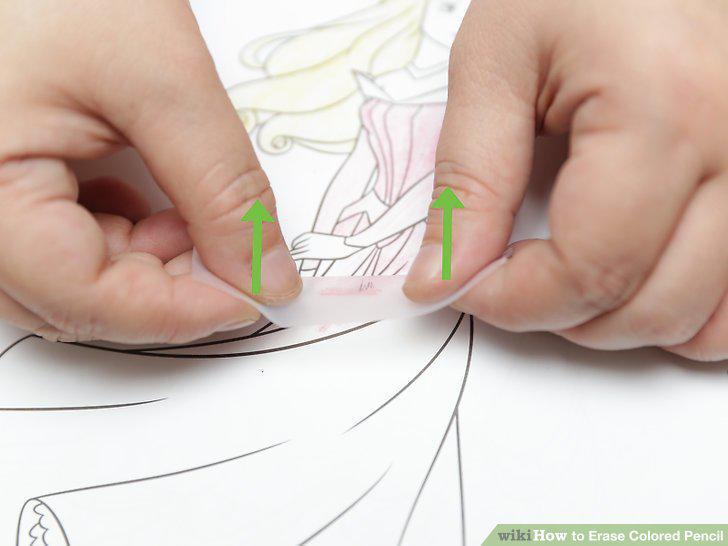
Peel the tape off the paper.
Gently erase of the paper again with a regular pencil eraser.
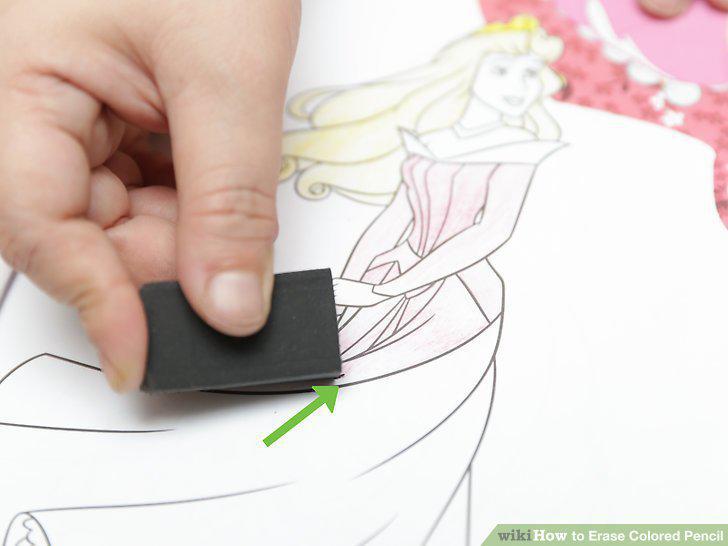
Gently erase of the paper again with a regular pencil eraser.
Comments (0)
No comments yet. Be the first to share your thoughts!