How to Remove a Password on Windows
Open your computer's settings window.. Click the Accounts option.. Click Sign-in options on the left sidebar.
Steps
1
Open your computer's settings window.
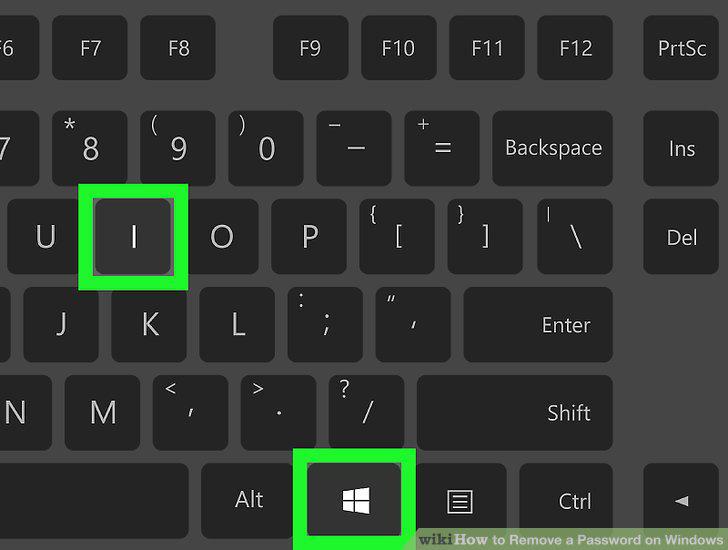
Open your computer's settings window.
2
Click the Accounts option.
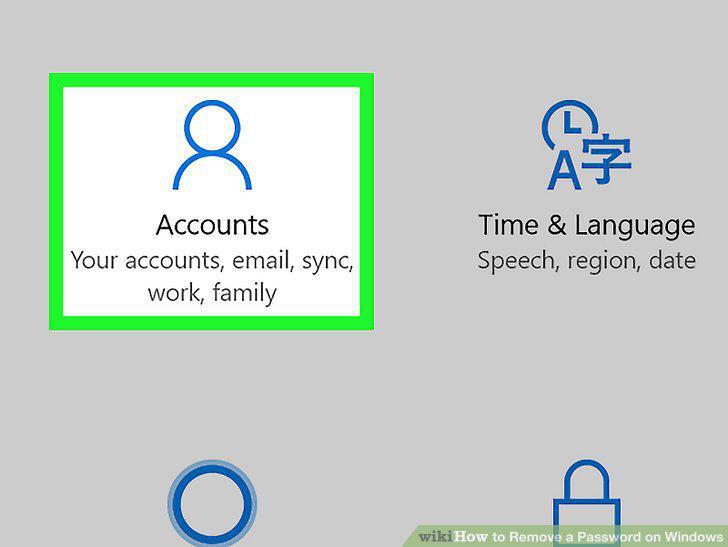
Click the Accounts option.
3
Click Sign-in options on the left sidebar.
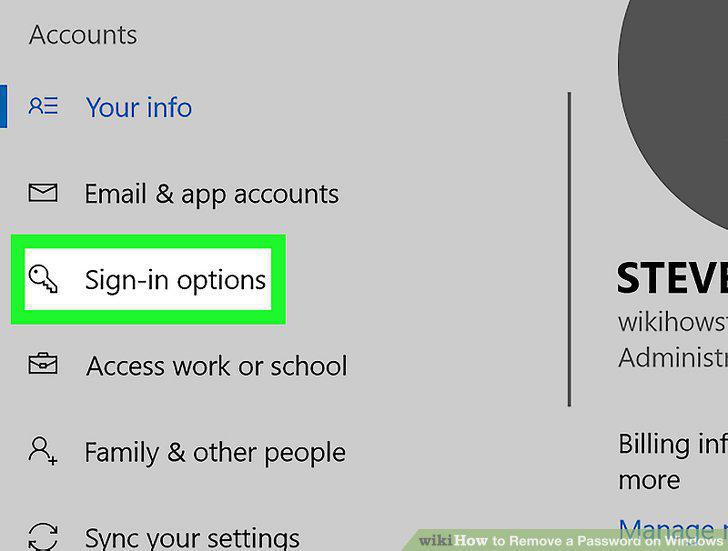
Click Sign-in options on the left sidebar.
4
Click the Change button under the Password heading.
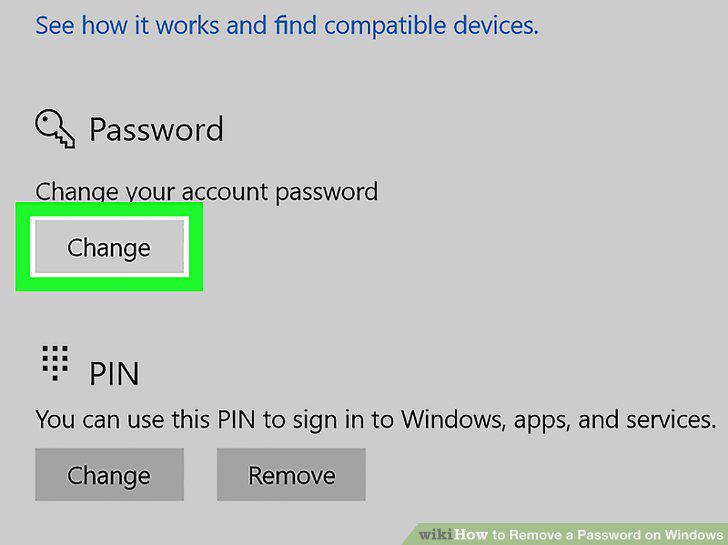
Click the Change button under the Password heading.
5
Enter your current account password.
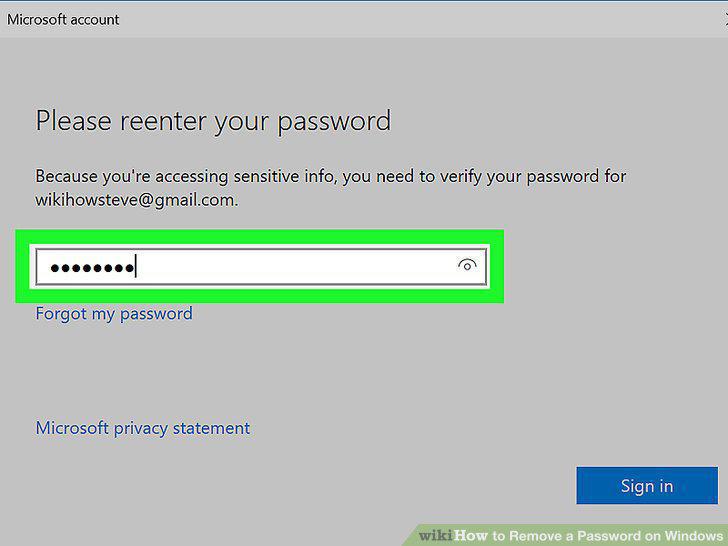
Enter your current account password.
6
Click the Next button.
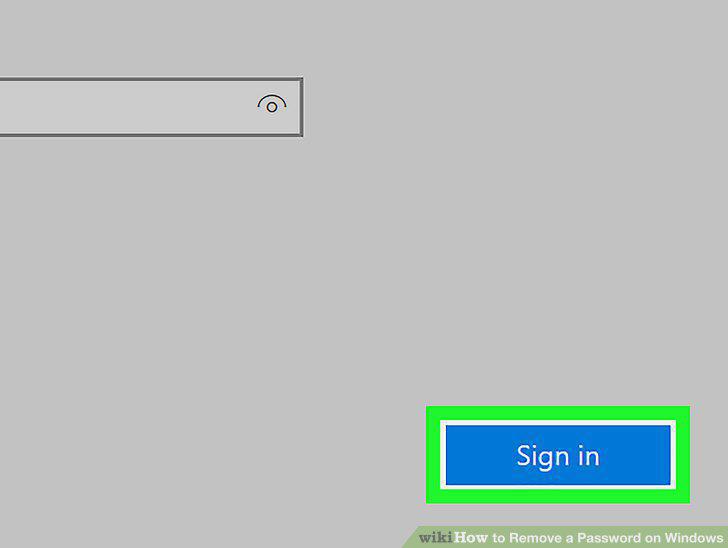
Click the Next button.
7
Leave all the new fields empty on the password change form.
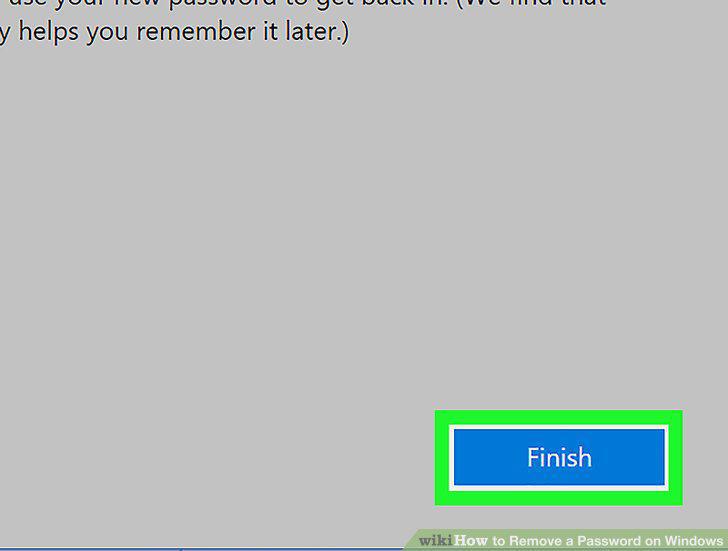
Leave all the new fields empty on the password change form.
Comments (0)
No comments yet. Be the first to share your thoughts!