How to Open SHP Files
Download Google Earth Pro for desktop from https://www.google.com/earth/versions/#earth-pro.. Run the installer.. Launch Google Earth Pro.
Steps
1
Download Google Earth Pro for desktop from https://www.google.com/earth/versions
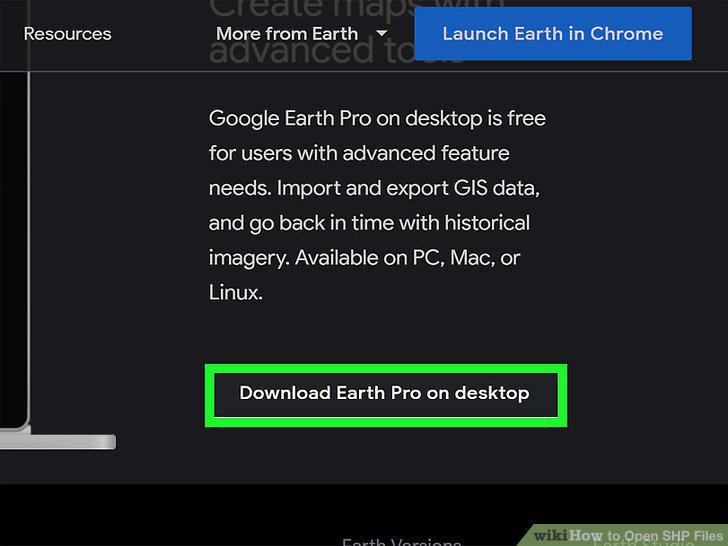
Download Google Earth Pro for desktop from https://www.google.com/earth/versions/#earth-pro.
2
Run the installer.
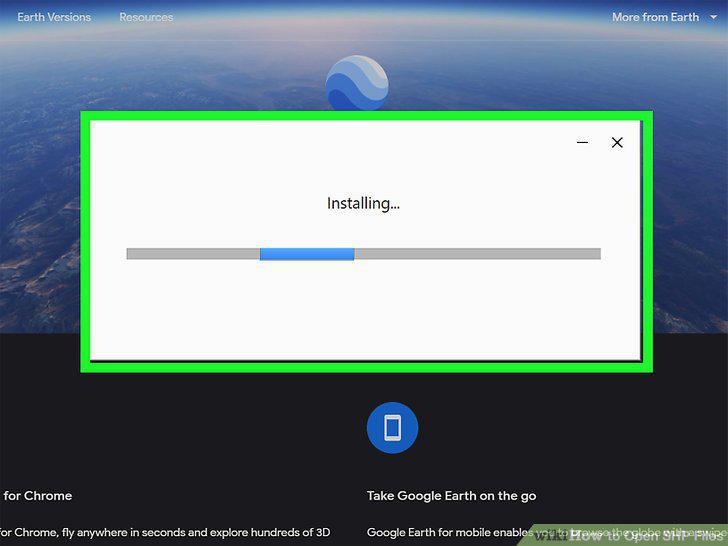
Run the installer.
3
Launch Google Earth Pro.
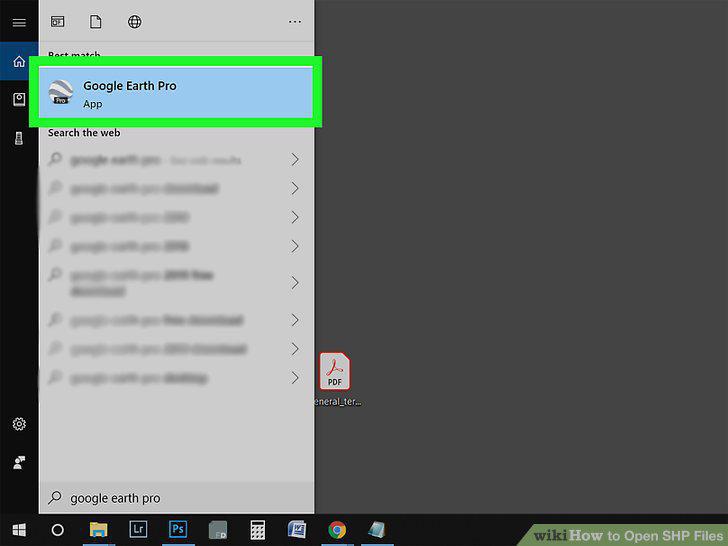
Launch Google Earth Pro.
4
Click the File tab.
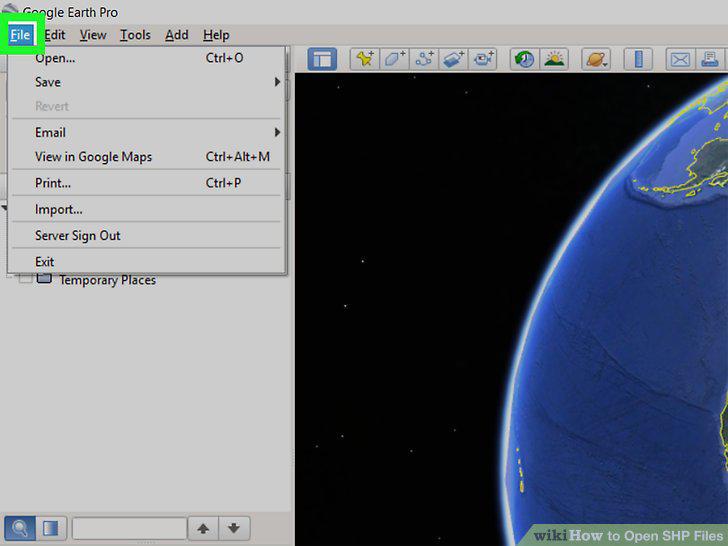
Click the File tab.
5
Click Import.
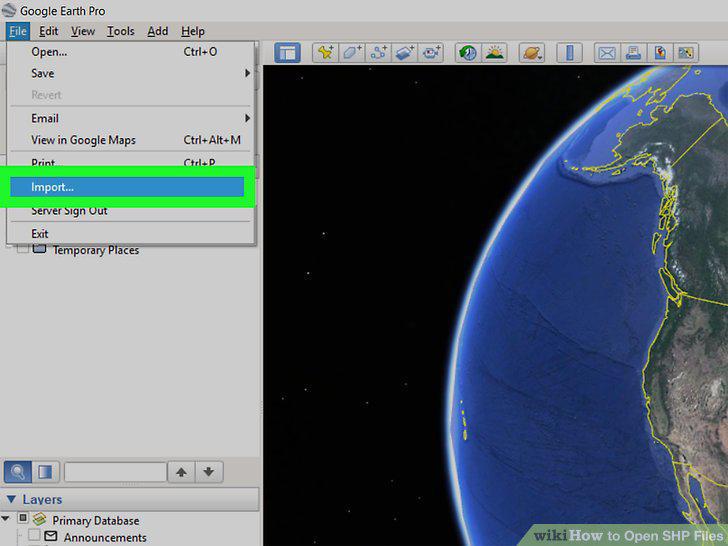
Click Import.
6
Double-click your SHP file.
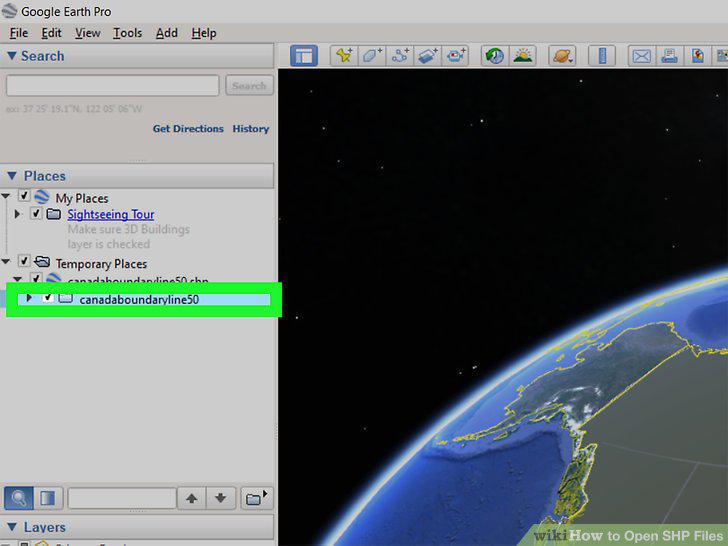
Double-click your SHP file.
7
Click Import All.
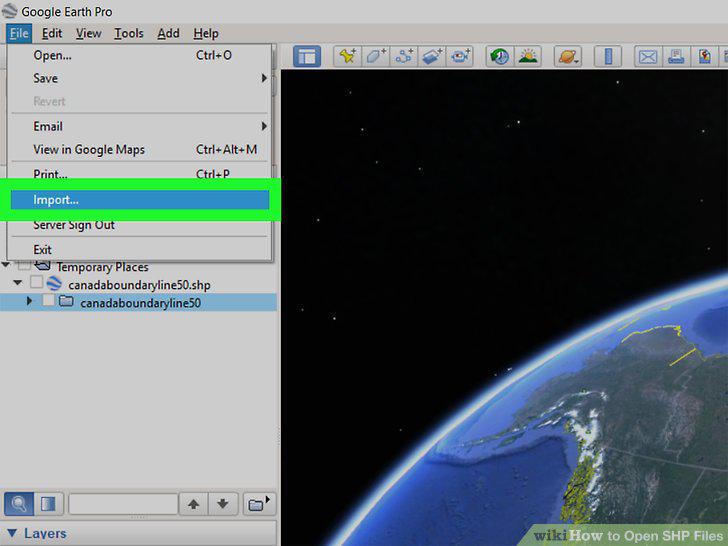
Click Import All.
8
Click Yes and set up a style template.
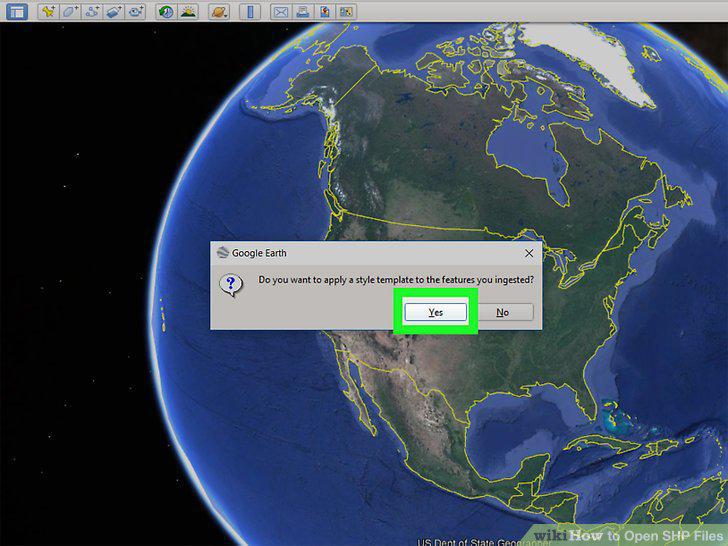
Click Yes and set up a style template.
9
Click Ok.
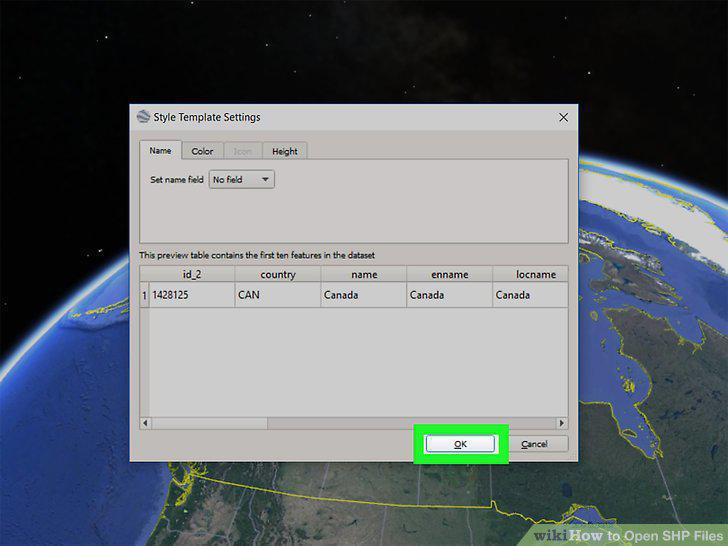
Click Ok.
Comments (0)
No comments yet. Be the first to share your thoughts!