How to Join Twitch on Android
Open the Google Play Store app.. Navigate to the Twitch app's Play Store page.. Tap Install.
Steps
1
Open the Google Play Store app.
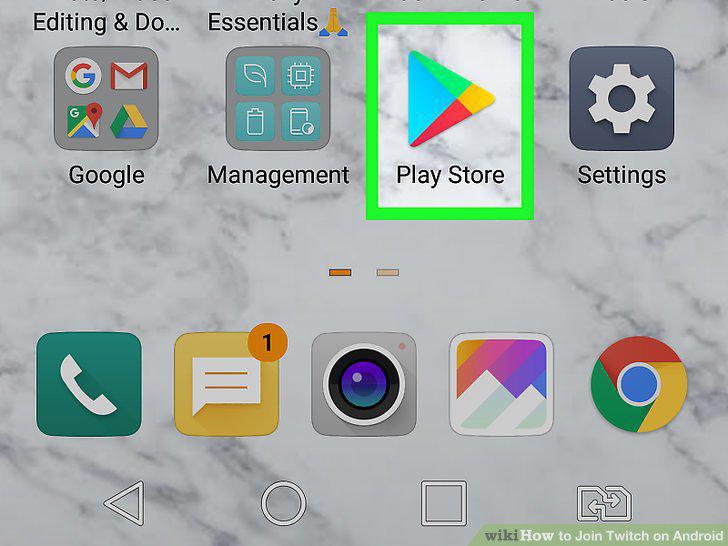
Open the Google Play Store app.
2
Navigate to the Twitch app's Play Store page.
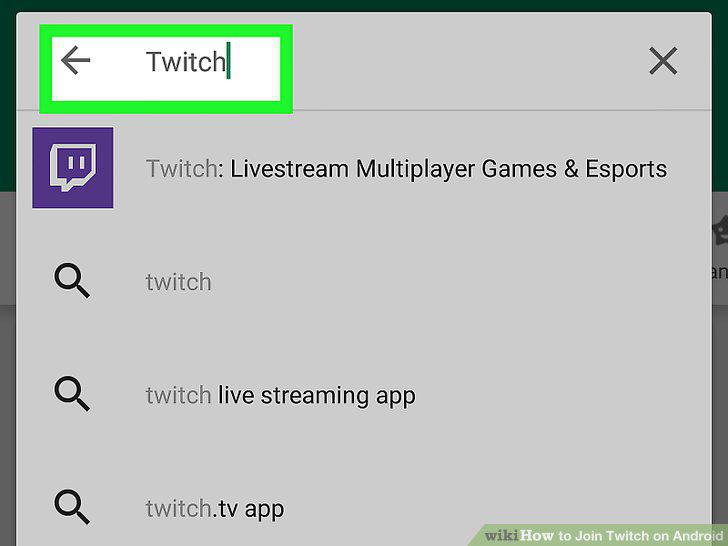
Navigate to the Twitch app's Play Store page.
3
Tap Install.
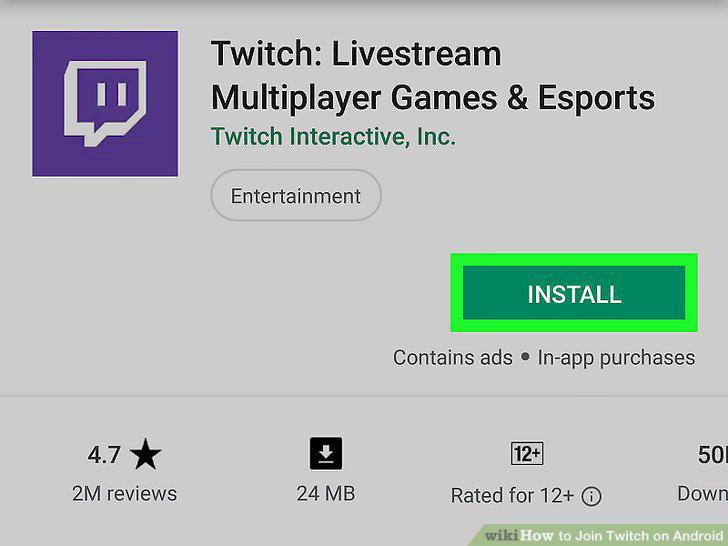
Tap Install.
4
Open the Twitch app.
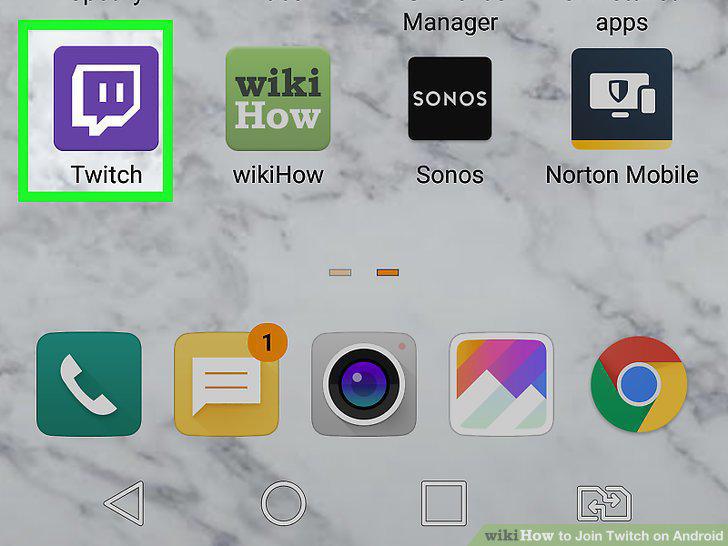
Open the Twitch app.
5
Tap Sign Up.
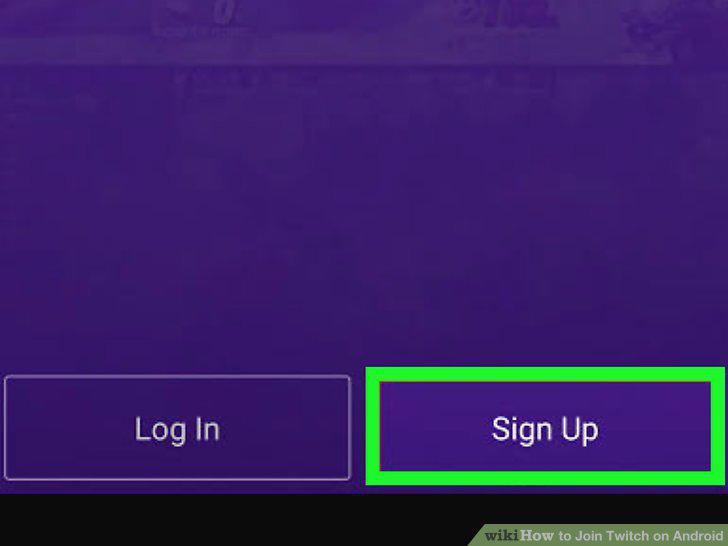
Tap Sign Up.
6
Enter your account information.
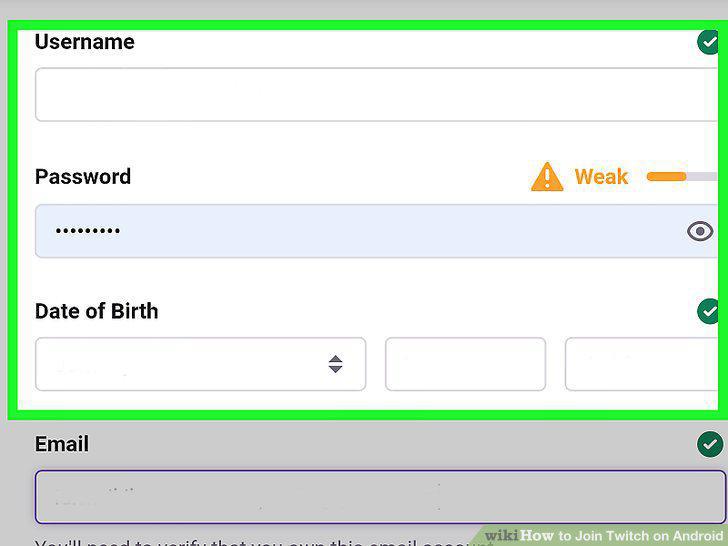
Enter your account information.
7
Tap Sign Up.
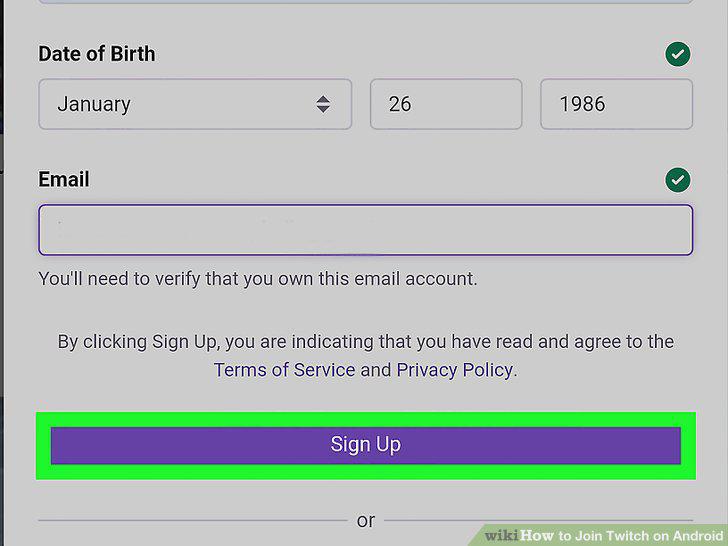
Tap Sign Up.
8
Enter your 6-digit verification code.
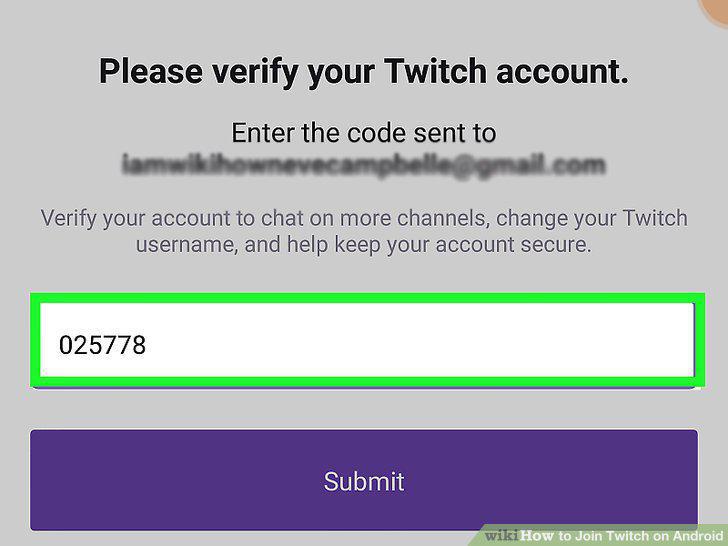
Enter your 6-digit verification code.
9
Access your Twitch dashboard.
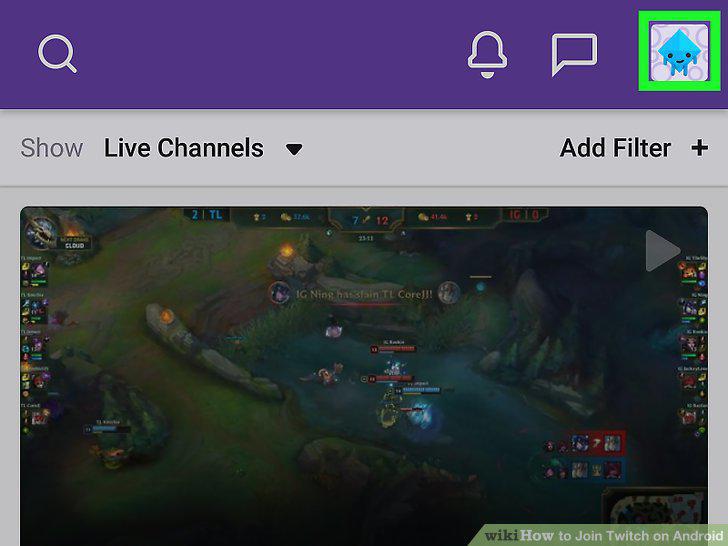
Access your Twitch dashboard.
10
Find channels to follow.
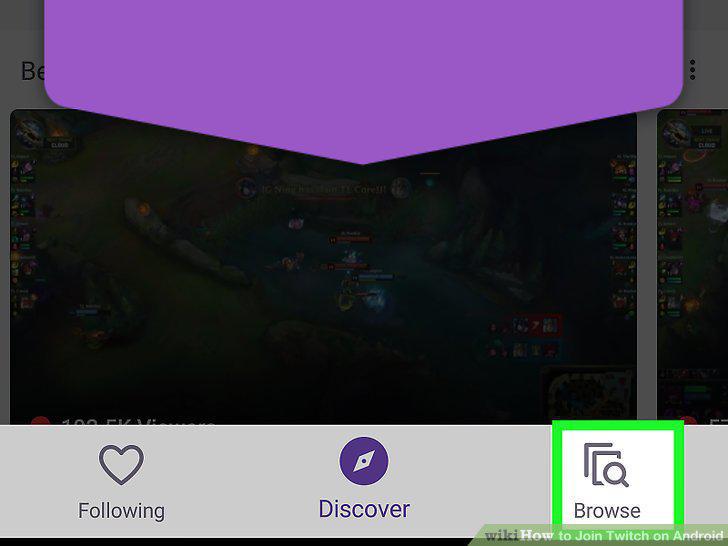
Find channels to follow.
Comments (0)
No comments yet. Be the first to share your thoughts!