How to Delete an ASOS Account
Open the ASOS website in your internet browser.. Click the Help & FAQs button on the top-right.. Scroll down and click SEND US AN EMAIL.
Steps
1
Open the ASOS website in your internet browser.
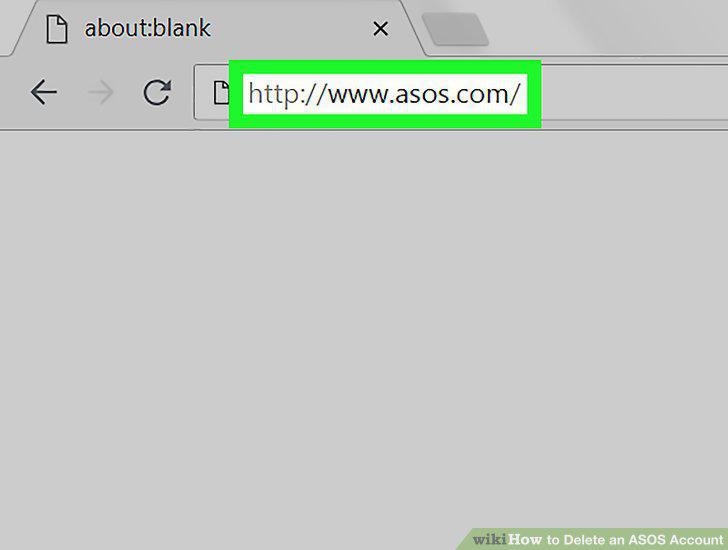
Open the ASOS website in your internet browser.
2
Click the Help & FAQs button on the top-right.
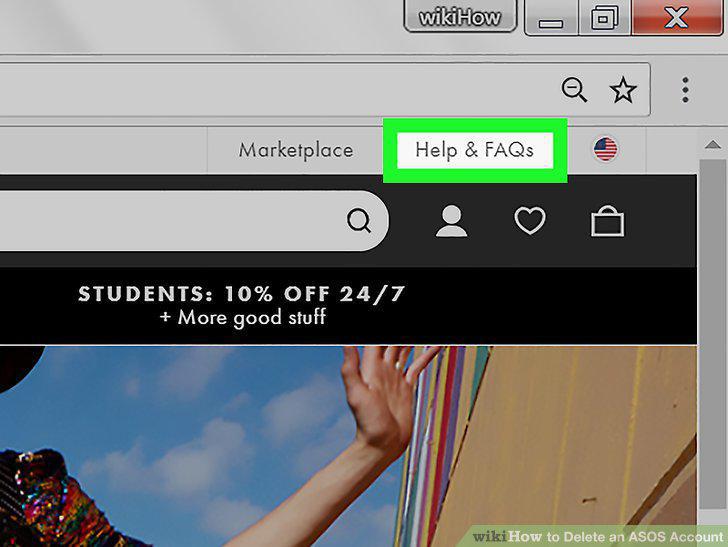
Click the Help & FAQs button on the top-right.
3
Scroll down and click SEND US AN EMAIL.
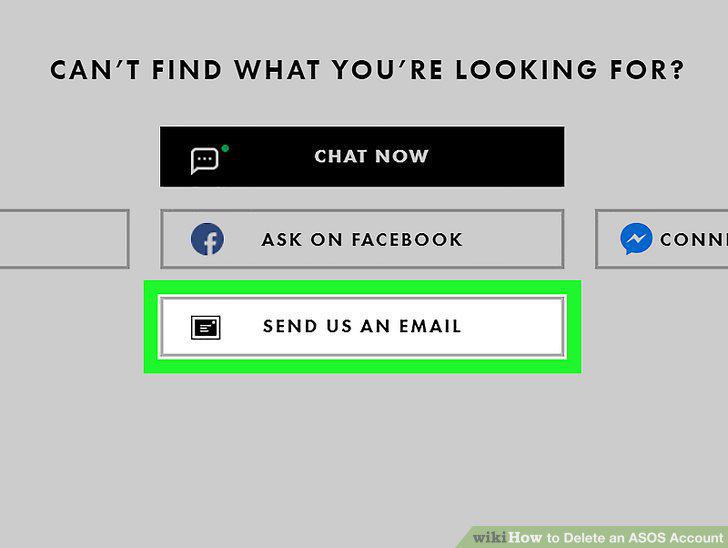
Scroll down and click SEND US AN EMAIL.
4
Select Technical on the SEND US AN EMAIL page.
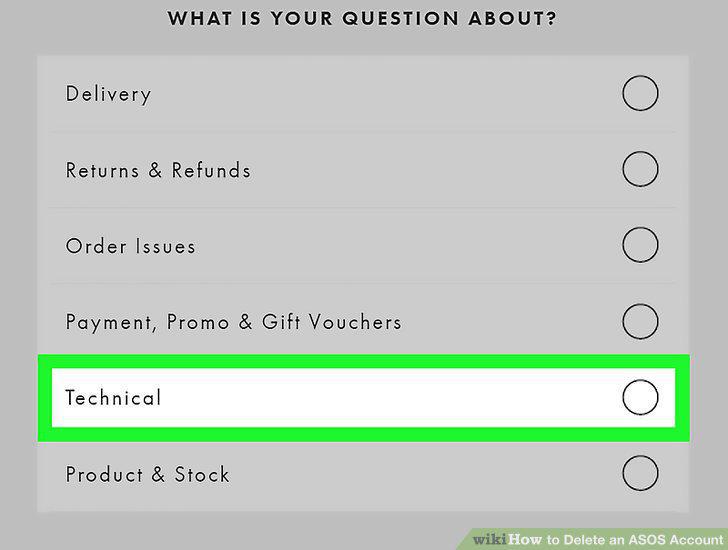
Select Technical on the SEND US AN EMAIL page.
5
Select I'm having trouble logging in.
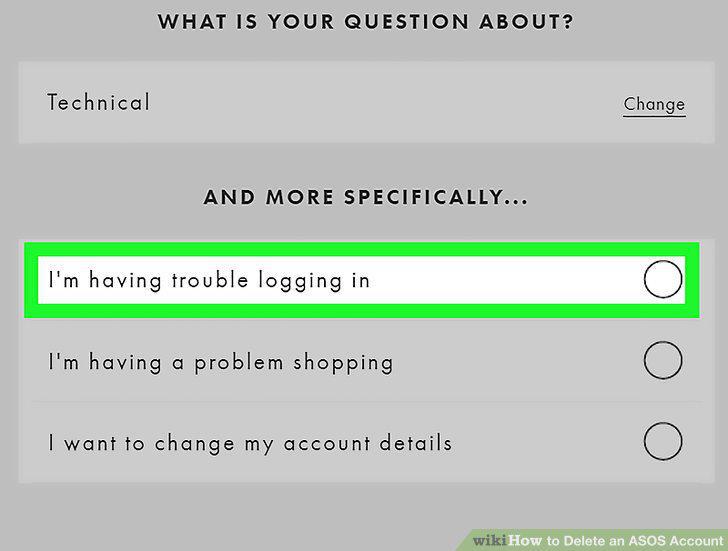
Select I'm having trouble logging in.
6
Enter your name, email address, and location into the contact form.
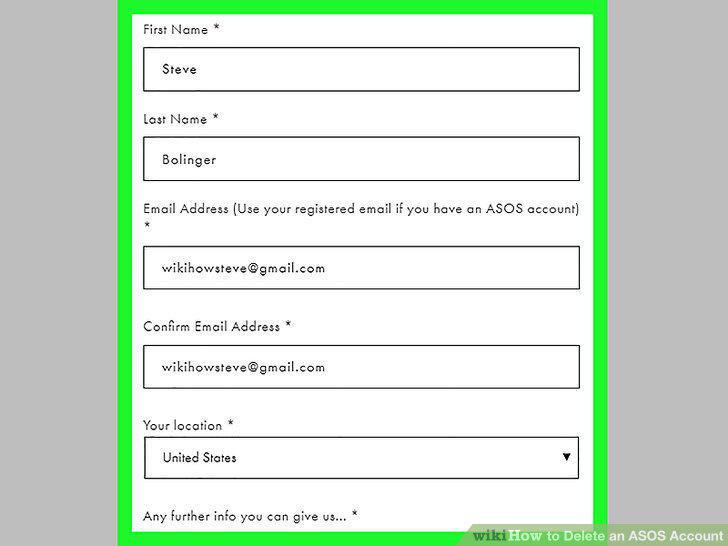
Enter your name, email address, and location into the contact form.
7
Explain you want to delete your account in the message field.
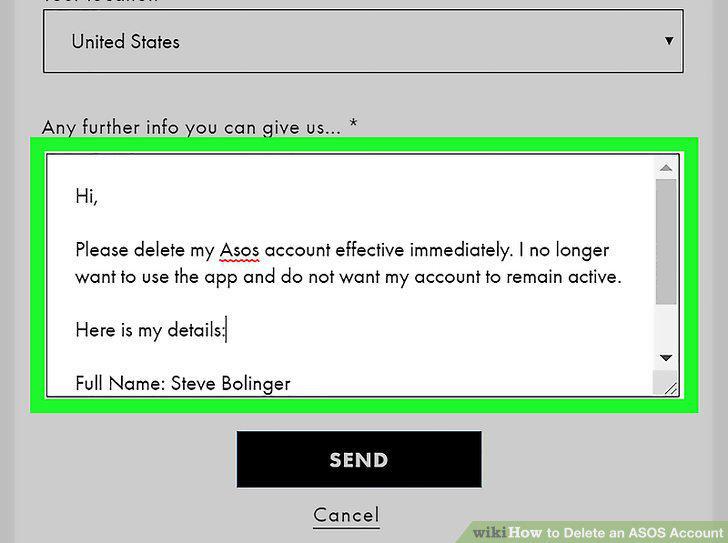
Explain you want to delete your account in the message field.
8
Include your full name, date of birth, billing address, and email address.
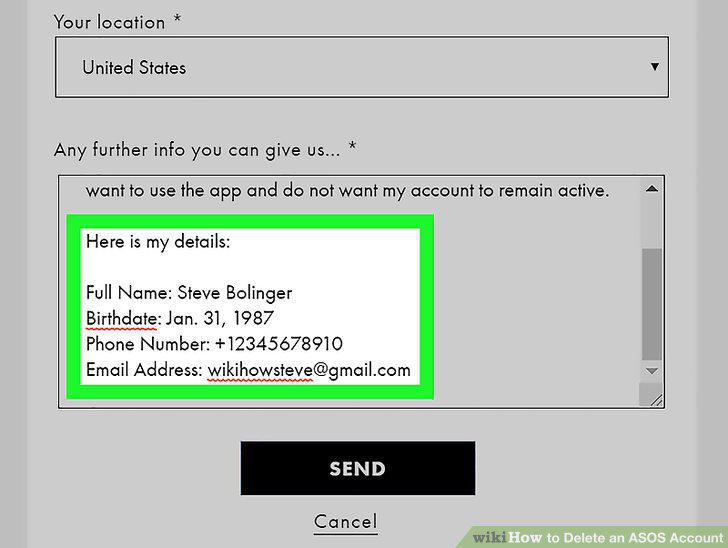
Include your full name, date of birth, billing address, and email address.
9
Click the SEND button.
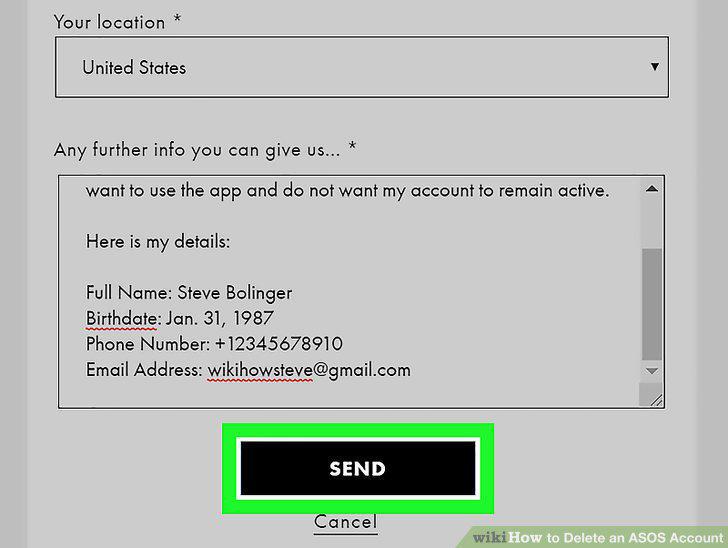
Click the SEND button.
Comments (0)
No comments yet. Be the first to share your thoughts!