How to Save Voice Messages on WeChat on Android
Open your device's file manager.. Tap the Tencent folder.. Tap the MicroMsg folder.
Steps
1
Open your device's file manager.
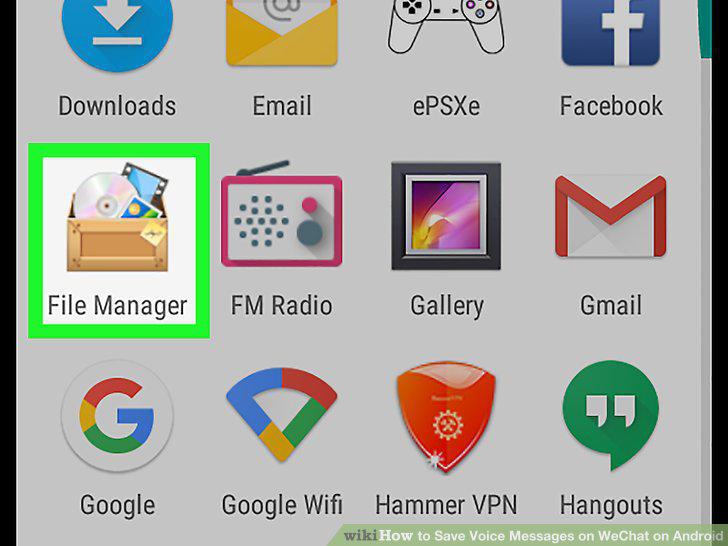
Open your device's file manager.
2
Tap the Tencent folder.
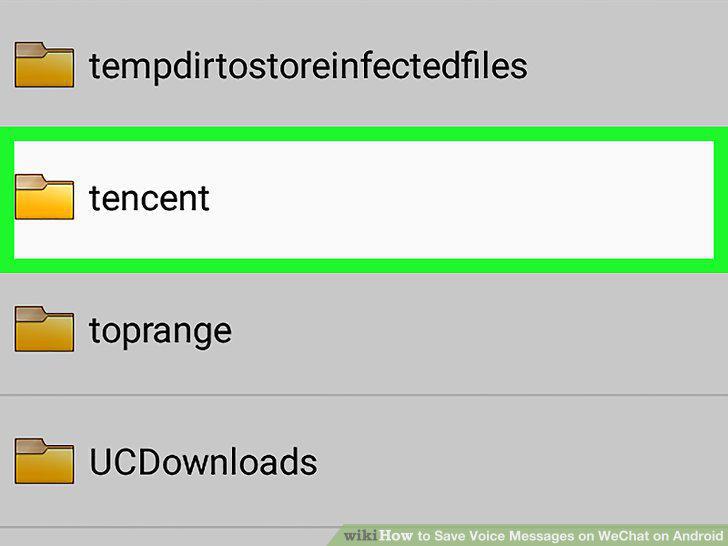
Tap the Tencent folder.
3
Tap the MicroMsg folder.
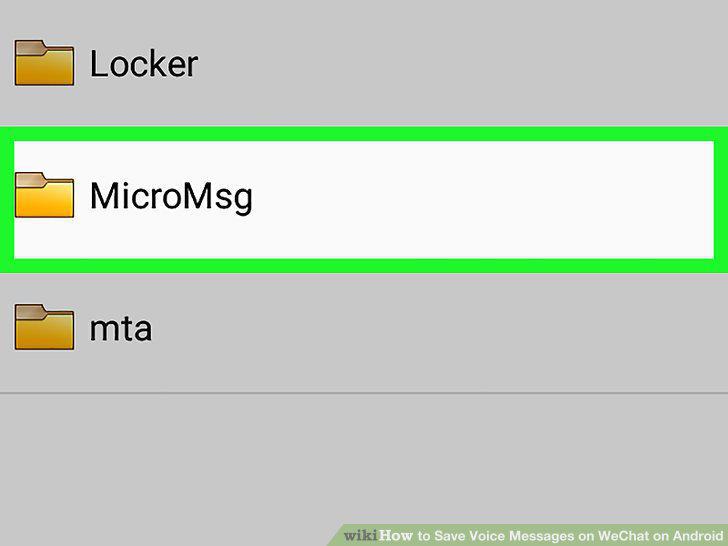
Tap the MicroMsg folder.
4
Tap the c78d2d5d89a1685fb0f78b21823 folder.
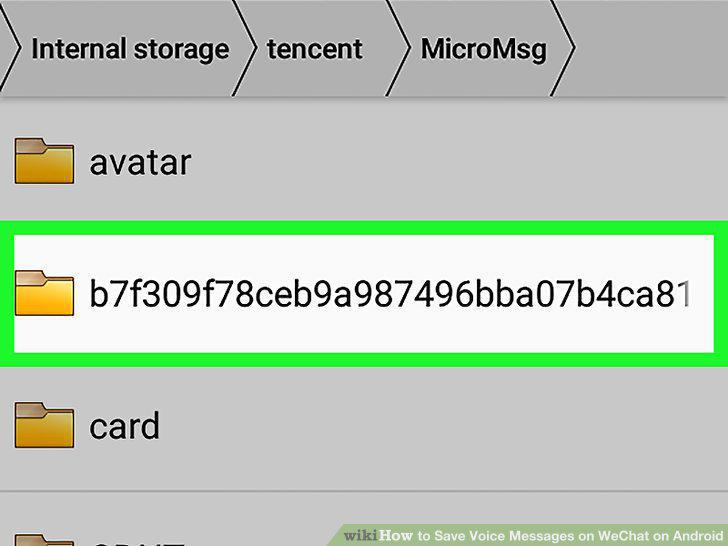
Tap the c78d2d5d89a1685fb0f78b21823 folder.
5
Tap and hold voice2.
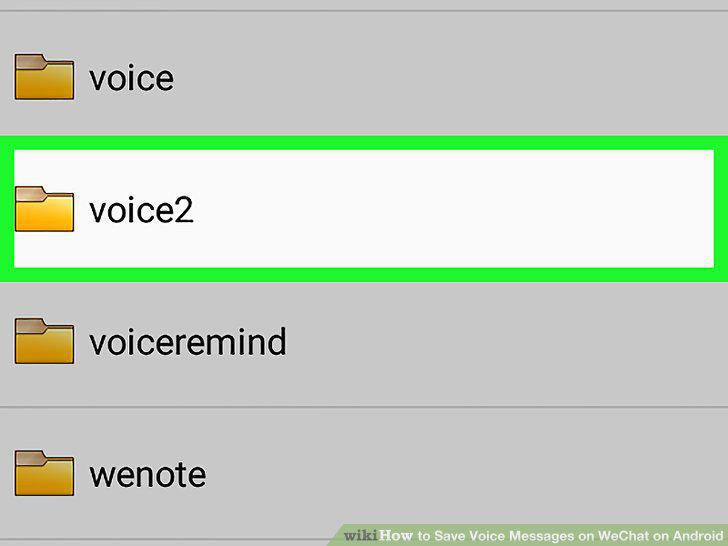
Tap and hold voice2.
6
Tap or Share.
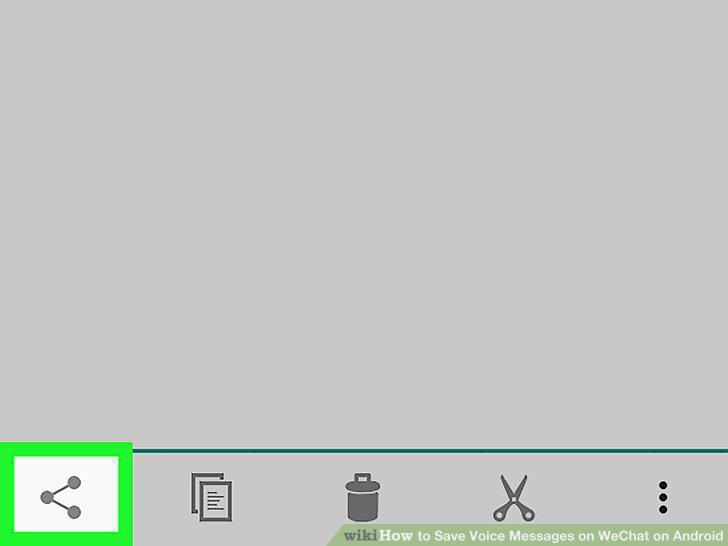
Tap or Share.
7
Select a sharing option.
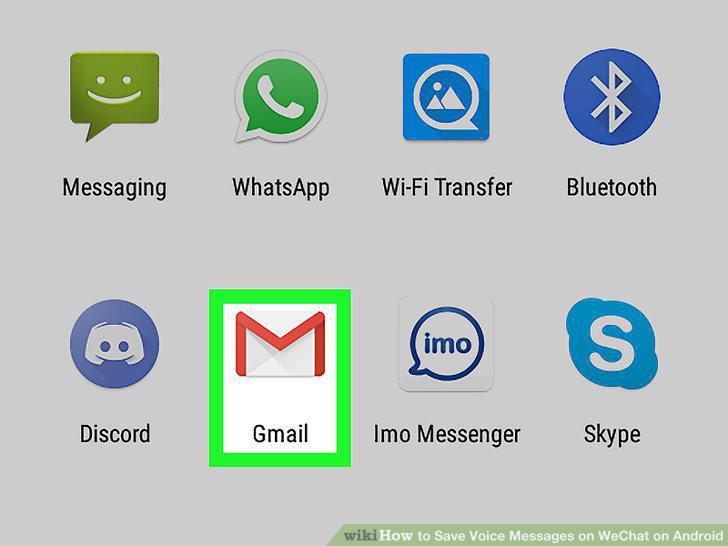
Select a sharing option.
Comments (0)
No comments yet. Be the first to share your thoughts!