How to Play Games on Houseparty
Start a video call with some friends.. Tap the dice icon.. Tap Heads Up!.
Steps
1
Start a video call with some friends.

Start a video call with some friends.
2
Tap the dice icon.
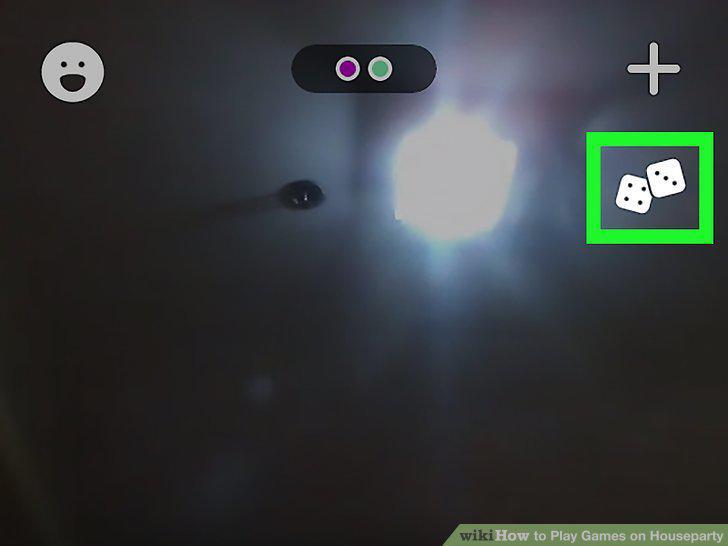
Tap the dice icon.
3
Tap Heads Up!.

Tap Heads Up!.
4
Tap to select a deck.

Tap to select a deck.
5
Give clues to help your friend guess what's on the card.

Give clues to help your friend guess what's on the card.
6
Start a video call with some friends.

Start a video call with some friends.
7
Tap the dice icon.
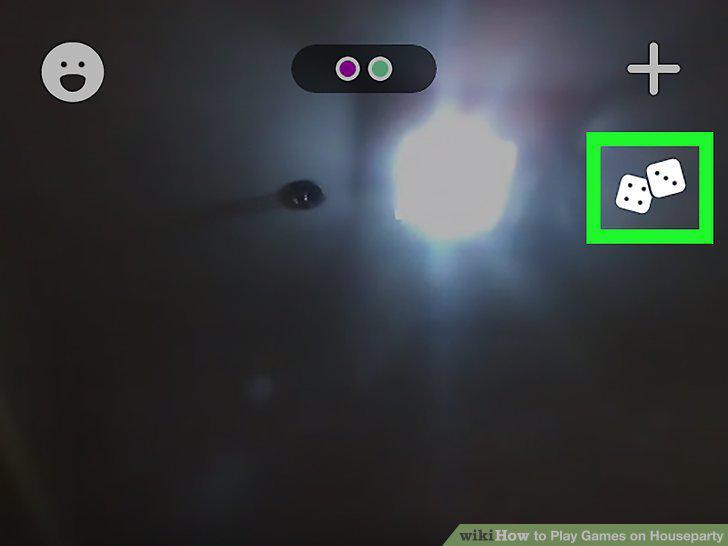
Tap the dice icon.
8
Tap Quick Draw.
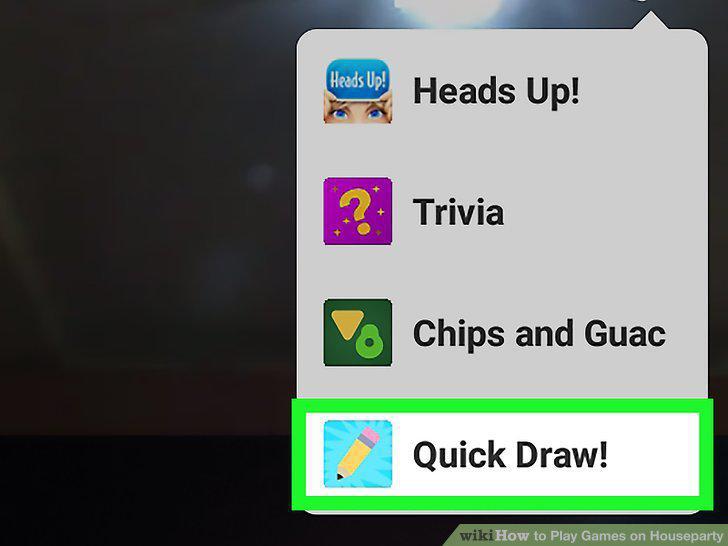
Tap Quick Draw.
9
Draw the drawing prompt (if you're the drawer).

Draw the drawing prompt (if you're the drawer).
10
Tap the check mark if they guessed correctly.
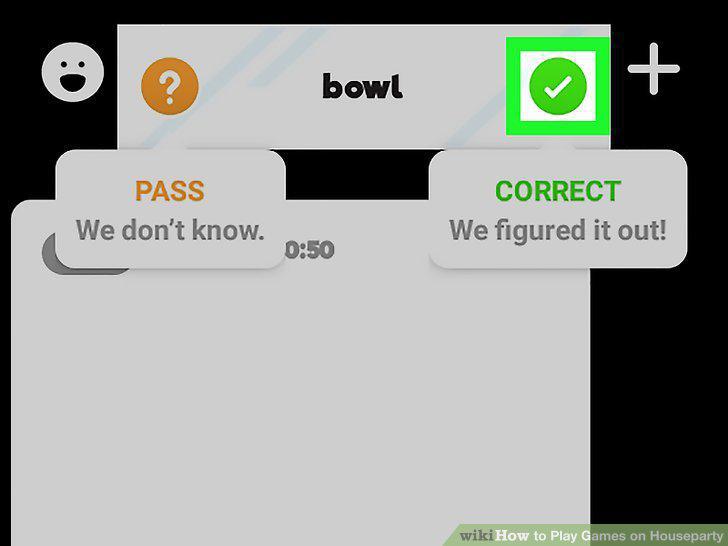
Tap the check mark if they guessed correctly.
11
Start a video call with some friends.

Start a video call with some friends.
12
Tap the dice icon.
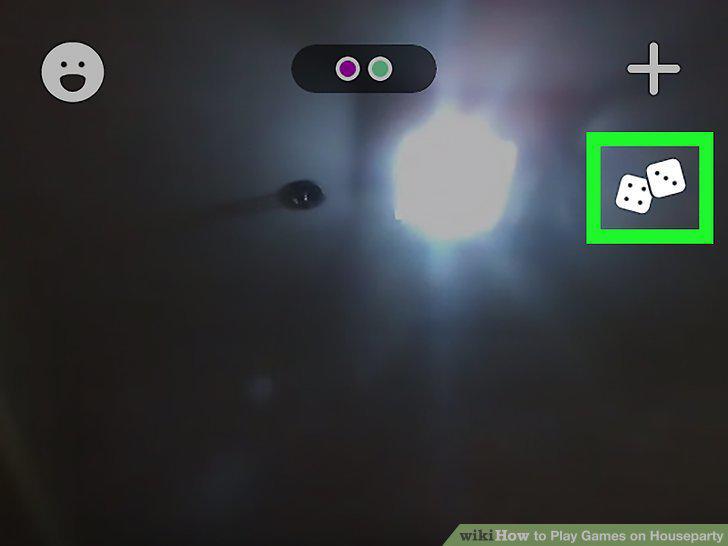
Tap the dice icon.
13
Tap Trivia.
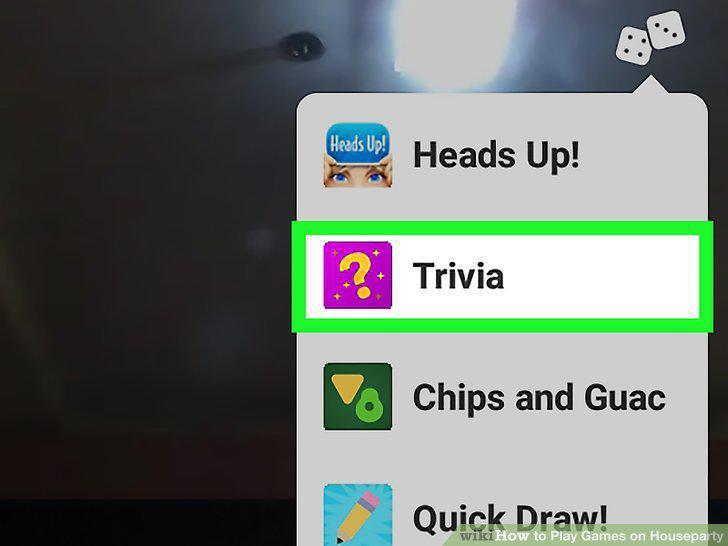
Tap Trivia.
14
Tap Play to select a category.

Tap Play to select a category.
15
Tap to select an answer to the question.
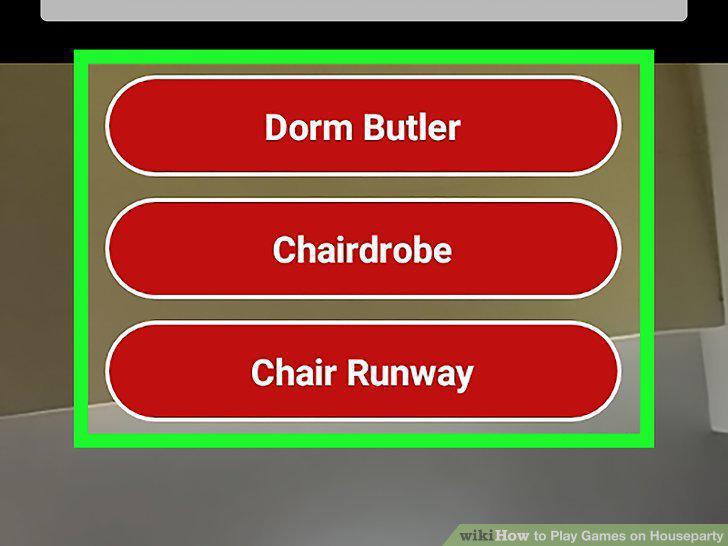
Tap to select an answer to the question.
16
Start a video call with some friends.

Start a video call with some friends.
17
Tap the dice icon.
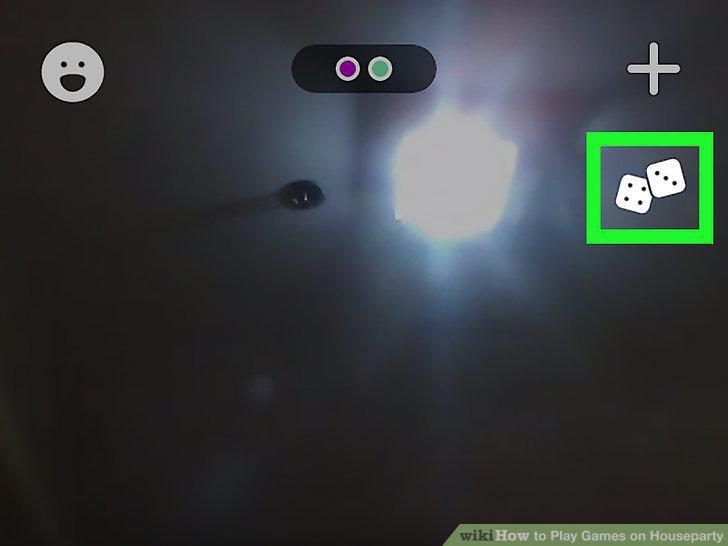
Tap the dice icon.
18
Tap Chips and Guac.
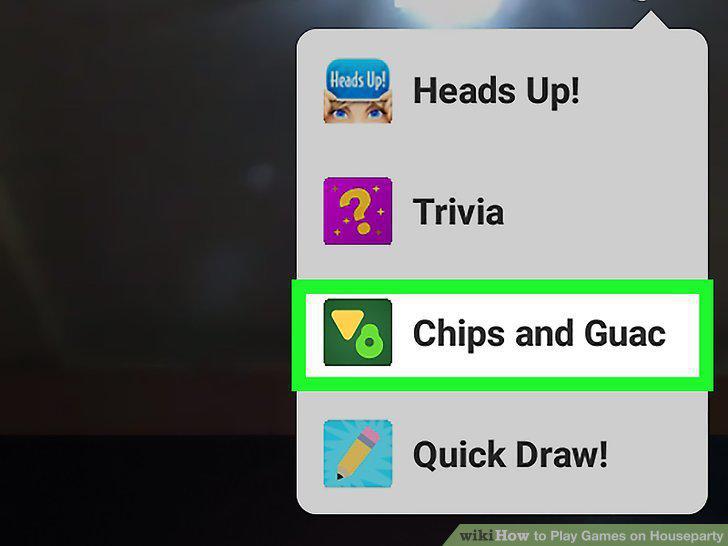
Tap Chips and Guac.
19
Swipe left and right to cycle through your cards.
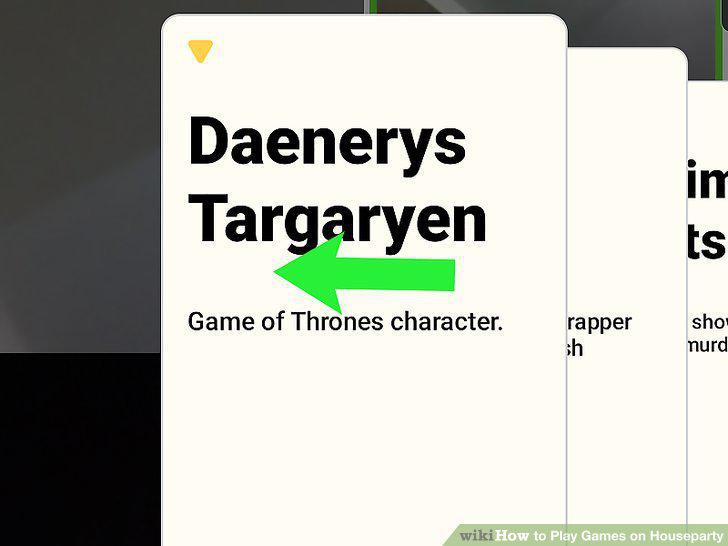
Swipe left and right to cycle through your cards.
20
Tap Select under the card you want to use.
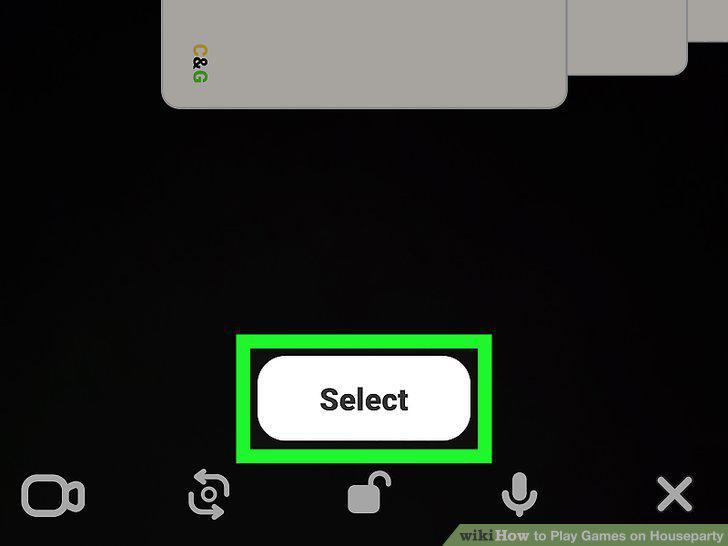
Tap Select under the card you want to use.
Comments (0)
No comments yet. Be the first to share your thoughts!