How to Link Within a Page Using HTML
Create an anchor element.. Place something inside the anchor element.. Add an id attribute to your anchor element.
Steps
1
Create an anchor element.
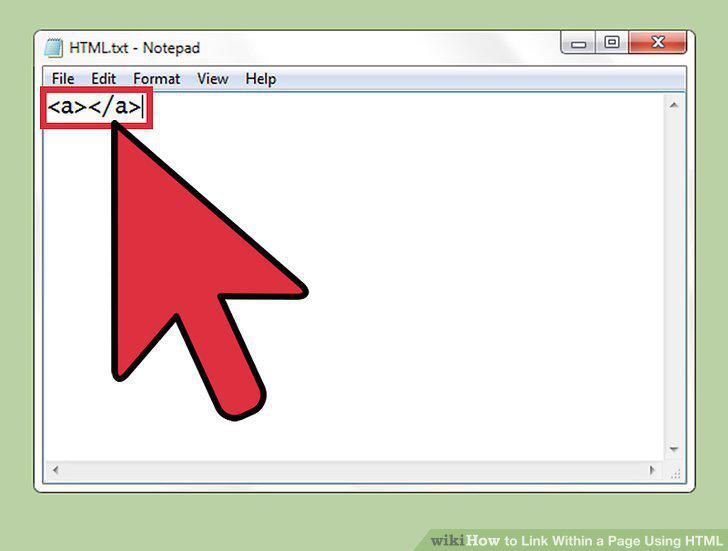
Create an anchor element.
2
Place something inside the anchor element.
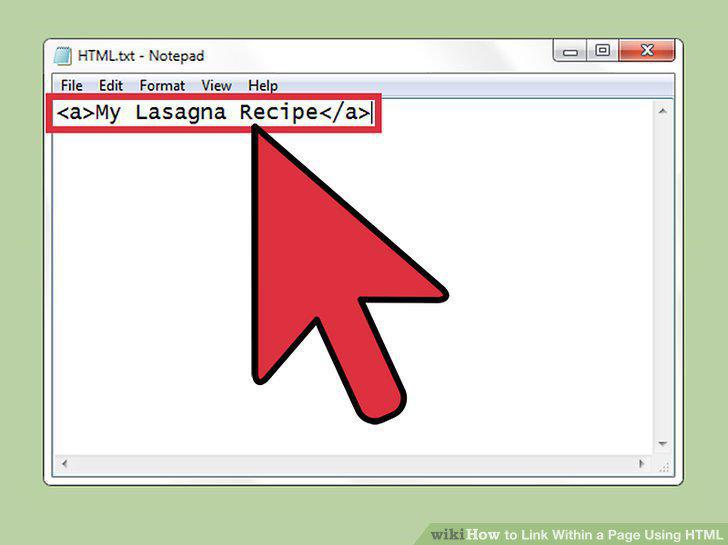
Place something inside the anchor element.
3
Add an id attribute to your anchor element.
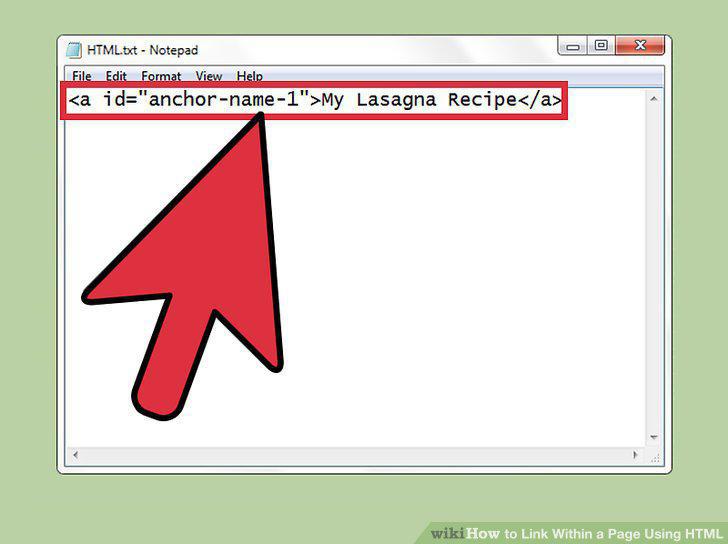
Add an id attribute to your anchor element.
4
Choose a value for your id.
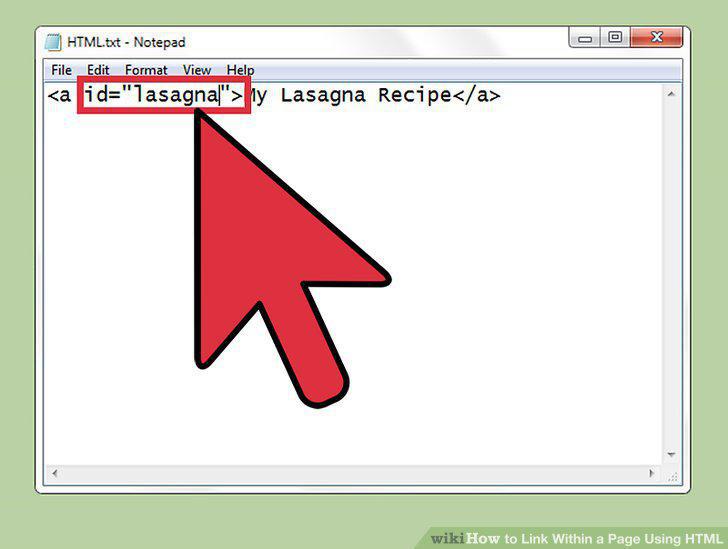
Choose a value for your id.
5
Insert id into any element instead.
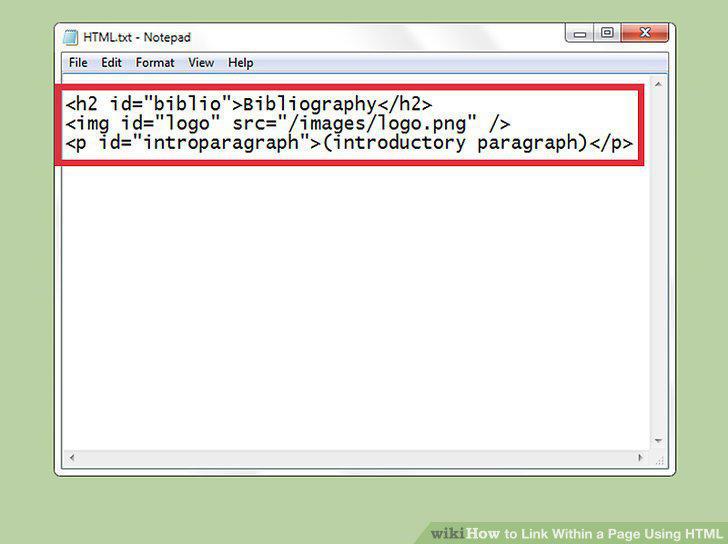
Insert id into any element instead.
6
Link to the anchor from elsewhere on the same page.
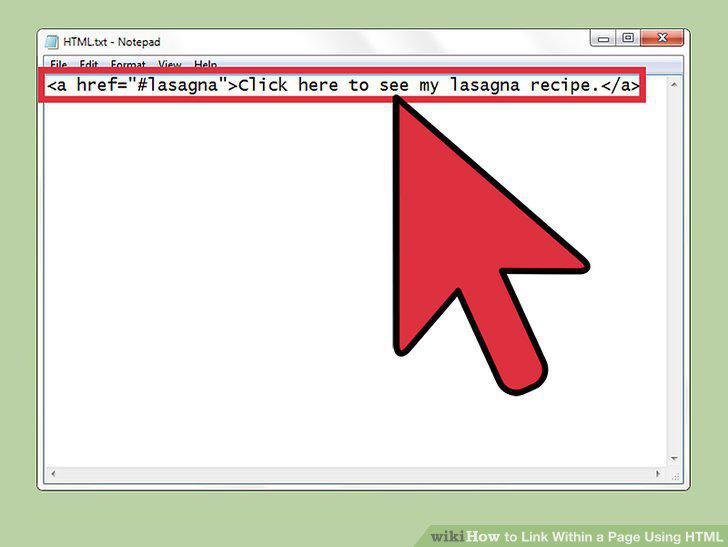
Link to the anchor from elsewhere on the same page.
7
Link to the anchor from another webpage.
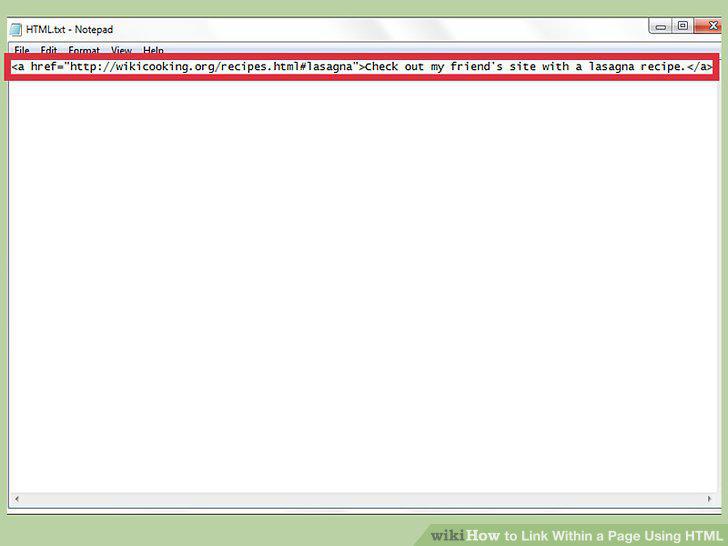
Link to the anchor from another webpage.
8
Turn an image into a link.
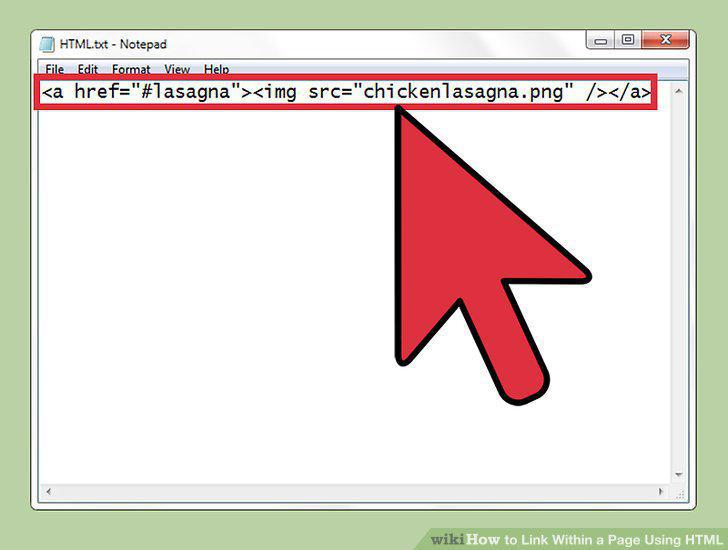
Turn an image into a link.
Comments (0)
No comments yet. Be the first to share your thoughts!