How to Embolden, Italicize, and Underline Email Text with iOS
Open your iPhone's Mail.. Tap the "Compose" icon.. Enter a recipient and a subject.
Steps
1
Open your iPhone's Mail.
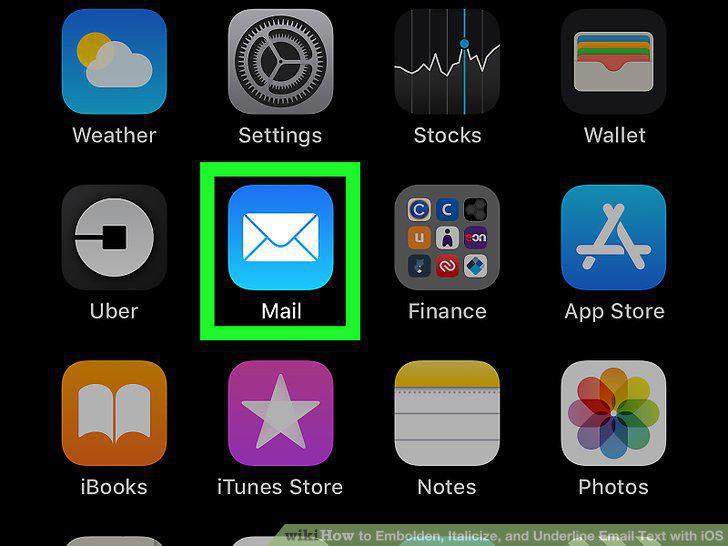
Open your iPhone's Mail.
2
Tap the "Compose" icon.
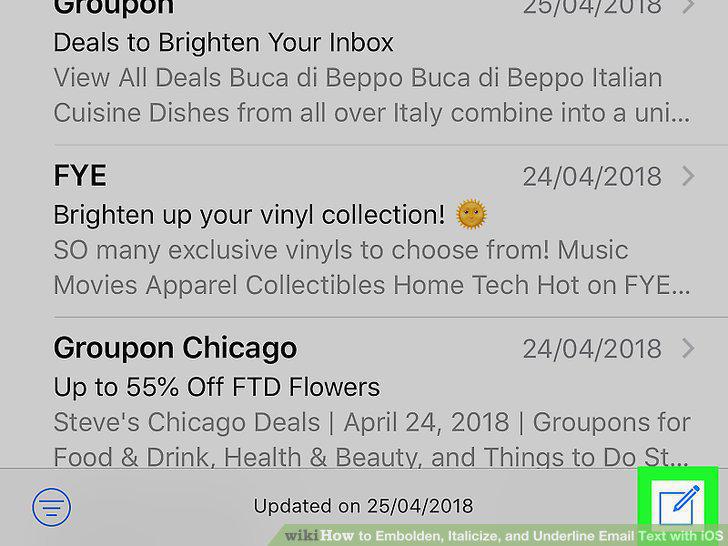
Tap the "Compose" icon.
3
Enter a recipient and a subject.
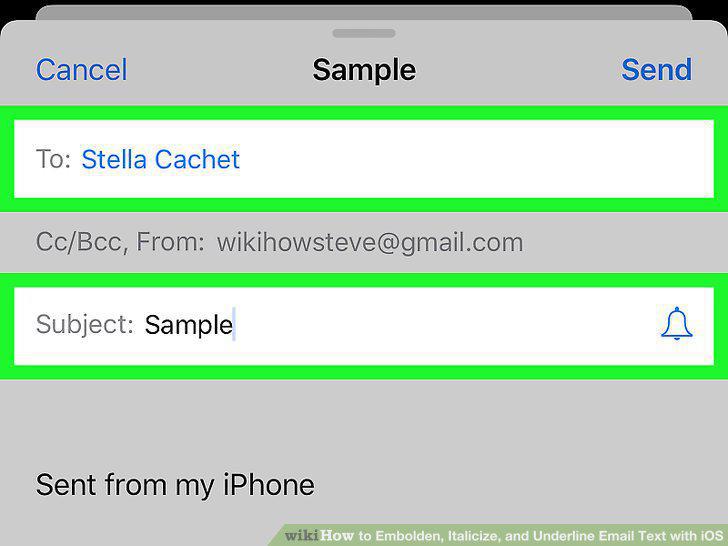
Enter a recipient and a subject.
4
Enter your text.
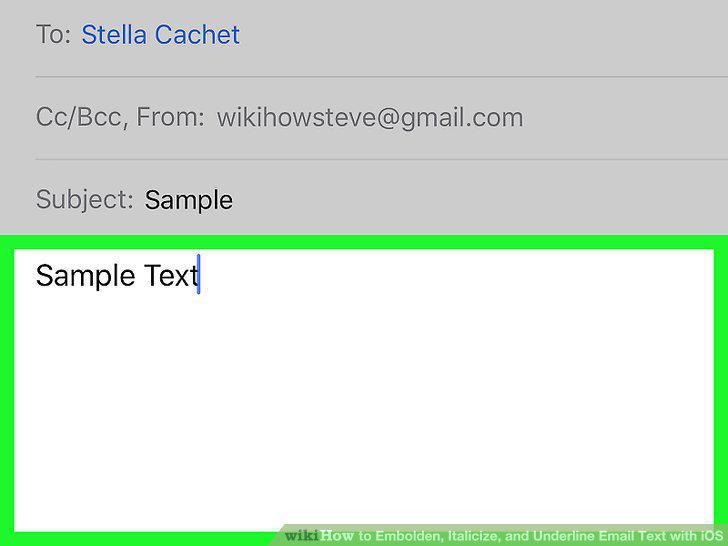
Enter your text.
5
Tap and hold a word, then release the word.
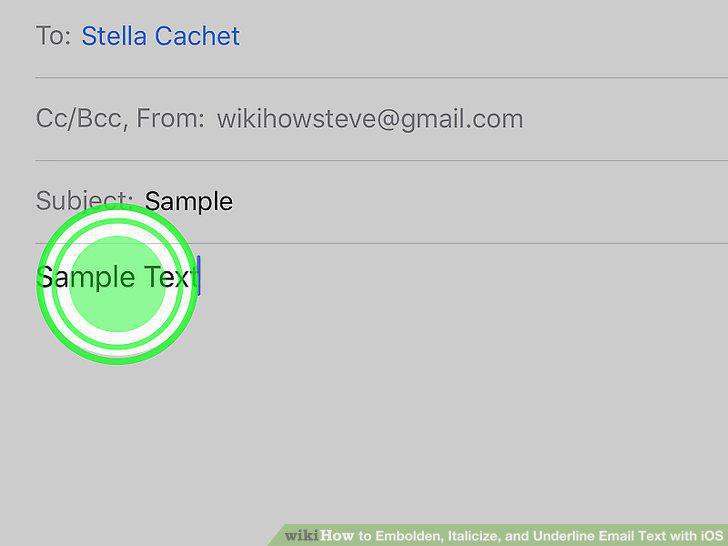
Tap and hold a word, then release the word.
6
Tap Select.
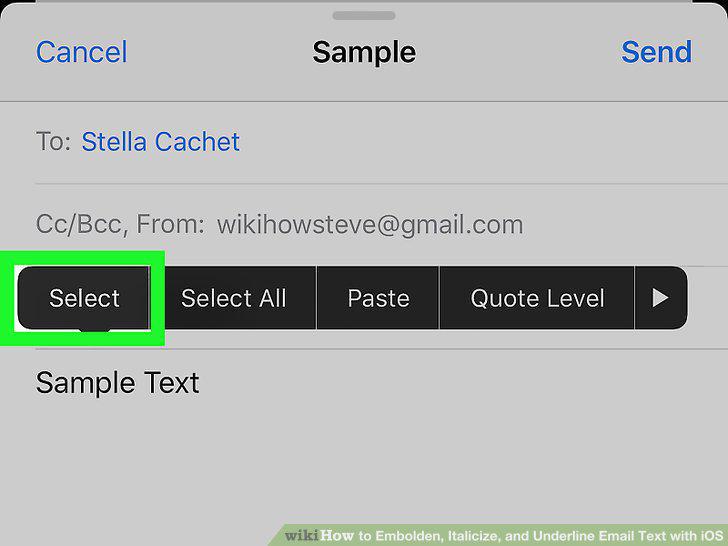
Tap Select.
7
Adjust the selection.
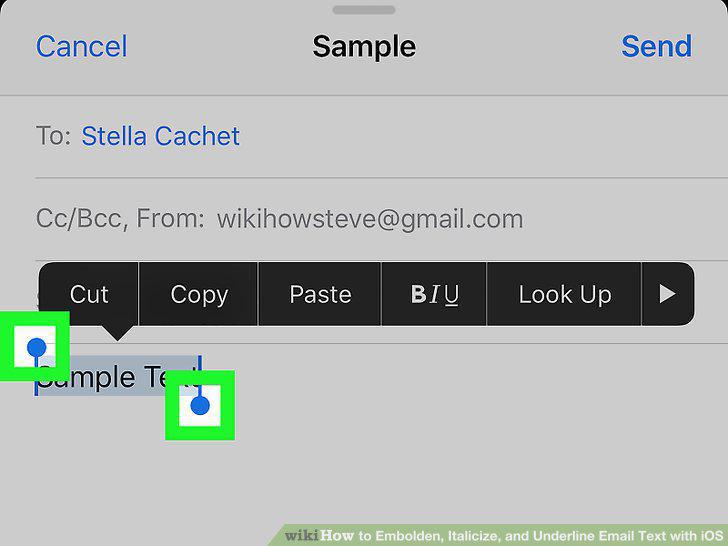
Adjust the selection.
8
Find the BI U button.
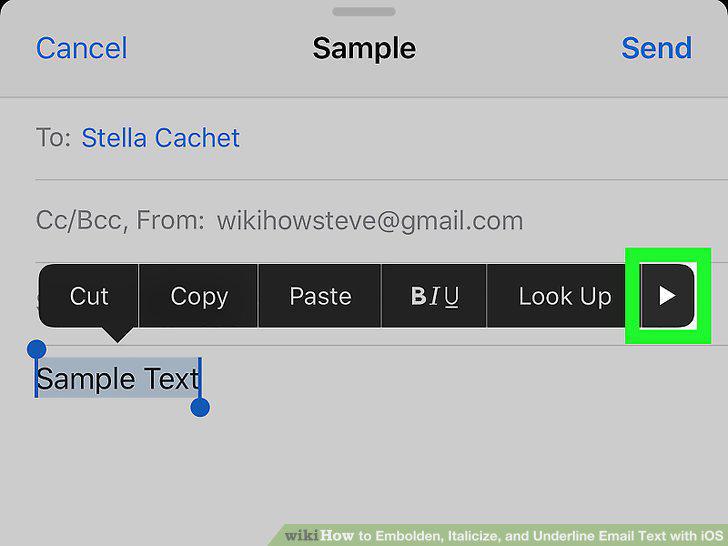
Find the BI U button.
9
Tap BI U.
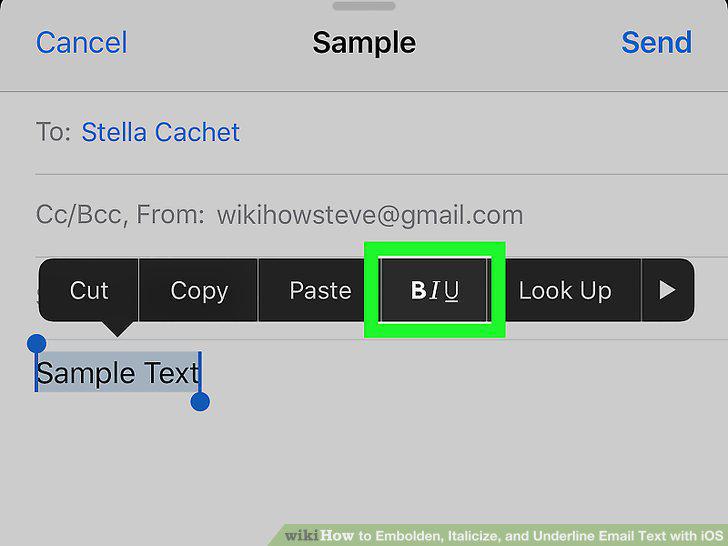
Tap BI U.
10
Select a format.
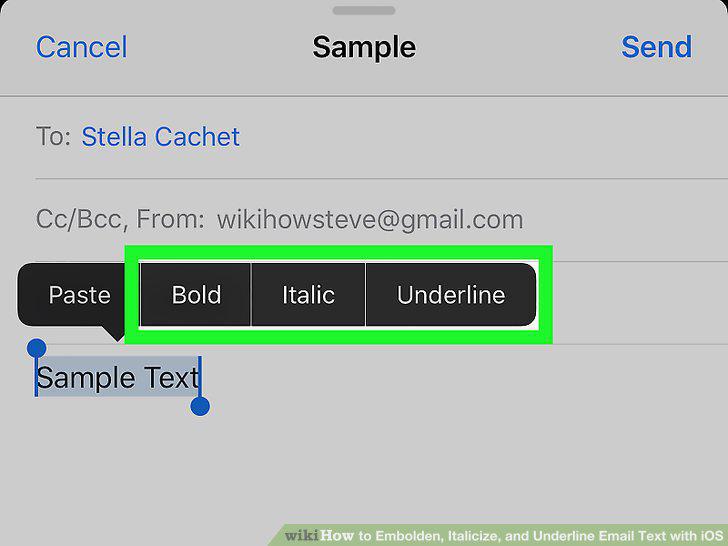
Select a format.
Comments (0)
No comments yet. Be the first to share your thoughts!