How to Search in Google Sheets on PC or Mac
Open Google Sheets in your internet browser.. Click a spreadsheet on your saved files list.. Press the search combination on your keyboard.
Steps
1
Open Google Sheets in your internet browser.
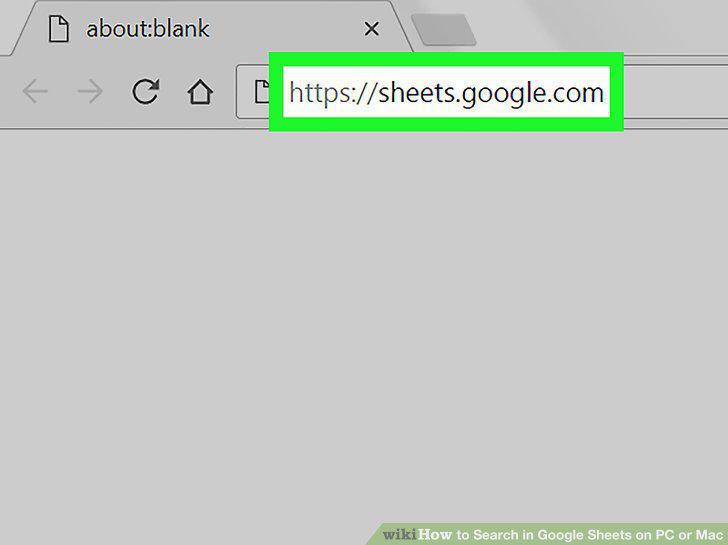
Open Google Sheets in your internet browser.
2
Click a spreadsheet on your saved files list.
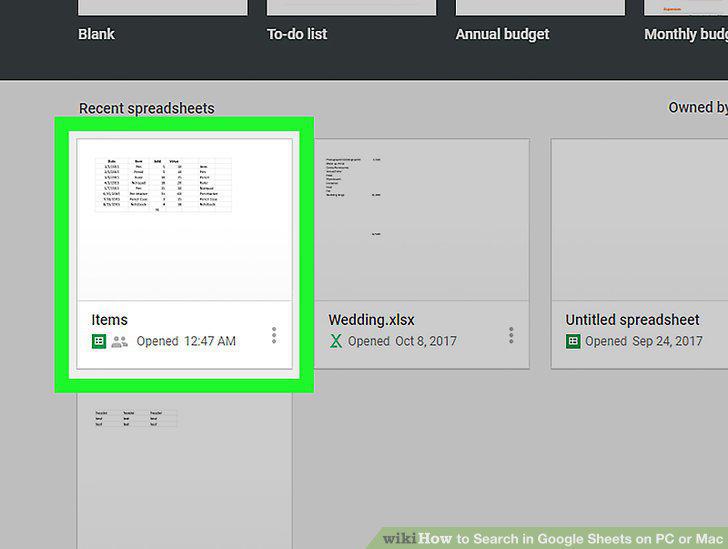
Click a spreadsheet on your saved files list.
3
Press the search combination on your keyboard.
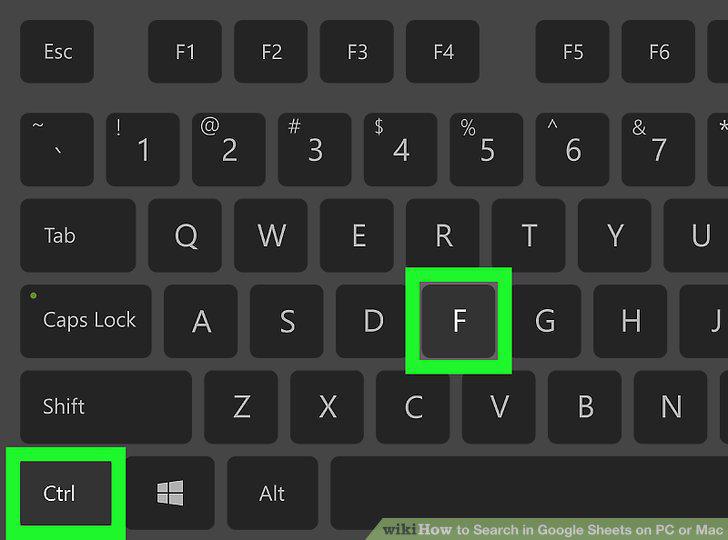
Press the search combination on your keyboard.
4
Enter your search phrase.
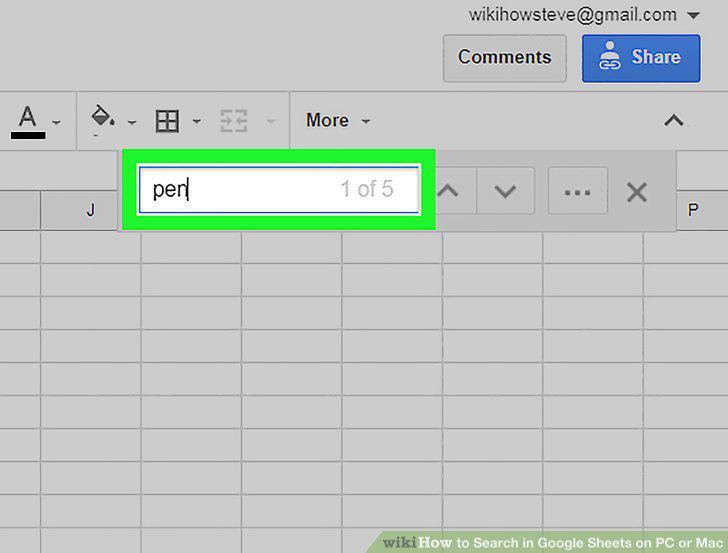
Enter your search phrase.
5
Press the and icons to see the next match.
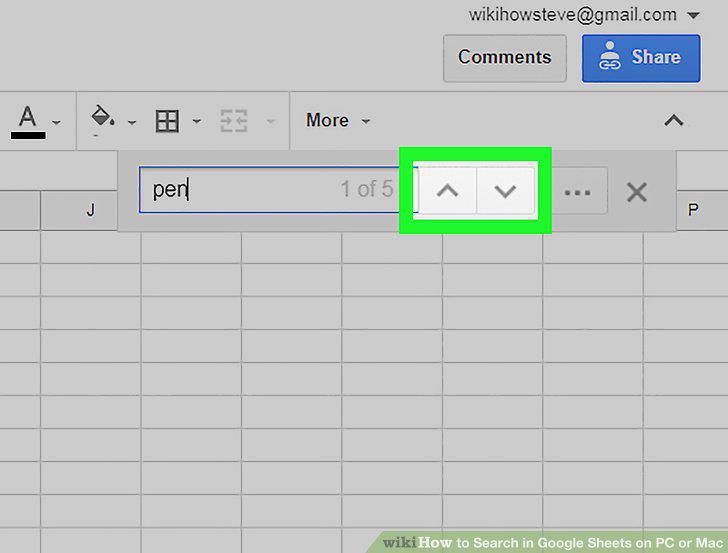
Press the and icons to see the next match.
6
Click the three dots icon next to the search field.
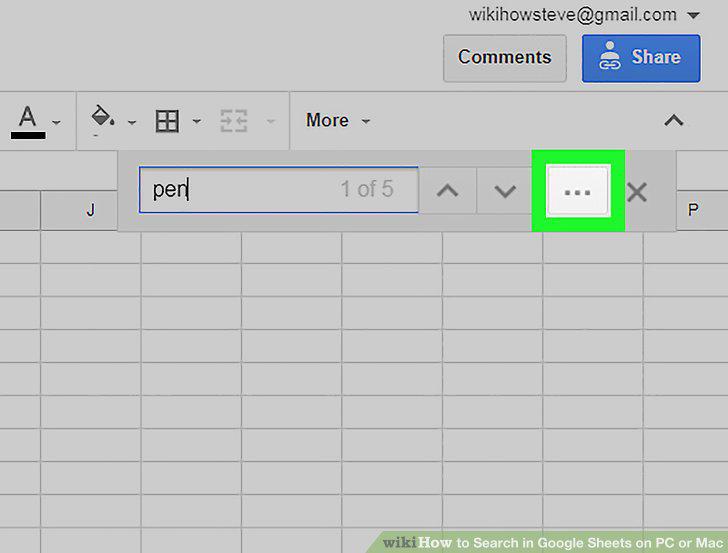
Click the three dots icon next to the search field.
7
Click the Find button.
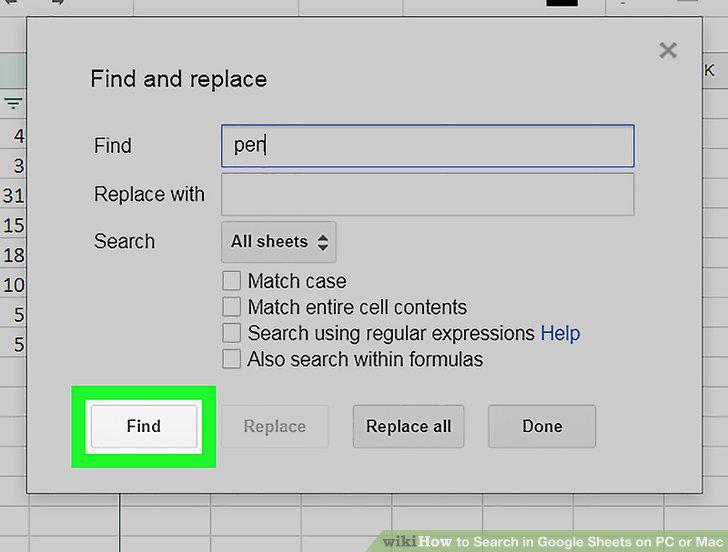
Click the Find button.
Comments (0)
No comments yet. Be the first to share your thoughts!