How to Upload a Video from YouTube to Instagram
Go to https://tube2gram.com in a desktop or mobile web browser.. Click or tap to select Post Youtube to Instagram.. Enter the YouTube URL.
Steps
1
Go to https://tube2gram.com in a desktop or mobile web browser.
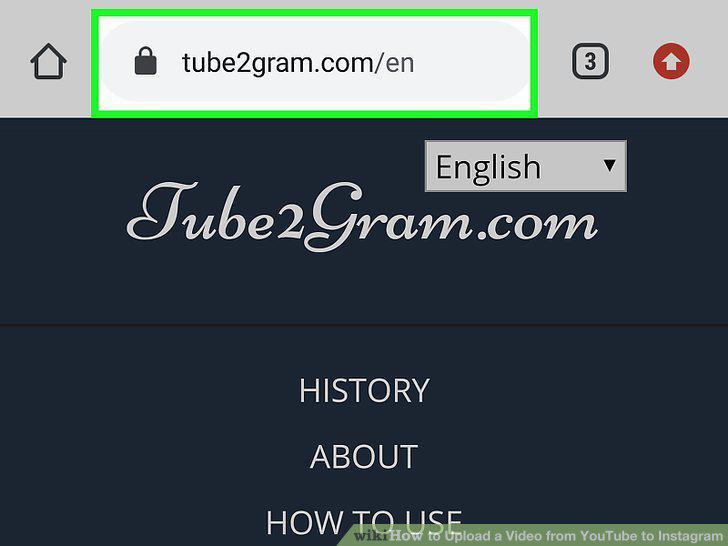
Go to https://tube2gram.com in a desktop or mobile web browser.
2
Click or tap to select Post Youtube to Instagram.
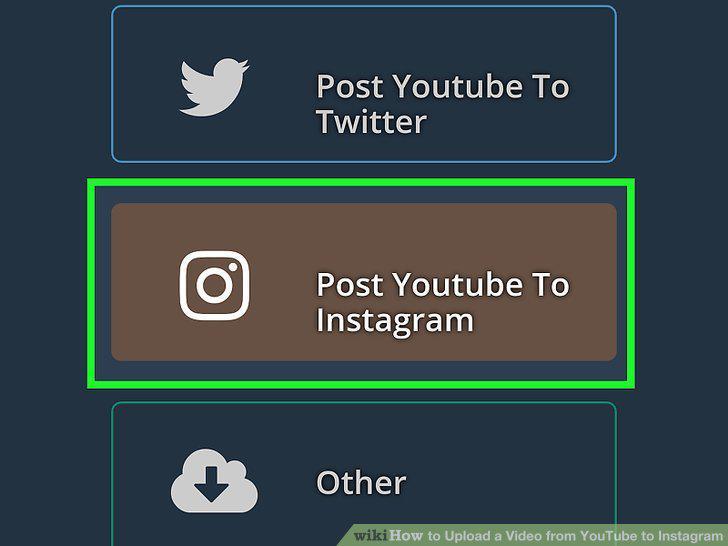
Click or tap to select Post Youtube to Instagram.
3
Enter the YouTube URL.
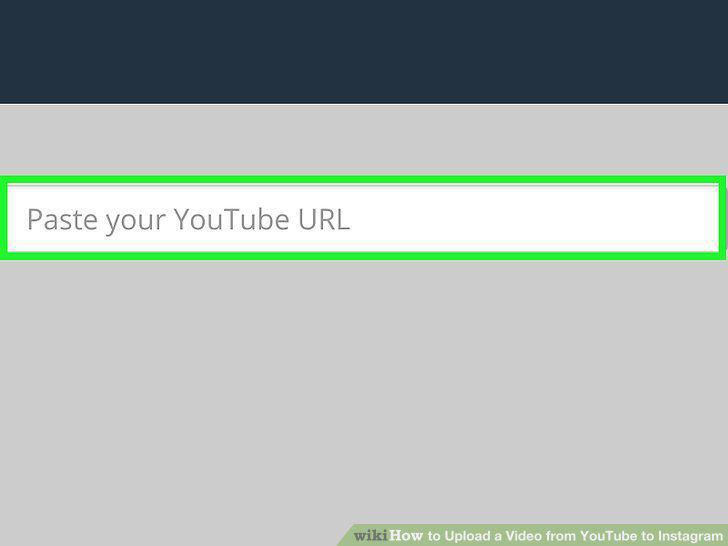
Enter the YouTube URL.
4
Click or tap Start Download.
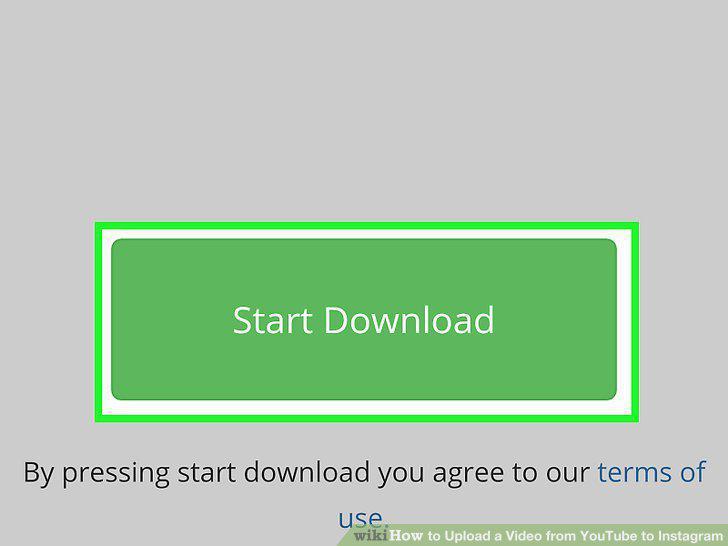
Click or tap Start Download.
5
Click or tap either Download Video or Download on Mobile.
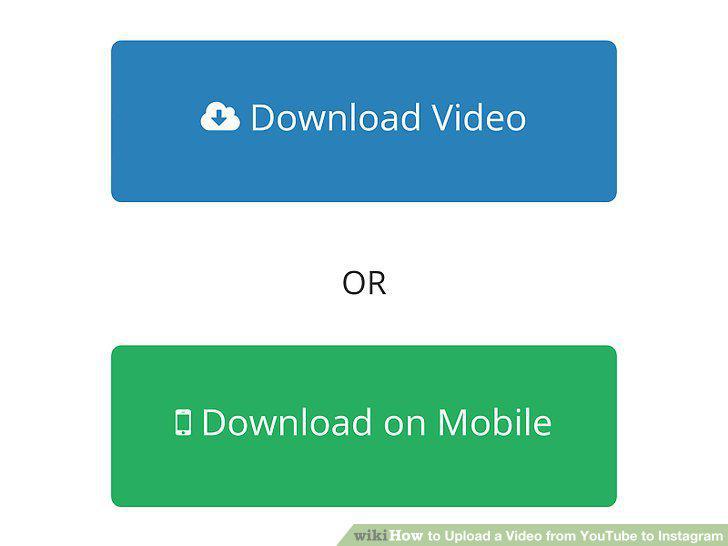
Click or tap either Download Video or Download on Mobile.
6
Open Instagram.
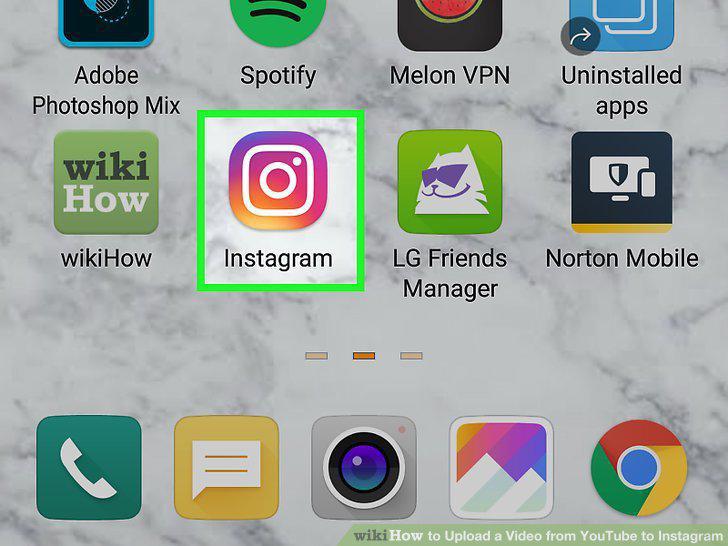
Open Instagram.
7
Create an Instagram Story
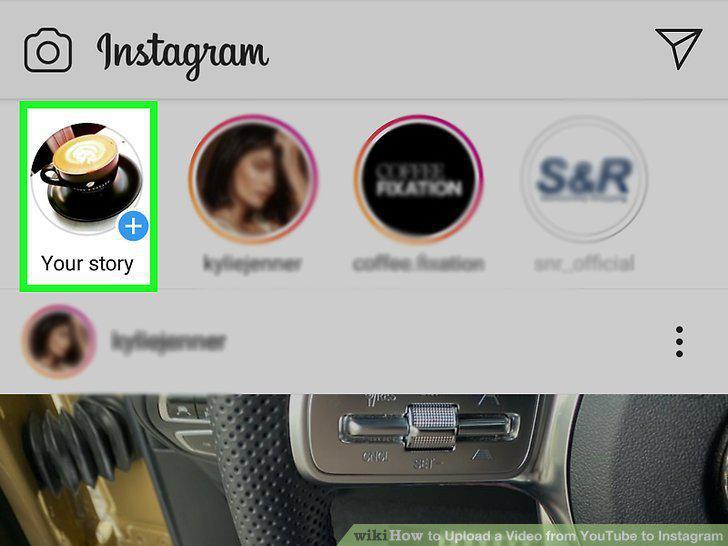
Create an Instagram Story
8
Post it.
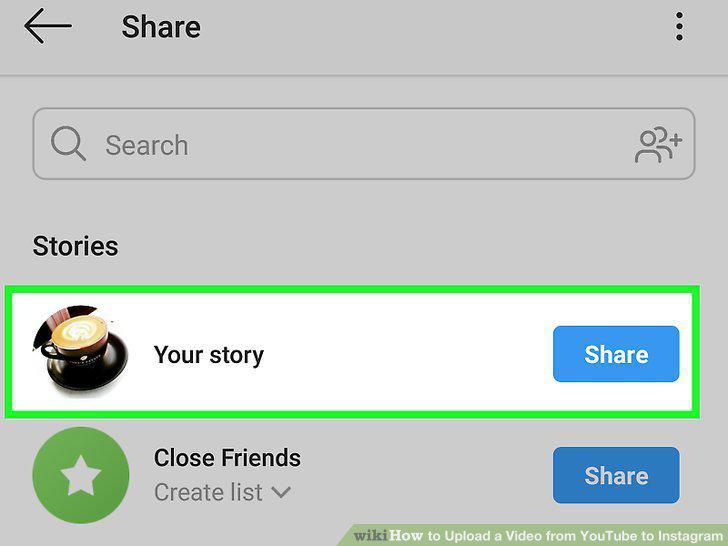
Post it.
Comments (0)
No comments yet. Be the first to share your thoughts!