How to Add a Downloadable PDF to WordPress
Log into your site.. Navigate to Media.. Click Add New.
Steps
1
Log into your site.
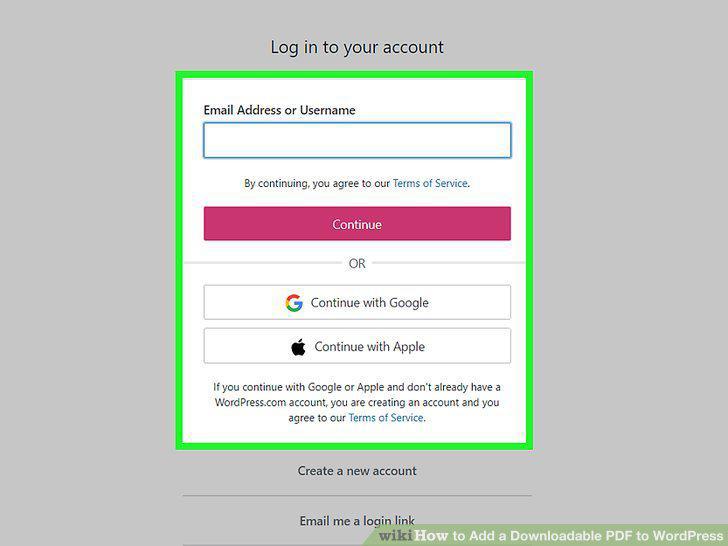
Log into your site.
2
Navigate to Media.
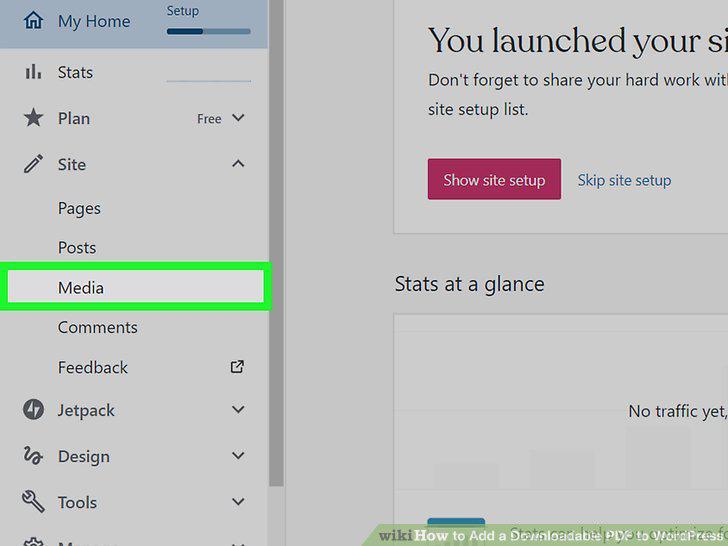
Navigate to Media.
3
Click Add New.
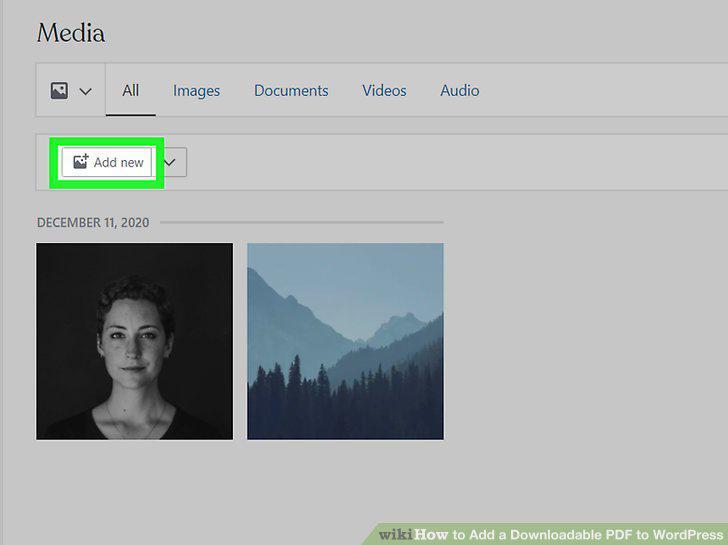
Click Add New.
4
Navigate to and double-click your PDF.
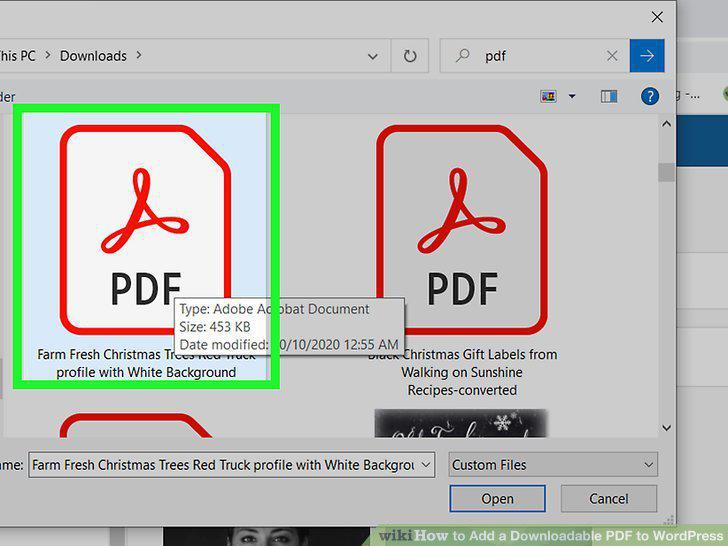
Navigate to and double-click your PDF.
5
Create a new post.
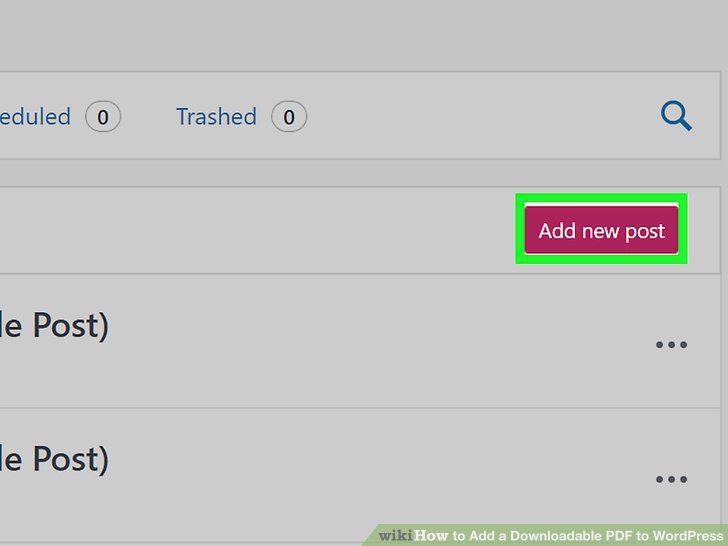
Create a new post.
6
Move your cursor to where you want to insert the link.
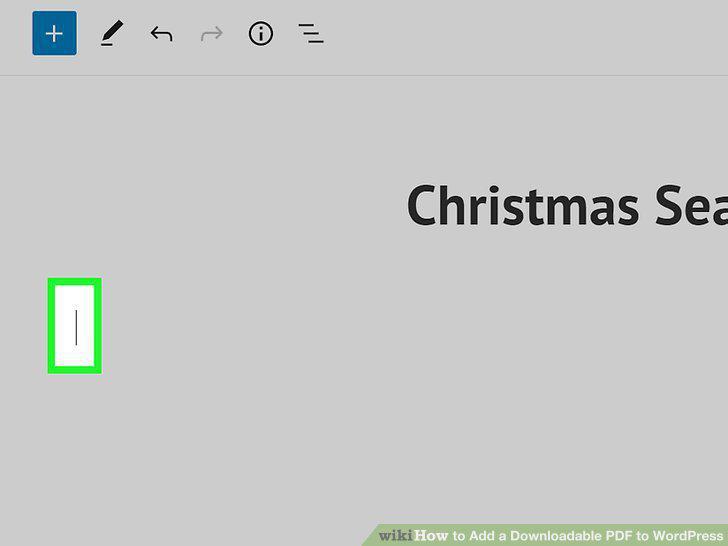
Move your cursor to where you want to insert the link.
7
Click +.
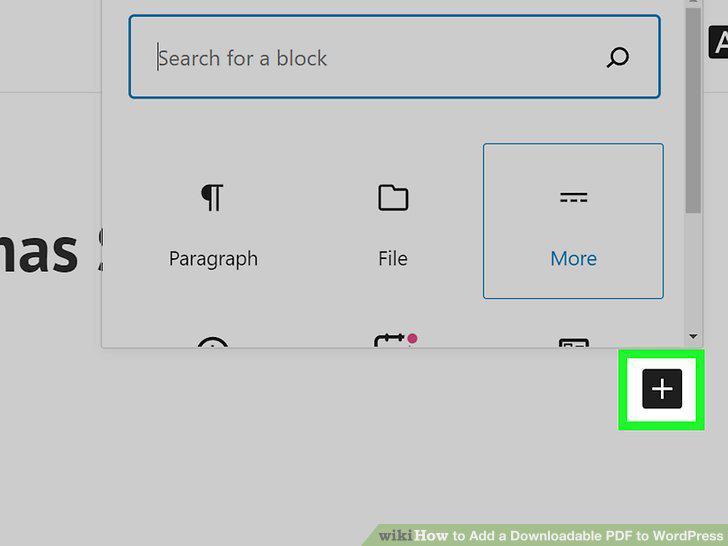
Click +.
8
Click File.
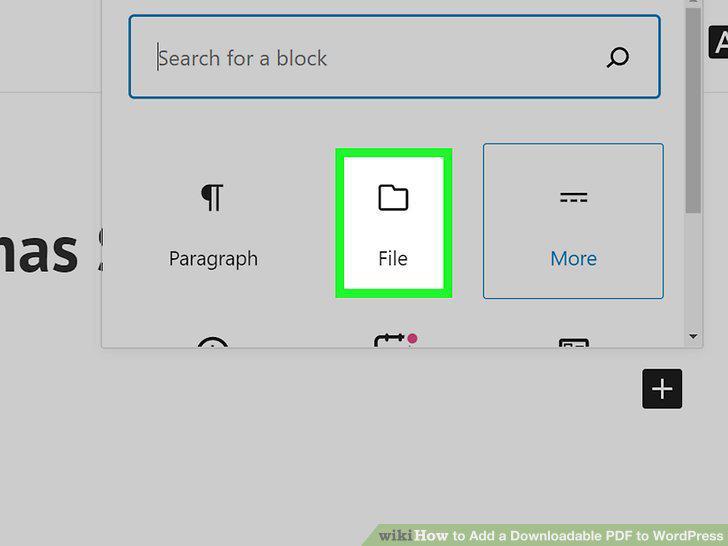
Click File.
9
Click Media Library.
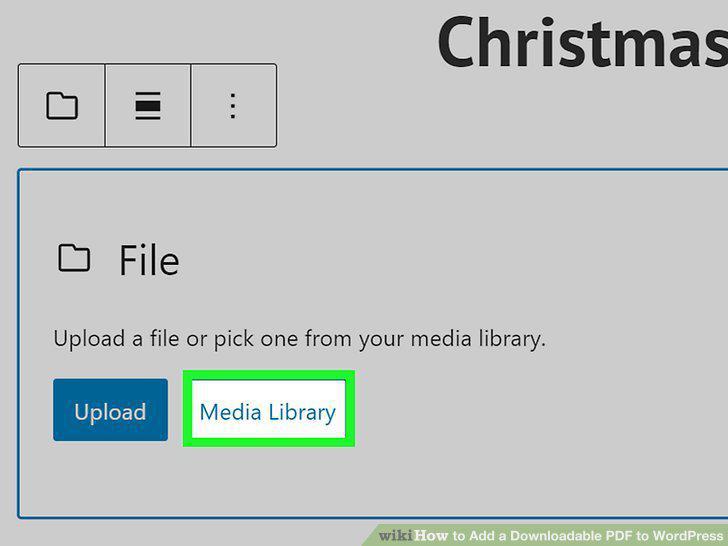
Click Media Library.
10
Navigate to your PDF and click it, then click Select.
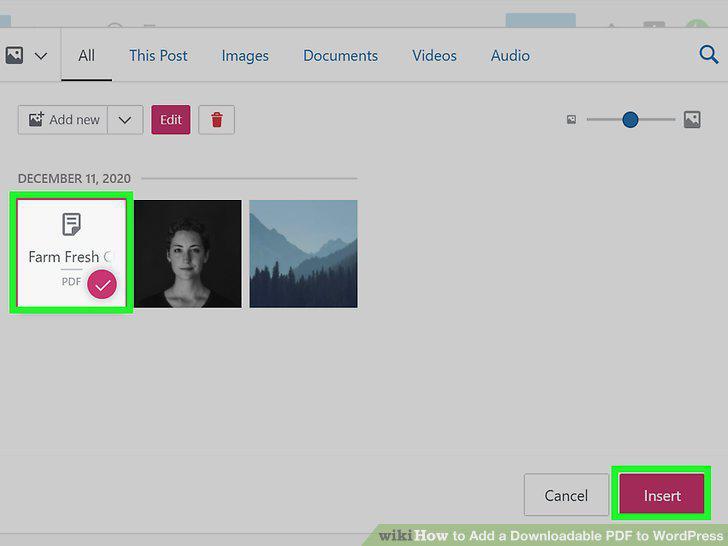
Navigate to your PDF and click it, then click Select.
Comments (0)
No comments yet. Be the first to share your thoughts!