How to Change a Hotmail Account Password
Go to http://account.live.com/password/change in a web browser.. Enter your current password in the field at the top of the window.. Enter and confirm your new password.
Steps
1
Go to http://account.live.com/password/change in a web browser.
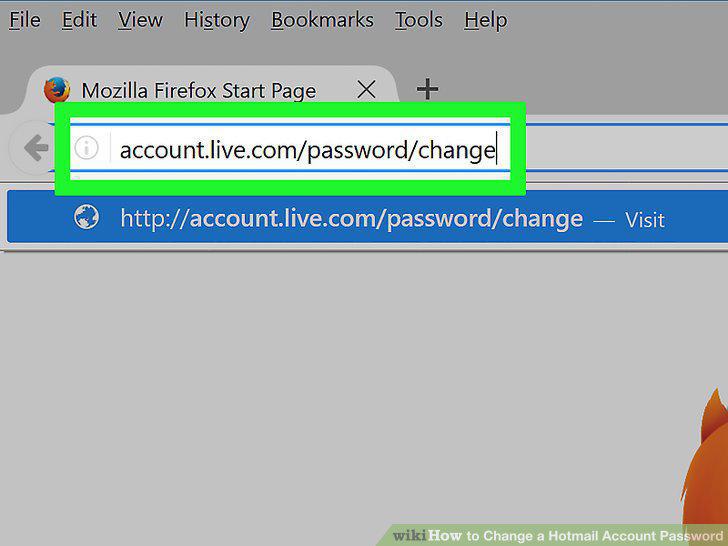
Go to http://account.live.com/password/change in a web browser.
2
Enter your current password in the field at the top of the window.
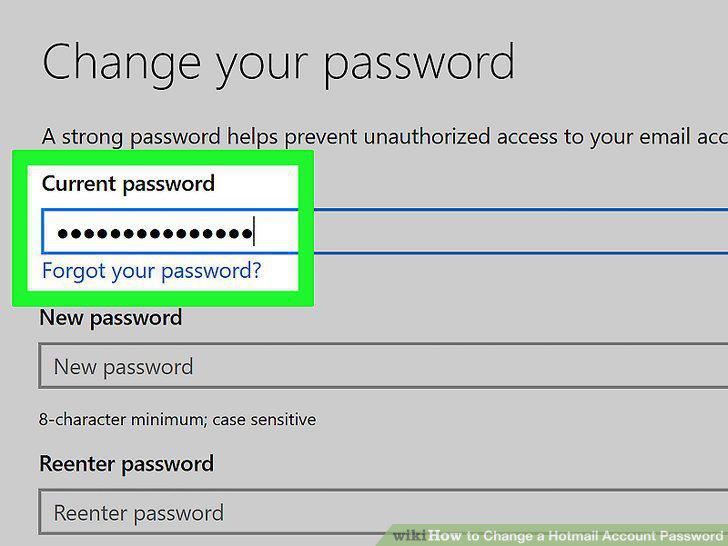
Enter your current password in the field at the top of the window.
3
Enter and confirm your new password.
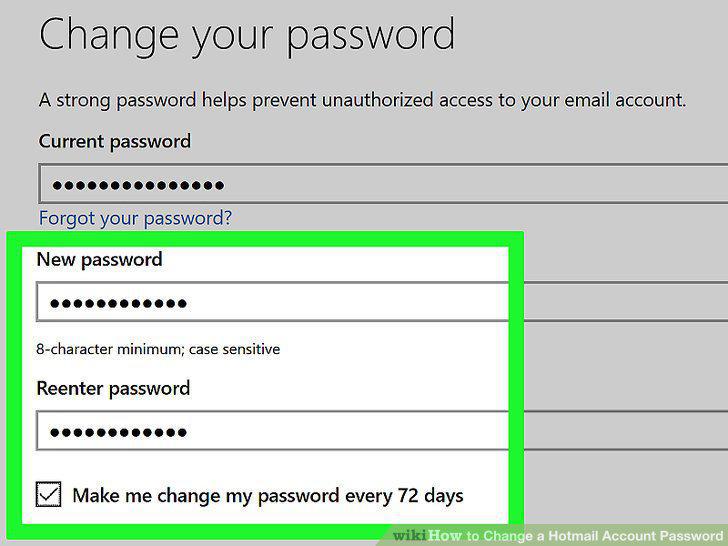
Enter and confirm your new password.
4
Click on Next.
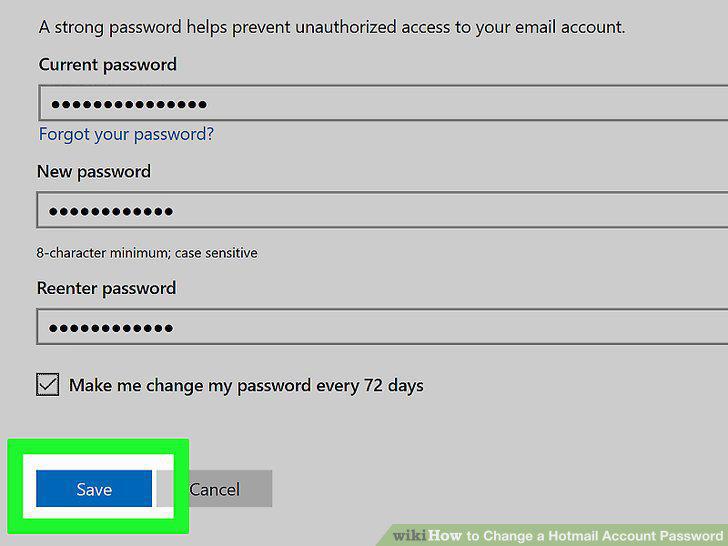
Click on Next.
Comments (0)
No comments yet. Be the first to share your thoughts!