Steps
1
Open QuickTime.
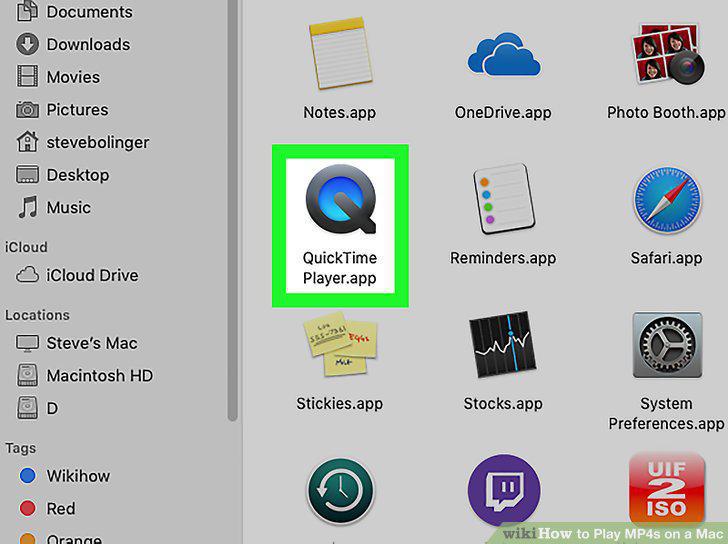
Open QuickTime.
2
Click the File menu.
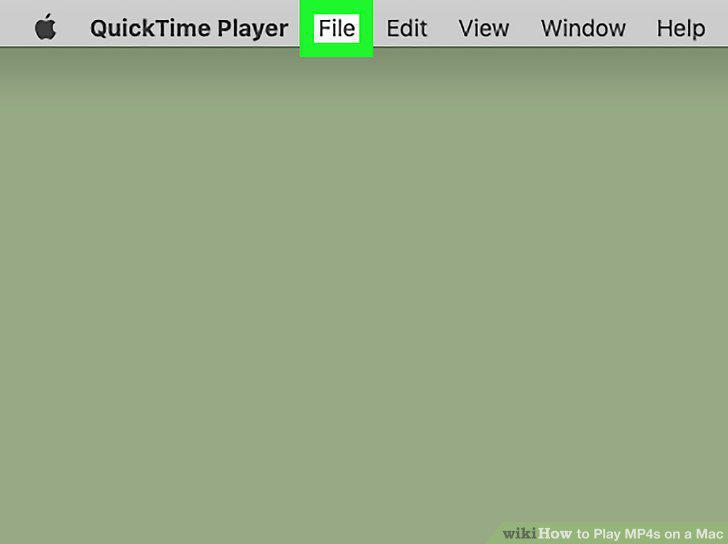
Click the File menu.
3
Click Open.
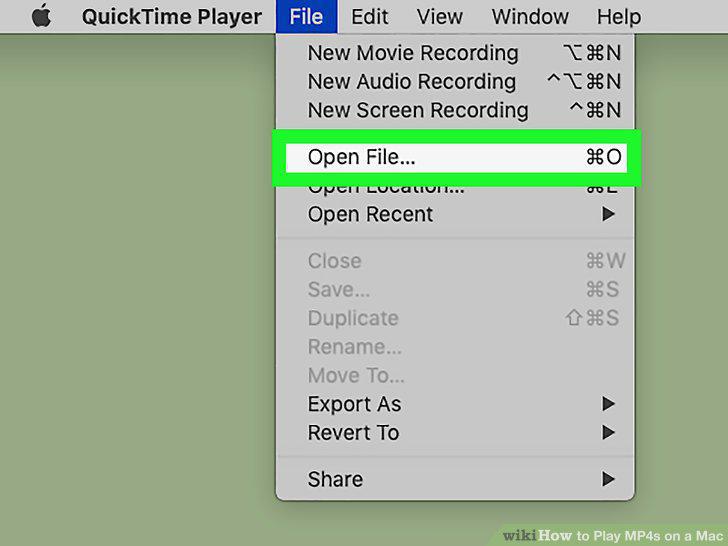
Click Open.
4
Navigate to and double-click your file.
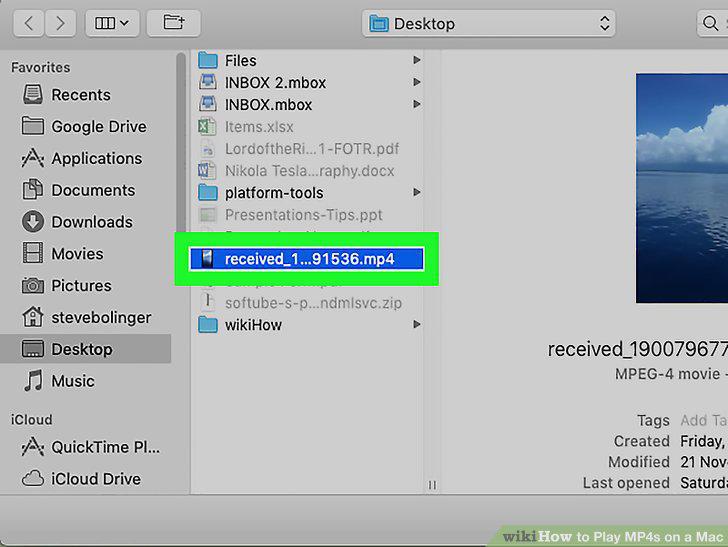
Navigate to and double-click your file.
5
Open VLC Media Player.
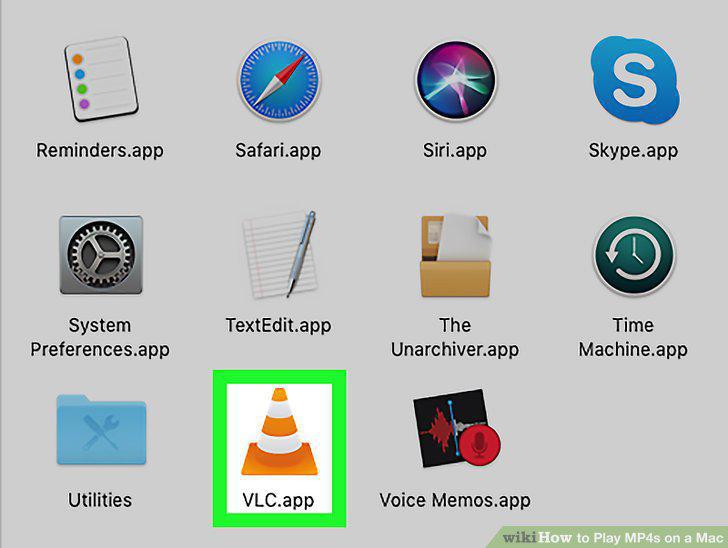
Open VLC Media Player.
6
Click the File menu.
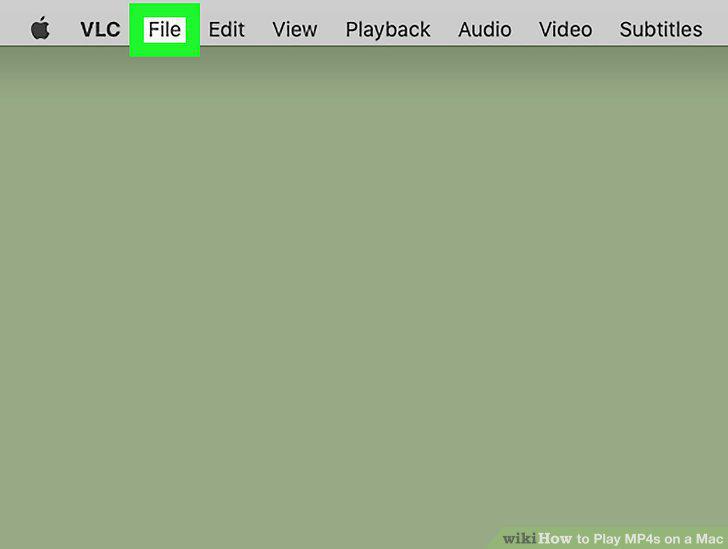
Click the File menu.
7
Click Open File.
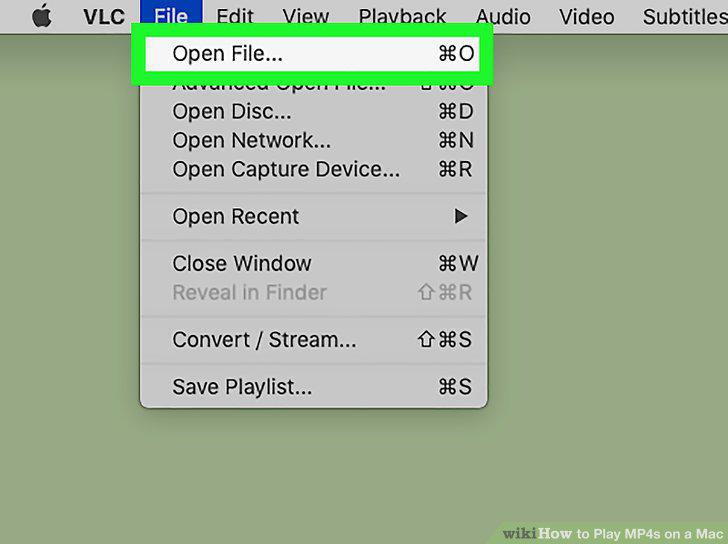
Click Open File.
8
Use the control buttons to manage playback.
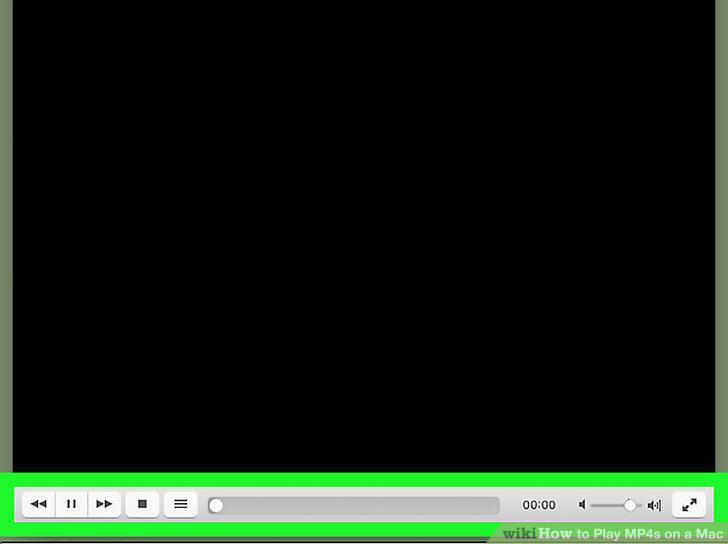
Use the control buttons to manage playback.
Comments (0)
No comments yet. Be the first to share your thoughts!