How to Contact Apple About Charges
Open the iTunes Support contact form in your internet browser.. Select a topic for your message.. Fill out your personal information on the form.
Steps
1
Open the iTunes Support contact form in your internet browser.
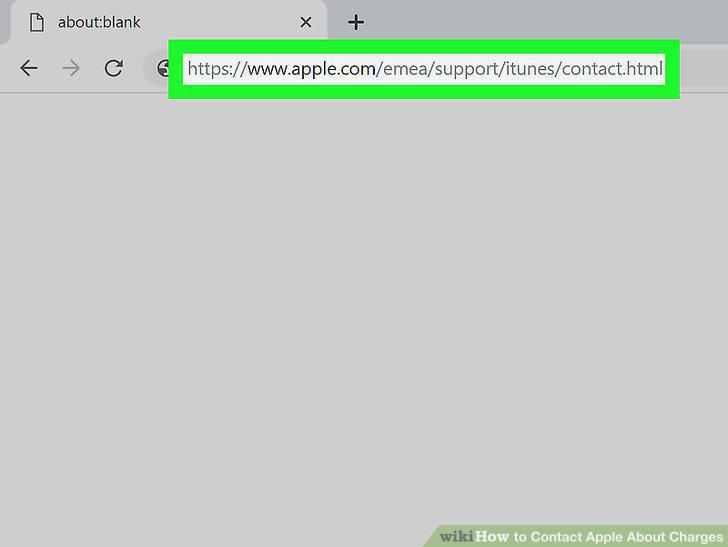
Open the iTunes Support contact form in your internet browser.
2
Select a topic for your message.
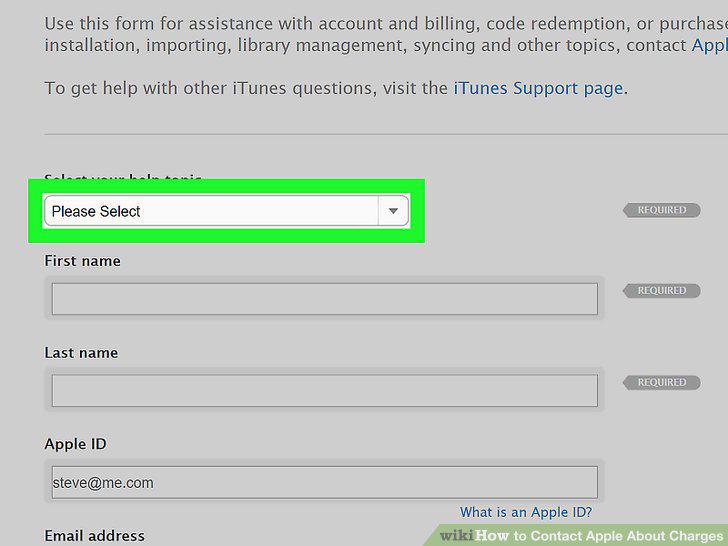
Select a topic for your message.
3
Fill out your personal information on the form.
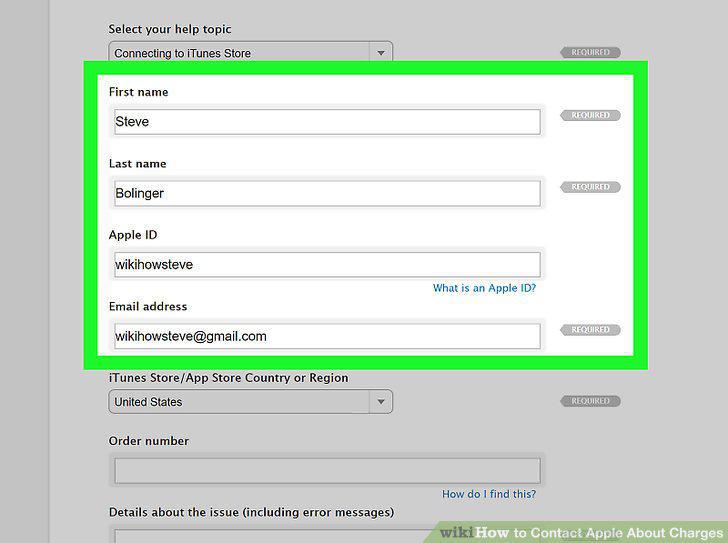
Fill out your personal information on the form.
4
Select your iTunes Store/App Store country or region.
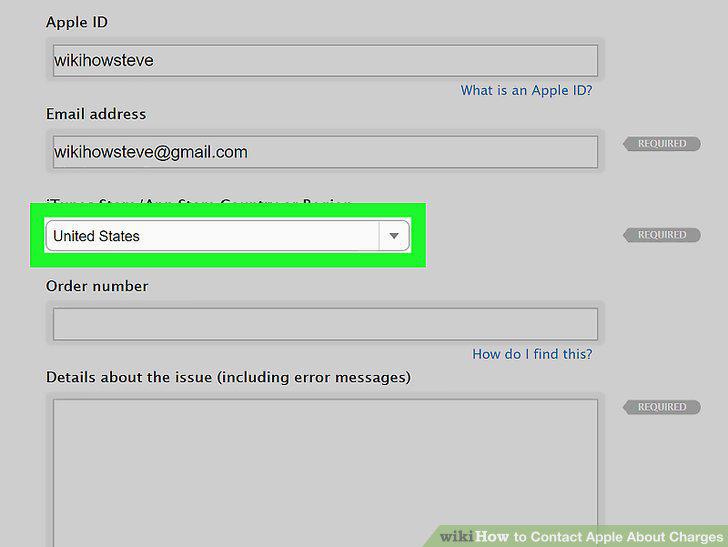
Select your iTunes Store/App Store country or region.
5
Enter your order number for the order you're contacting about.
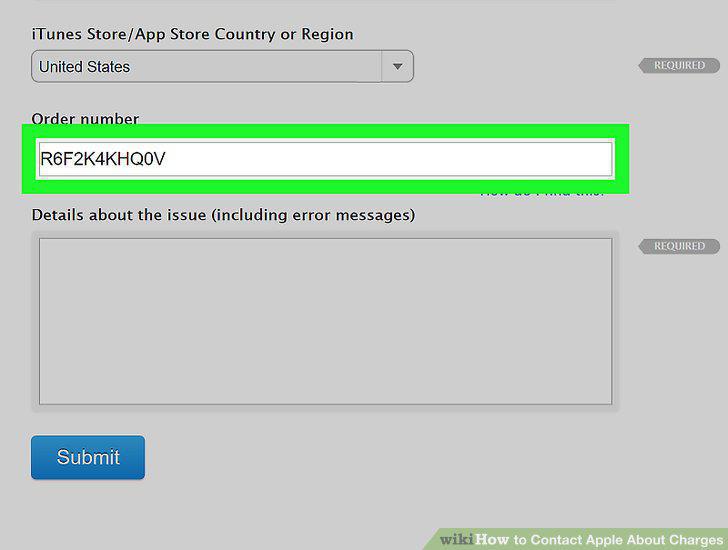
Enter your order number for the order you're contacting about.
6
Describe your issue in the message box under "Details about the issue.
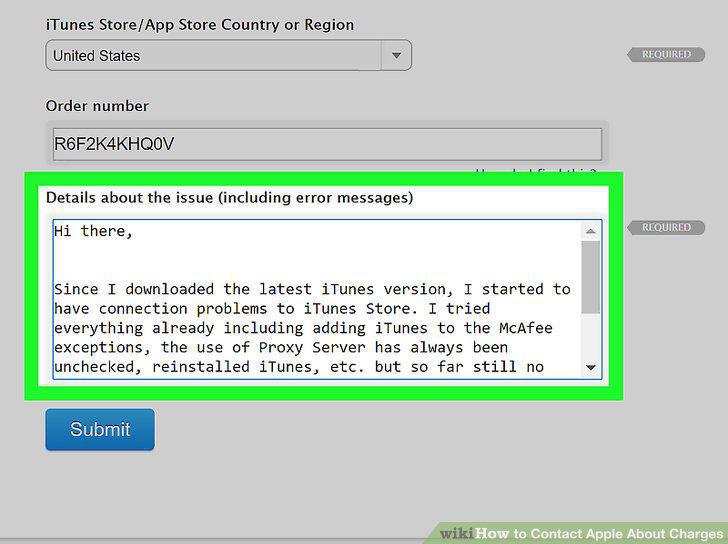
Describe your issue in the message box under "Details about the issue.
7
Click the Submit button.
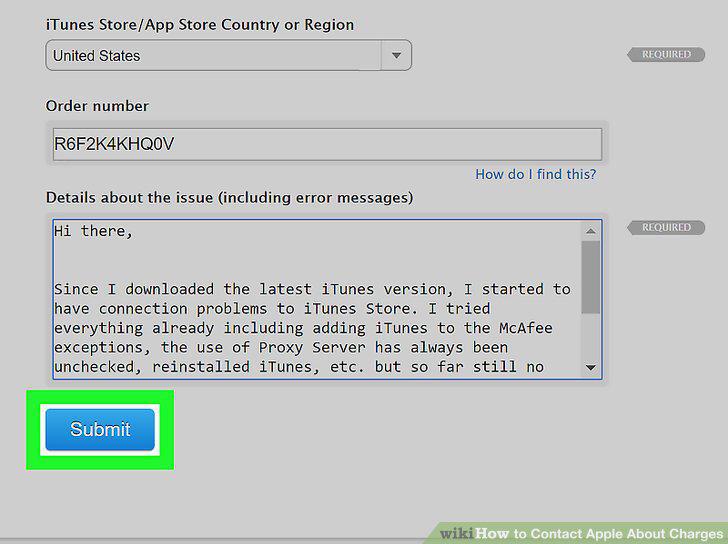
Click the Submit button.
Comments (0)
No comments yet. Be the first to share your thoughts!