How to Play Music on Android
Open Play Music.. Select a plan or choose NO THANKS.. Add your own music.
Steps
1
Open Play Music.
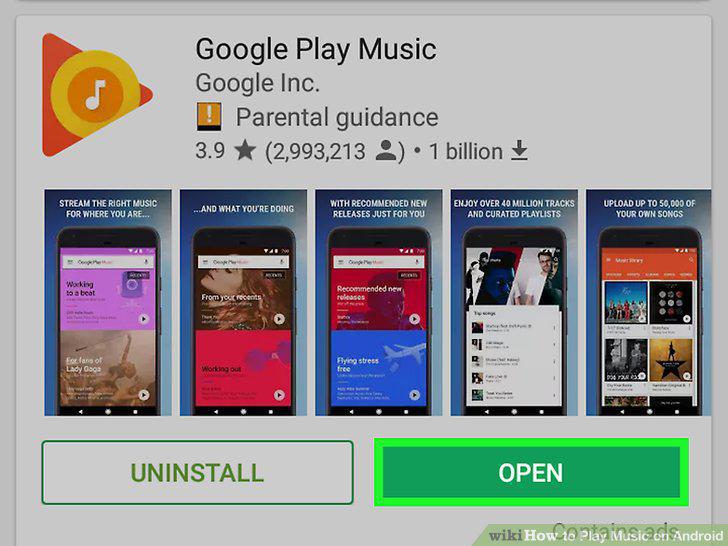
Open Play Music.
2
Select a plan or choose NO THANKS.

Select a plan or choose NO THANKS.
3
Add your own music.
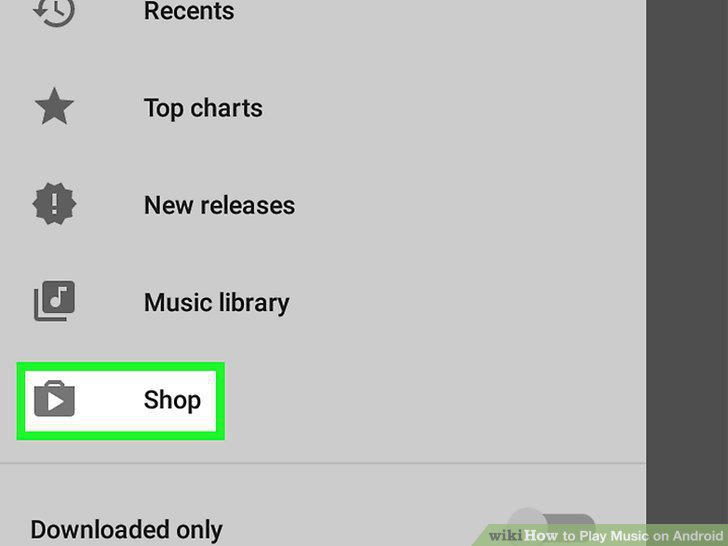
Add your own music.
4
Listen to music you've added.
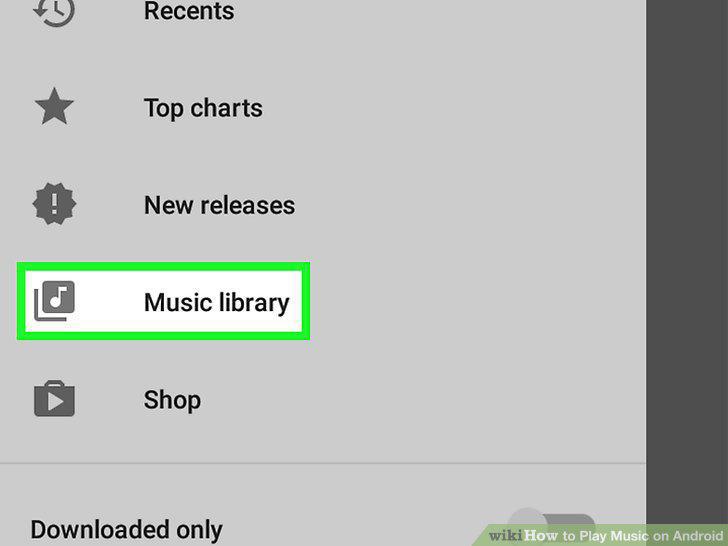
Listen to music you've added.
5
Stream songs or albums.
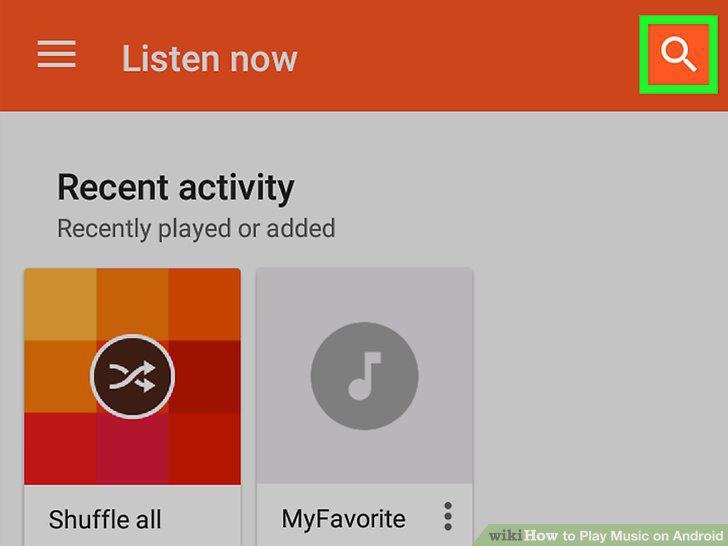
Stream songs or albums.
6
Download Spotify from the Play Store.
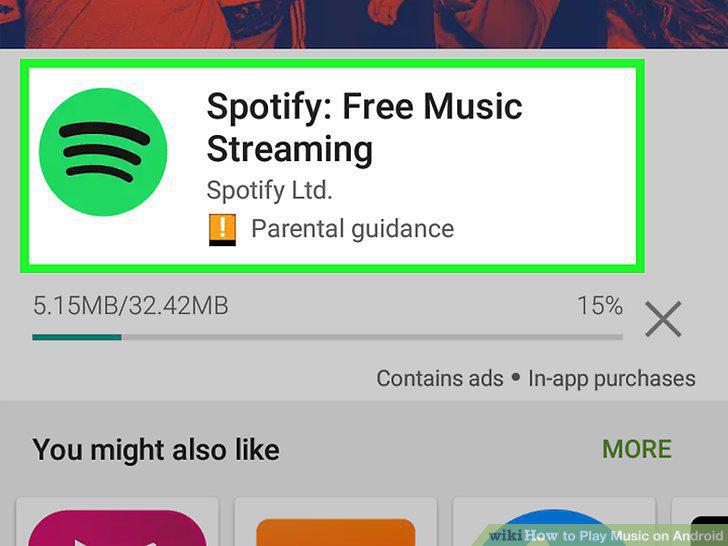
Download Spotify from the Play Store.
7
Create your account.
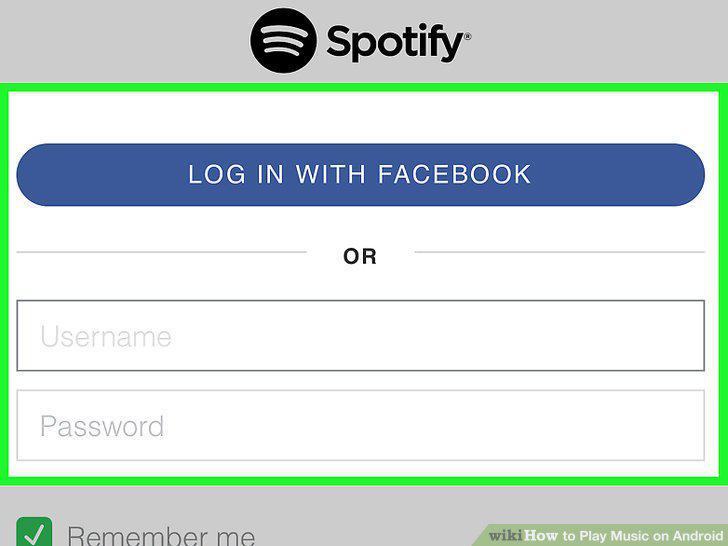
Create your account.
8
Tap Browse to find new music.
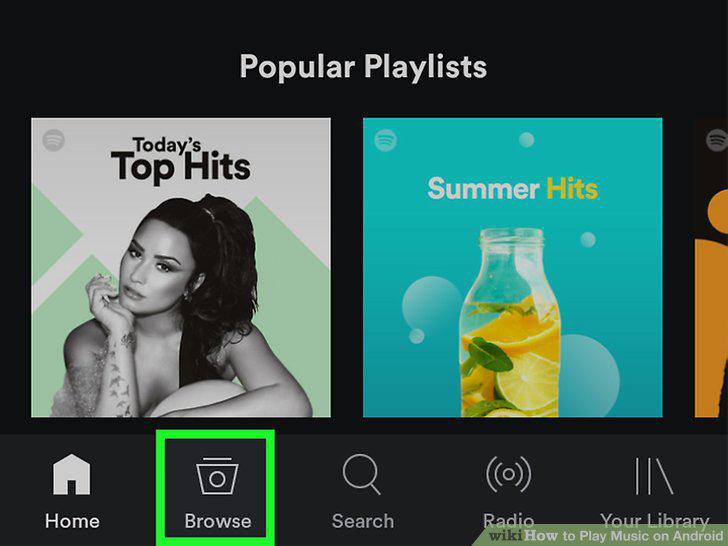
Tap Browse to find new music.
9
Search for songs to play.
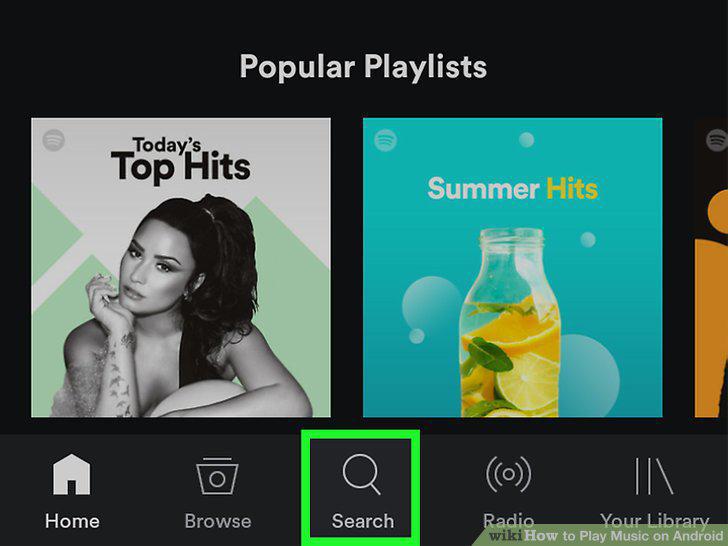
Search for songs to play.
10
Tap Radio to select a station.
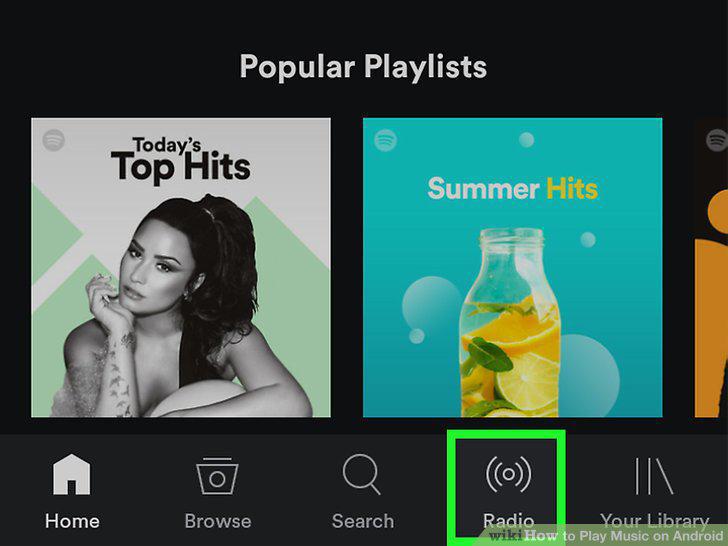
Tap Radio to select a station.
11
Download Pandora from the Play Store.
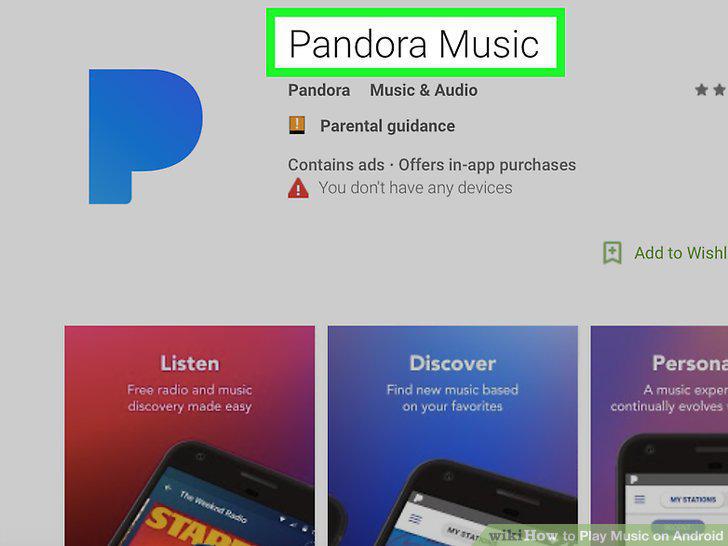
Download Pandora from the Play Store.
12
Sign up for an account.
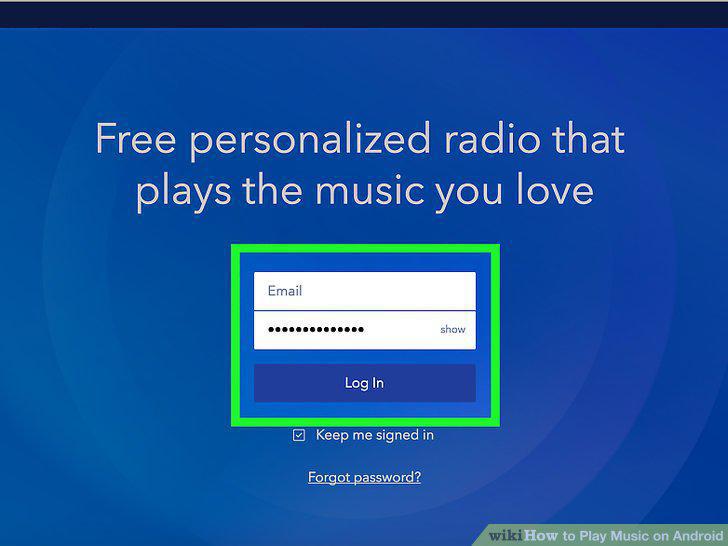
Sign up for an account.
13
Tap Stations to hear streaming music by genre.
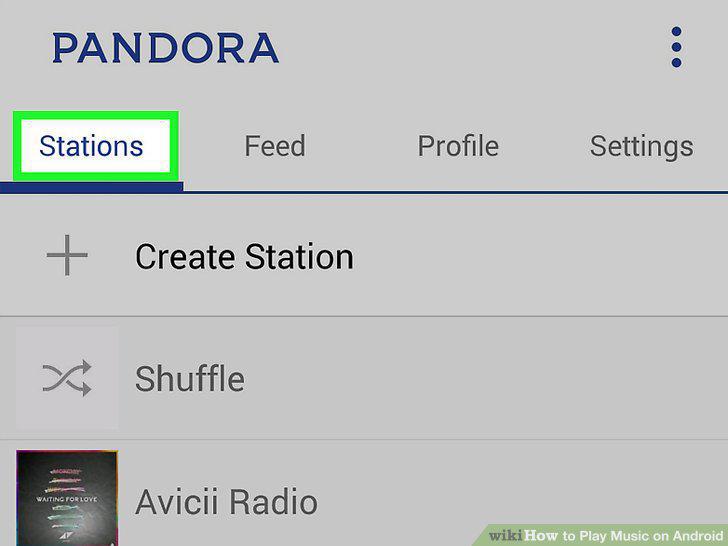
Tap Stations to hear streaming music by genre.
14
Tap Create a New Station to curate your own station.
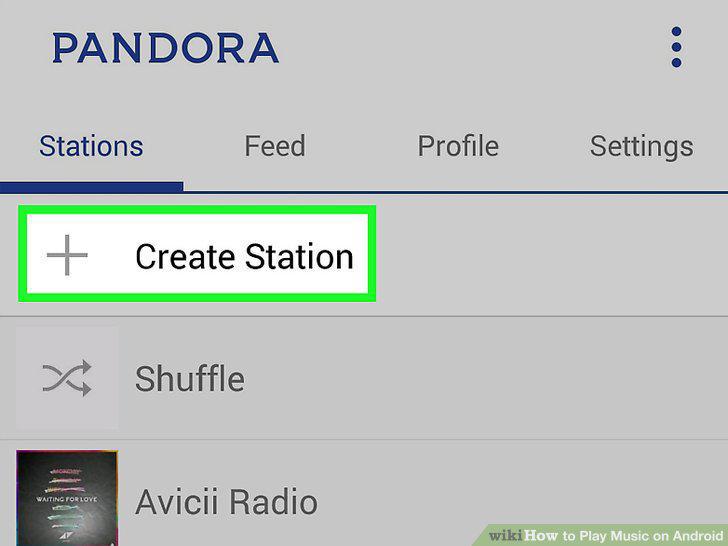
Tap Create a New Station to curate your own station.
Comments (0)
No comments yet. Be the first to share your thoughts!