How to Insert a Cross Mark in Word
Open your document in Word.. Click where you want to add the symbol.. Click the Insert tab.
Steps
1
Open your document in Word.
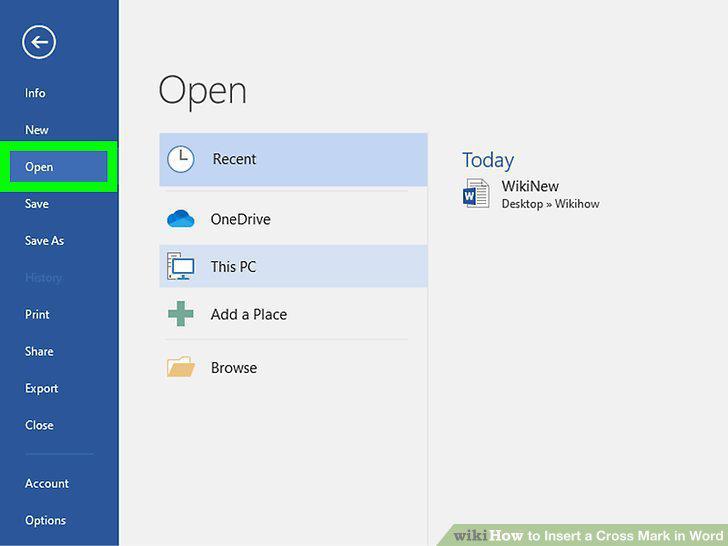
Open your document in Word.
2
Click where you want to add the symbol.
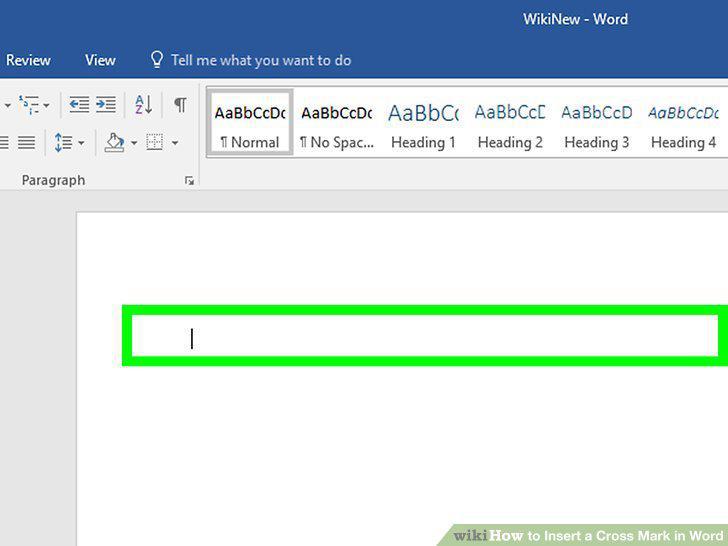
Click where you want to add the symbol.
3
Click the Insert tab.
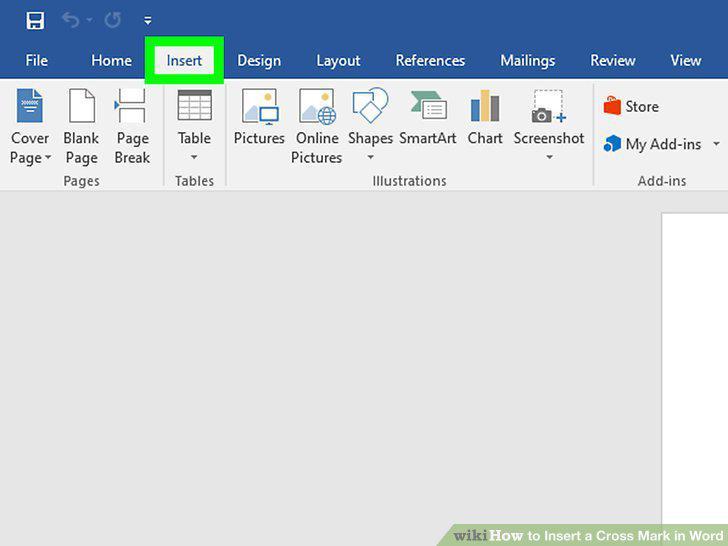
Click the Insert tab.
4
Click Symbol.
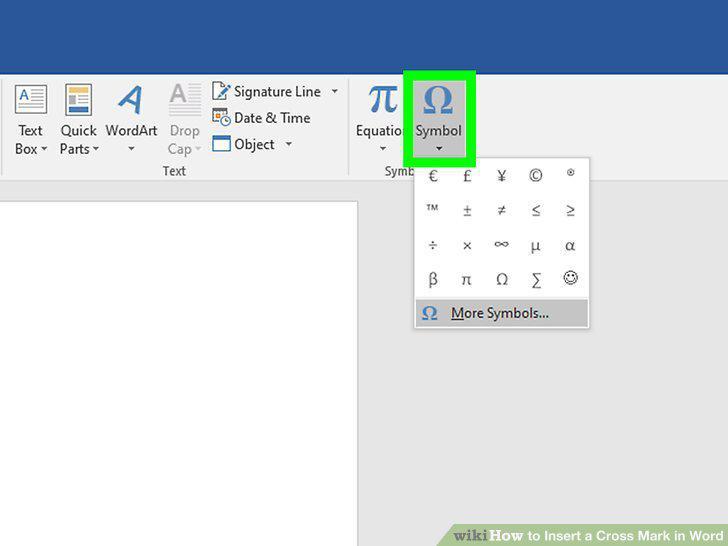
Click Symbol.
5
Click More Symbols.
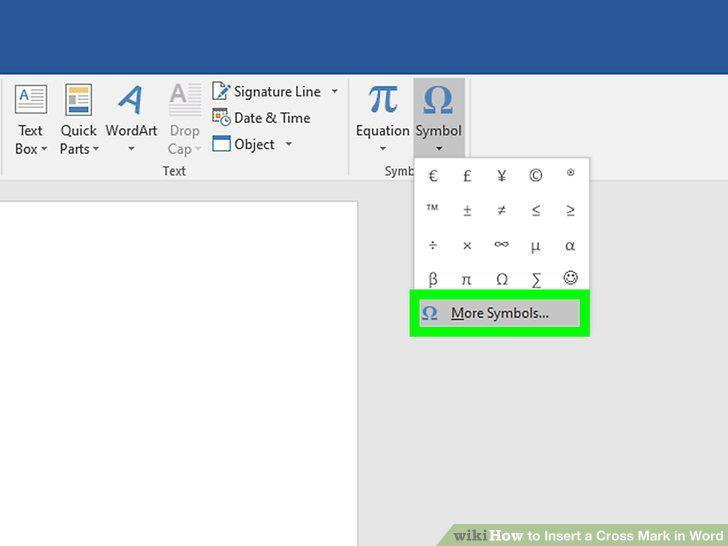
Click More Symbols.
6
Click to select Wingdings 2 from the font drop-down menu.
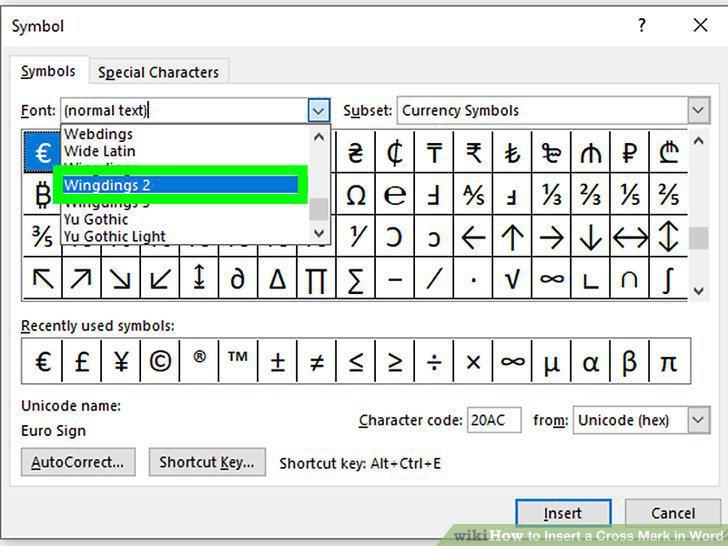
Click to select Wingdings 2 from the font drop-down menu.
7
Click to select the cross mark symbol and click Insert.
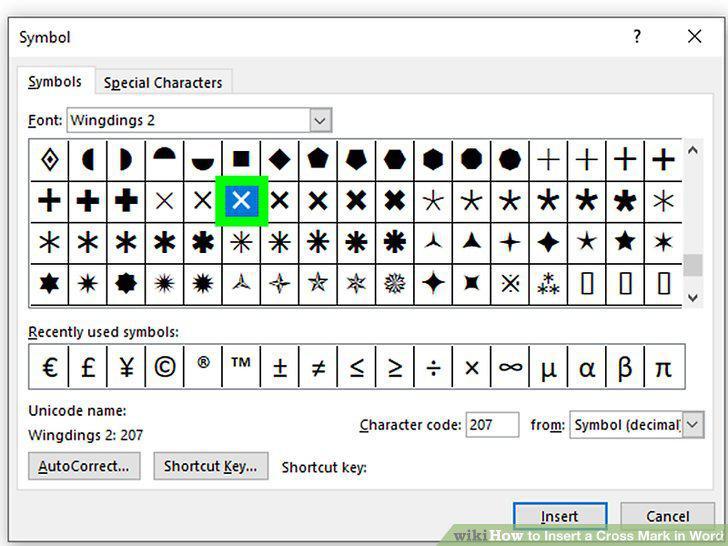
Click to select the cross mark symbol and click Insert.
Comments (0)
No comments yet. Be the first to share your thoughts!