How to Remove the Background in Paint 3D
Open your project in Paint 3D.. Click Canvas.. Click the switch next to "Transparent Canvas" to enable it .
Steps
1
Open your project in Paint 3D.
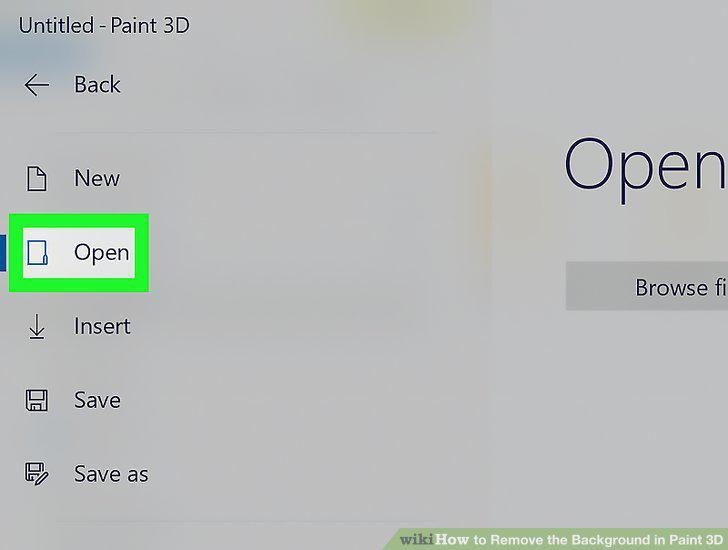
Open your project in Paint 3D.
2
Click Canvas.
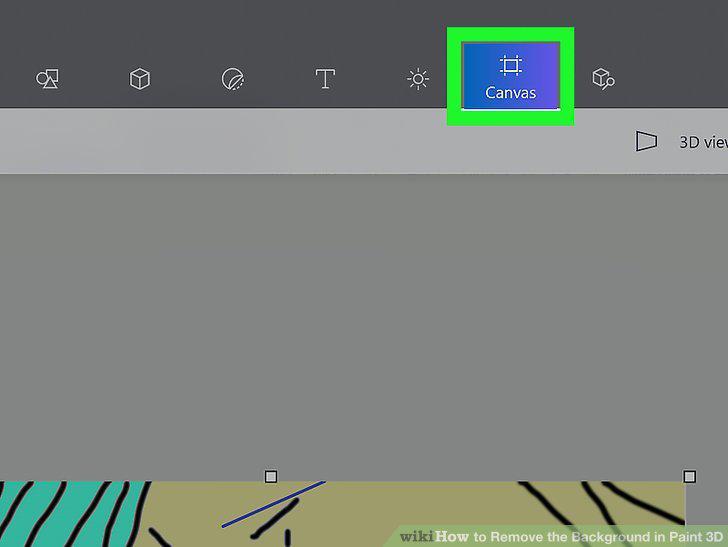
Click Canvas.
3
Click the switch next to "Transparent Canvas" to enable it .
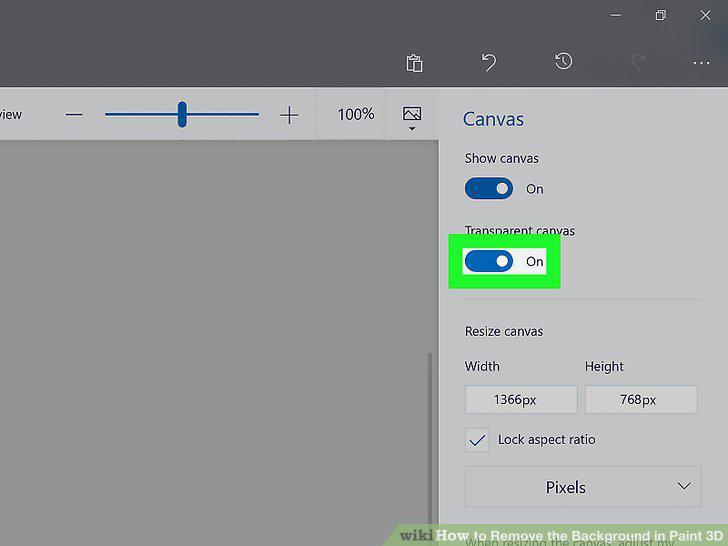
Click the switch next to "Transparent Canvas" to enable it .
4
Click Select.
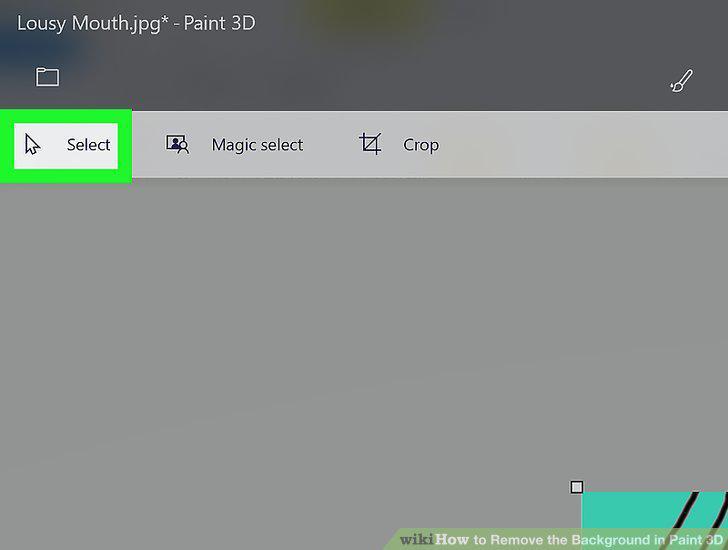
Click Select.
5
Select the area you want to delete.
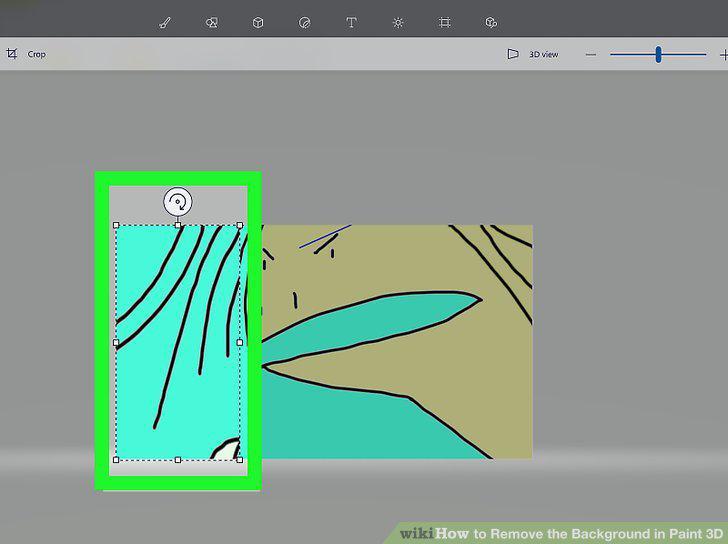
Select the area you want to delete.
6
Press Ctrl+X.
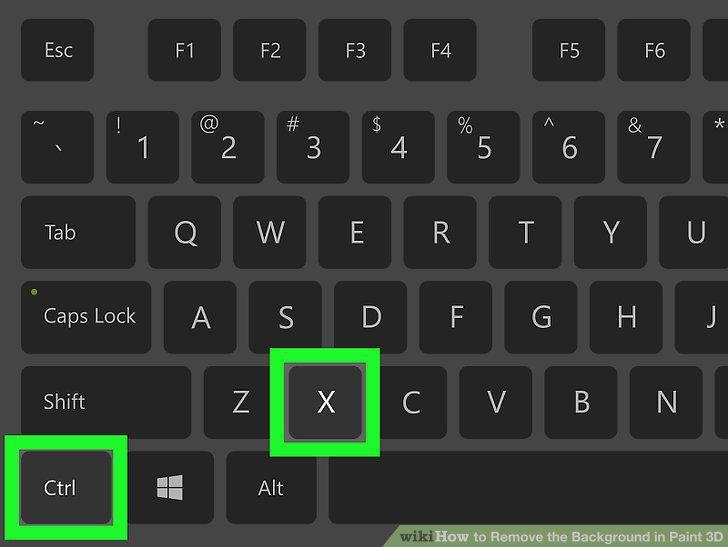
Press Ctrl+X.
7
Save your document.
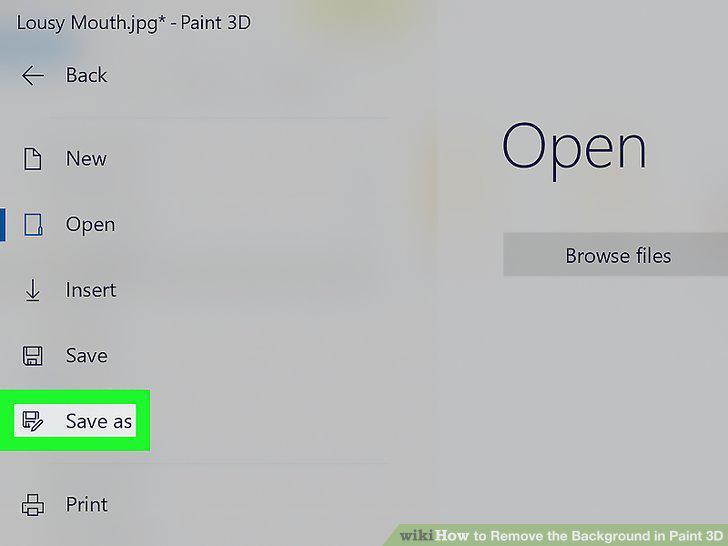
Save your document.
Comments (0)
No comments yet. Be the first to share your thoughts!