How to Add Lenses to TikTok Videos on iPhone or iPad
Make sure your iPhone or iPad is compatible with face filters.. Open Tik Tok.. Tap +.
Steps
1
Make sure your iPhone or iPad is compatible with face filters.
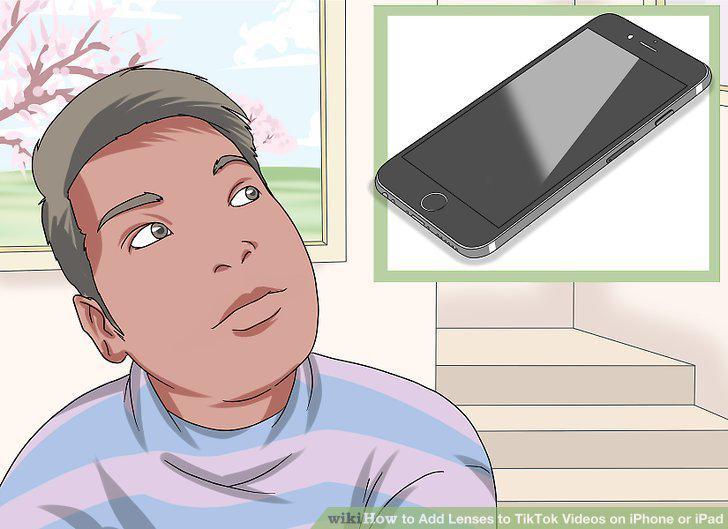
Make sure your iPhone or iPad is compatible with face filters.
2
Open Tik Tok.
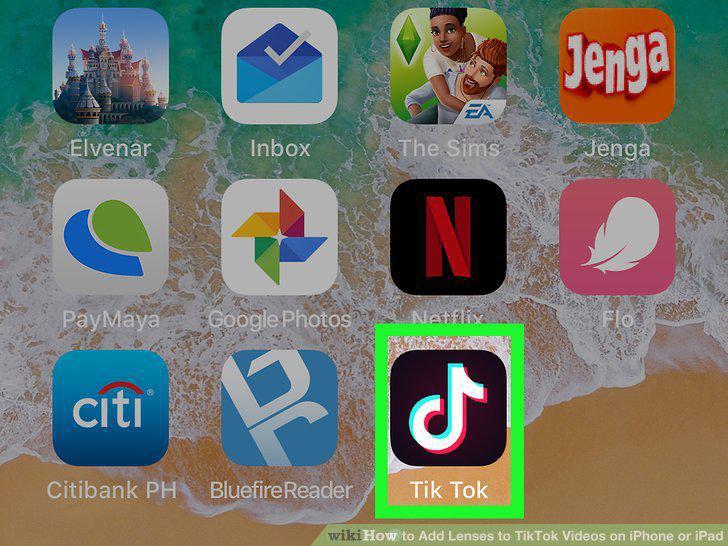
Open Tik Tok.
3
Tap +.
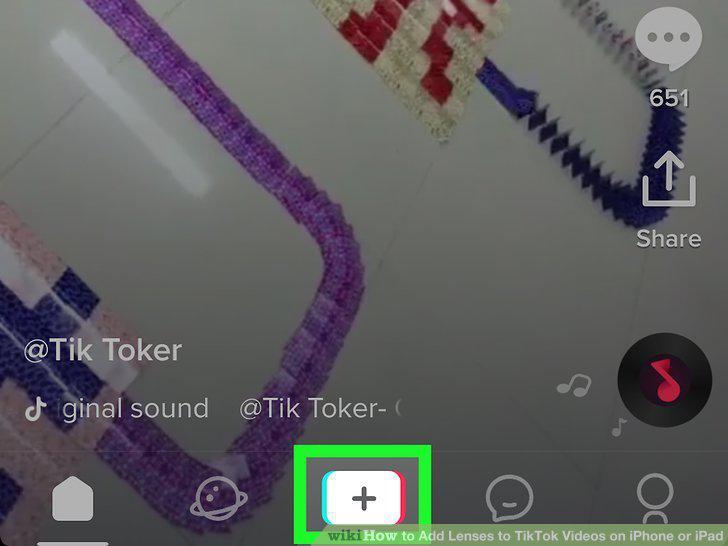
Tap +.
4
Tap the face filter icon.
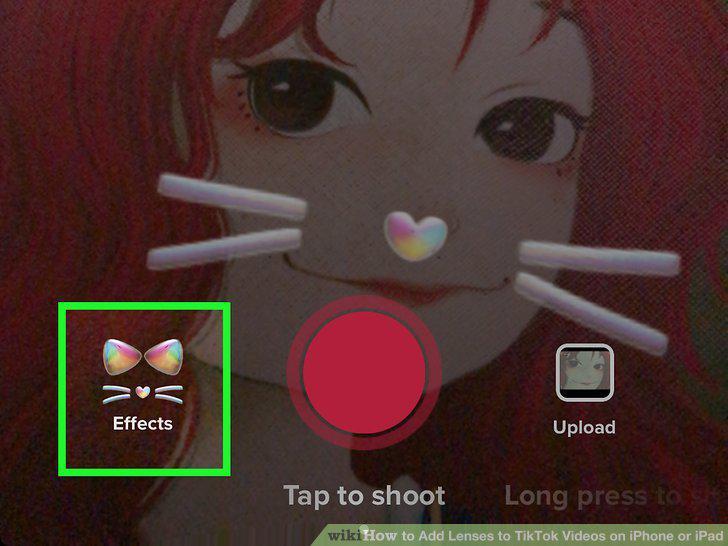
Tap the face filter icon.
5
Scroll through the filters and tap the one you want to use.
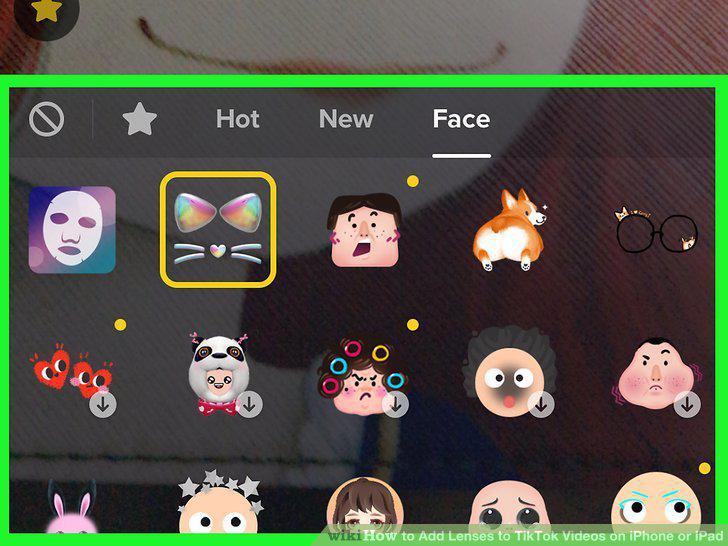
Scroll through the filters and tap the one you want to use.
6
Tap anywhere on the preview to return to the recording screen.
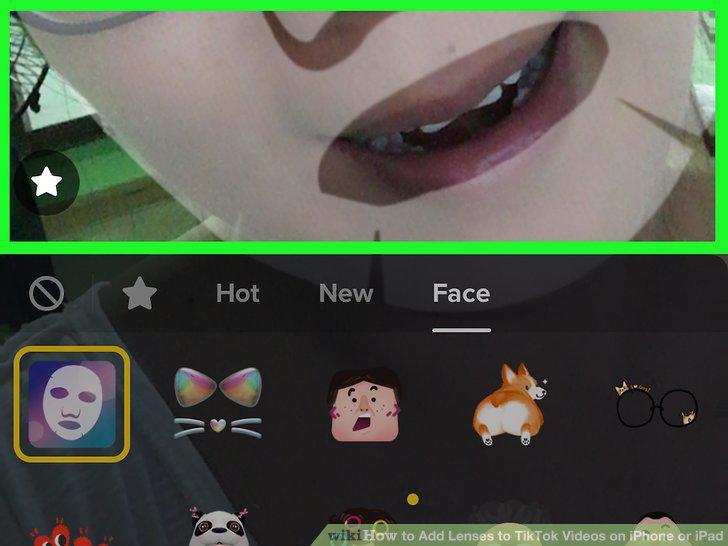
Tap anywhere on the preview to return to the recording screen.
7
Record the video
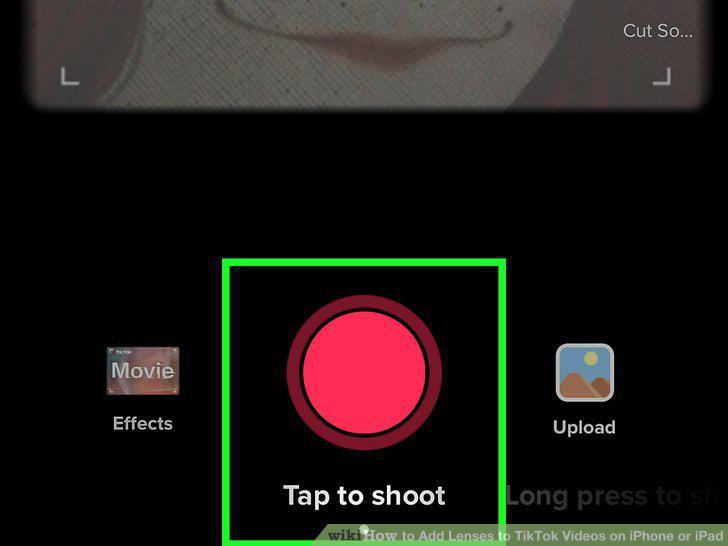
Record the video
8
Edit the video and tap Next.
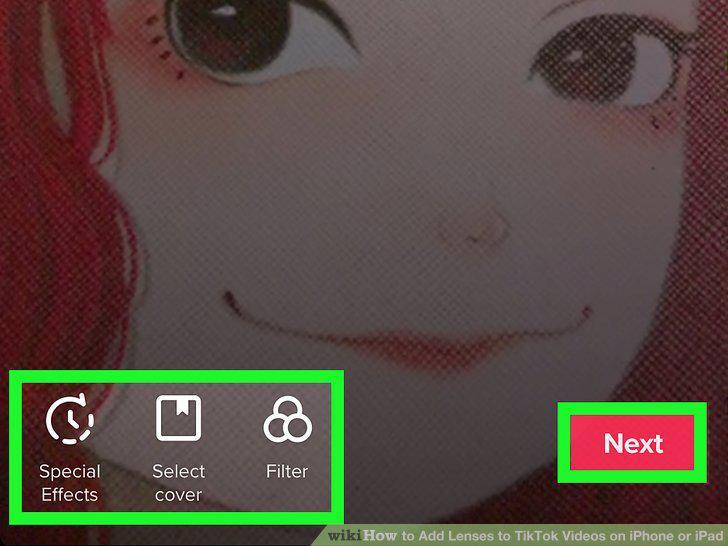
Edit the video and tap Next.
9
Add a caption and tap Post.
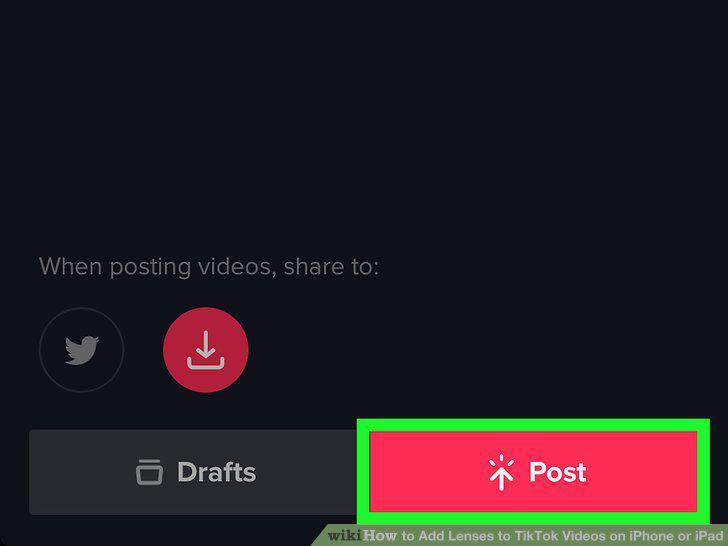
Add a caption and tap Post.
Comments (0)
No comments yet. Be the first to share your thoughts!