How to Use a Chromebook
Plug in your Chromebook and turn it on.. Select your language.. Click Accessibility to set up accessibility options (optional).
Steps
Plug in your Chromebook and turn it on.
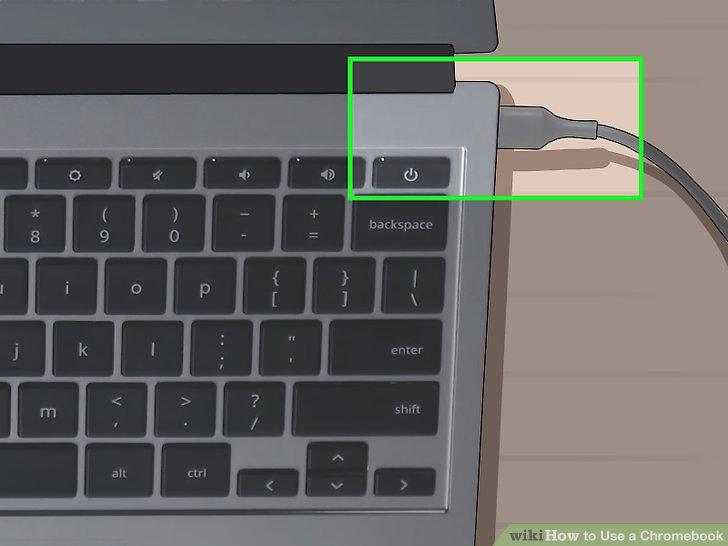
Plug in your Chromebook and turn it on.
Select your language.
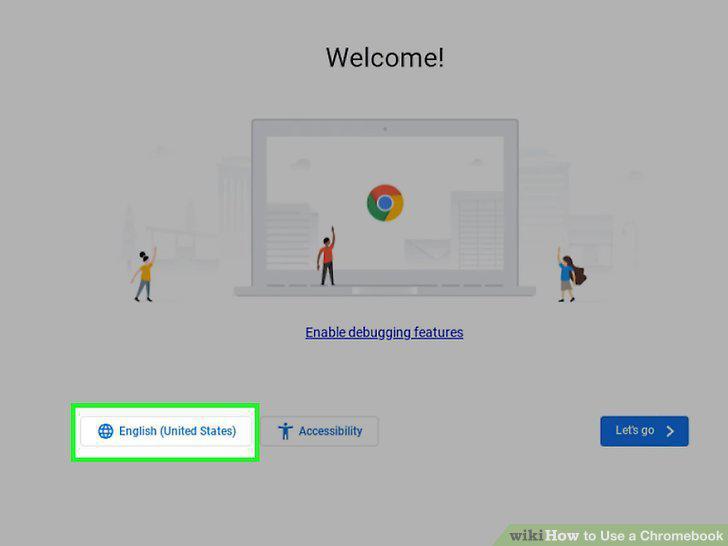
Select your language.
Click Accessibility to set up accessibility options (optional).
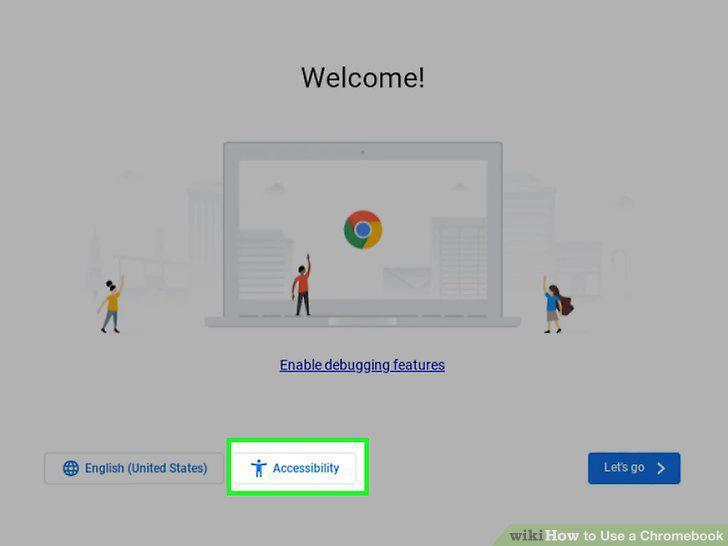
Click Accessibility to set up accessibility options (optional).
Connect to a Wi-Fi network.
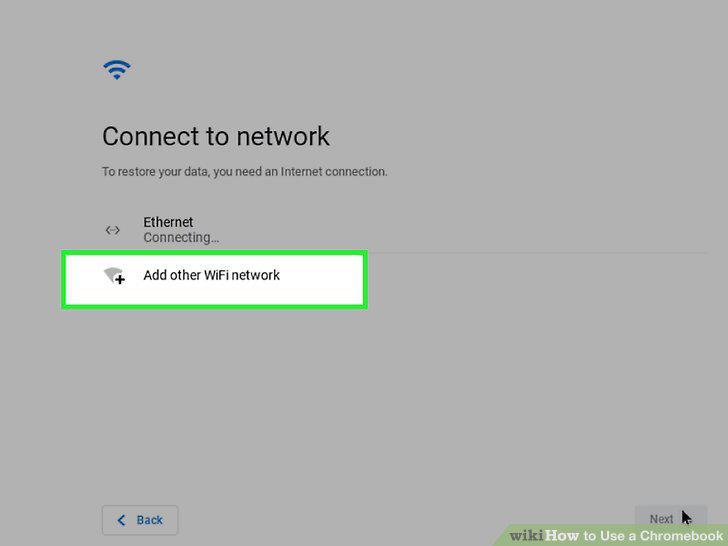
Connect to a Wi-Fi network.
Accept Google's Terms of Service.
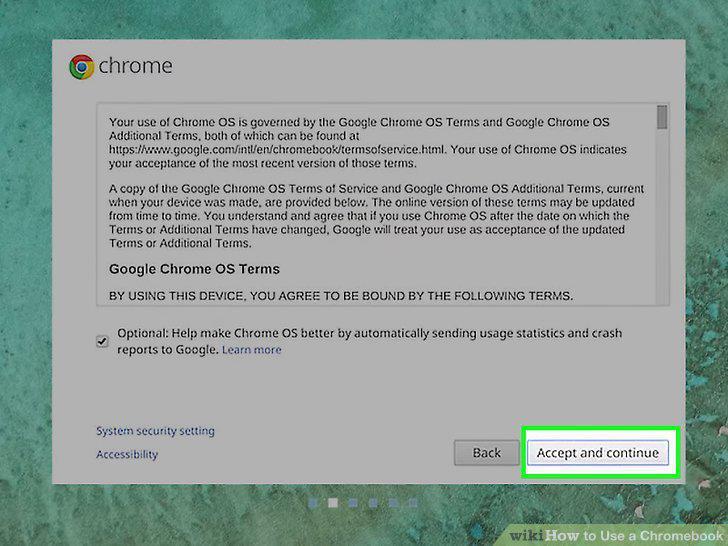
Accept Google's Terms of Service.
Sign in to your Google account.
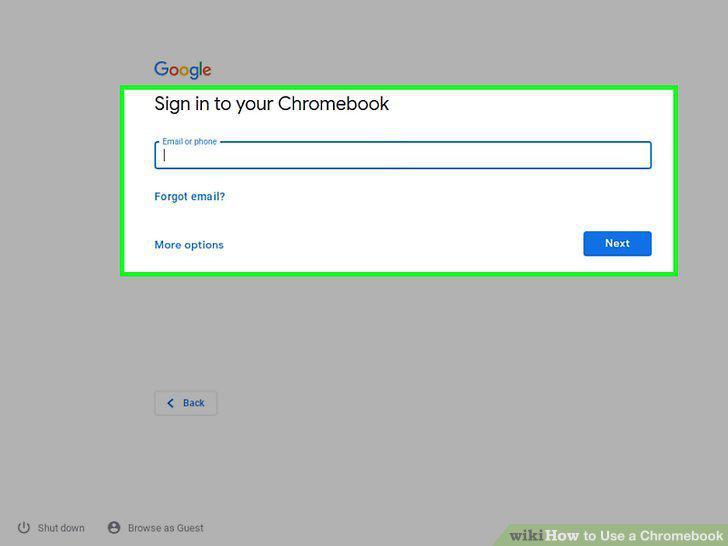
Sign in to your Google account.
Get to know the keyboard.
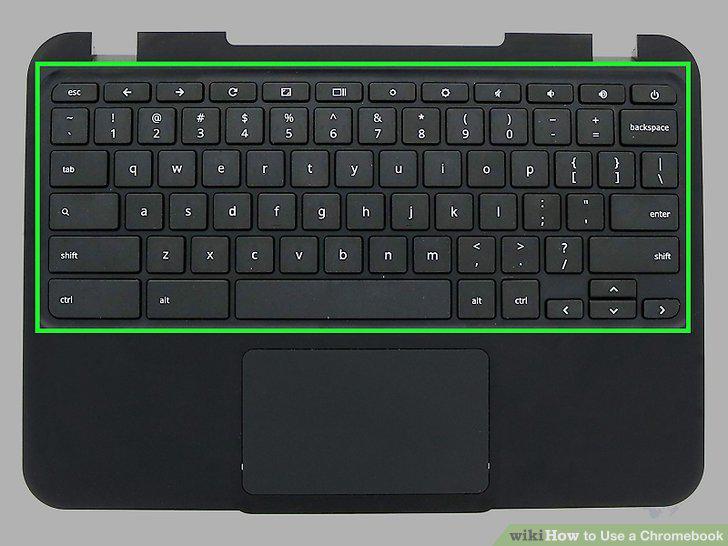
Get to know the keyboard.
Find apps in the Launcher.
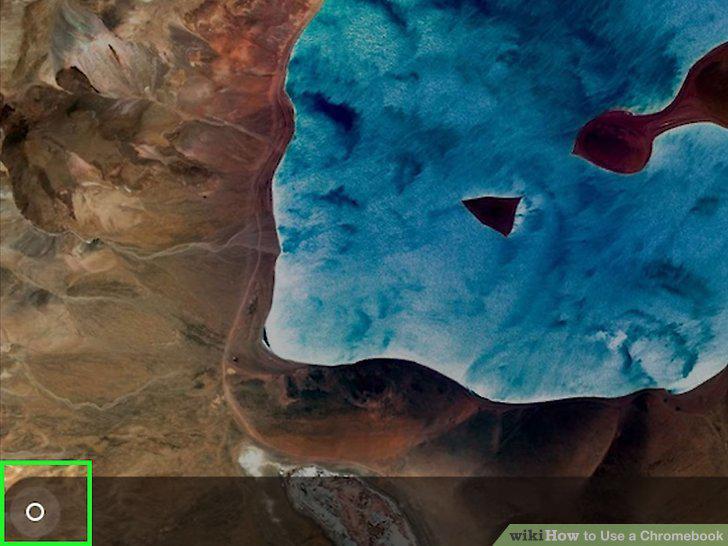
Find apps in the Launcher.
Customize the shelf.
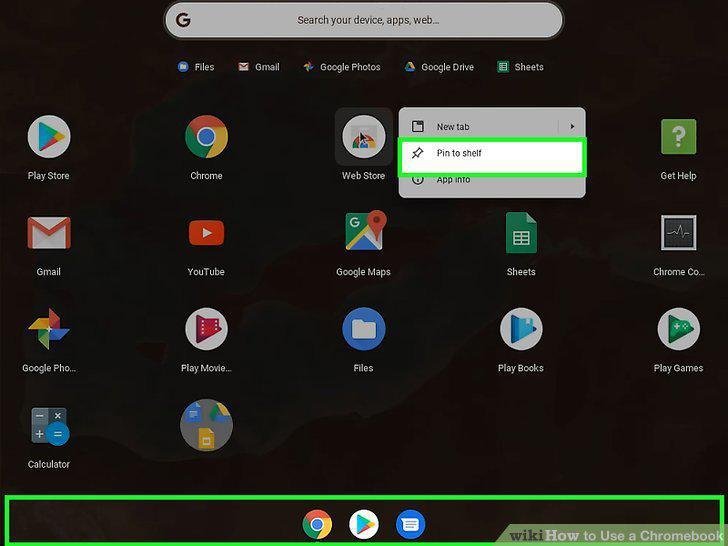
Customize the shelf.
Click the clock area to open your Quick Settings.
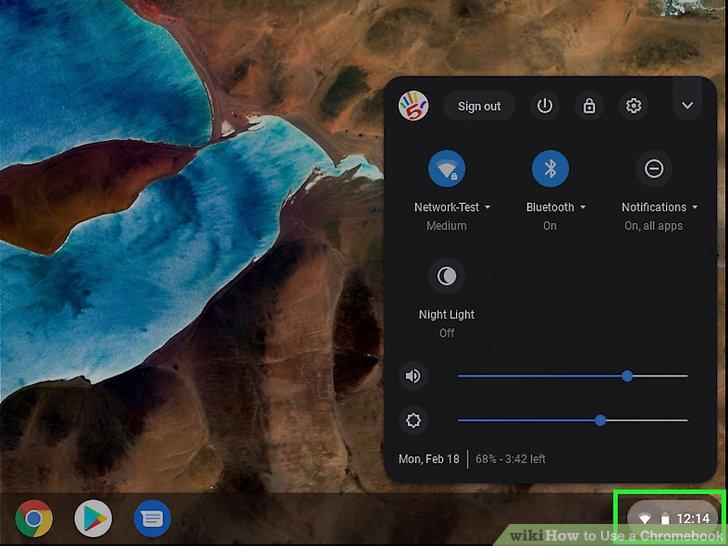
Click the clock area to open your Quick Settings.
Open the Files app to manage your files.
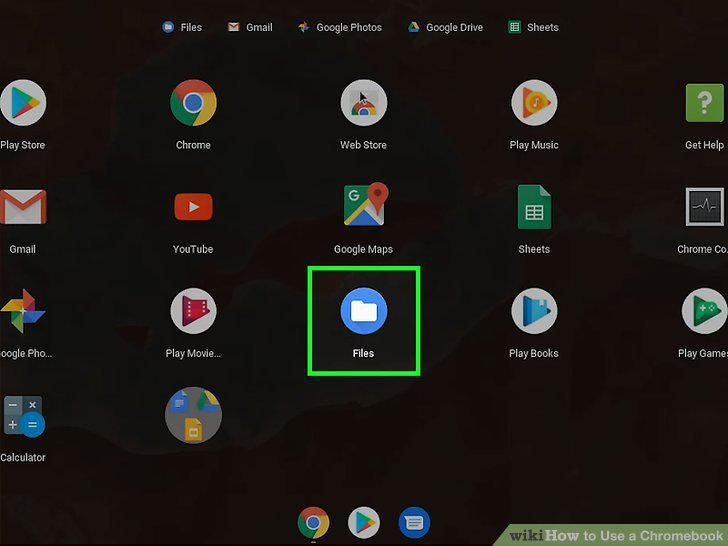
Open the Files app to manage your files.
Open Chrome .
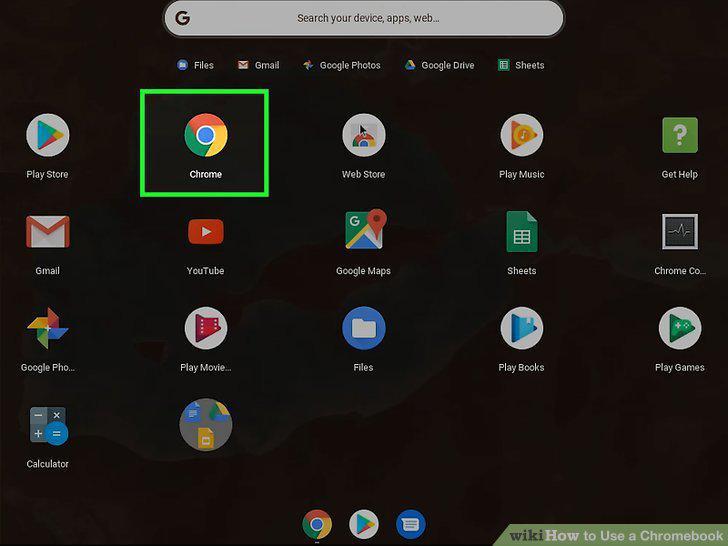
Open Chrome .
Navigate to https://chrome.google.com/webstore.
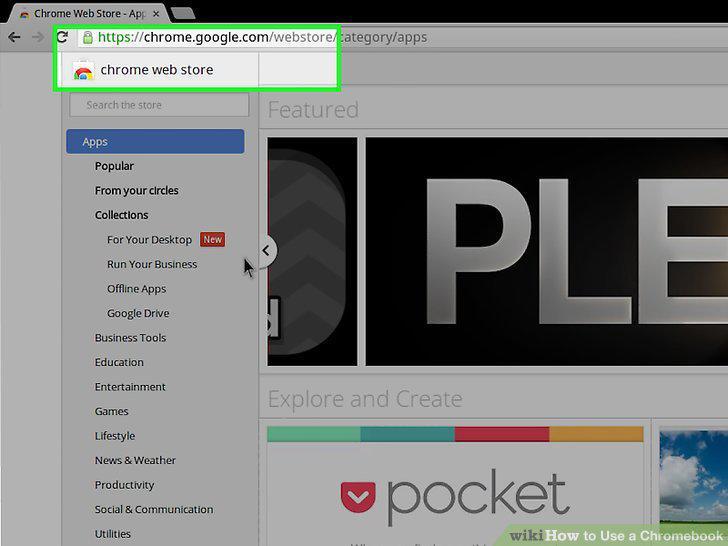
Navigate to https://chrome.google.com/webstore.
Click Apps or Extensions.
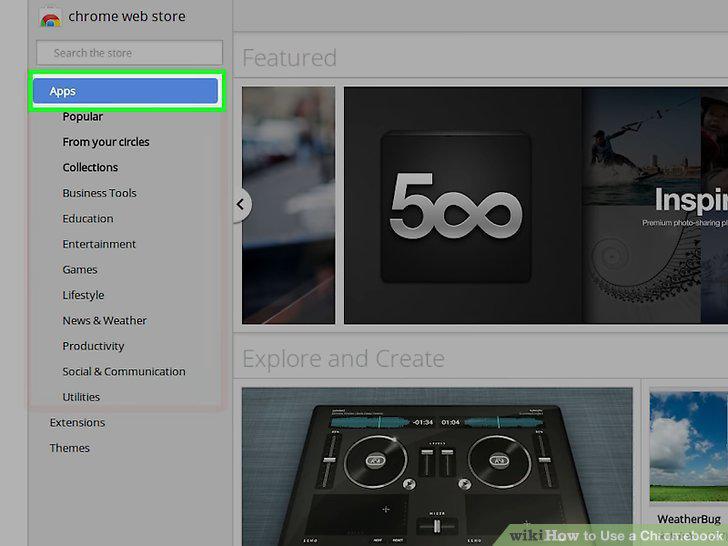
Click Apps or Extensions.
Browse or search for an app.
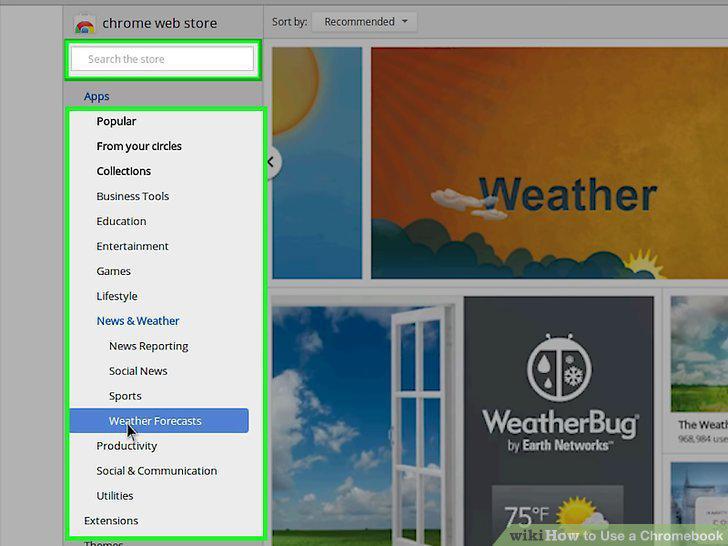
Browse or search for an app.
Click an app to learn more about it.
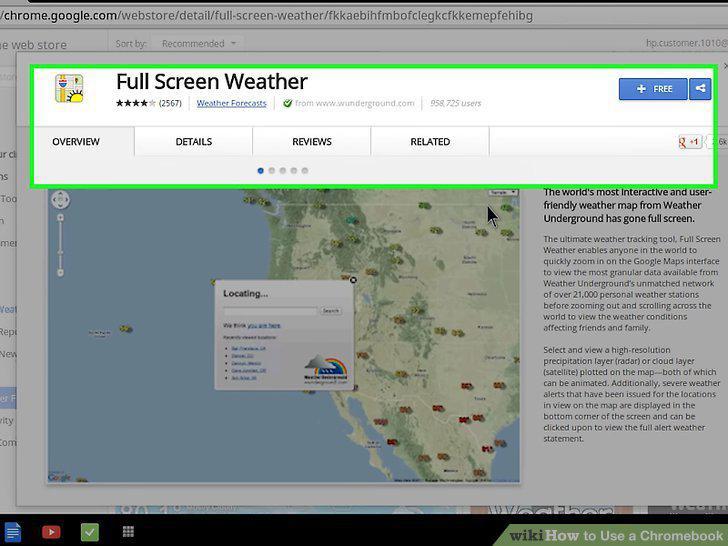
Click an app to learn more about it.
Click Add to Chrome to install an app or extension.
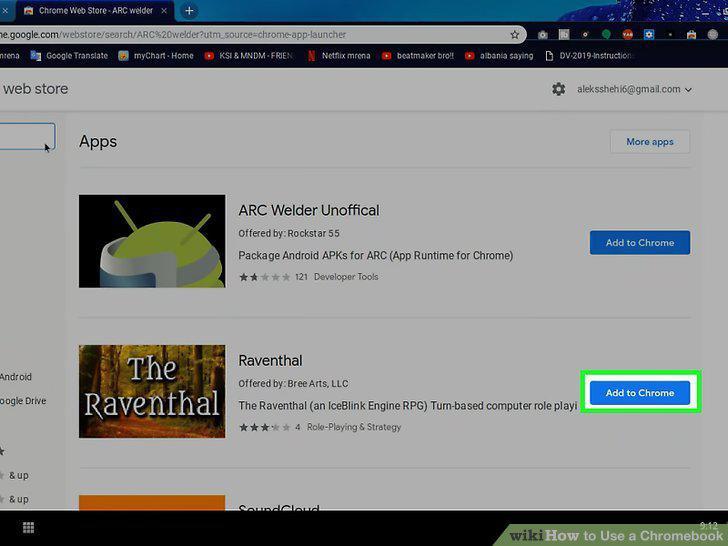
Click Add to Chrome to install an app or extension.
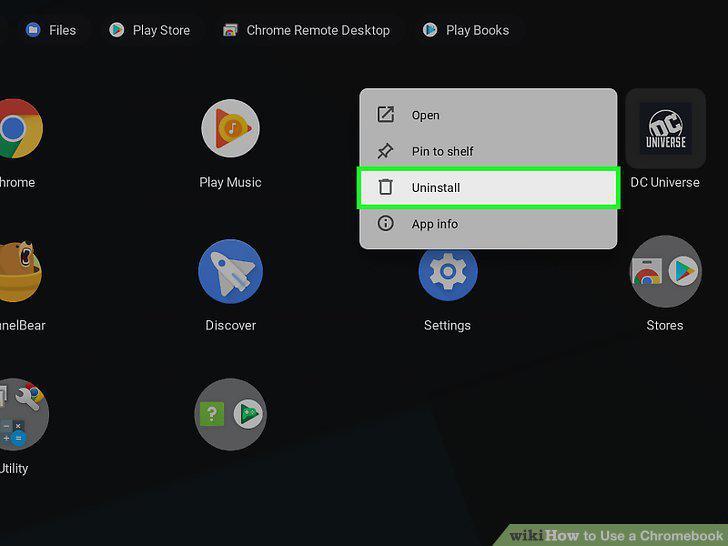
Uninstall apps and extensions.
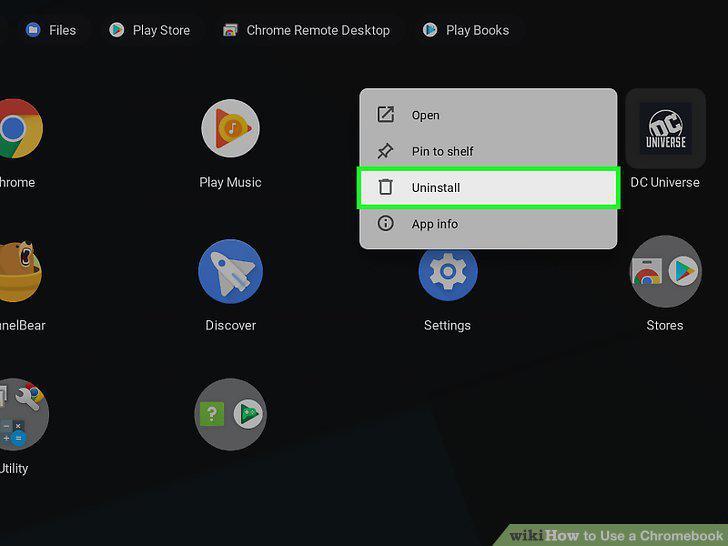
Uninstall apps and extensions.
Update to the latest version of ChromeOS.
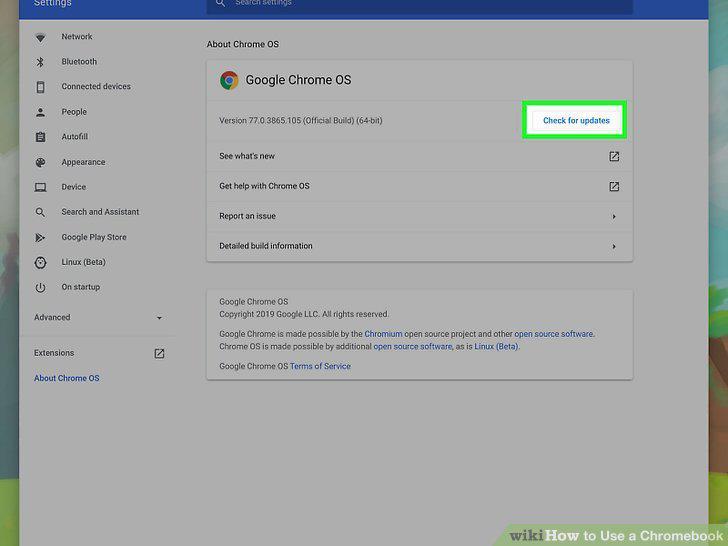
Update to the latest version of ChromeOS.
Enable the Play Store.
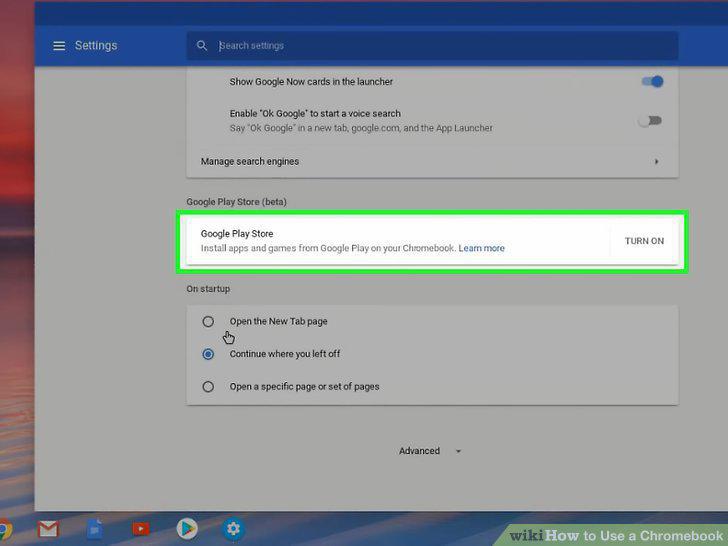
Enable the Play Store.
Open the Play Store .
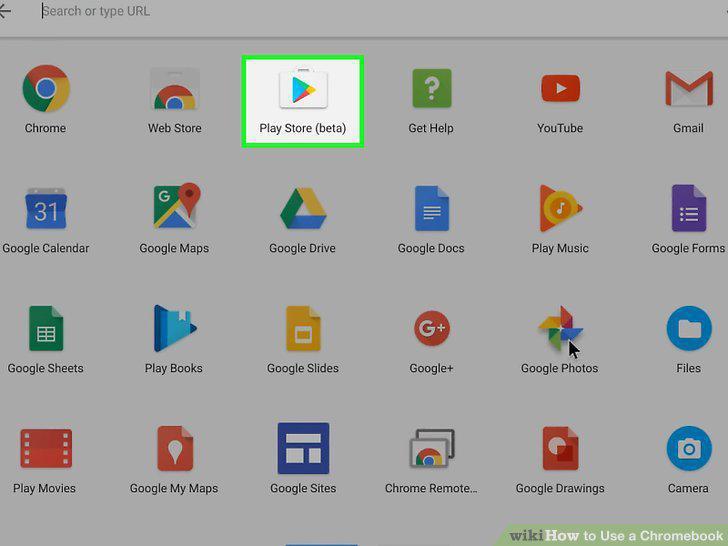
Open the Play Store .
Search or browse for an app.
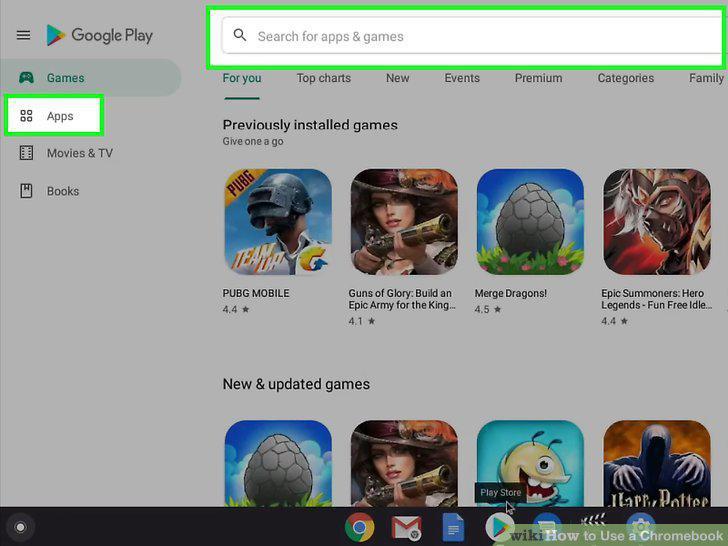
Search or browse for an app.
Click an app to learn more about it.
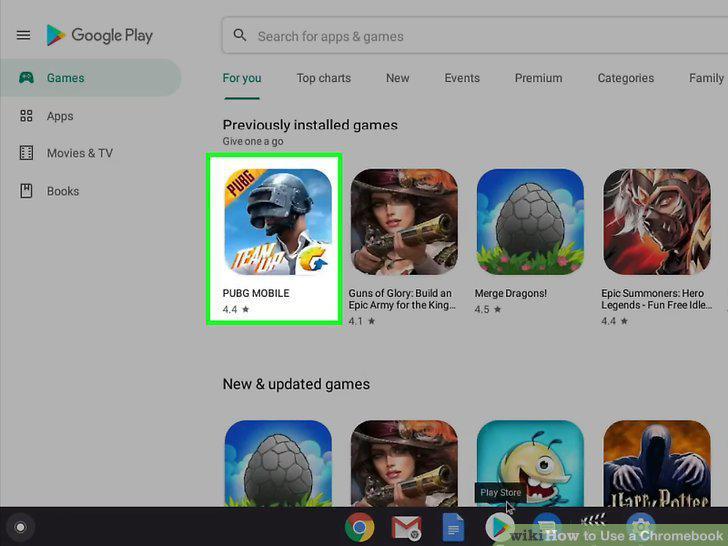
Click an app to learn more about it.
Click the green Install button.
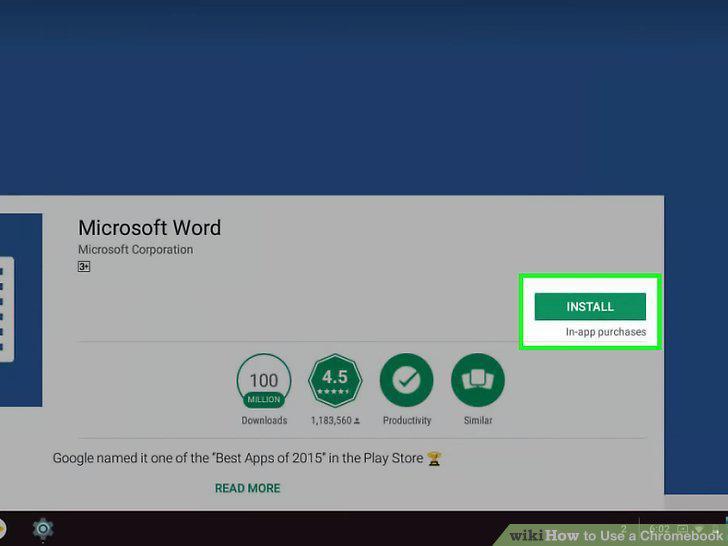
Click the green Install button.
Follow the on-screen instructions to install.
Follow the on-screen instructions to install.
Comments (0)
No comments yet. Be the first to share your thoughts!