How to Remove Yourself from a Private Snapchat Story
Open Snapchat .. Tap the My Friends tab.. Tap to a story you want to remove yourself from.
Steps
1
Open Snapchat .
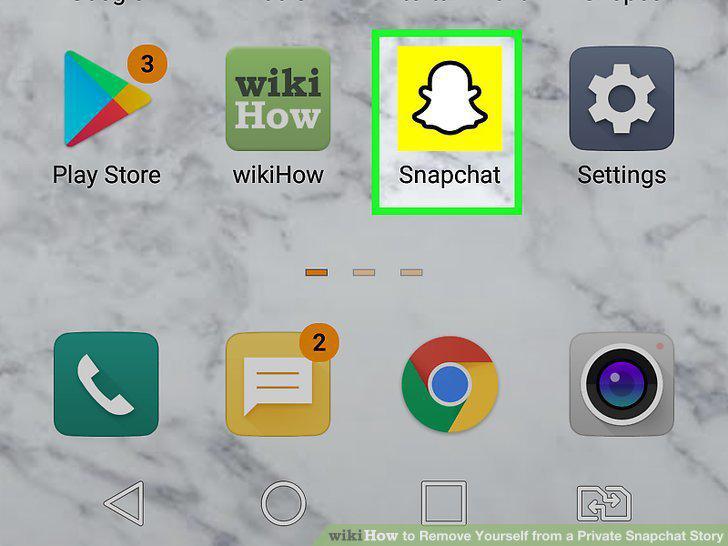
Open Snapchat .
2
Tap the My Friends tab.
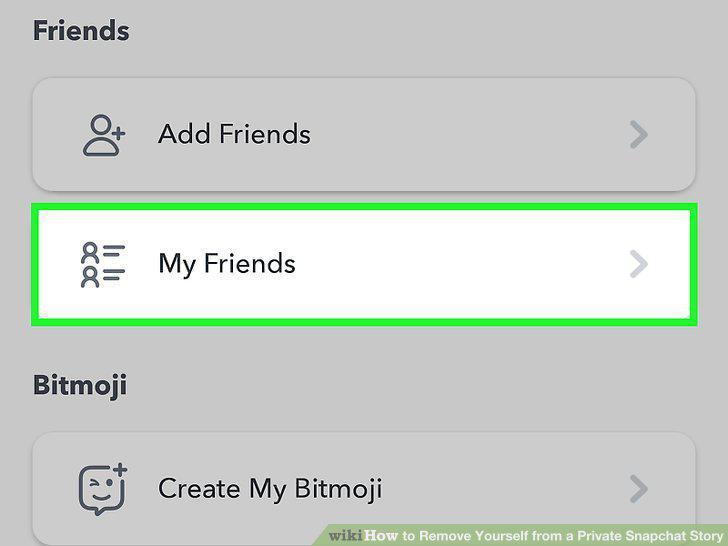
Tap the My Friends tab.
3
Tap to a story you want to remove yourself from.
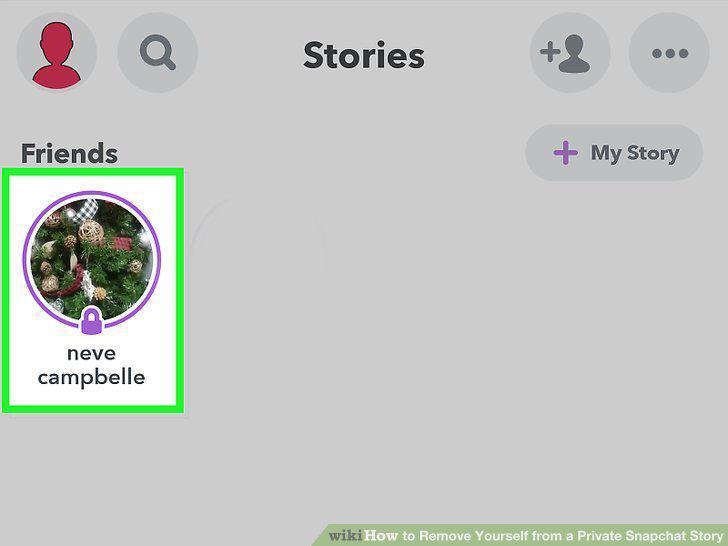
Tap to a story you want to remove yourself from.
4
Tap and hold your finger on the screen until a menu pops up.
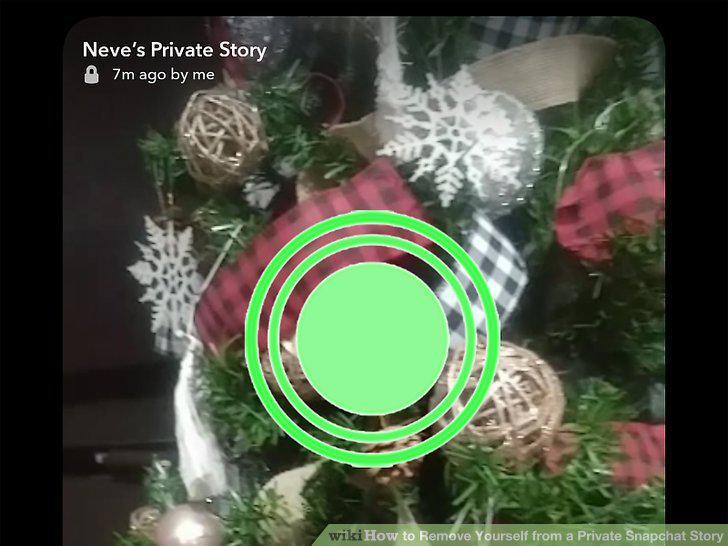
Tap and hold your finger on the screen until a menu pops up.
5
Tap Leave Story.
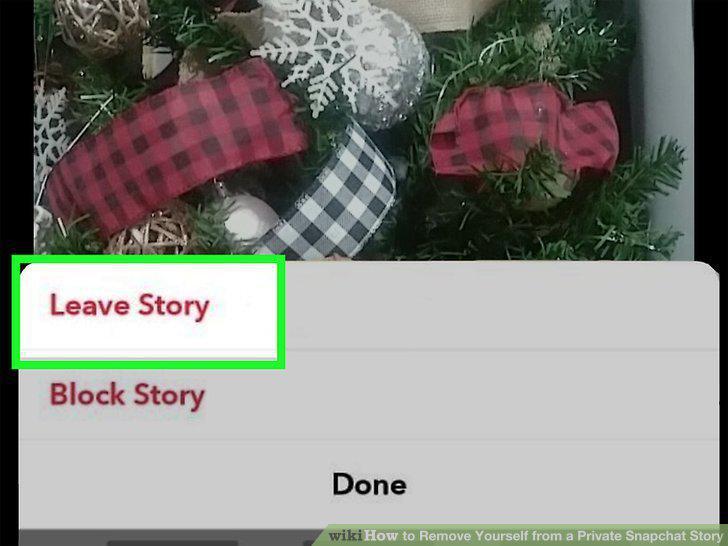
Tap Leave Story.
6
Tap Leave.
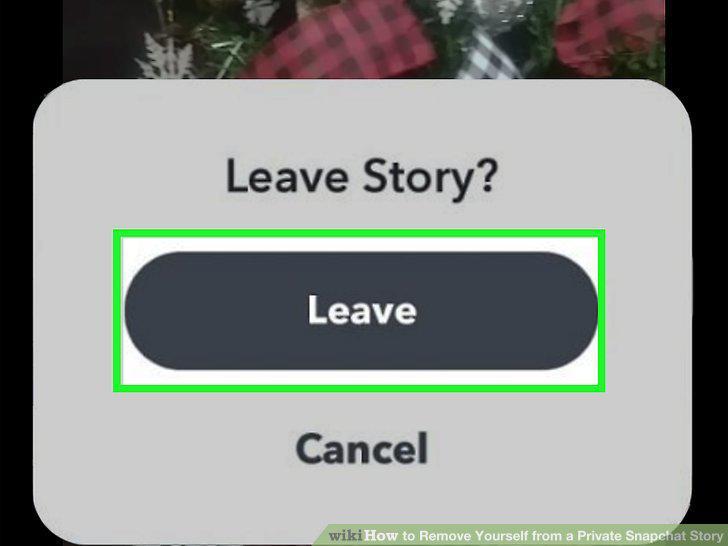
Tap Leave.
Comments (0)
No comments yet. Be the first to share your thoughts!