How to Stop the iPhone Control Center from Showing on the Lock Screen
Open your iPhone's Settings.. Tap Control Center.. Slide the "Access on Lock Screen" switch to the off position.
Steps
1
Open your iPhone's Settings.
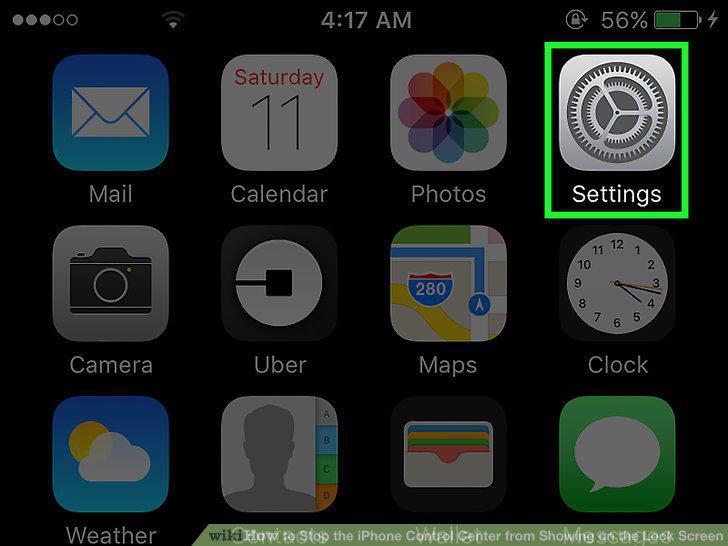
Open your iPhone's Settings.
2
Tap Control Center.
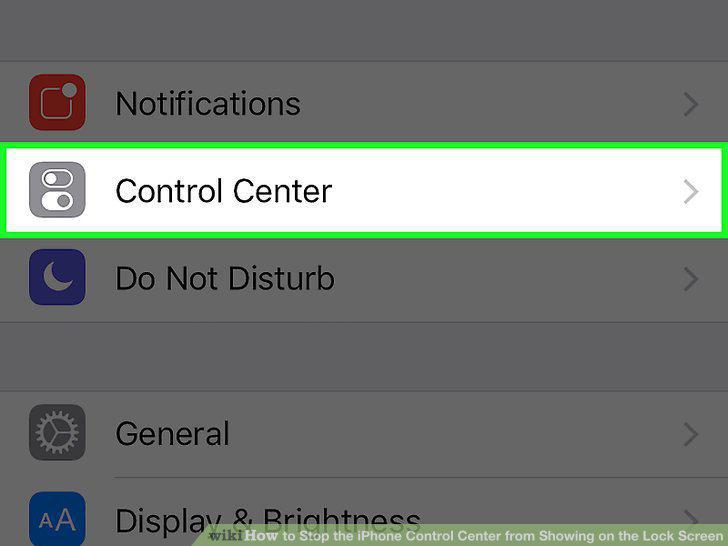
Tap Control Center.
3
Slide the "Access on Lock Screen" switch to the off position.
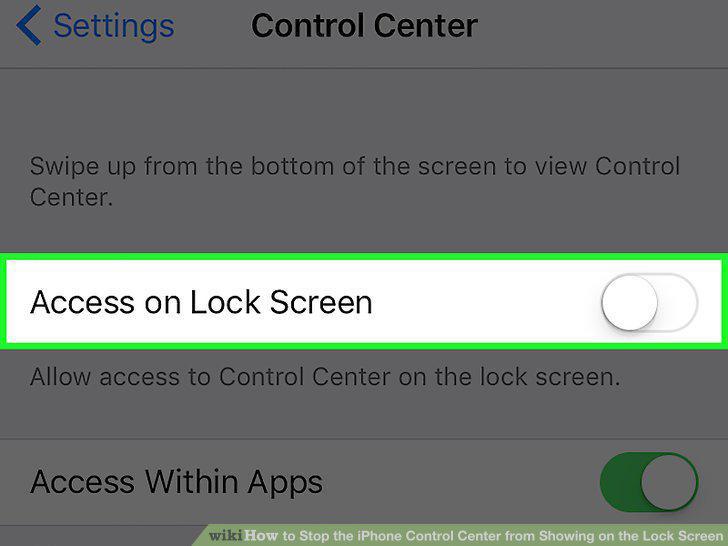
Slide the "Access on Lock Screen" switch to the off position.
Comments (0)
No comments yet. Be the first to share your thoughts!